
Replit · Launch Video Breakdown: Hook, Pacing & Motion Design
Replit Intelligent Model Routing picks the best model for every task so you get quality, speed, and efficiency without switching models.
Scene-by-scene timeline & spoken transcript
The Hook
Atmospheric Introduction & Value Proposition
“(No spoken dialogue — The audio begins with a sustained, evolving pad sound, creating an atmospheric and slightly tense mood. At 00:03, a subtle, high-frequency riser begins to build, culminating in a significant sub-bass drop/impact at 00:04.)”
- On screen
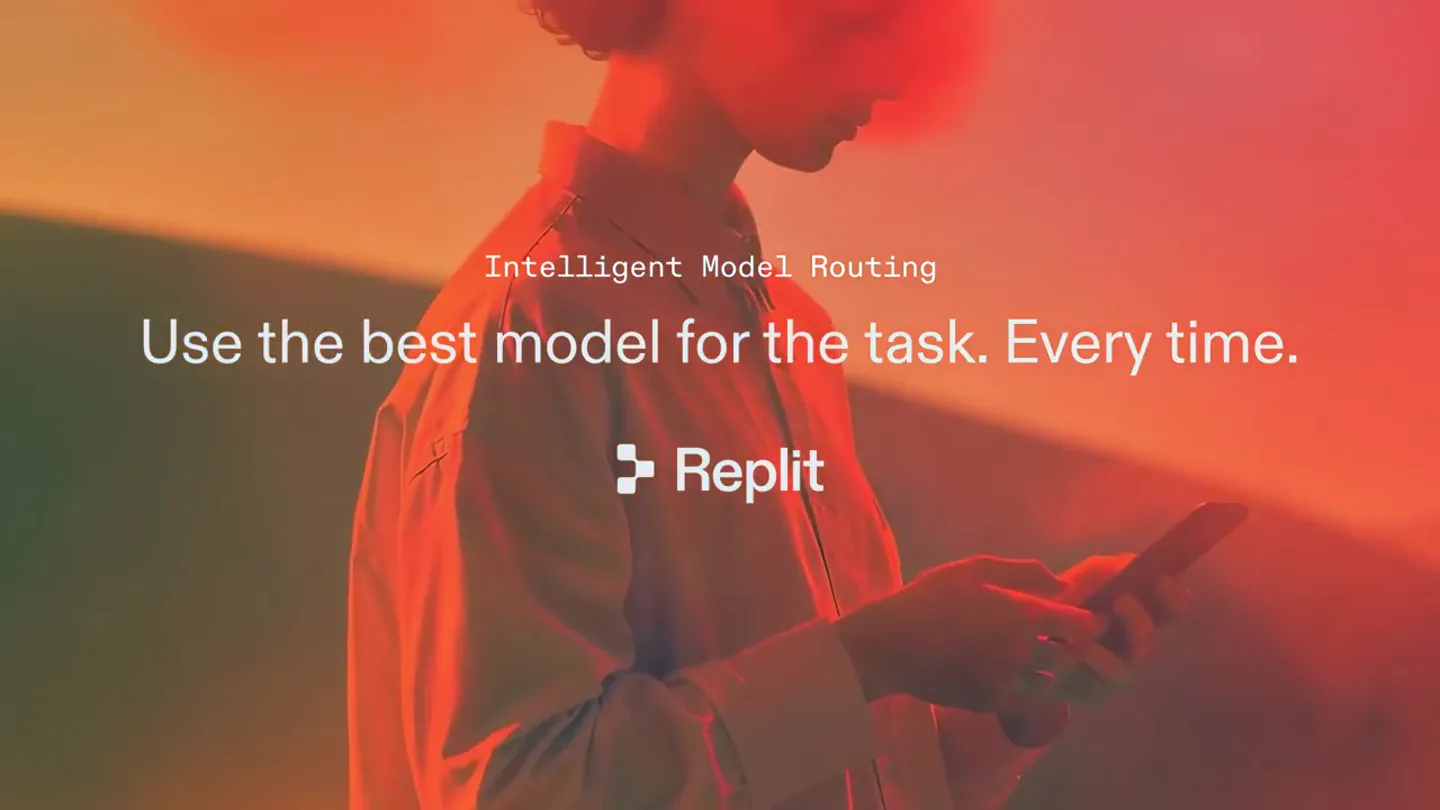
- Intelligent Model Routing Use the best model for the task. Every time. Replit
- Camera
- Static medium shot of a person using a smartphone, with a soft, out-of-focus background.
- Motion
- Subtle color grading shifts and atmospheric light bloom over a static shot.
Product Reveal
Rhythmic Reinforcement of Core Benefit
“(No spoken dialogue — A rhythmic, pulsing synth bass line and a driving, high-energy electronic drum beat, including 808-style kicks and snares, begin. A bright, arpeggiated synth melody enters at 00:05.)”
- On screen
- Intelligent Model Routing Use the best model for the task. Every time. Replit
- Camera
- Continues with the static medium shot, maintaining focus on the user and text.
- Motion
- The background lighting subtly pulses and shifts in intensity, synchronized with the rhythmic audio elements, creating a dynamic yet understated visual effect.
Call to Action
Sustained Energy & Brand Reinforcement
“(No spoken dialogue — The track maintains a consistent, high-energy feel with layered synths and a prominent sub-bass presence, featuring a subtle sweep at 00:08 and another impactful sub-bass hit at 00:10.)”
- On screen
- Intelligent Model Routing Use the best model for the task. Every time. Replit
- Camera
- The camera remains static, holding the established shot and composition.
- Motion
- Continued subtle light shifts and color grading variations, emphasizing the brand and tagline with sustained visual energy.
Motion design primitives
Synthesizable in Remotion · key components of the gradient-rhythmic-tech-launch template.
AtmosphericColorShift
A background gradient subtly shifts its hues and intensity over time, creating an evolving, ambient mood. This is often paired with a soft, out-of-focus foreground element.
+ Code construction recipe
Utilize Remotion's `interpolate` function for color values (e.g., `backgroundColor: interpolateColors(...)`) and opacity, applying a `linear` or `ease-in-out` curve. Combine with a `RadialGradient` or `LinearGradient` component. Foreground elements can use `blur` filters.
RhythmicLightPulse
Background lighting or specific visual elements pulse in brightness or color saturation, synchronized with an audio beat or rhythmic sound design element.
+ Code construction recipe
Map audio amplitude data (or a derived beat detection) to `opacity` or `brightness` CSS properties using `interpolate` with a `spring` or `ease-out` curve for a responsive feel. Apply to `div` backgrounds or `filter` properties.
SubtleTextReveal
Text appears on screen with a gentle fade-in and slight scale-up, maintaining readability while integrating smoothly into the scene's overall aesthetic.
+ Code construction recipe
Animate `opacity` from 0 to 1 and `scale` from 0.98 to 1 using `spring` or `ease-out` interpolation. Apply to individual `Text` components or a container `div` holding the text.
Style DNA & aesthetic system
Visual aesthetic
Typography
Motion
Special effects
Pacing & rhythm
Conceptual story rhythm
- 1
Ambient Setup
Purpose. Establish a mood and introduce the core problem/solution in a concise, impactful statement.
Execution. Static shot with atmospheric color shifts and the main tagline prominently displayed.
- 2
Rhythmic Engagement
Purpose. Reinforce the product's benefit with increased energy and a sense of forward momentum.
Execution. Background lighting pulses in sync with the rising electronic music, maintaining the core message.
- 3
Sustained Impact
Purpose. Solidify the brand and the key takeaway, leaving a lasting impression.
Execution. Continued rhythmic visual effects, holding the brand and tagline on screen with high energy.




