Sendai (by Yash) · Launch Video Breakdown: Hook, Pacing & Motion Design
Introducing SendAI Raycast Analyse. Buy/Sell. Limit Orders. DCA. Launch Token. Solana at your command bar.
Scene-by-scene timeline & spoken transcript
The Hook
Unconventional Productivity & Intrigue
“(No spoken dialogue — The track opens with a sustained, evolving synth pad, building tension. At [00:09], a sharp, percussive impact with a sub-bass drop signals a transition.)”
- On screen
- Yash Agarwal SEND CA will be dropping soon; ape fast. Ujjwal Gupta @ujjwalgupta49 Follow MAYANK GUPTA @MayankGupta197 Follow Buy Token
- Camera
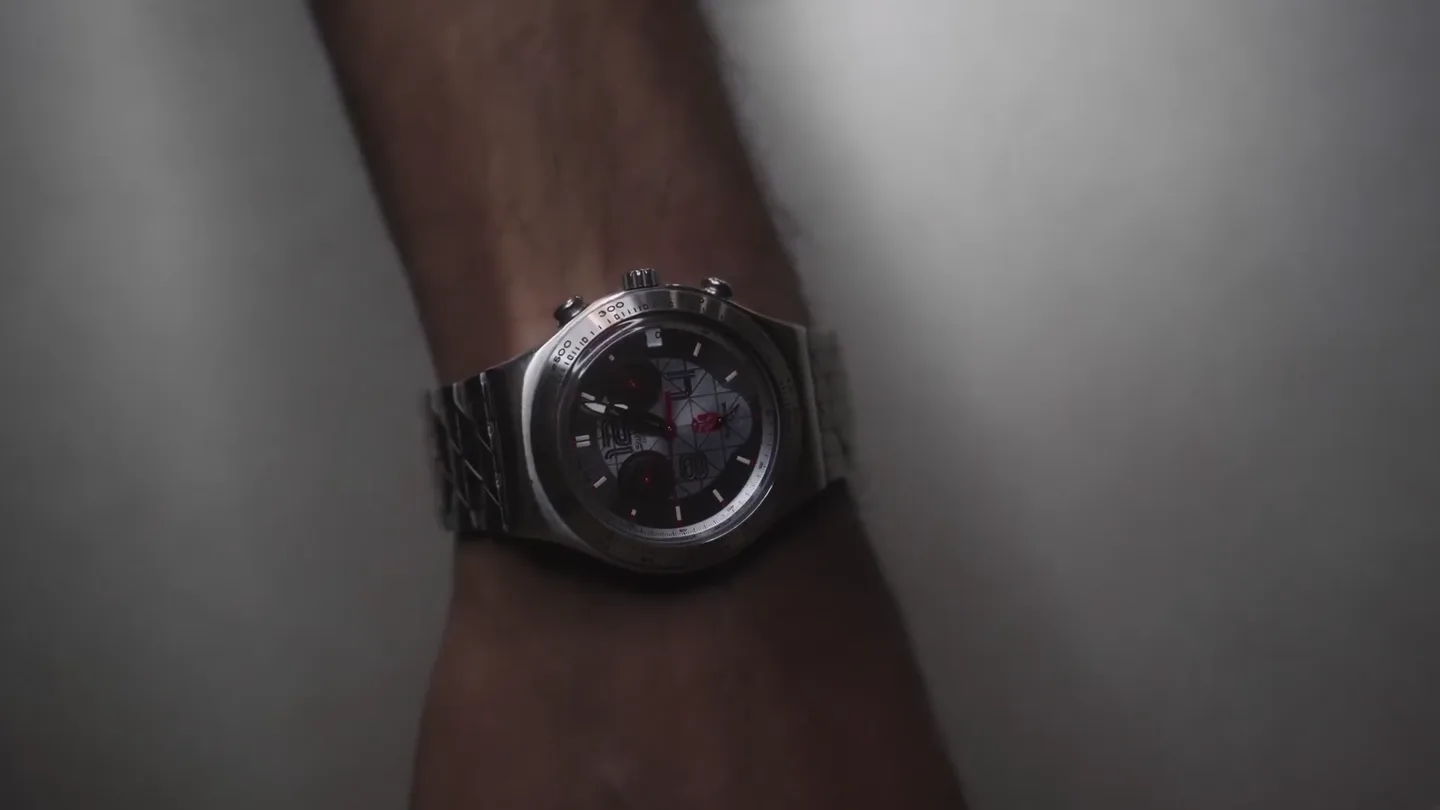
- Alternating between wide shots of the founder in a bathtub with a laptop and close-ups of a watch, keyboard, and screen notifications. Dynamic cuts create a sense of urgency.
- Motion
- Rapid scene cuts, close-up framing, and screen capture with UI elements appearing and disappearing quickly.
Product Reveal
Introducing SendAI Raycast Integration
“(No spoken dialogue — A sharp, percussive impact with a sub-bass drop signals a transition to a more rhythmic, driving section. This section features a prominent, pulsing synth bass line and layered electronic percussion.)”
- On screen
- Introducing Create DCA Launch Tokens Trending Token Limit Order Wallet Powered by Jupiter & Birdeye SOL futures have now surpassed $4B traded on one of the world's largest regulated derivatives exchanges @solana VIRUS $216.98K Uranus $11.18M Raydium $1.36B SPX8900 (Wormhole) $170.98M PUMPFUN OFFICIAL CAT $53.25K KoKoK The Roach $38.20M Retarded Estate Investment Trust $181.65K TOPLESS COIN $364.70K hornyCoin $1.50M Graphite $108.75M Trending Tokens Buy Actions Post your reply Reply Send it. @ send-ai Ask Send Ai Suggested Prompts Buy 10 Send coins
- Camera
- Static shots of the laptop screen, focusing on the Raycast interface. The camera occasionally zooms in on specific UI elements.
- Motion
- On-screen UI animations, text reveals, and dynamic overlays of feature bubbles. Text appears with a subtle glow and quick fade-in.
Feature Teaser
AI-Powered Solana Actions
“(No spoken dialogue — High-energy risers and sweeps are present at [00:12] and [00:29], leading into further percussive impacts and sub-bass drops. The track incorporates orchestral synth elements.)”
- On screen
- @ send-ai what are some high yield tokens on solana Ask follow-up... @ send-ai what are some high yield tokens on solana? Get Top LST Here are some high-yield tokens on the Solana network: Token Name Symbol Daily Volume (AED) Address Logo Jito Staked SOL JitoSOL 27,765,987.89 Jitosofuck3RLmjerhTt vWv9HJ7X8v0yYac6 Y7KGCPn all solana actions
- Camera
- Close-up screen recordings demonstrating AI query and results. The camera remains focused on the interactive elements.
- Motion
- Typing animation, data table population, and a full-screen text reveal with a subtle background animation.
Problem Agitation
Never Miss an Alpha
“(No spoken dialogue — A distinct 'whoosh' sound effect is heard at [00:32]. The latter part of the track introduces a more atmospheric, almost natural soundscape with what sounds like cricket chirps and bird calls from [00:43] to [00:49].)”
- On screen
- never miss an alpha raycast.sendai.fun Download for Mac raycast.sendai.fun Download for Mac BALI TECH BALITECH THIS IS THE OFFICIAL TOKEN FOR BALI baliTech.jpg
- Camera
- Static text screens with abstract background motion, followed by a founder shot in a relaxed outdoor setting, then a screen recording of token creation.
- Motion
- Text fade-ins, button animations, and a seamless transition from abstract motion graphics to a real-world screen capture.
Call to Action
SendAI: Solana at Your Command Bar
“(No spoken dialogue — The track returns to a final high-energy riser and impact.)”
- On screen
- SendAI
- Camera
- A final full-screen logo reveal with a subtle zoom.
- Motion
- Logo animation with a gentle scale and fade, emphasizing brand identity.
Motion design primitives
Synthesizable in Remotion · key components of the sendai-raycast-launch-template template.
RaycastCommandOverlay
A macOS-style command bar overlay appears from the top or center, featuring search input, suggested prompts, and interactive buttons. Content within the bar animates in, such as typing text or populating data tables.
+ Code construction recipe
Use `AbsoluteFill` for the overlay, `spring()` for entry/exit animations, and `interpolate()` for text typing effects. Implement `Sequence` for sequential UI element reveals. Utilize `SVG` for custom icons and `CSS blur` for background elements.
DynamicFeatureBubbles
Semi-transparent, rounded rectangular bubbles with icons and text animate onto the screen, often orbiting or appearing around a central product element (like a laptop). They fade in and out, highlighting key features.
+ Code construction recipe
Employ `AbsoluteFill` for positioning, `spring()` for pop-in/pop-out, and `interpolate()` for opacity and scale. Use `loop()` for subtle continuous motion or `Sequence` for timed reveals. SVG icons and text components within each bubble.
AbstractHorizonWarp
A dark background with diagonal, glowing blue streaks that appear to warp or flow, creating a sense of speed and technological depth. This serves as a dynamic backdrop for text reveals.
+ Code construction recipe
Utilize `Canvas` or `WebGL` for generative diagonal lines with `perlin noise` or `simplex noise` for organic flow. Animate `opacity`, `scale`, and `position` of these lines using `interpolate()` and `easing functions` to create the warp effect. Apply `blur` and `glow` filters.
Style DNA & aesthetic system
Visual aesthetic
Typography
Motion
Special effects
Pacing & rhythm
Conceptual story rhythm
- 1
The Unexpected Start
Purpose. Hook the viewer with an unusual, intriguing scenario that hints at the product's ability to integrate into any lifestyle.
Execution. Founder in a bathtub with a laptop, quick cuts to a watch, keyboard, and a notification, establishing a 'work anywhere' vibe.
- 2
Seamless Integration & Power
Purpose. Introduce the product's core functionality within a familiar interface (Raycast) and showcase its breadth of features.
Execution. Raycast command bar appearing, displaying various crypto actions (DCA, Limit Order, Launch Tokens) and trending token lists.
- 3
Intelligent Automation
Purpose. Demonstrate the AI's ability to understand complex queries and provide actionable, data-rich responses.
Execution. Typing a query like 'high yield tokens on solana' and instantly receiving a detailed table of results.
- 4
Empowerment & Call to Action
Purpose. Reinforce the benefit of using the product (never miss an alpha) and guide users to download it.
Execution. Full-screen text 'never miss an alpha', followed by the website and 'Download for Mac' button, concluding with the SendAI logo.