Shader Lab Community (by basement.studio) · Launch Video Breakdown: Hook, Pacing & Motion Design
Shader Lab adds community: draft and publish scenes, remix others' work, and browse what everyone is shipping at shaders.basement.studio.
Scene-by-scene timeline & spoken transcript
The Hook
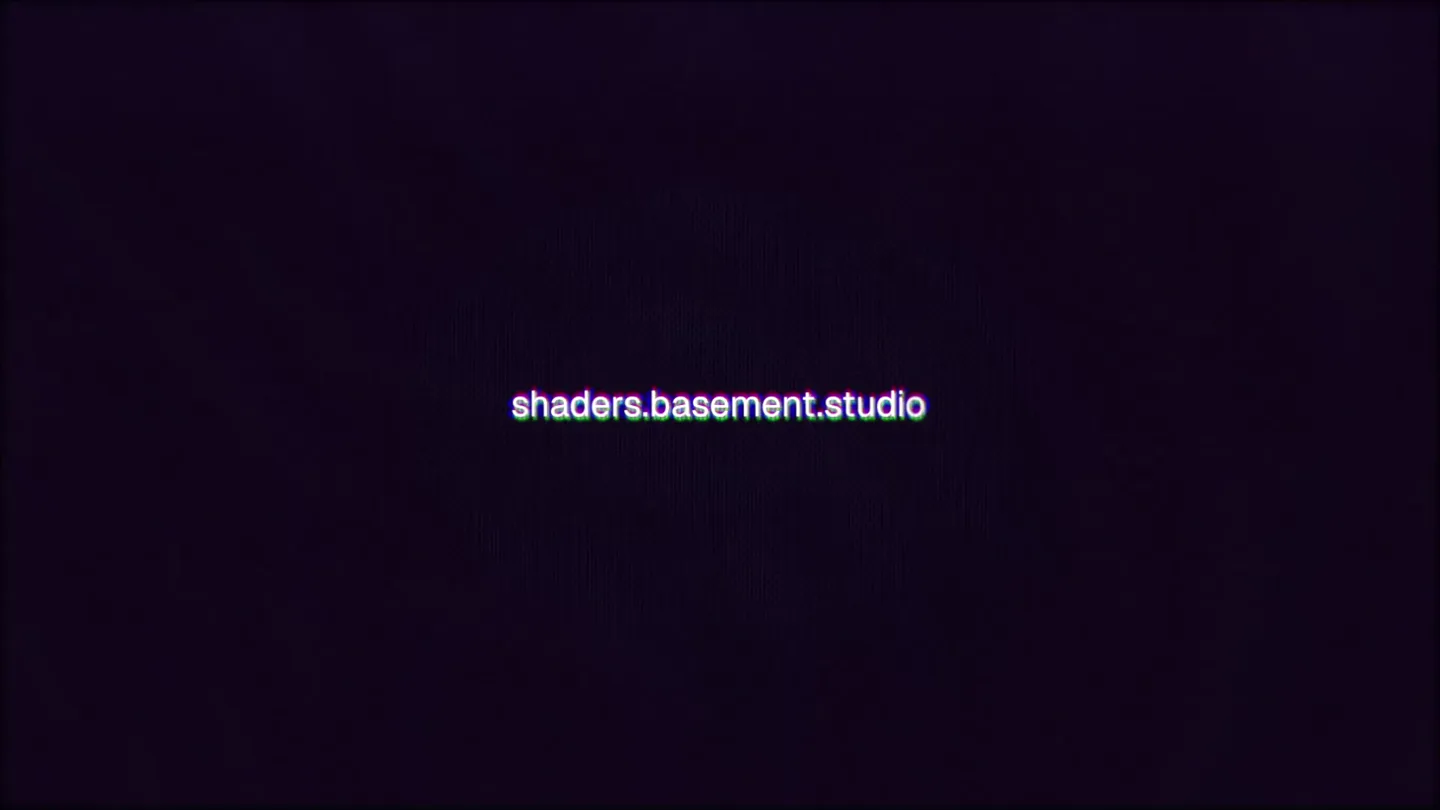
Glitchy Intro & Product Title Reveal
“(No spoken dialogue — digital glitch sound, high-energy riser leading into a driving electronic beat)”
- On screen
- shaders.basement.studio ShaderLab
- Camera
- Static, then subtle zoom into text.
- Motion
- Text appears with a digital glitch effect, followed by a rapid montage of pixelated, abstract imagery with a CRT scanline overlay.
Feature Teaser
Community Creations & Engagement Metrics
“(No spoken dialogue — driving electronic beat with pizzicato synths and 808s)”
- On screen
- 658 700 Explore community creations
- Camera
- Static, then subtle zoom out from text.
- Motion
- Rapid cuts between abstract pixel art, a star icon with an increasing number counter, and a text reveal with a subtle glitch.
Product Reveal
Browse Community Creations
“(No spoken dialogue — driving electronic beat continues)”
- On screen
- Made By The Community
- Camera
- Simulated screen recording with a slight camera shake and CRT curvature.
- Motion
- A simulated UI browsing experience, showcasing various shader creations with a mouse cursor interacting. The entire screen is framed within a retro CRT monitor effect.
Feature Teaser
Remix & Edit Functionality
“(No spoken dialogue — driving electronic beat intensifies, high-energy sweep and sub-bass drop/impact at 0:19-0:20)”
- On screen
- Remix any creation FanzineLab Open Scene...
- Camera
- Simulated screen recording with a slight camera shake and CRT curvature, then a rapid zoom into the 'Open Scene' button.
- Motion
- Continues the simulated UI browsing, demonstrating the 'Remix' feature by clicking 'Open Scene', transitioning to an editing interface with the 'ShaderLab' logo appearing with a glitch effect.
Call to Action
Final Call to Action & Branding
“(No spoken dialogue — impactful hit at 0:23, then fades out)”
- On screen
- shaders.basement.studio basement
- Camera
- Static, then subtle zoom into text.
- Motion
- The website URL appears with a glitch effect, followed by the company name 'basement' with a similar digital distortion and glow.
Motion design primitives
Synthesizable in Remotion · key components of the glitch-synthwave-launch template.
GlitchTextReveal
Text appears with a digital distortion, chromatic aberration, and scanline effect, as if loading on an old CRT screen. Characters might flicker or shift slightly before settling.
+ Code construction recipe
Utilize Remotion's `interpolate` for `text-shadow` (multiple shadows for chromatic aberration), `transform` (slight position shifts), and `opacity`. Apply an SVG filter for scanlines and a `noise` or `perlin` shader for the glitch effect, triggered by `spring` or `tween` for a sharp, impactful reveal.
CRTMonitorFrame
Content is framed within a retro CRT monitor, complete with curved screen edges, subtle screen reflections, and a persistent scanline overlay. The entire frame might have a slight, organic wobble.
+ Code construction recipe
Implement a `Canvas` or `SVG` overlay for the screen curvature and reflections. Use a `Shader` component for the scanline effect and a `spring` animation with low damping for a subtle, continuous `transform` (rotation/scale) to simulate screen wobble.
PixelatedImageMontage
A rapid sequence of abstract, pixelated images and UI elements, often with a low-resolution aesthetic and color banding, cutting quickly to the beat of the music.
+ Code construction recipe
Pre-process images to a low resolution or apply a pixelation shader. Use `Sequence` and `AbsoluteFill` for rapid scene cuts. Apply `interpolate` for quick `opacity` and `transform` changes on individual image elements, synchronized with audio cues.
Style DNA & aesthetic system
Visual aesthetic
Typography
Motion
Special effects
Pacing & rhythm
Conceptual story rhythm
- 1
The Digital Awakening
Purpose. Hook the viewer with a mysterious, high-energy digital intro, establishing the core aesthetic and hinting at the product's nature.
Execution. Glitchy text reveal of the URL and product name, followed by a rapid montage of abstract, pixelated visuals.
- 2
Community in Pixels
Purpose. Introduce the community aspect and the breadth of creations available, building excitement and demonstrating engagement.
Execution. Quick cuts showcasing diverse pixelated art, a star rating counter, and a clear statement about exploring community creations.
- 3
Explore & Discover
Purpose. Showcase the user interface for browsing and interacting with community-generated content, emphasizing ease of discovery.
Execution. Simulated screen recording of browsing the Shader Lab website, highlighting various shader examples within a CRT frame.
- 4
Remix & Create
Purpose. Demonstrate the core value proposition of remixing and editing, empowering users to participate actively.
Execution. Simulated UI interaction showing the 'Remix' and 'Open Scene' actions, transitioning to an editing environment, culminating in the final branding.