TANSTACK · Launch Video Breakdown: Hook, Pacing & Motion Design
30 seconds of spinners is not great UX. @tanstack/ai now streams structured output straight into useChat. Pass a Zod schema, get a typed `partial` and `final` for free. Blog post link below
Scene-by-scene timeline & spoken transcript
The Hook
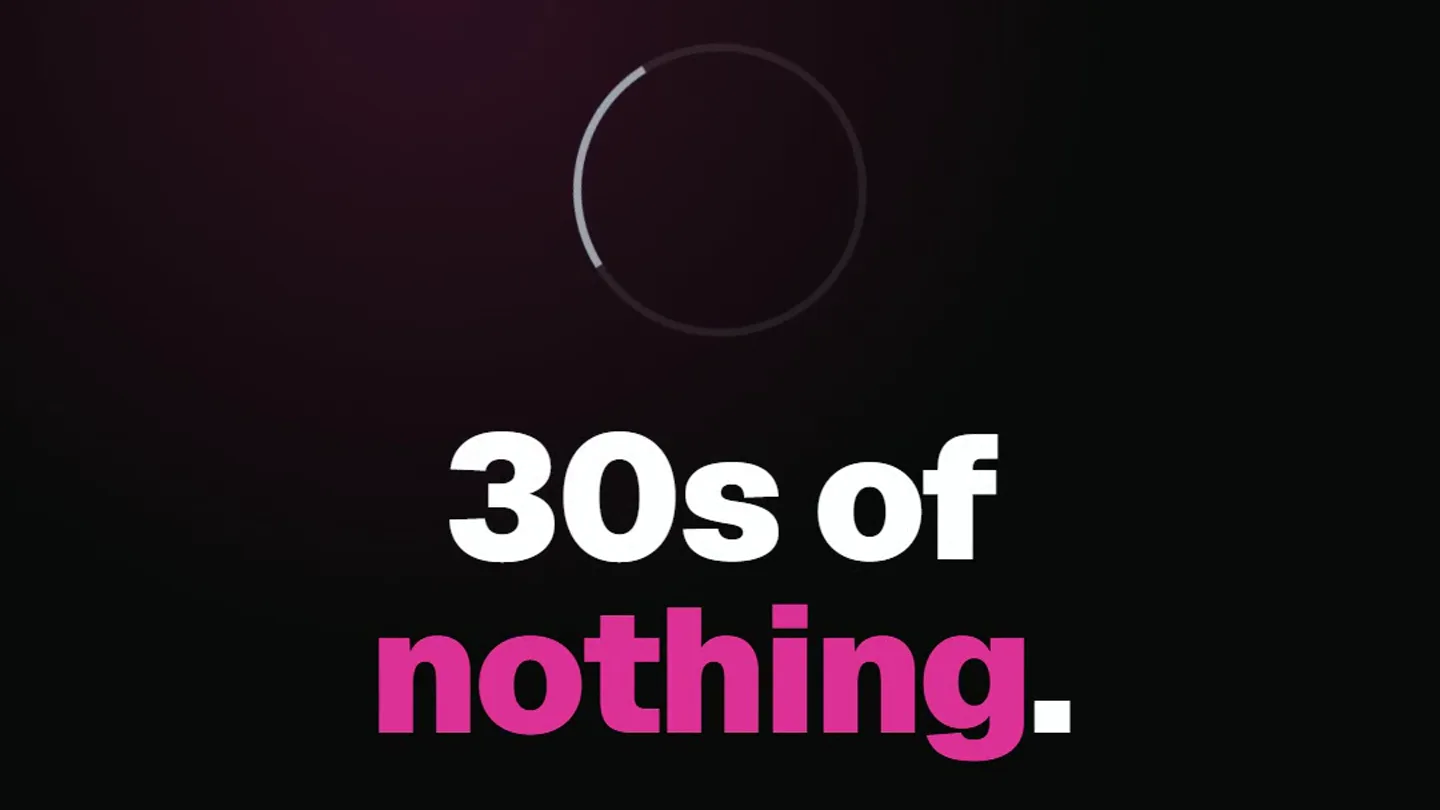
The Problem: 30s of Nothing
“(No spoken dialogue — silent video with a subtle, pulsing background glow.)”
- On screen
- @TANSTACK/AI 30s of nothing. Structured output, blocking. Spinner only.
- Camera
- Static, centered framing on a loading spinner and text.
- Motion
- Subtle pulsing glow behind text, animated loading spinner arc.
Problem Agitation
The Old Shape: Blocking API Calls
“(No spoken dialogue — silent video with a subtle, pulsing background glow.)”
- On screen
- The old shape. chat({ outputSchema }) awaits the full result. // server const person = await chat({ adapter: openaiText("gpt-5.2"), messages, outputSchema: PersonSchema, }) AWAITING... waiting on full response 0.5s name age email
- Camera
- Static, top-down view of a code editor and a form UI.
- Motion
- Progressive timer animation, form fields remain empty until full response.
Product Reveal
The Solution: Add stream: true
“(No spoken dialogue — silent video with a subtle, pulsing background glow.)”
- On screen
- Add stream: true. Server unblocks. The form starts filling in. // server const stream = chat({ adapter: openaiText("gpt-5.2"), messages, outputSchema: PersonSchema, stream: true, }) return toServerSentEventsResponse(stream) AWAITING... name age email
- Camera
- Static, top-down view of a code editor and a form UI.
- Motion
- Text appears character-by-character in form fields, simulating real-time streaming. 'AWAITING...' changes to 'STREAMING...'.
Feature Teaser
Simplified Client-Side with useChat
“(No spoken dialogue — silent video with a subtle, pulsing background glow.)”
- On screen
- Pass it to useChat. Glue code deletes itself. Typed partial + final from the hook. // onChunk + useState + parsePartialJSON glue_ const [partial, setPartial] = useState({}) const [final, setFinal] = useState(null) let raw = "" useChat({ onChunk: (chunk) => { if (chunk.type === "TEXT_MESSAGE_CONTENT") setPartial(parsePartialJSON(raw += chunk.delta)) else if (chunk.name === "structured-output-complete") setFinal(chunk.value.object as Person) }}) // client - that's it. const { partial, final } = useChat({ connection: fetchServerSentEvents("/api/extract"), outputSchema: PersonSchema, }) STREAMING... name "John Doe" age 30 email "john@example.com"
- Camera
- Static, top-down view of a code editor and a form UI.
- Motion
- Code lines animate out, revealing a simpler client-side implementation. Form fields continue to stream data.
Call to Action
One Schema. End to End.
“(No spoken dialogue — silent video with a subtle, pulsing background glow.)”
- On screen
- STREAMING STRUCTURED OUTPUT One schema. End to end. @tanstack/ai @tanstack/ai-react const { partial, final } = useChat({ outputSchema: PersonSchema, }) tanstack.com/ai
- Camera
- Static, centered framing on key message and call to action.
- Motion
- Text and code snippets fade in, followed by a call-to-action button. Subtle background glow persists.
Motion design primitives
Synthesizable in Remotion · key components of the realtime-data-stream-reveal template.
ProgressiveFormFill
Form fields dynamically populate with text, character by character or word by word, simulating real-time data streaming. A status indicator changes from 'AWAITING' to 'STREAMING'.
+ Code construction recipe
Use `interpolate` to reveal text content based on frame number. Each character or word can be a separate `Text` component with `opacity` or `clipPath` animated. The status indicator can be a `Sequence` with `AbsoluteFill` and `Text` components, transitioning via `spring` or `linear` interpolation for color and text changes.
CodeBlockReveal
Lines of code appear or disappear with a smooth fade or slide animation, highlighting changes in complexity or demonstrating simplification.
+ Code construction recipe
Employ `Sequence` and `AbsoluteFill` for each line of code. Animate `opacity` and `transform` (e.g., `translateY`) using `spring` or `ease-in-out` curves to create a dynamic reveal/conceal effect. Use `delay` to stagger line animations.
PulsingSpinnerHighlight
A loading spinner animates its arc, accompanied by a subtle, rhythmic glow or pulse effect on surrounding text or elements.
+ Code construction recipe
Render the spinner arc using an `SVG` `path` and animate its `strokeDasharray` and `strokeDashoffset` properties with `interpolate`. Apply a `filter` with `drop-shadow` or a separate `AbsoluteFill` with `radial-gradient` and animate its `opacity` or `scale` using `loop` and `spring` for the pulsing effect.
Style DNA & aesthetic system
Visual aesthetic
Typography
Motion
Special effects
Pacing & rhythm
Conceptual story rhythm
- 1
The Frustration
Purpose. Establish the pain point of slow, blocking data retrieval in AI applications.
Execution. A static spinner and a timer counting up, emphasizing '30s of nothing' and empty form fields.
- 2
The Old Way
Purpose. Show the verbose and inefficient code required for traditional blocking calls.
Execution. A code block demonstrating `await chat()` and a form that only populates after a long delay.
- 3
The New Way
Purpose. Introduce the elegant solution of streaming with `stream: true` and `useChat`.
Execution. Code block updates to include `stream: true`, and form fields progressively fill in real-time, demonstrating immediate feedback.
- 4
The Simplicity & Power
Purpose. Highlight the ease of integration and the end-to-end schema benefits.
Execution. Client-side code simplifies, and a final screen summarizes 'One schema. End to end.' with a clear call to action.