
X · Launch Video Breakdown: Hook, Pacing & Motion Design
X Ads MCP lets you create, manage, and optimize campaigns from the AI you already use, via an X Developer Platform account.
Scene-by-scene timeline & spoken transcript
The Hook
Introducing X Ads MCP
“(No spoken dialogue — Ambient electronic score with orchestral synth pads and deep sub-bass, building suspense.)”
- On screen
- Introducing X Ads MCP
- Camera
- Static, centered text on a dark background.
- Motion
- Simple text reveal with subtle glow effect.
Product Reveal
AI-Powered Campaign Creation
“(No spoken dialogue — Electronic score continues, with crisp 808-style percussion and a high-energy audio transition.)”
- On screen
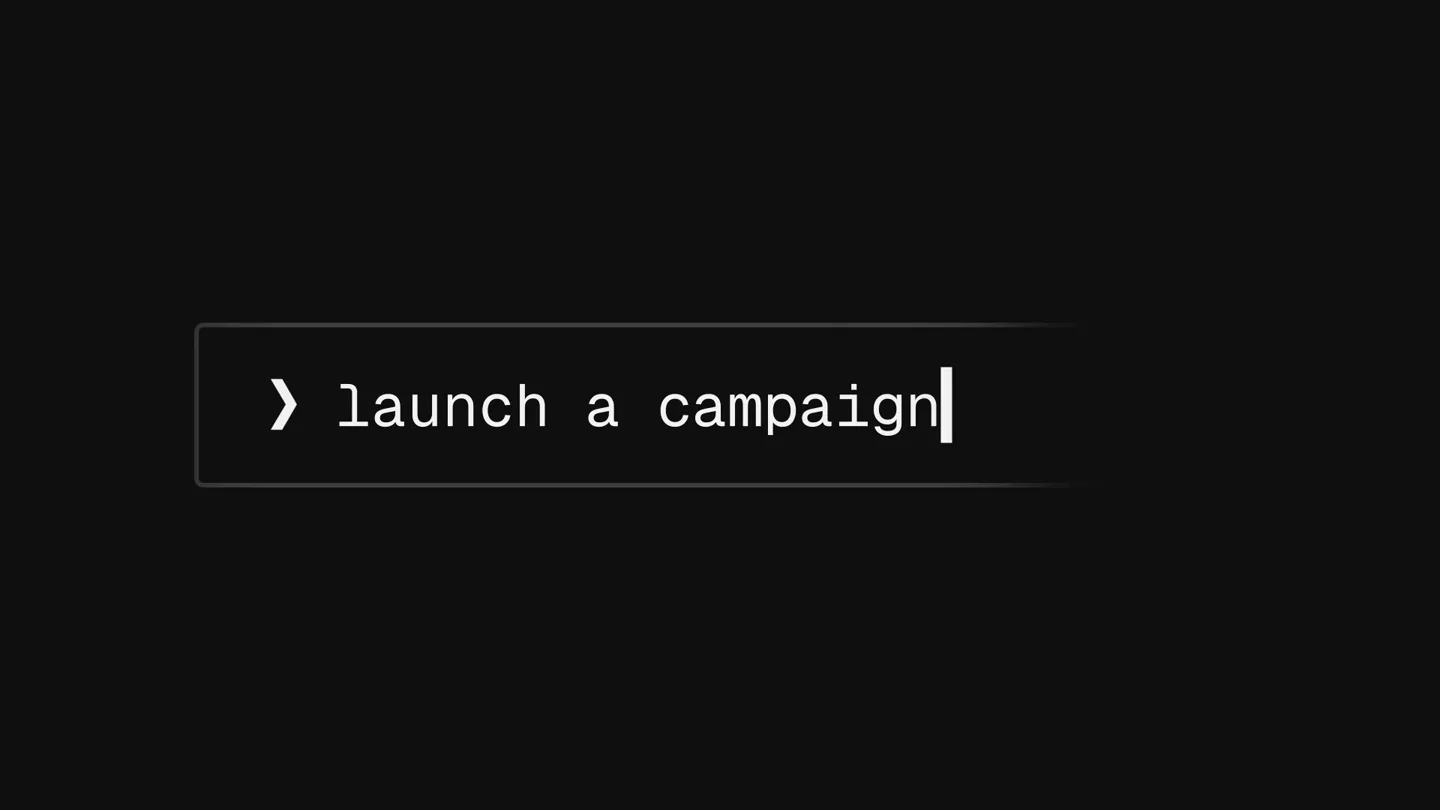
- > launch a campaign for the fall drop US only. goal is to drive sales up. ::: Fetching campaign data 1.6s 1.1% [i] Brazil China USA UAE India Target geography X-ads Create Camp Thought for 1.1s X-ads Creat Thought for 1.9s X-ads Summer Collect campaigns are
- Camera
- Close-up on terminal-like interface, panning and zooming to reveal different UI elements.
- Motion
- Terminal-style text typing animation, data fetching progress bars, map selection UI, and dynamic content generation.
Feature Teaser
Performance Optimization & Insights
“(No spoken dialogue — Score maintains energy, with subtle sound design elements accompanying UI interactions.)”
- On screen
- Summer Collection campaigns are P sign {name: "Fall Drop '28"} PAUSED st x4 {video: true, website_card: true} store story */* | Unfocus esc | Quit C-d | Commands C-p Grow your performance ::: Getting campaign stats 1.0s main ~/D/A/B/folder/xai 0.00% > how are my ads performing? Thought for 1.0s Call x-ads - get_account_stats {granularity: "DAY"} cost / purchase $26 - beating $34 target Performing well - cost per purchase is $26, beating your $34 target by 24% and still improving. > what's driving it? Thought for 0.5s The video-plus-card combo - converting 2.3x your last drop. Frequency is only 1.6: there's headroom. k Socks has headroom - incre group increase the budget. > double the budget
- Camera
- Dynamic camera movements, zooming into specific data points and text, then panning across the terminal interface.
- Motion
- Data visualization (bar charts), real-time data updates, and interactive command-line interface (CLI) simulation.
Call to Action
X Ads MCP: The Future of Ad Management
“(No spoken dialogue — High-impact sub-bass drop and a final energetic sweep, concluding with a sustained synth pad.)”
- On screen
- Performance Underperforming XYZ Paused $$$ Active $$$ Active $$$ Active Fall Drop Grok Socks Summer Campaign X
- Camera
- Wide shot revealing a performance dashboard, then a quick cut to a black screen with the 'X' logo appearing.
- Motion
- Animated bar chart growth, quick scene transition, and a clean logo reveal with a subtle metallic sheen.
Motion design primitives
Synthesizable in Remotion · key components of the ai-dev-tool-launch template.
TerminalTypewriter
Text appears character by character, simulating a command-line interface typing effect, often with a blinking cursor and subtle line highlights.
+ Code construction recipe
Use Remotion's `Sequence` and `interpolate` for character visibility based on time. Implement a blinking cursor with `spring` or `loop` animation for opacity. Apply a subtle `linear-gradient` for the line highlight effect.
DataDashboardReveal
Data points, such as bar charts or progress indicators, animate into view and dynamically update their values or sizes.
+ Code construction recipe
Utilize `spring` for smooth bar chart height transitions. For progress indicators, `interpolate` the width or fill percentage. Combine with `delay` for staggered element reveals.
DynamicMapSelection
A map outline appears within a rounded rectangle, with country names fading in and out as if being selected or highlighted.
+ Code construction recipe
Render SVG map paths. Use `interpolate` for `stroke-dashoffset` to draw the map outline. Animate country name `opacity` and `scale` with `spring` for a selection effect. The rounded rectangle can be a simple `div` with `borderRadius` and a `border` animation.
Style DNA & aesthetic system
Visual aesthetic
Typography
Motion
Special effects
Pacing & rhythm
Conceptual story rhythm
- 1
The Setup
Purpose. Introduce the product and its core promise of AI-driven ad management.
Execution. Clean title card followed by a simulated command-line input for campaign creation.
- 2
The Demonstration
Purpose. Showcase the product's capabilities in campaign setup and optimization.
Execution. Interactive UI elements demonstrating target geography selection and real-time data fetching.
- 3
The Impact
Purpose. Highlight the tangible benefits and performance improvements.
Execution. Display of campaign stats, performance metrics, and budget adjustments within the terminal interface.
- 4
The Resolution
Purpose. Conclude with a strong brand statement and call to action.
Execution. Animated bar chart showing improved performance, culminating in a bold logo reveal.




