
Claude Opus 5.5 Interactive & Games
70 Claude Opus 5.5 videos in Interactive & Games, each with its prompt and the creator's original post on X.
All Interactive & Games
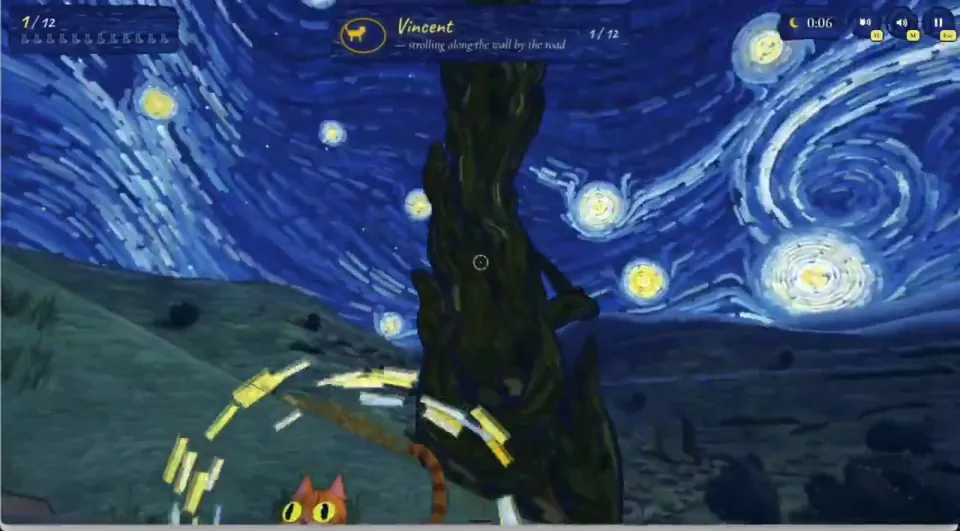
can you make a 3d game where you walk around and spot cats inside of a van gogh painting? we can start with stary night and its town
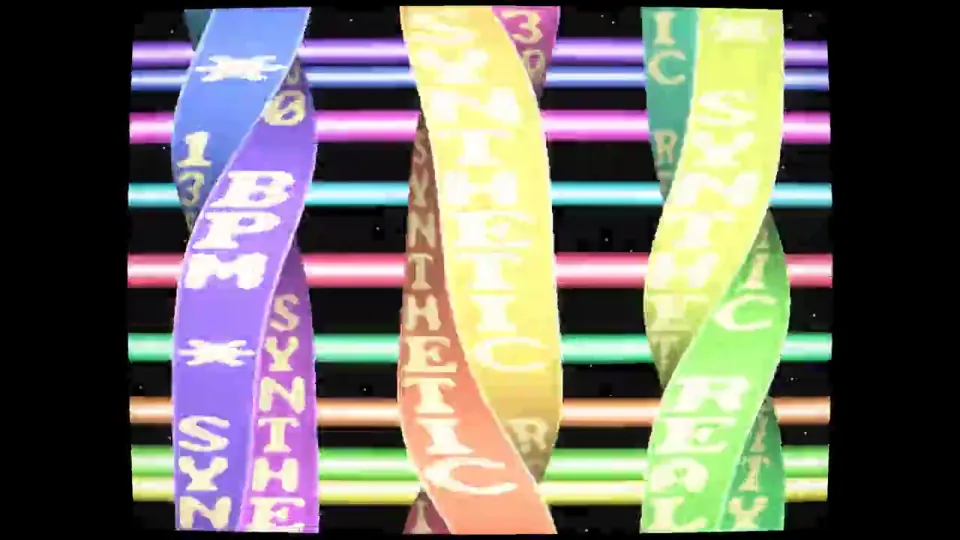
I would like you to create a kickass, impressive 1990s style demoscene demo using this S3M track as the music. Prior to getting to work, please see how to best play and analyze the S3M track. This will be important since synchronization of effects and appropriateness of scenes to the musical vibe (and this song does have a variety of sections with different attitude) is essential to a great demoscene demo. Also prior to getting started, please research what kinds of effects, physics, etc. would be good to use in combination. Please use C/C++ -- with appropriate demoscene/embedded/console gamedev sensibilities to avoid needlessly bloating compile times -- with OpenGL. In some cases, blitting to surfaces in realtime may be appropriate.. while in others, using OpenGL or even shaders is appropriate as well. It should be planned and polished to be spectacular and shocking. This is Claude's way of really showing off to the world that it kicks ass.
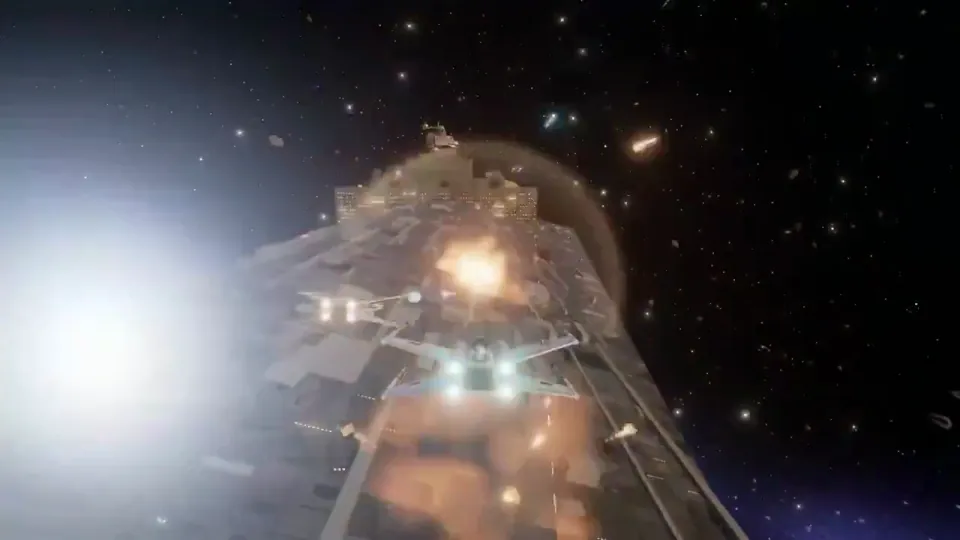
A 3D multiplayer game where the players are a squad of x-wings taking on a star destroyer. They pilot their ships to take out key components of the star destroyer while also dealing with guns mounted on the star destroyer and waves of tie fighters.
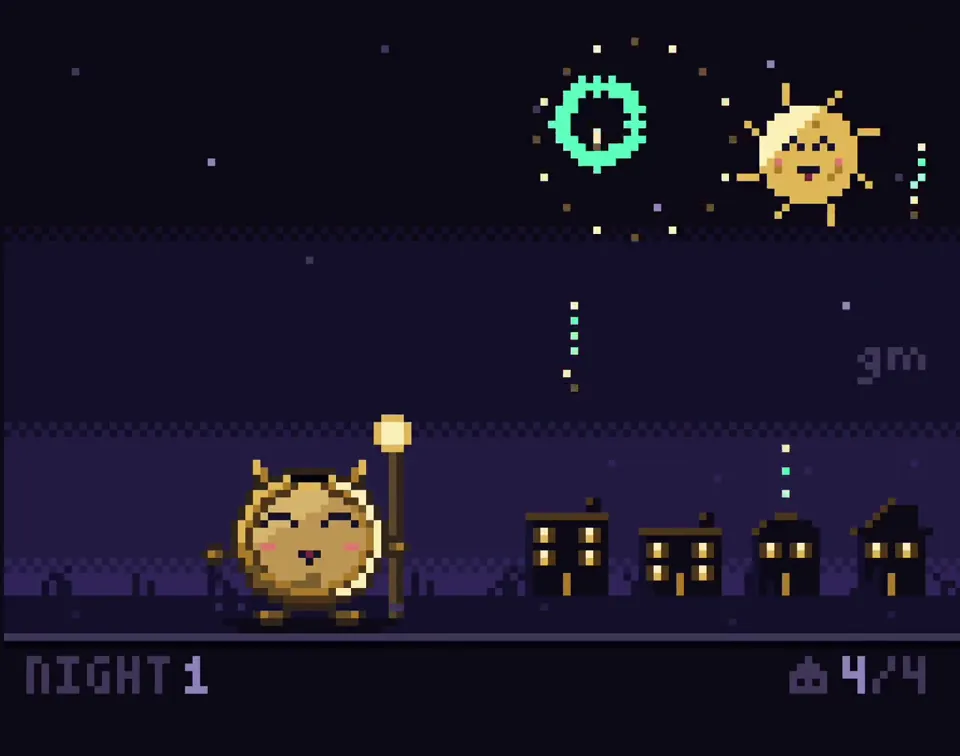
Create a single self-contained HTML file that renders an animated pixel art wizard casting a spell, using vanilla JavaScript and Canvas 2D. No external assets, libraries, or network requests. RENDERING - Draw everything to an offscreen canvas at a fixed logical resolution of 128x96, then blit to a fullscreen display canvas scaled by the largest integer factor that fits the window, centered, with imageSmoothingEnabled = false and CSS image-rendering: pixelated. - All drawing snaps to integer coordinates on the logical canvas. No sub-pixel positions, anti-aliasing, gradients, or shadowBlur. - Fixed palette of ~24 hex colors: deep blues/purples for night sky, warm robe tones, 3-4 bright magic colors. Every pixel comes from this palette. CHARACTER - Build the wizard procedurally from filled rects and pixel runs, ~24x32 logical pixels: pointed hat with a bend, long beard, two-shade robe with darker outline, staff with a gem at the tip. - Parameterize the pose (staff angle, arm raise, head tilt, robe sway). Animate parameters smoothly, then quantize to the pixel grid each frame so motion reads at an 8-12 fps pixel animation feel even though the loop runs at 60fps. ANIMATION - Looping state machine: IDLE (2-frame bob, beard sway) -> CHARGE (staff raises, gem flickers, sparks spiral inward) -> CAST (bright burst, projectile fires across the scene, 1-2 pixel screen shake) -> RECOVER (settle back). Ease pose parameters between keyframes. - Pooled allocation-free particle system: preallocate and reuse. Sparks orbit the gem during CHARGE, explode outward on CAST, each particle stepping its palette index from white to magic color to dark before despawn. Snap particle positions to the grid when drawing. - Fixed 60hz timestep update with rAF rendering. Zero object allocation inside the loop. SCENE - Minimal background: dark sky, a few twinkling 1px stars, moon, stone floor line. Character silhouette must read clearly. - Subtle 1px rim light on the wizard from the gem, brightening during CHARGE and CAST. QUALITY BAR - Crisp pixels at any window size, seamless loop, stable 60fps, readable silhouette. Should look like a polished 16-bit sprite animation, not vector shapes scaled down.
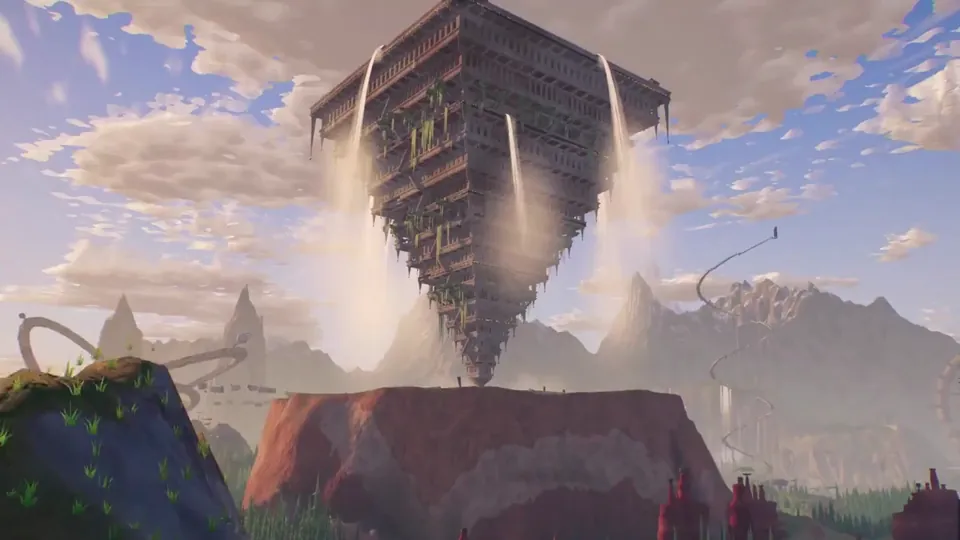
Create a cinematic browser-based 3D world that can be explored freely with a camera, focused on breathtaking landscapes and extraordinary original architecture. Fill the world with huge strange buildings, monumental structures, surreal ruins, cliffs, valleys, forests, water, and unusual ultra-detailed forms that feel mysterious and awe-inspiring. This is not a game and not combat-focused, the goal is pure exploration, atmosphere, composition, and visual discovery. Make the world feel epic, highly detailed, and completely original, with architecture that looks weird, ambitious, and unforgettable.
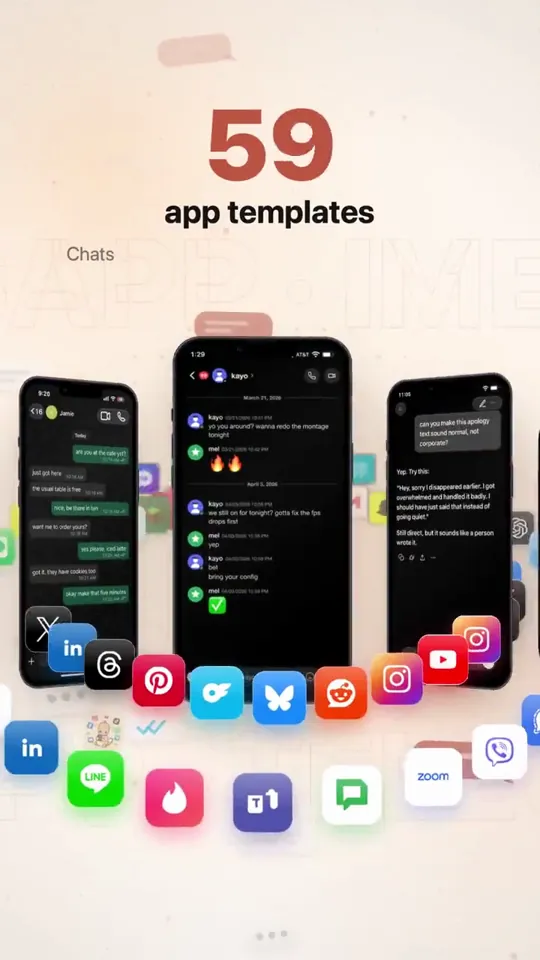
Create a studio level motion design ad for my app mimicly. Show me the best you got. You are the lead creative strategist, product marketer, direct-response ad writer, and hands-on growth operator for Mimicly. Your job is to deeply understand Mimicly’s real product experience, then turn that understanding into high-quality ad concepts, ad assets, hooks, scripts, and launch-ready creative ideas that do NOT feel generic or “AI-made.” IMPORTANT: - Do not create generic “mockup app” marketing. - Do not rely on assumptions. - Base everything on Mimicly’s actual product, actual UI, and actual user flows. - Use the real product as the source of truth. - If you can access the website, App Store page, editor, simulator, screenshots, or any current product surfaces, inspect them directly before deciding anything. - If you can capture screenshots, screen recordings, or UI references from the actual product, do it. - Do not invent features that do not exist. - Do not break what currently works. PRODUCT YOU ARE WORKING ON Mimicly is a chat mockup maker for screenshots, text stories, and dialogue videos. It works on web and iPhone. It offers 63 templates. Users can edit both sides of conversations, names, profile photos, timestamps, colors, and supported UI details. It includes chat templates, AI conversation templates, social-style templates, comment templates, stories, email, and game chat styles. Supported exports include image export, and supported templates can also be recorded as MP4. Users can sign in and get 3 free exports. Pro unlocks the full template collection and watermark-free exports. Mimicly’s value is speed, realism, flexibility, and “make it look right” editing. KNOWN PRODUCT FEEL / BRAND DIRECTION - Clean, modern, product-led - Useful, not cringe - Creative-tool energy, not fake-hype startup nonsense - Strong on realism and visual believability - The appeal is: “I can quickly create convincing chat/mockup content for content creation, storytelling, skits, tutorials, memes, product demos, lessons, storyboards, and social posts.” YOUR MISSION Create a complete Mimicly ad-creative system based on the real product. PHASE 1 — PRODUCT UNDERSTANDING First, inspect and understand: 1. The public website 2. The App Store listing 3. The homepage messaging 4. The template browser / template categories 5. The editor experience 6. Preview behavior 7. Export flow 8. Paywall / free vs pro positioning 9. The visual feel of the app and web product 10. The strongest “wow” moments for first-time users Pay special attention to: - Homepage hero - Template examples - Live editor behavior - The “before / after” feeling - How realistic the previews look - Which templates are most ad-worthy visually - Which screens are easiest to understand instantly in an ad If possible, capture a reference set of real visuals: - app screenshots - web screenshots - editor screenshots - preview screenshots - export-related screens - 5–15 second screen recordings of realistic usage PHASE 2 — FIND THE BEST MARKETING ANGLES Based on the real product, identify the strongest ad angles. Find the best angles for users such as: - content creators - meme pages - storytellers - short-form video creators - skit makers - YouTubers / TikTok creators - marketers making fake chat visuals for concepts/storyboards - educators making lesson examples - people creating “text story” style content - people making AI conversation mockups - people making social post mockups For each angle, define: - the user type - the core desire - the pain point - why Mimicly solves it better - the strongest visual proof - the best CTA PHASE 3 — CREATE A CREATIVE STRATEGY Produce a clear creative strategy document containing: 1. Core positioning 2. Top 5 user personas 3. Top 10 ad angles 4. Top 20 hooks 5. Top 10 “visual demo” ideas 6. Top objections and how to answer them 7. Top App Store / landing page conversion messages 8. What NOT to say 9. Which claims need caution or proof 10. Which existing product features deserve the most emphasis PHASE 4 — BUILD THE AD CONCEPTS Create at least 12 strong ad concepts. For each ad concept include: - concept name - target audience - angle - platform fit (TikTok / Instagram Reels / X / YouTube Shorts / App Store promo / website hero / paid social) - first 2-second hook - full ad script - scene-by-scene shot list - exact UI moments to show - on-screen text - voiceover - caption - CTA - why this concept should perform At least: - 4 UGC-style concepts - 4 product-demo concepts - 2 comparison-style concepts - 2 “problem → solution” concepts PHASE 5 — USE THE REAL PRODUCT VISUALLY Do not make fake-looking ads. Use the actual Mimicly experience as much as possible: - show opening the app / website - show selecting a template - show editing messages / names / profile photos / timestamps - show the preview updating live - show switching between templates where useful - show export or save behavior where appropriate - show the realism of the result Focus heavily on visual proof. The ad should make someone think: “Wait, this actually looks clean.” “Oh, I could use this.” “That took like 10 seconds?” PHASE 6 — PICK THE BEST TEMPLATES TO ADVERTISE Review Mimicly’s template universe and choose the best templates for marketing. Rank the most ad-worthy templates by: - instant recognizability - visual clarity - emotional pull - creator usefulness - ability to demonstrate value quickly - likelihood to convert cold traffic Likely strong candidates may include: - WhatsApp-style chats - AI conversation templates (ChatGPT / Claude / Gemini style) - Instagram / DM / comment / post type templates - iMessage-style chats - Discord-style chats - story / social / dialogue video templates But do not assume — inspect first. For the top templates, say: - why they are ad-worthy - what kind of audience they attract - what kind of ad should use them PHASE 7 — CREATE REAL ASSETS OR ASSET BLUEPRINTS If your environment allows it, create or organize: - a shot plan - a screenshot list - a screen recording list - asset naming - folder structure - recommended aspect ratios - prioritized recording checklist If you cannot directly produce the final ad assets, produce a near-production-ready blueprint so a human editor can build them fast. Deliverables should include: - 10 static ad ideas - 10 short-form video ad ideas - 5 App Store screenshot angle ideas - 5 X/Twitter promo post ideas - 5 landing page hero/message ideas - 5 product-demo threads/carousels if relevant PHASE 8 — COPYWRITING Write launch-ready copy in a way that does not sound like AI slop. Tone: - sharp - natural - confident - slightly punchy - creator-friendly - not overhyped - not cringe - not corporate Write: - 20 ad hooks - 20 CTAs - 15 captions - 10 App Store / social proof style lines - 10 short feature-value lines - 10 landing page headlines - 10 subheadlines Avoid fake urgency unless justified. Avoid saying it “goes viral.” Avoid empty words like “revolutionary.” Avoid generic “create stunning content” filler unless made specific. PHASE 9 — CONVERSION FOCUS Recommend which messages should push: - install - try free - first export - Pro conversion - template exploration - creator use cases Map the best message to the best funnel stage. Tell me: - what gets the click - what gets the install - what gets the first successful export - what gets the Pro upgrade PHASE 10 — FINAL OUTPUT FORMAT Give the final answer in this structure: 1. Mimicly product understanding 2. Best audiences 3. Best ad angles 4. Best templates to feature 5. 12 ad concepts 6. Shot list / capture plan 7. Copy bank 8. Landing page / App Store messaging suggestions 9. Recommended creative priorities 10. Top 3 things to test first If possible, end with: - “Best 3 concepts to make first” - “Fastest assets to produce tomorrow” - “Highest-upside experiment” QUALITY BAR The output must feel like it came from a strong product marketer who actually inspected the product, not from an LLM guessing what a mockup app might be. Be specific. Be practical. Be visually aware. Be conversion-aware. Be ruthless about weak ideas. Use the real Mimicly product as your source of truth. Start by inspecting the real product surfaces, then build the strategy.
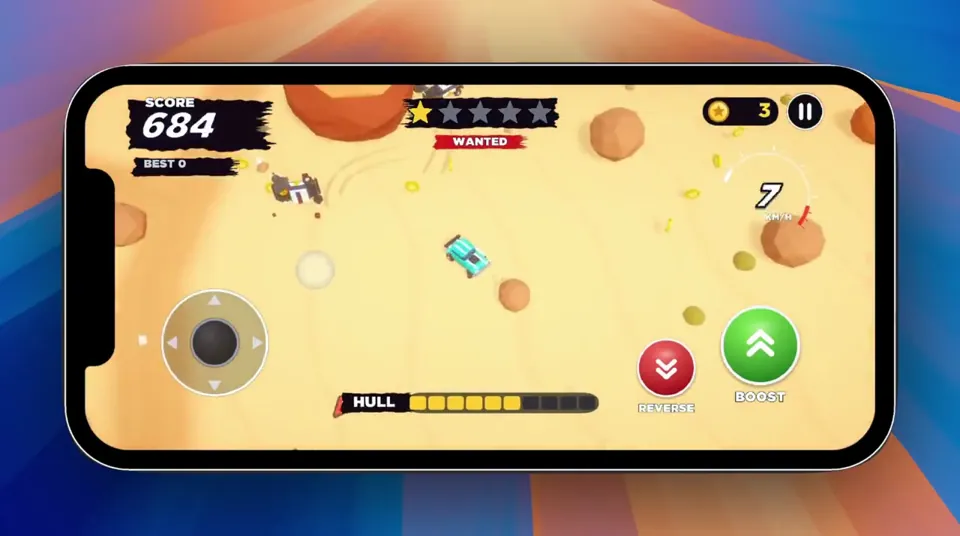
PRD — Police Chase Arcade Game Working title: Heatwave Platform: iOS + Android Engine: Unity Genre: Top-down 3D arcade chase / survival Orientation: Portrait Input: One-thumb touch controls Business model: TBD — design MVP around gameplay first Primary goal: Build a genuinely fun playable prototype before adding progression or monetization. ⸻ Product vision A fast, chaotic mobile arcade game where the player is constantly being pursued by increasingly aggressive police. The player cannot directly attack. Instead, they survive by driving aggressively, drifting around obstacles, making sudden turns and tricking pursuing police into crashing into obstacles and each other. The fantasy is: You’re not stronger than the police. You’re harder to catch. Runs should produce constant near-misses, chain collisions and moments where the player escapes a seemingly impossible situation. Think: easy controls + aggressive pursuit + physics chaos + escalating pressure. ⸻ Core gameplay loop START RUN ↓ DRIVE / DRIFT ↓ POLICE PURSUE ↓ BAIT POLICE ↓ DODGE ↓ POLICE CRASH ↓ GAIN SCORE ↓ WANTED LEVEL INCREASES ↓ MORE / HARDER POLICE ↓ SURVIVE ↓ EVENTUALLY GET CAUGHT ↓ SCORE / RESTART Target run duration: 2–5 minutes. Restart should take less than 2 seconds. ⸻ Design principles 3.1 One-thumb playable The player should be able to understand the controls within seconds. No accelerator. No brake pedal. No virtual steering wheel. The vehicle moves automatically. The player controls only direction. (I moved away from this after testing it the first time and added the onscreen joystick) 3.2 Arcade physics, not simulation Vehicles should: drift slide bounce spin collide dramatically recover quickly Fun takes priority over physical accuracy. 3.3 Pursuers are weapons Police are effectively the player’s offensive mechanic. The player should learn: “If I turn here, that cop is going straight into that wall.” 3.4 Chaos should remain readable Even with 10+ vehicles on screen, the player must immediately understand: where they are where they’re moving where police are coming from what can kill them 3.5 Failure should feel fair Death should generally result from a mistake the player understands rather than unpredictable physics. ⸻ MVP scope Do not build progression, upgrades, missions or monetization for the first milestone. The first version contains: 1 player vehicle 1 arena 1 police vehicle 1 elite police variant 5 wanted levels physics collisions environmental obstacles scoring player health police destruction basic VFX basic audio game-over screen instant restart That’s enough to determine whether the game deserves further development. ⸻ Player vehicle Movement Player vehicle uses a Rigidbody-based arcade controller. Do not rely heavily on realistic WheelColliders. Core variables should be exposed in the Unity Inspector: Acceleration Maximum Speed Turn Speed Turn Curve Lateral Grip Drift Factor Vehicle Mass Collision Force Drag Angular Drag Recovery Speed These need to be extremely easy to tune. ⸻ Controls Recommended first implementation: Drag steering Player touches anywhere on the lower portion of the screen. Dragging horizontally controls steering. ← drag turn left → drag turn right Vehicle accelerates automatically. Steering should be relative rather than absolute. The player should be able to lift their finger without immediately losing control. Alternative to prototype Test: Hold left/right side of screen = steer left/right. Don’t commit until both have been tested on a physical phone. ⸻ Drift system Drifting should happen naturally when turning at speed. No dedicated drift button. At low speed: high traction At high speed: reduced lateral traction This produces controlled sliding. Long drifts can optionally award score. Example: DRIFT +120 LONG DRIFT +340 But drift scoring is secondary to police destruction. ⸻ Police AI Police should feel: aggressive, predictable and slightly stupid. They should not simply follow the player’s current position. Instead, calculate an interception target based on player velocity. Conceptually: target = playerPosition + playerVelocity * predictionTime Police therefore try to cut the player off. ⸻ Police intelligence Police intentionally have limited obstacle avoidance. This is important. Perfect navigation would make the game less fun. Police should: pursue aggressively attempt interception avoid obvious static obstacles poorly account for other police overshoot turns collide with each other occasionally take dangerous routes This creates opportunities for the player. ⸻ Police destruction Police can be destroyed by: high-speed obstacle collisions hitting another police vehicle chain collisions environmental hazards The player does not have weapons. Example scoring: COP SMASHED +250 DOUBLE SMASH +600 TRIPLE SMASH +1,000 PILEUP! +2,000 Chain collisions should be heavily rewarded. ⸻ Wanted system Wanted level controls difficulty. ★☆☆☆☆ ★★☆☆☆ ★★★☆☆ ★★★★☆ ★★★★★ Wanted level increases based primarily on survival time and score. Level 1 2 police. Slow and forgiving. Level 2 3–4 police. Slightly faster. Level 3 5–6 police. More aggressive interception. Level 4 7–9 police. Elite police introduced. Level 5 Maximum chaos. 10+ police depending on device performance. Elite units appear frequently. The game should eventually become effectively impossible. That’s intentional. ⸻ Elite police The MVP only needs one special police type. Interceptor Visually distinct vehicle. Characteristics: faster than standard police lower mass aggressive prediction sharp steering easier to destroy in collisions This creates a glass-cannon pursuer. ⸻ Player health Use a simple health bar. Example: HULL ██████░░░░ Minor impacts: small damage. Heavy impacts: large damage. Extremely high-speed impacts: potential instant destruction. Police contact alone shouldn’t immediately kill the player. This allows chaotic scrambles. ⸻ Arena First arena should be compact. Something roughly equivalent to: ROCK ┌─────────────┐ │ │ │ ROCK │ │ │ │ ███ │ │ │ │ ROCK │ │ ROCK│ └─────────────┘ Obstacles need enough space between them for high-speed movement. Avoid procedural generation initially. Hand-design one good arena. ⸻ Environment For the first visual theme, I’d use something other than water so we’re not cloning the reference too closely. My preference: Desert outlaw chase Player is an outlaw escaping through a stylized desert environment. Environment contains: rock formations cacti barriers abandoned vehicles ramps fences small buildings dust destructible props It also fits the chunky visual language you’re already exploring with Bolt Pit. ⸻ Camera Top-down perspective camera. Not completely vertical. Something approximately: 55–70° downward angle. Camera follows player with smoothing. Camera should look slightly ahead in the player’s travel direction. At high speed: camera pulls back slightly. At low speed: camera moves closer. ⸻ Camera juice Small camera effects make a large difference. Light collision Tiny shake. Heavy collision Strong short shake. Police destruction Shake + tiny freeze frame. Example: 50–100 ms hit stop. Large pileup Slight zoom impulse + shake + particles. Don’t overdo continuous shaking. ⸻ Visual style Chunky stylized 3D. Characteristics: simplified geometry exaggerated proportions bright readable vehicles soft lighting minimal textures strong silhouettes exaggerated particles Avoid realistic vehicle proportions. Cars should feel almost toy-like. ⸻ VFX Minimum MVP effects: Player dust trail tire/skid marks drift smoke impact sparks Police siren lights smoke when damaged destruction explosion debris Environment dust destructible objects impact particles ⸻ Collision feedback Every significant collision should combine: physics + particles + audio + camera response. Major police destruction: IMPACT → physics impulse → vehicle fragments/debris → sparks → smoke → camera shake → hit stop → sound → score popup This interaction is one of the game’s main sources of satisfaction. ⸻ Score system Score comes from: ActionExample Surviving+10/sec Police destroyed+250 Driftvariable Near miss+100 Double collision+600 Triple collision+1,000 Large pileup+2,000 Exact values should remain configurable. ⸻ Near misses Optional for MVP but potentially valuable. Detect when a police vehicle passes extremely close to the player at high relative velocity. Display: CLOSE CALL! +100 This rewards risky driving. ⸻ UI During gameplay keep UI extremely minimal. SCORE COINS 13,590 14 ★★★☆☆ WANTED GAME HULL ████████░░ No minimap initially. Off-screen police can use subtle edge indicators. ⸻ Game over When hull reaches zero: brief slow motion. Player crashes. Then: BUSTED SCORE 24,850 BEST 31,220 [ AGAIN ] Tapping anywhere could restart. Avoid unnecessary menus between runs. ⸻ Audio The soundscape should sell speed and collisions. Required: engine tire squeal police sirens impact metal crunch debris destruction UI score sounds wanted level increase Sirens should become increasingly chaotic as wanted level increases. ⸻ Technical architecture Suggested Unity structure: GameManager Player ├── PlayerController ├── VehiclePhysics ├── PlayerHealth └── PlayerEffects Police ├── PoliceController ├── PoliceAI ├── VehiclePhysics ├── PoliceHealth └── PoliceEffects Systems ├── SpawnManager ├── WantedManager ├── ScoreManager ├── AudioManager ├── CameraManager └── PoolManager UI ├── HUD ├── WantedUI ├── ScoreUI ├── HealthUI └── GameOverUI Avoid building an elaborate framework. ⸻ Object pooling Police, particles and debris should use object pooling. Avoid frequent: Instantiate() Destroy() during gameplay. Mobile performance should be considered from the beginning. ⸻ Performance target Target: 60 FPS on a mid-range modern iPhone/Android device. Initial limits: ~12 active vehicles ~100 simple debris/particles simple shadows limited real-time lights Performance should be tested on device early. ⸻ Development milestones Milestone 1 — Greybox driving Build: empty arena cube player touch steering acceleration drifting camera Success criterion: Driving around an empty arena feels satisfying. Do not continue until it does. ⸻ Milestone 2 — The chase Add: one police vehicle pursuit AI interception collisions Success criterion: Dodging one police car is entertaining. ⸻ Milestone 3 — Emergent chaos Add: multiple police police-police collisions obstacles destruction scoring Success criterion: Player can intentionally cause: police → police and police → environment collisions. This is the critical milestone. ⸻ Milestone 4 — Escalation Add: wanted levels spawning difficulty scaling interceptor Now a run has an arc: calm ↓ pressure ↓ chaos ↓ panic ↓ death ⸻ Milestone 5 — Juice Add: particles camera shake hit stop skid marks dust sirens collision sounds score popups ⸻ Milestone 6 — Mobile build Build for real devices. Test: controls performance readability battery/thermal behaviour different screen ratios ⸻ Milestone 7 — Decide whether to continue At this point, stop development temporarily. Don’t immediately build a garage and 37 unlockable cars. Put the build in front of people. The important questions are: Do people immediately understand it? Do they restart after dying? Do they intentionally try to make cops crash? Does “one more run” happen naturally? If not, work on the core loop rather than adding content. ⸻ Phase 2 — only after validation If the prototype works, then expand into: Cars ↓ Coins ↓ Unlocks ↓ Challenges ↓ New arenas ↓ Special police ↓ Upgrades ↓ Daily challenges ↓ Leaderboards Potential environments: desert city docks snow industrial yard airport construction site military base And then there’s room for ridiculous police units: SUVs, armored vans, helicopters dropping roadblocks, etc. I have opened a @[Unity CLI installation] project which we can work in. The art style of the game should be fun and cartoony and the action also over the top. I have imported the Topdown engine into the project as well that we can use: https://topdown-engine.moremountains.com/ I want the game to be optimized for mobile, but should work on desktop while testing.
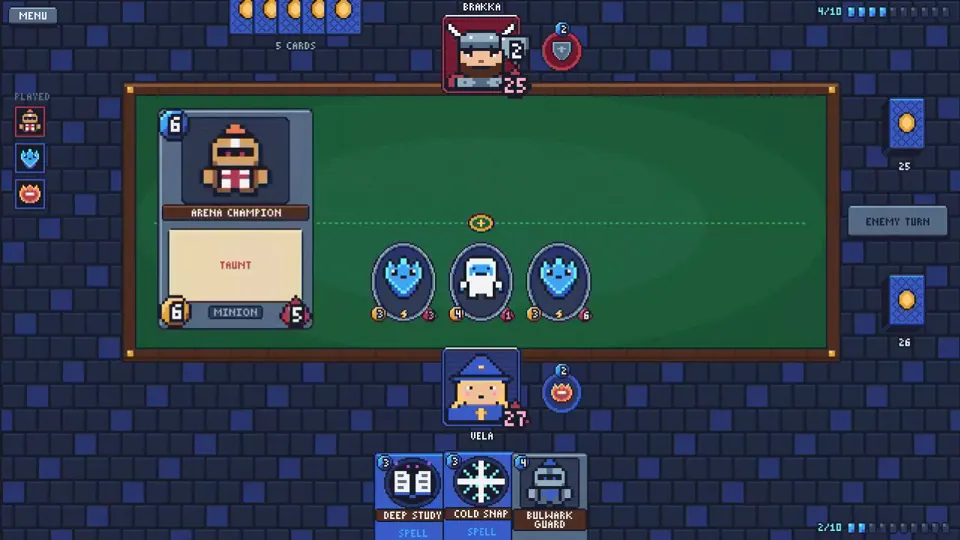
Create a 1-on-1 card game like Hearthstone. Just make it. As best you can. In pixel art style.
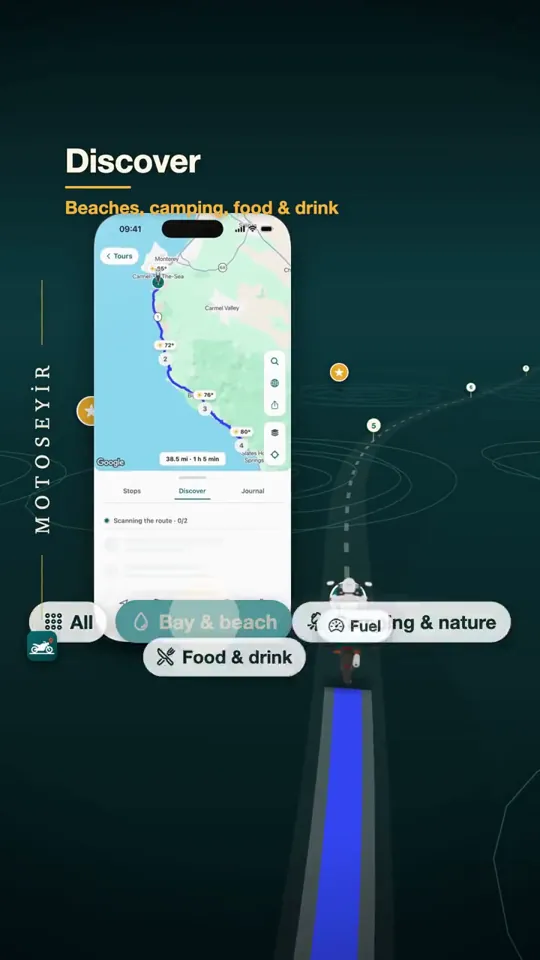
Make a 45–50 second vertical video for my app: a glance inside the app. Show every feature, use motion, be creative. I want it good enough for your CV. - Real, not mocked: record each feature being used in the simulator (tap a filter, open a result, add it). - Stretch your imagination: let each feature break out of the phone and change the world around it. - The bar: a motion designer's showreel piece. The best motion you can do. Go all out. - Nothing made up: every number and label on screen comes from the recordings. - No stock sound effects; I'll add the music. - Keep text clear of the TikTok/Instagram interface. - Let viewers follow: each feature stays on screen for at least 2.5 seconds.
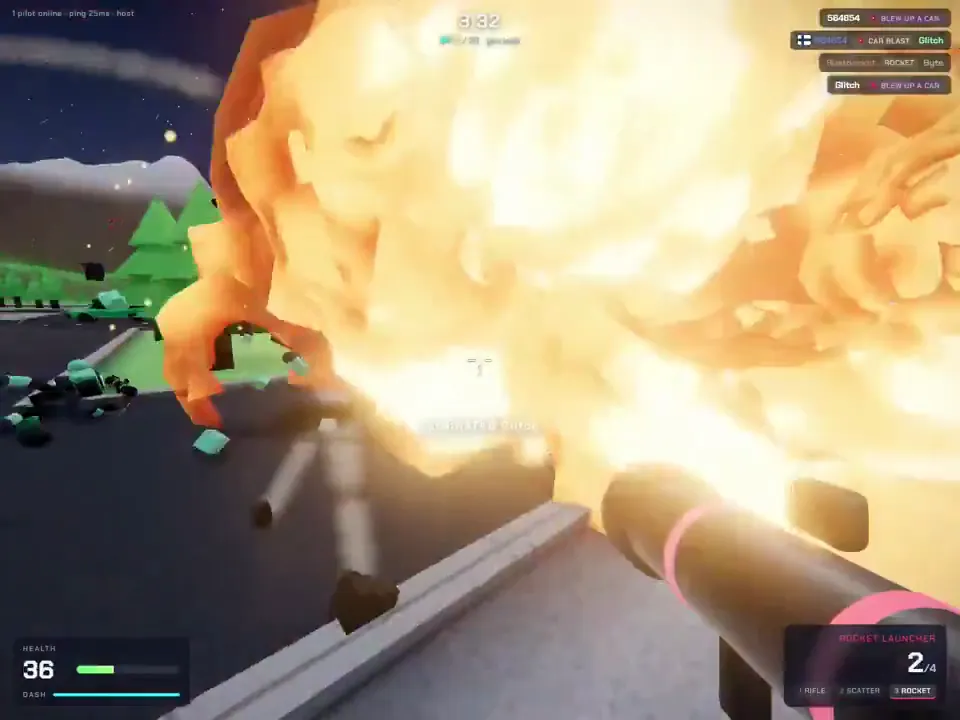
I want multiplayer game, with proximity chat, with destructurable environment, that players will enjoy, shooting game
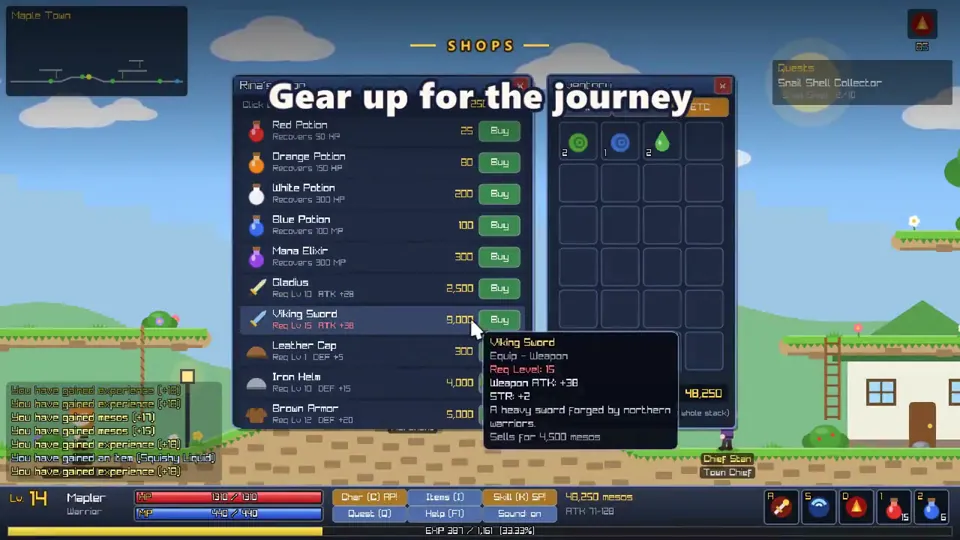
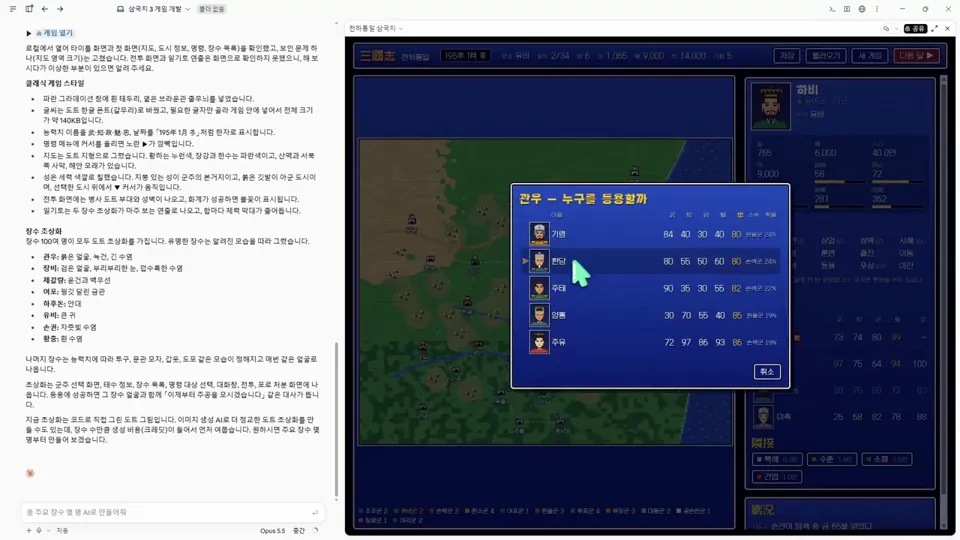
Make a game like Romance of the Three Kingdoms III with a retro, pixelated classic vibe.
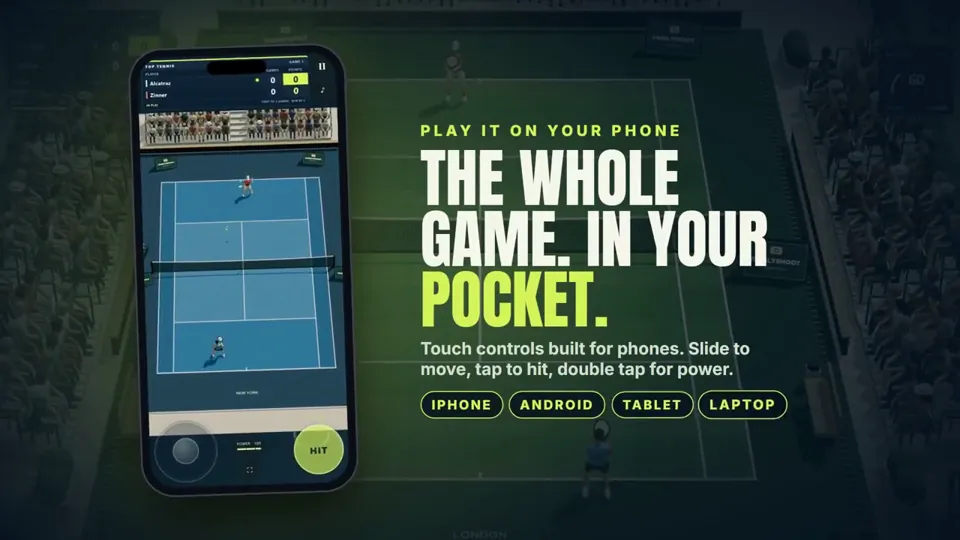
Create a high energy launch video, showing live stats from the website, show that users can play on desktop and mobile and multiple themes, if need, give me a prompt to generate the song using Suno
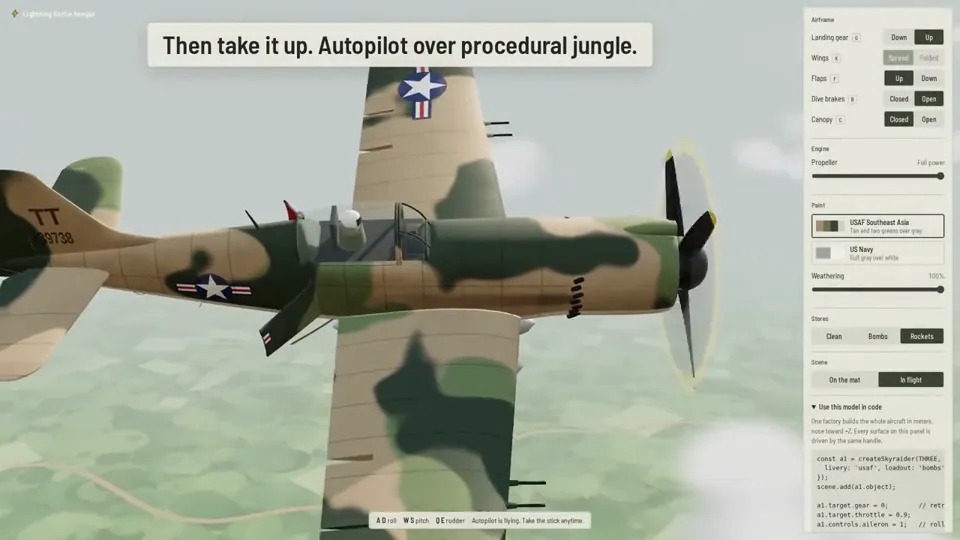
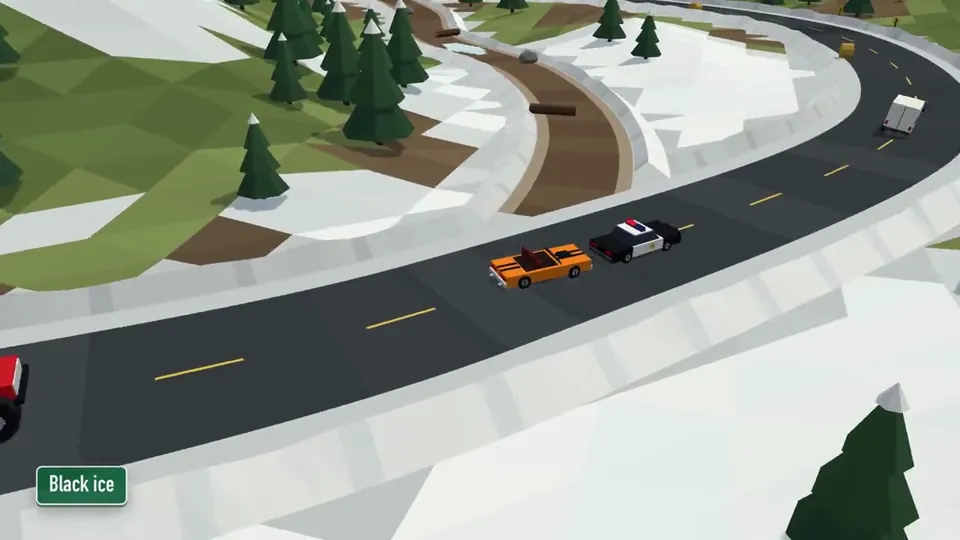
Build a racing game inspired by Ignition (1997): angled top-down camera, arcade-leaning physics, vehicles with very distinct personalities. This must be an original game, not a copy. Use an original name, an original track, and zero original assets. ## Stack - Vite + TypeScript (strict), Three.js for rendering, no UI framework (HUD in plain DOM/CSS). - Low-poly graphics generated in code (BoxGeometry, CylinderGeometry, etc.), no external models or textures. Solid colors and simple materials. - Custom simplified 2.5D physics (movement on the XZ plane, height from terrain). No physics engine. ## Architecture - src/game/ (game loop with fixed timestep), src/vehicles/, src/track/, src/ai/, src/render/, src/ui/ - Vehicles are data-driven: mass, power, top speed, grip, steering, collision resistance, and boost parameters (strength, duration, recharge time). One Vehicle class, different configurations. - Any vehicle can be controlled by either the player or the AI (shared control interface: throttle, brake, steer, boost). - Track as data: centerline spline + width + list of zones (ice, shortcut, obstacle). Generate the road mesh and AI waypoints from it. ## Vehicles (original names, no brands) Four vehicles. The player picks one on the selection screen; the remaining 3 are driven by the AI. - 90s-style police sedan (black and white, light bar): heavy, stable, pushes hard in collisions. - Muscle car convertible: fastest on straights, oversteers in corners. - Red monster truck: slow, but ignores bumps and rams everything else. - Postal delivery van: slow, high center of gravity, sways in corners. The handling differences must be clearly noticeable. All four must be playable and competitive. Slower vehicles compensate with e.g. collision resistance, terrain handling, or a stronger or more frequent boost. ## Boost - Every vehicle has a boost: a short, pronounced acceleration beyond its normal top speed. - Boost charges automatically from 0 to 100%. It can only be used at 100%. After use, the meter drops to 0 and starts charging again. - Strength, duration and recharge time are unique to each vehicle (e.g. muscle car: short and very strong; van: weaker but recharges fast; monster truck: long but slow to recharge). - Visual effect while boosting: exhaust flame or trail, slight camera pull-back. - The AI also uses boost, sensibly: on straights, not before sharp corners or on ice. ## Track A mountain town with a Canadian feel, winter turning into spring thaw: - closed loop, roughly 60–90 seconds per lap - a waterfall visible from the track and a wooden bridge over a river - a railroad crossing with a train passing periodically (collision = strong knockback, not game over) - ice patches with reduced grip - one shortcut (tight, risky); decorations: spruce trees, wooden houses, snow - barriers or natural obstacles so vehicles can't get stuck off the track. Failsafe: if a vehicle (including bots) is stuck for more than ~4 s, automatically return it to the track at the last checkpoint. ## Gameplay - 3 laps, standing grid start, 3-2-1 countdown - AI follows waypoints with a driving style that depends on the vehicle, light rubber-banding, avoids obstacles, no teleporting (except the failsafe track return described above) - Sliding comes purely from physics (grip, speed, ice), no handbrake - Camera: top-down at ~50°, follows the player with a slight look-ahead in the direction of travel - Controls: arrows/WASD (throttle, brake/reverse, steering), space = boost - Screens: start → vehicle selection (model preview + stat bars, including boost) → race → results → restart (with option to change vehicle) ## HUD - Position, lap, lap time, best lap, minimap. - Boost meter styled as a car battery: rectangular casing with two terminals (+/−) on top, fill level rises as it charges. Color shifts from red through yellow to green. At 100% the battery clearly signals readiness (pulsing or glow, "BOOST" label or lightning bolt icon). While boosting, the meter drains quickly. ## Out of scope for v1 Sound, options menu, multiple tracks, multiplayer, save state. ## Workflow 1. First propose a plan and file structure, then implement in stages: (a) game loop + one vehicle on a flat plane, including boost, (b) track, (c) remaining vehicles and AI, (d) obstacles and train, (e) vehicle selection, HUD with battery meter, and screens. 2. After each stage run `npm run build` and fix type errors. 3. Add unit tests (Vitest) for vehicle physics, boost logic (charging, lockout below 100%, reset after use), and lap/position logic. 4. Finally: a README describing the controls and how to add a new track or vehicle. ## Acceptance criteria `npm install && npm run dev` launches the game. You can pick any of the 4 vehicles and complete 3 laps against 3 bots. Each vehicle handles differently and has a noticeably different boost. Boost only works with a full battery, and bots use it too. The train and ice work. Results show the correct order. Stable 60 FPS on an average laptop.
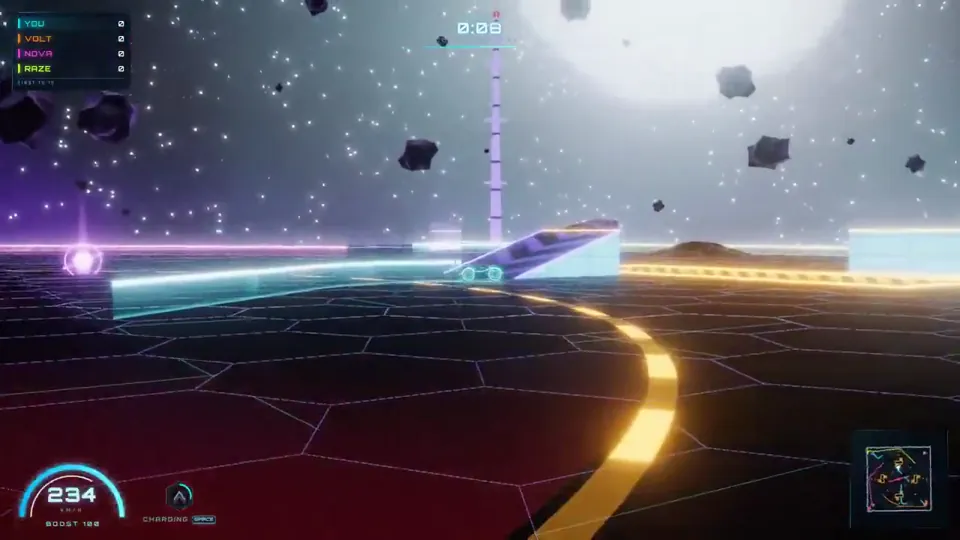
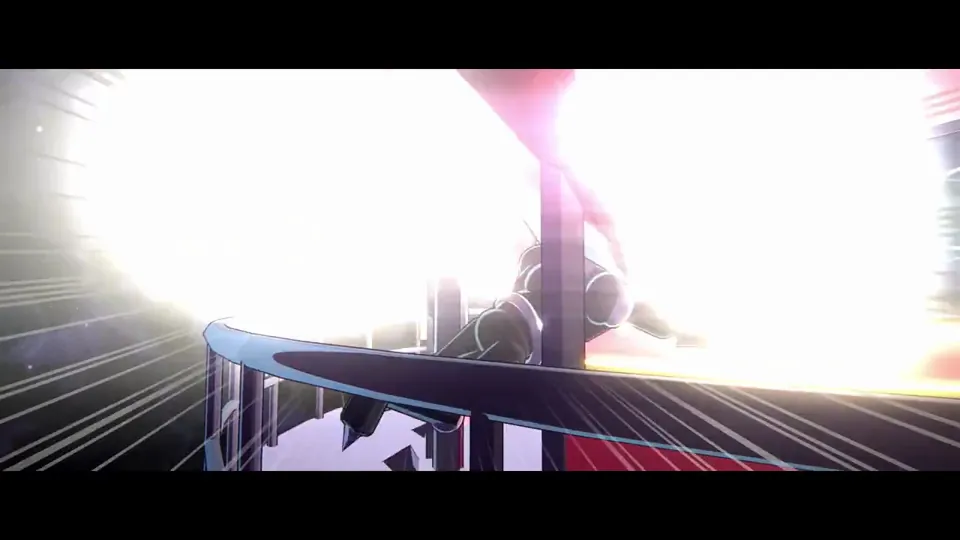
I want you to imagine a story. And then using threejs I want you to create full animation, star wars 80s-level quality 90s cartoon out of the story you imagine.
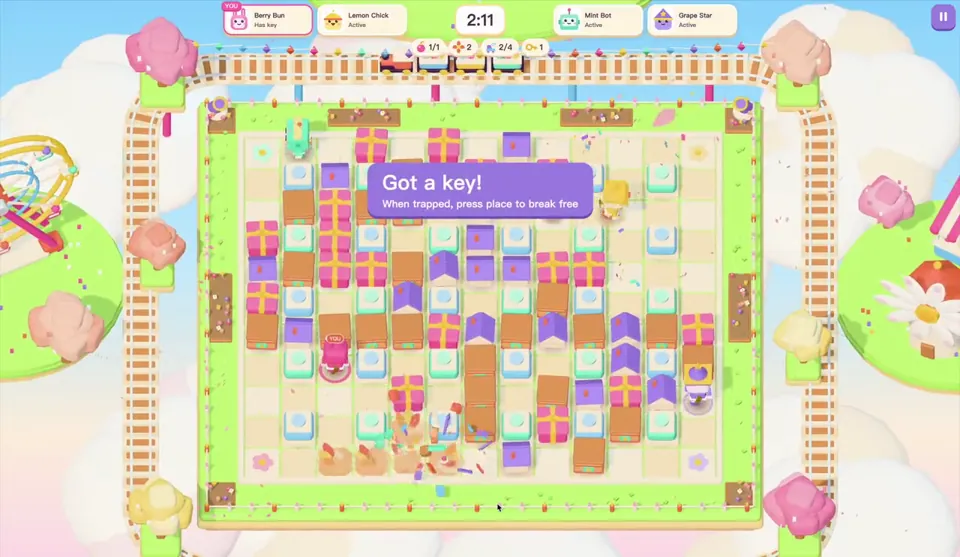
Opus 5.5 是要上天了吗?一段 prompt 一把帮我复刻了一个泡泡堂!简直是童年经典 💣 无论是游戏机制还是游戏美学我觉得都是足以上架7k7k的程度,关键第一把测试的时候竟然输给了AI npc 🤣 想玩的家人们可以评论告诉我
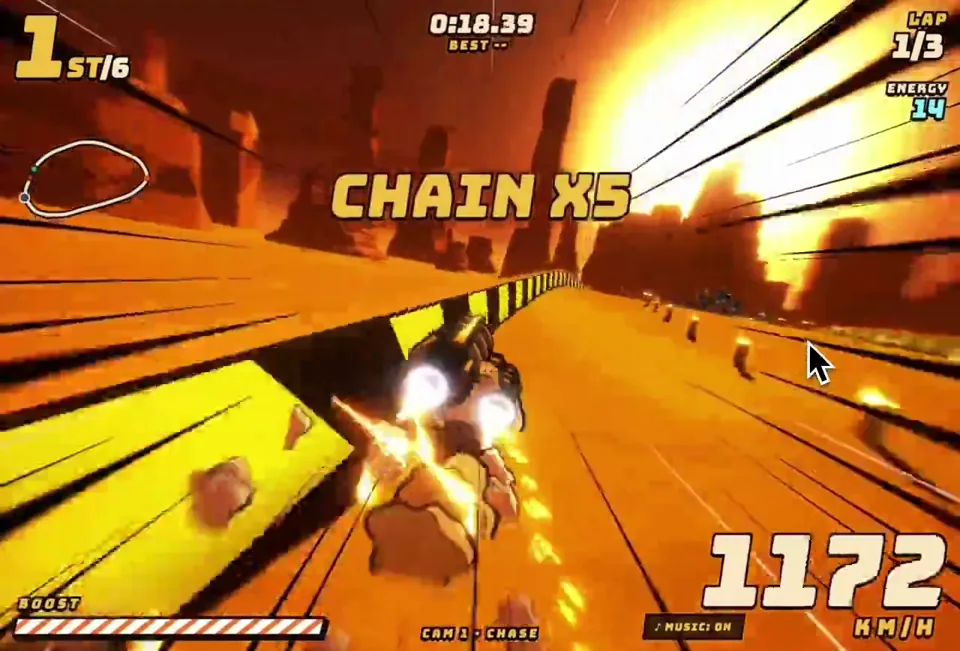
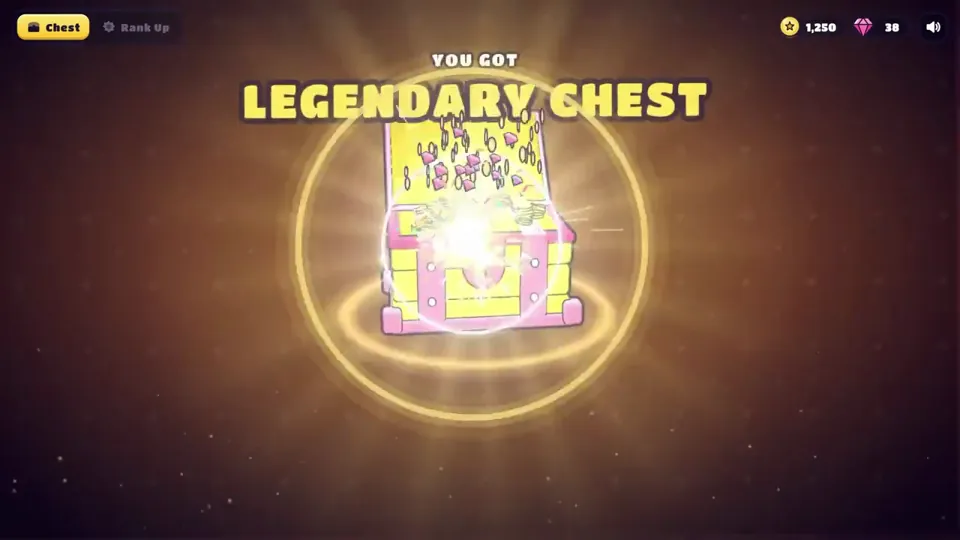
帮我做一个原创的手游「高光时刻」动效:[主体,例如:开宝箱 / 段位晋升 / 成就解锁 / Boss 掉落 / 角色升级]。 做成一个可以直接打开的单文件网页(HTML + CSS + JS),点一下就能完整播放,效果对标商业手游的结算 / 奖励演出。 【世界观与风格】 - 原创美术,不要模仿任何现有游戏的 IP、角色或 Logo。 - 卡通手游风:高饱和配色,统一的深色描边(例如 #1A1033),圆润厚重的造型。 - 配色随等级升级:[等级阶梯,例如:普通绿 → 稀有蓝 → 史诗紫 → 传说金]。每升一级都要切换主色、光效颜色和背景色调。 - 标题用圆胖的游戏字体(如 Titan One / Lilita One),描黑边,加投影;文字逐字「砸」进画面,带回弹。 【主体物:做成真 3D】 - 用 Three.js 建模,不要用平面 SVG 贴图。要有厚度、倒角,以及符合主体的结构细节(木板缝、铆钉、包边、宝石切面、锁扣等);木板缝这类细节用真实几何体拼出来,不要贴黑线条。 - 着色用卡通分阶(MeshToonMaterial 加 3~4 阶的渐变贴图),配三种灯光:主光、天光、等级色的轮廓光。 - 描边用后期边缘检测:渲染法线图 + 深度图,再用着色器画线。外轮廓粗、零件交界细,粗细全程一致;另外做 1.5 倍超采样和多重采样抗锯齿。 不要用「放大一圈的黑色背面」那种描边,那样粗细不均、转角会断。 深度判断的阈值要放宽,接缝主要靠法线判断,否则斜着看的表面会冒出细碎斜纹。 - 活动部件要真实运动,比如箱盖绕铰链翻开、奖章绕竖轴旋转。 - 待机时主体缓慢左右转动,让人看到侧面和厚度,同时轻微上下浮动;脚下要有随高度变化的柔和投影。 【如果画面里有 2D 插画(卡面、奖励图标、角色)】 - 三层卡通着色:底色、成块的阴影色、高光色,不要只用一层渐变。 - 线条分粗细:外轮廓粗,内部结构线细。 - 每个角色或物件要有自己的表情和姿态,不要所有东西共用同一张脸。 - 脚下画投影,让主体「站」在画面里;背景按属性区分图案,不要全用同一套放射线。 【演出节奏:五个阶段,缺一不可】 1. 预备:主体待机浮动,每隔几秒抖一下提示可以点击,底部显示「点击」提示。 2. 升级:每点一次,主体跳起、在空中转一圈、落地时压扁再回弹;同时切换到下一等级的颜色,闪一下光,冒一圈粒子,标题更新。 3. 蓄力(约 1 秒):主体越抖越剧烈,缝隙透出光,四周粒子往中心吸,音效音调持续上升;最后一刻猛地压扁。 4. 爆发:从爆点向外扩散的泛光闪白、屏幕震动、镜头往前一推、多层冲击波、细长流光迸射、闪光星点、金币和宝石(带旋转)。高等级的爆发要明显更强。彩带只在最高潮用一次,不要满屏彩带。 5. 揭晓与结算: - 奖励卡片从主体里沿弧线飞出,落位时带超调和晃动收尾,数字滚动计数。 - 稀有物品带彩虹流光边框和「NEW!」角标。 - 点击领取后,金币和宝石沿贝塞尔曲线飞进右上角的余额,每到一个余额就跳一下。 【揭晓舞台:让主角独占画面】 - 最高稀有度揭晓时,其他元素收起或淡出,背后换成一层干净的渐变幕布加缓慢旋转的柔光,不要让主角压在杂乱的背景上。 - 幕布出现时,把场景里的其他 3D 物件隐藏掉,否则后期描边会把它们的轮廓线画在幕布上。 - 主角的外发光要放在主体背后,只从边缘溢出,不能盖在主体前面把它糊成一片白。 - 可以加一圈围绕主角盘旋的星尘拖尾,但轨道必须完整在主角轮廓外侧,不能从主体正面扫过。 【光效:必须柔和,不能有硬边】 - 背景光芒:用带渐变过渡的 conic-gradient,不要一刀切的色块边缘;叠 2~3 层不同密度、不同转速的光。 - 光柱:由 5~7 道带模糊的光束呈扇形散开,亮度各自轻微闪动;根部加一团柔光核心,光里有光尘缓慢上飘。 - 闪白:从爆点向外的径向泛光(mix-blend-mode: screen),强度不超过 0.8,不要整屏纯白过曝。 - 粒子:每个火花都带一圈低透明度的外晕;冲击波用三层描边(宽而淡、中等、细而亮)。 【材质与界面】 - 边框、名牌、按钮要有材质感:金属拉丝渐变、左上亮右下暗的倒角光、内阴影;按稀有度换镶嵌件(钢铆钉 → 银框宝石 → 金框钻石加小王冠)。 - 小卡片上不要塞小字数值;详细数值放到揭晓时的信息面板里,面板里的数字滚动上涨,并弹出「▲+数值」。 - 画在 Canvas 上的贴图,分辨率至少是屏幕上最大显示尺寸的 1.5 倍,否则放大时会发虚。 【动画原则】 - 用 GSAP 时间线编排。所有动作都要有挤压拉伸、超调和弹性回弹,不要匀速。 - 粒子系统用 Canvas 2D 自己写:重力、阻力、生命周期、叠加混合,以及「吸入」「曲线飞行」「环绕」三种运动。 - 不要用 CSS 3D 透视去翻转大尺寸元素,放大加侧翻时会被投影成铺满屏幕的平面,3D 翻转一律放在 WebGL 里做。 - 所有「抖动」「呼吸」类的循环补间,在状态切换时要先取消再归零,避免它比停止指令晚一帧结束,又把值设回去。 【音效】 - 全部用 Web Audio 实时合成,不用音频文件:跳起、落地、升级和弦、蓄力上升音、爆炸低频加噪声、弹出音、计数滴答、金币叮当、胜利号角。 - 第一次点击时才初始化音频;右上角放静音开关。 【界面与工程】 - 顶部 HUD:模式切换、金币和宝石余额、静音按钮。 - 手机宽度也要能用;遵守「减少动态效果」设置(关闭震屏,减少粒子)。 - 动画状态机要严谨:动画播放中忽略点击,不能出现点击被吞或状态错乱。 - 目标 60fps。第一次打开时就是完整的待机画面,不能是空白。 【交付前自检】 在蓄力、爆发、揭晓、结算这几个时刻各截一张图,逐张检查: - 主角有没有被光晕、粒子或文字挡住? - 有没有过曝成一片白? - 背景是否杂乱,有没有穿帮的描边线? - 小字是否能看清? - 结算后是否还有东西在不该动的时候继续抖动? 最后告诉我:每个阶段的时长,以及哪些参数可以调整演出强度。
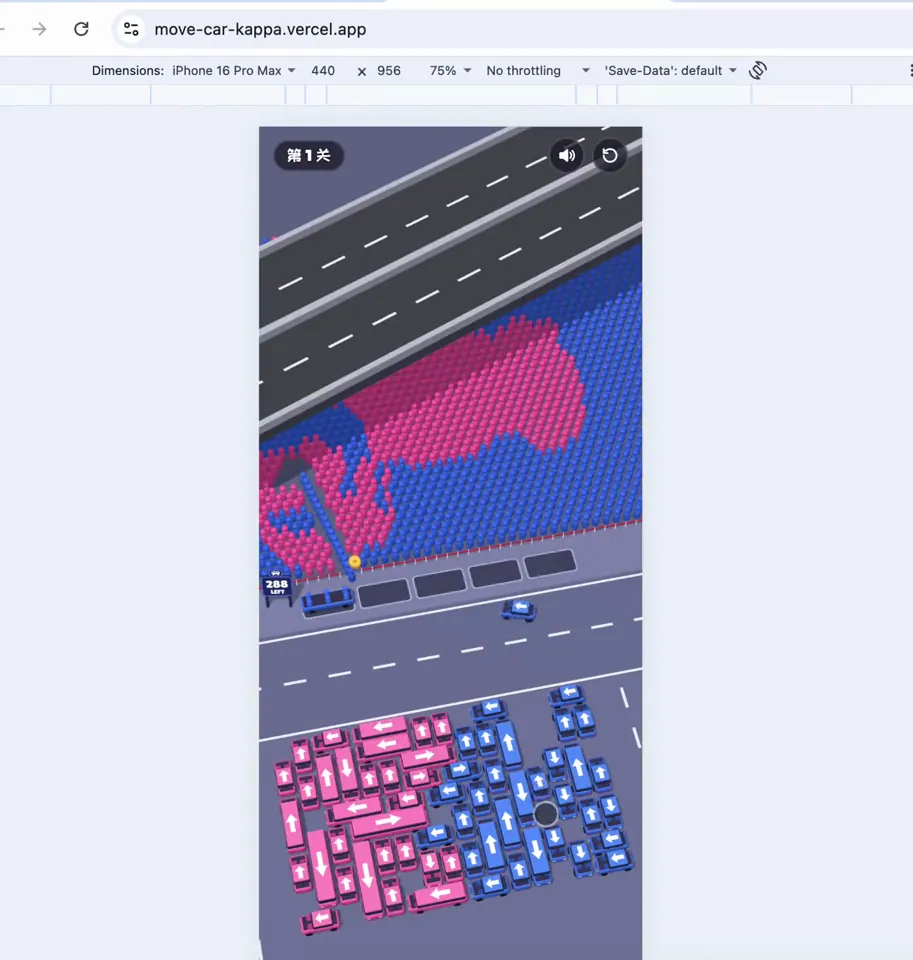
被Claude Opus 5.5生成的游戏效果彻底瘫坐了。。。。只消耗了Pro套餐5h限额的19%,连续运行1h45m就能获得这么高的完整度。。。。。瘫坐中。。。。 游戏地址:https://move-car-kappa.vercel.app/
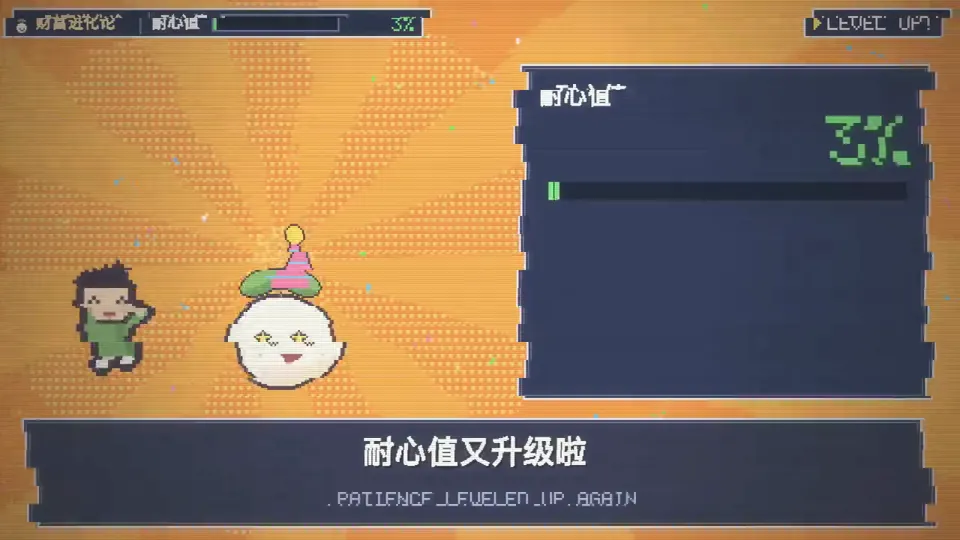
试着用 Opus 5.5 给「财富进化论」做了一款复古的像素游戏《复利 QUEST》。 把我们家庭投资理财路上的一些困难设计成关卡。 在这个像素世界里,冲动消费是要跳过去的陷阱,通胀会变成怪兽,还会追着我们跑。一路升级的,是我们的耐心值。 再配上 8-bit 音乐,储蓄、复利和长期持有这些知识,就有了具体的角色和关卡。 游戏做完,又用它做了这条 40 秒的介绍视频。
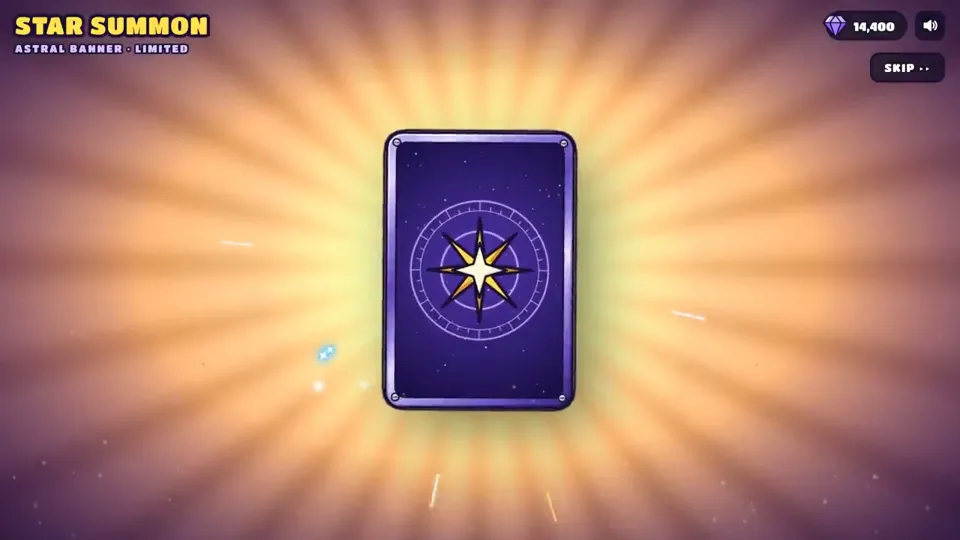
帮我做一个原创的手游「高光时刻」动效:[主体,例如:开宝箱 / 段位晋升 / 成就解锁 / Boss 掉落 / 角色升级]。 做成一个可以直接打开的单文件网页(HTML + CSS + JS),点一下就能完整播放,效果对标商业手游的结算 / 奖励演出。 【世界观与风格】 - 原创美术,不要模仿任何现有游戏的 IP、角色或 Logo。 - 卡通手游风:高饱和配色,统一的深色描边(例如 #1A1033),圆润厚重的造型。 - 配色随等级升级:[等级阶梯,例如:普通绿 → 稀有蓝 → 史诗紫 → 传说金]。每升一级都要切换主色、光效颜色和背景色调。 - 标题用圆胖的游戏字体(如 Titan One / Lilita One),描黑边,加投影;文字逐字「砸」进画面,带回弹。 【主体物:做成真 3D】 - 用 Three.js 建模,不要用平面 SVG 贴图。要有厚度、倒角,以及符合主体的结构细节(木板缝、铆钉、包边、宝石切面、锁扣等);木板缝这类细节用真实几何体拼出来,不要贴黑线条。 - 着色用卡通分阶(MeshToonMaterial 加 3~4 阶的渐变贴图),配三种灯光:主光、天光、等级色的轮廓光。 - 描边用后期边缘检测:渲染法线图 + 深度图,再用着色器画线。外轮廓粗、零件交界细,粗细全程一致;另外做 1.5 倍超采样和多重采样抗锯齿。 不要用「放大一圈的黑色背面」那种描边,那样粗细不均、转角会断。 深度判断的阈值要放宽,接缝主要靠法线判断,否则斜着看的表面会冒出细碎斜纹。 - 活动部件要真实运动,比如箱盖绕铰链翻开、奖章绕竖轴旋转。 - 待机时主体缓慢左右转动,让人看到侧面和厚度,同时轻微上下浮动;脚下要有随高度变化的柔和投影。 【如果画面里有 2D 插画(卡面、奖励图标、角色)】 - 三层卡通着色:底色、成块的阴影色、高光色,不要只用一层渐变。 - 线条分粗细:外轮廓粗,内部结构线细。 - 每个角色或物件要有自己的表情和姿态,不要所有东西共用同一张脸。 - 脚下画投影,让主体「站」在画面里;背景按属性区分图案,不要全用同一套放射线。 【演出节奏:五个阶段,缺一不可】 1. 预备:主体待机浮动,每隔几秒抖一下提示可以点击,底部显示「点击」提示。 2. 升级:每点一次,主体跳起、在空中转一圈、落地时压扁再回弹;同时切换到下一等级的颜色,闪一下光,冒一圈粒子,标题更新。 3. 蓄力(约 1 秒):主体越抖越剧烈,缝隙透出光,四周粒子往中心吸,音效音调持续上升;最后一刻猛地压扁。 4. 爆发:从爆点向外扩散的泛光闪白、屏幕震动、镜头往前一推、多层冲击波、细长流光迸射、闪光星点、金币和宝石(带旋转)。高等级的爆发要明显更强。彩带只在最高潮用一次,不要满屏彩带。 5. 揭晓与结算: - 奖励卡片从主体里沿弧线飞出,落位时带超调和晃动收尾,数字滚动计数。 - 稀有物品带彩虹流光边框和「NEW!」角标。 - 点击领取后,金币和宝石沿贝塞尔曲线飞进右上角的余额,每到一个余额就跳一下。 【揭晓舞台:让主角独占画面】 - 最高稀有度揭晓时,其他元素收起或淡出,背后换成一层干净的渐变幕布加缓慢旋转的柔光,不要让主角压在杂乱的背景上。 - 幕布出现时,把场景里的其他 3D 物件隐藏掉,否则后期描边会把它们的轮廓线画在幕布上。 - 主角的外发光要放在主体背后,只从边缘溢出,不能盖在主体前面把它糊成一片白。 - 可以加一圈围绕主角盘旋的星尘拖尾,但轨道必须完整在主角轮廓外侧,不能从主体正面扫过。 【光效:必须柔和,不能有硬边】 - 背景光芒:用带渐变过渡的 conic-gradient,不要一刀切的色块边缘;叠 2~3 层不同密度、不同转速的光。 - 光柱:由 5~7 道带模糊的光束呈扇形散开,亮度各自轻微闪动;根部加一团柔光核心,光里有光尘缓慢上飘。 - 闪白:从爆点向外的径向泛光(mix-blend-mode: screen),强度不超过 0.8,不要整屏纯白过曝。 - 粒子:每个火花都带一圈低透明度的外晕;冲击波用三层描边(宽而淡、中等、细而亮)。 【材质与界面】 - 边框、名牌、按钮要有材质感:金属拉丝渐变、左上亮右下暗的倒角光、内阴影;按稀有度换镶嵌件(钢铆钉 → 银框宝石 → 金框钻石加小王冠)。 - 小卡片上不要塞小字数值;详细数值放到揭晓时的信息面板里,面板里的数字滚动上涨,并弹出「▲+数值」。 - 画在 Canvas 上的贴图,分辨率至少是屏幕上最大显示尺寸的 1.5 倍,否则放大时会发虚。 【动画原则】 - 用 GSAP 时间线编排。所有动作都要有挤压拉伸、超调和弹性回弹,不要匀速。 - 粒子系统用 Canvas 2D 自己写:重力、阻力、生命周期、叠加混合,以及「吸入」「曲线飞行」「环绕」三种运动。 - 不要用 CSS 3D 透视去翻转大尺寸元素,放大加侧翻时会被投影成铺满屏幕的平面,3D 翻转一律放在 WebGL 里做。 - 所有「抖动」「呼吸」类的循环补间,在状态切换时要先取消再归零,避免它比停止指令晚一帧结束,又把值设回去。 【音效】 - 全部用 Web Audio 实时合成,不用音频文件:跳起、落地、升级和弦、蓄力上升音、爆炸低频加噪声、弹出音、计数滴答、金币叮当、胜利号角。 - 第一次点击时才初始化音频;右上角放静音开关。 【界面与工程】 - 顶部 HUD:模式切换、金币和宝石余额、静音按钮。 - 手机宽度也要能用;遵守「减少动态效果」设置(关闭震屏,减少粒子)。 - 动画状态机要严谨:动画播放中忽略点击,不能出现点击被吞或状态错乱。 - 目标 60fps。第一次打开时就是完整的待机画面,不能是空白。 【交付前自检】 在蓄力、爆发、揭晓、结算这几个时刻各截一张图,逐张检查: - 主角有没有被光晕、粒子或文字挡住? - 有没有过曝成一片白? - 背景是否杂乱,有没有穿帮的描边线? - 小字是否能看清? - 结算后是否还有东西在不该动的时候继续抖动? 最后告诉我:每个阶段的时长,以及哪些参数可以调整演出强度。
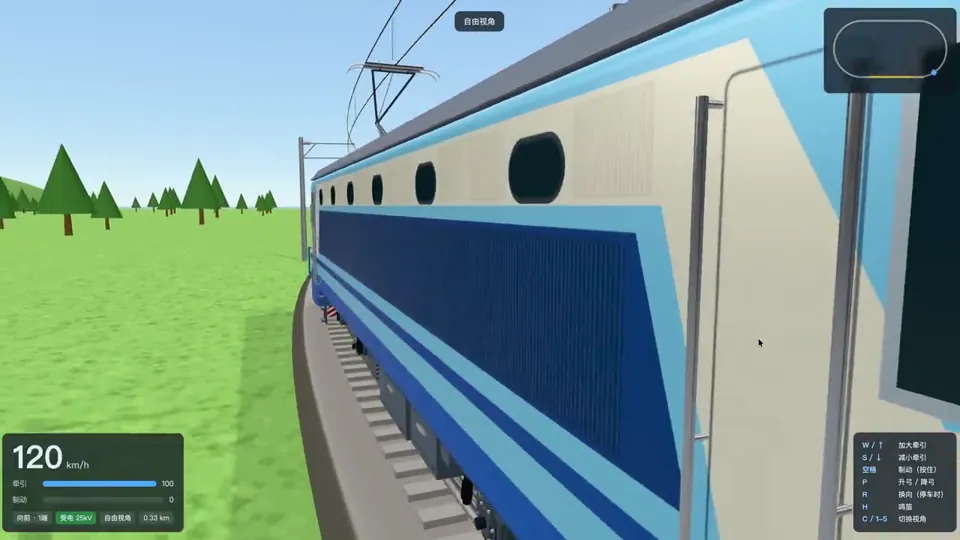
太离谱了,一共3步,Opus 5.5给我整了个“模拟火车”出来。 1. 让ChatGPT生成韶山8各个视角的图; 2. 让Opus做一个3D资产,100%还原这张图; 3. 做一个环形铁路,可以操作这辆车行驶。
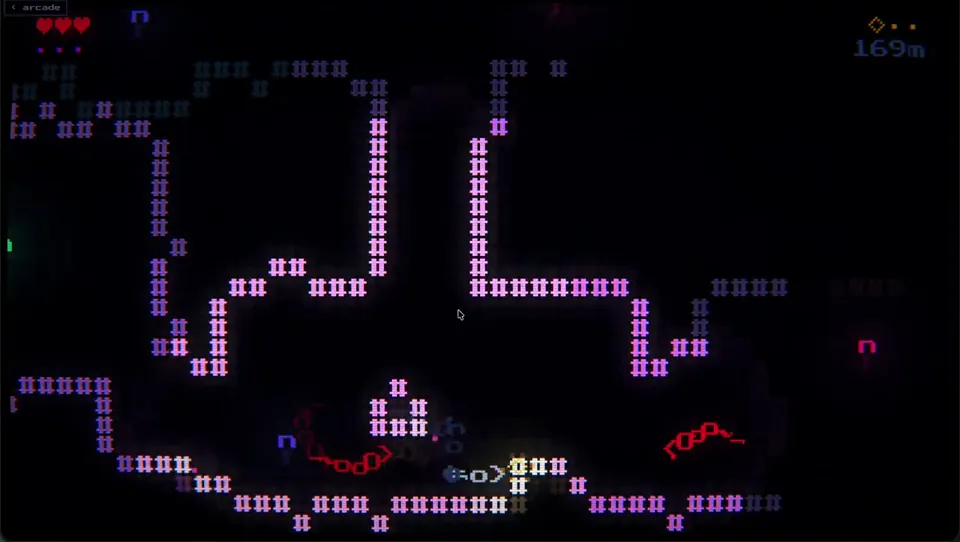
I asked opus 5.5 to make a game within the confines and abilities of my engine, no other prompt. It made this deep-sea horror game, with a subtle drone soundtrack. And it's terrifying (if a bit unbalanced/unfair). Sound on.
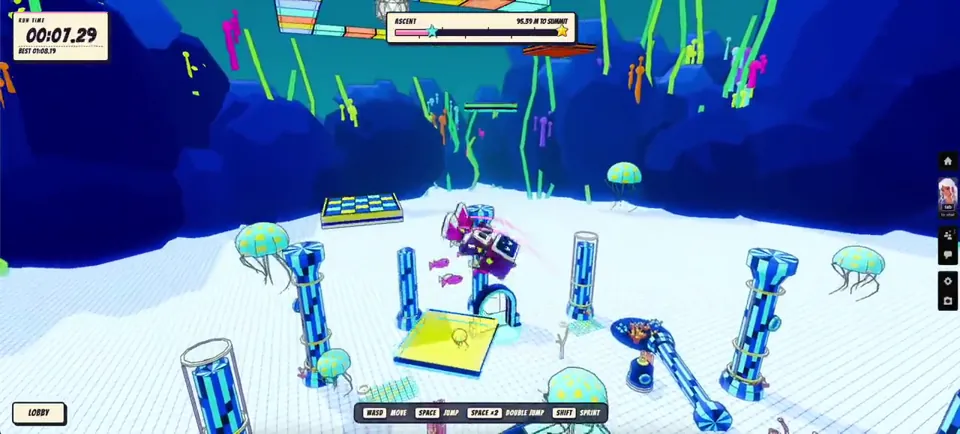
I updated my game Higher on @spawn with Opus 5.5 and Savi with just only one prompt This is the result. Multiplayer game with portals to different worlds Play here: https://www.spawn.co/@chucky/higher/play
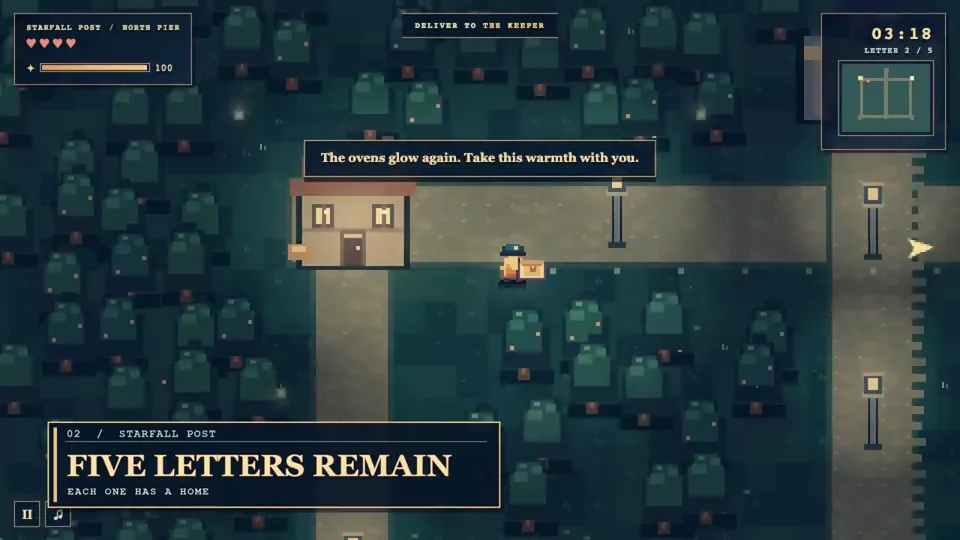
Opus 5.5 just one-shot this entire pixel-art game. Oh, and the prompt? It was barely three sentences. I gave claude creative license to make whatever game it wanted to, and oh boy did it cook The capabilities of this model are genuinely ridiculous, I fed GPT Sol-6 the same prompt and the results were shockingly poor. Seems like Sol-6 is taking the Opus 5 role this time around. With models becoming this good, I'm struggling to see the need to purchase games anymore. If you can have any game you want created in a single prompt, with beautiful art, story, etc - what's the point of sinking $60+? Lol, obviously because the stories and ideas that humans have are still way better than whatever these models can still do. However, the gaming industry is definitely going to be shaken now - excited to see what's gonna come out of this! Anyway, here's a side by side comparison of both outputs, thoughts? Also if you wanted to play it yourself: https://skerry-light.vercel.app/ Left is Claude, right is Opus
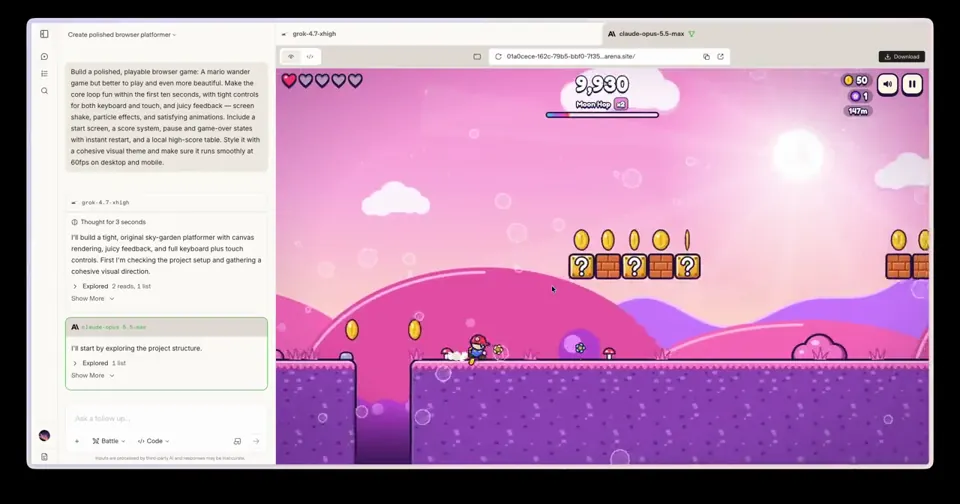
HOLY SHIT MOMENT with Opus 5.5 😱 I really wanted to play Super Mario Bros Wonder but I don't have a Nintendo Switch.... So I went to @arena with the hop to find an AI that could reproduce the game. And luckily I stumbled upon Opus 5.5 ✨ Have a look at what it did with ONE prompt 😵💫 For those interested I'll share the result of Grok 4.7 in the comments
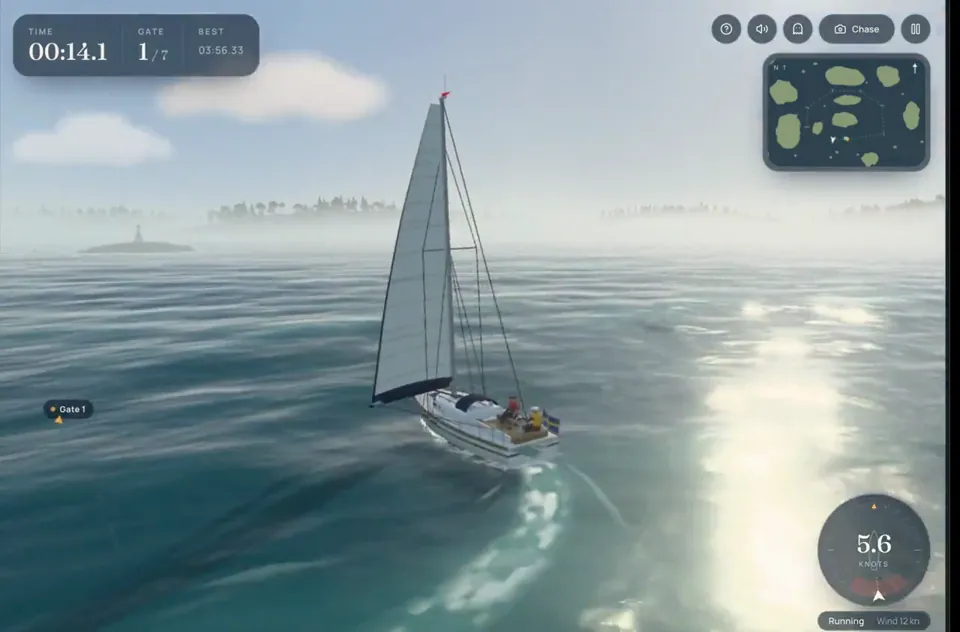
Opus 5.5 is seriously impressive🤯 I gave Lovable a detailed prompt for a game I wanted to build, and it used Opus 5.5 to turn it into what you see in the video. Five hours of cooking. One-shotted.
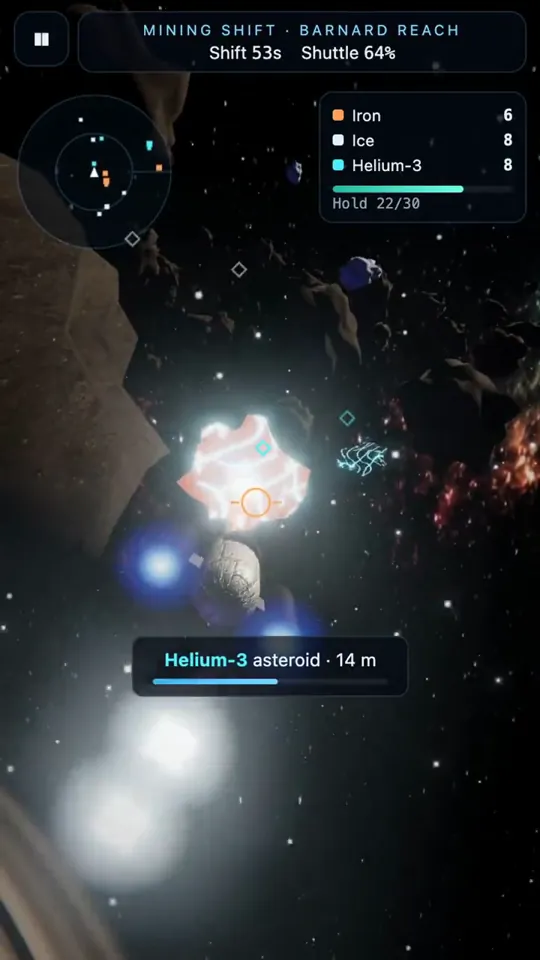
Day 7 of making a game every day until I hit 1 million followers. Driftward: Oregon Trail in space, four mini games. Can you make it to the other side of the galaxy alive? Made in a single prompt with Opus 5.5 and Fifth Door.
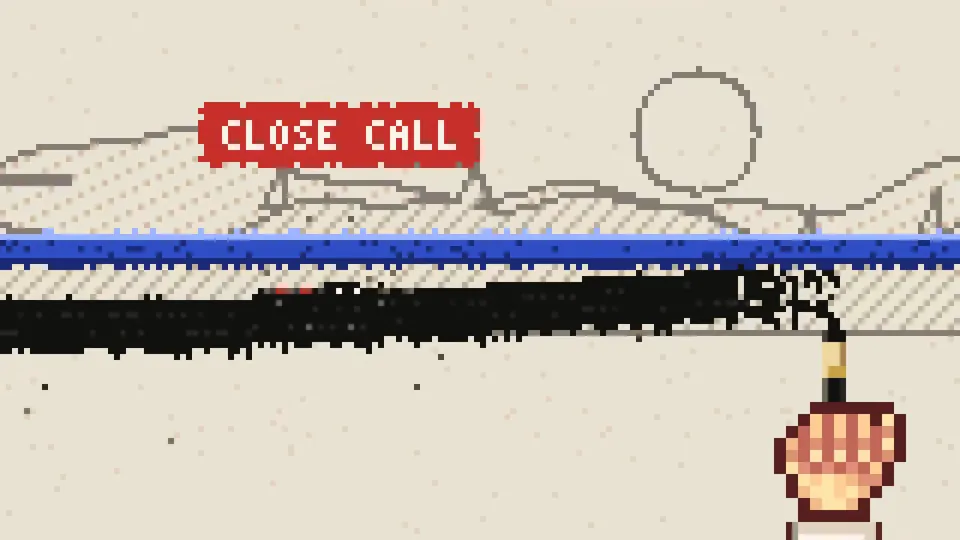
Play INKBOUND: https://agentgames.itch.io/inkbound Claude Opus 5.5 built this pixel game in 30 minutes. While the human was building the amusement park with Claude, Opus 5.5 arrived. Time to see what it could do with a pixel game. Meet INKBOUND. One painter draws your path. Another tries to erase you. Apparently, even a tiny ink spirit needs workplace conflict. Jump, sink into the ink, or absorb incoming attacks. Sound on for this one. Want to try building it yourself? The prompt is in the pinned YouTube comment: https://www.youtube.com/shorts/86TukHHr74o
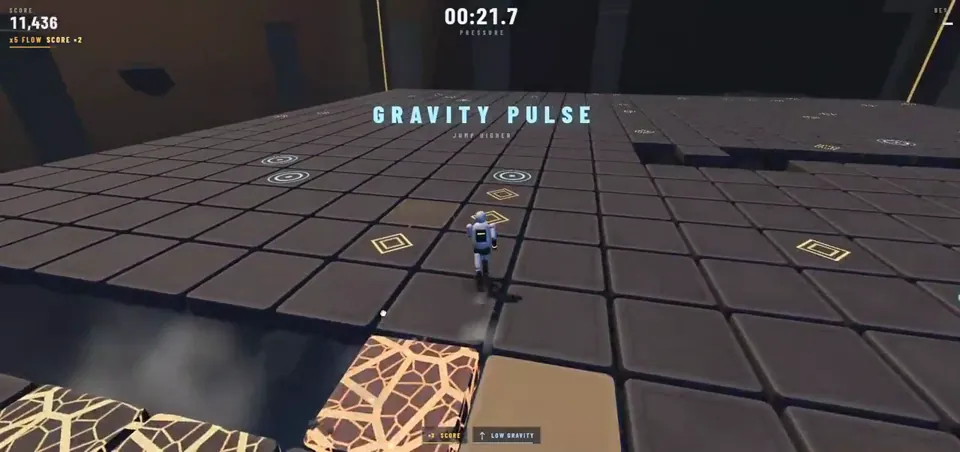
I made a 3D survival game in one prompt with Opus 5.5 Survive 60 seconds. Every tile you step on cracks... then it falls. Race your own ghost, chase near-misses, watch the arena rebuild itself when you fail. Most people don't make it past 30s 👇 https://claude.ai/artifact/D3kjdvMpvrGgTCcxDTTDvP
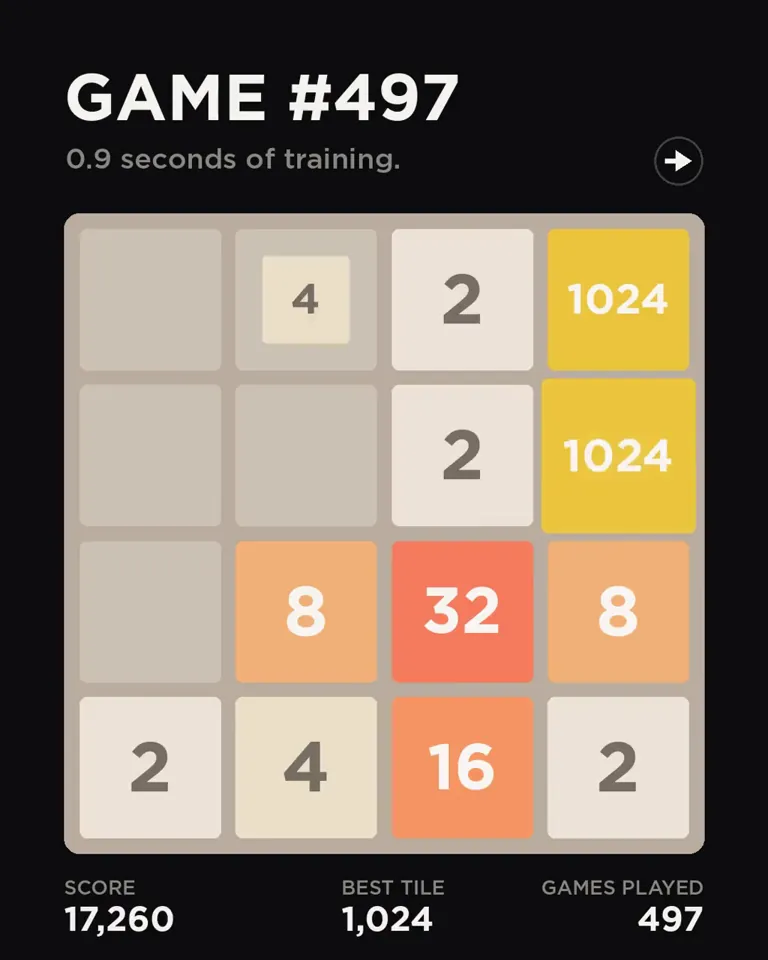
Always wondered if you can win every game of 2048, so i gave Claude Opus 5.5 one prompt. It built an AI that learns from zero, on my laptop! Game 1: dies at 128 Game 497: first 2048 Game 3,915: first 8192 Game 98,299: first 16384 Can it win them all? No. After 2M games: 99%!
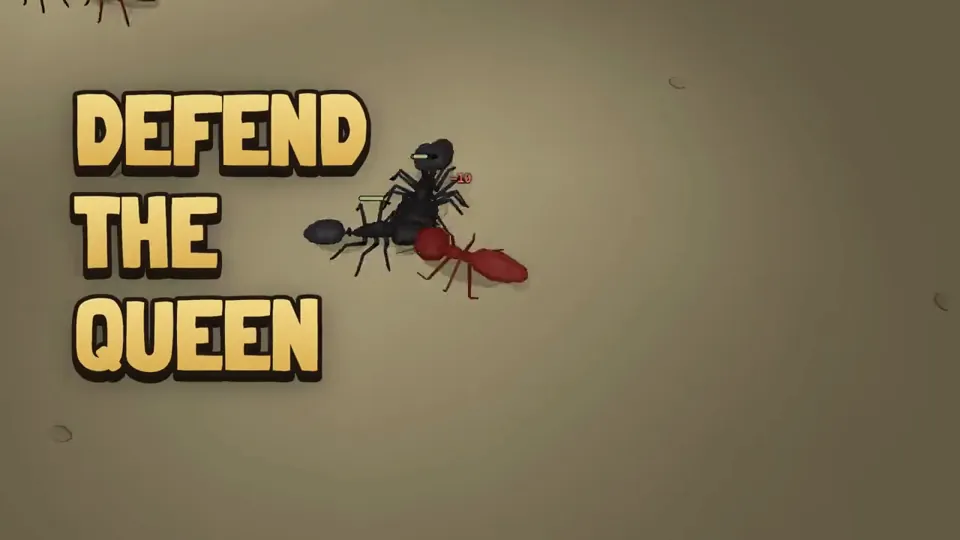
Claude Opus 5.5 made a trailer for my Antkeeper game (one prompt). This is what it came up with 🤔
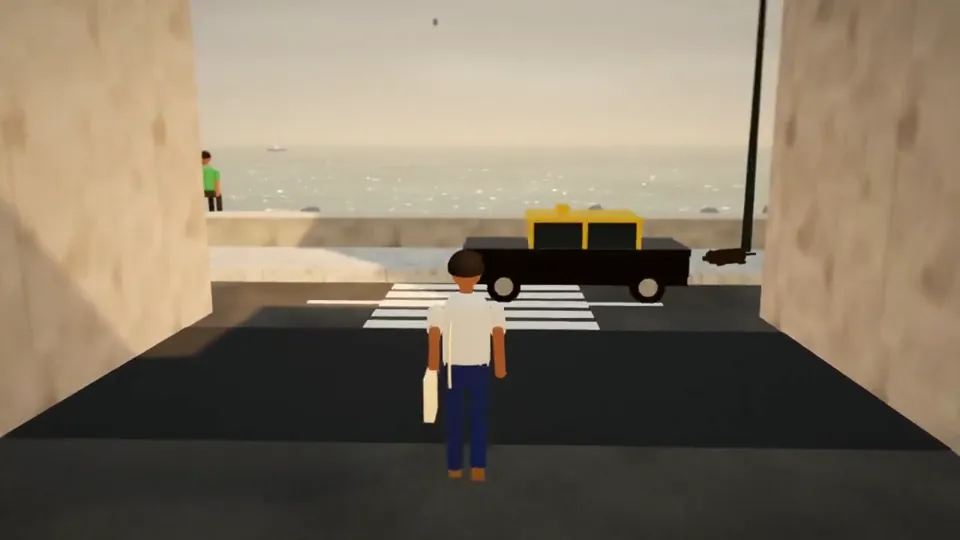
This is Dope! Claude Opus 5.5 is on fire 🔥 One prompt → a 30s video-game walk through Mumbai, built entirely in code. No AI video. No 3D assets. No stock audio. 1,850 lines. 900 frames. 30+ sounds from pure math. Every pigeon, puddle and kaali-peeli, made by code. Mumbai, compiled. 🇮🇳
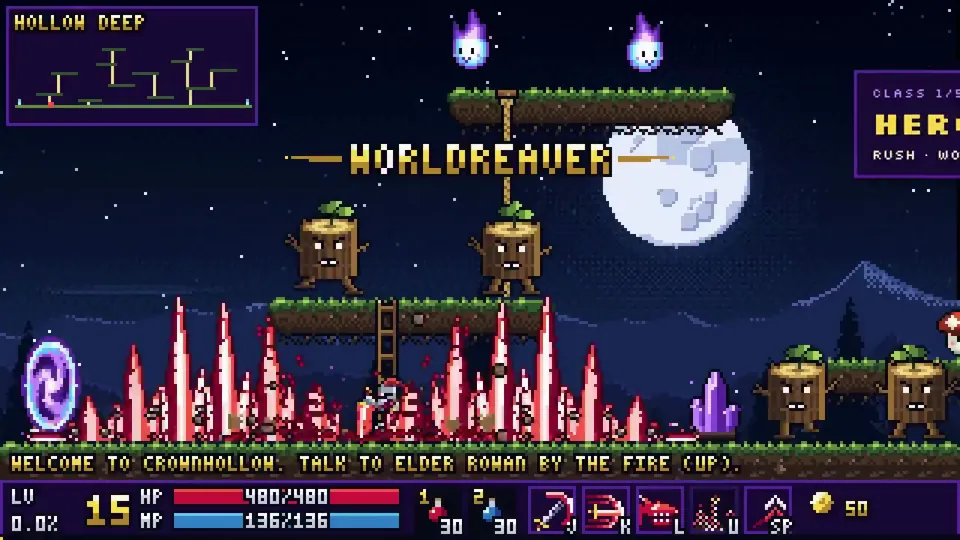
I turned this into a full game with unity cli + opus 5.5, also opus did this full demo video, it played the game with multiple characters and spliced together the best bits, holy shit we're in the AGI era. Play it on your browser here: https://rehan-remade.github.io/hollow-crown/
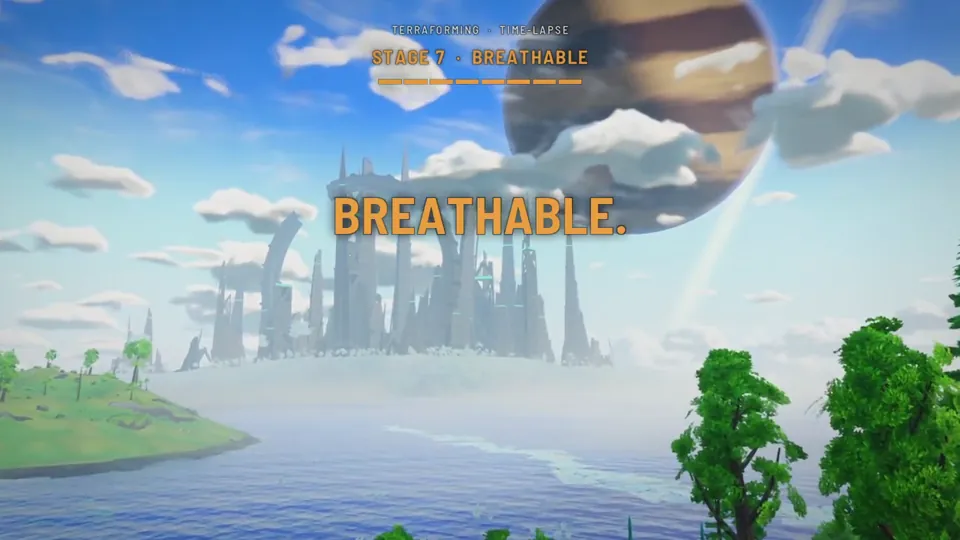
A dead planet to a breathable one, one camera, no cuts. I'm making Second Dawn, a co-op terraforming game, with Claude: it started on Fable 5.0, moved to Fable 5.1, and it's on Opus 5.5 now. I set the design and the direction.
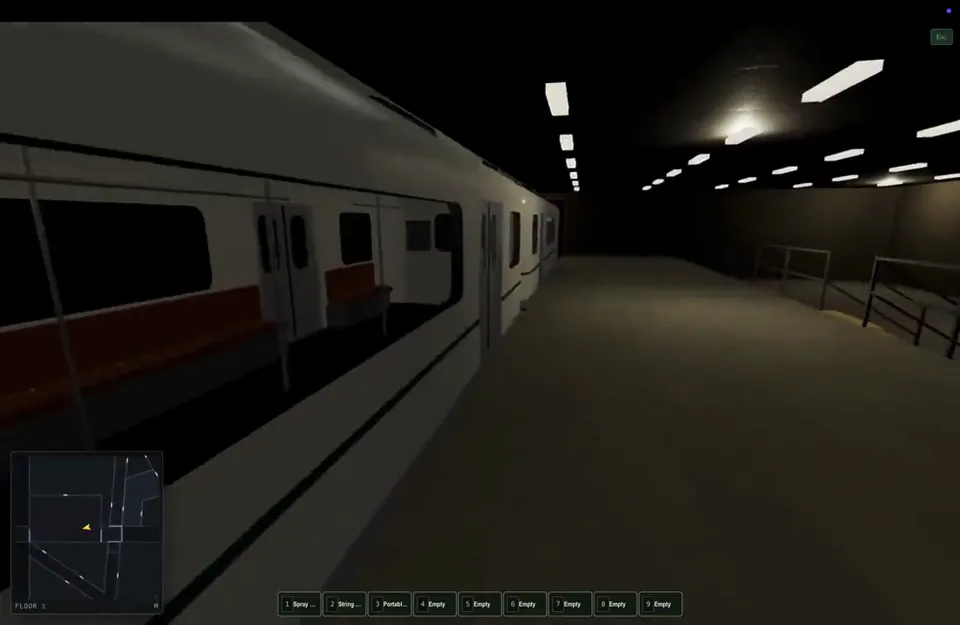
I'm having so much fun doing game development with opus 5.5. This little bit with trains and barriers is awesome.
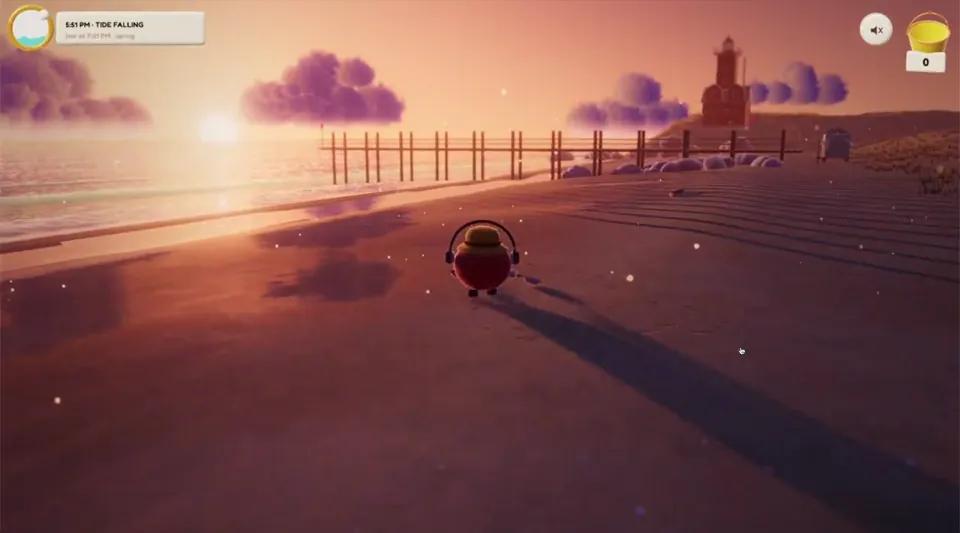
vibe coding a cozy metal detector game a few prompts in with opus 5.5 loving the sunset 😌
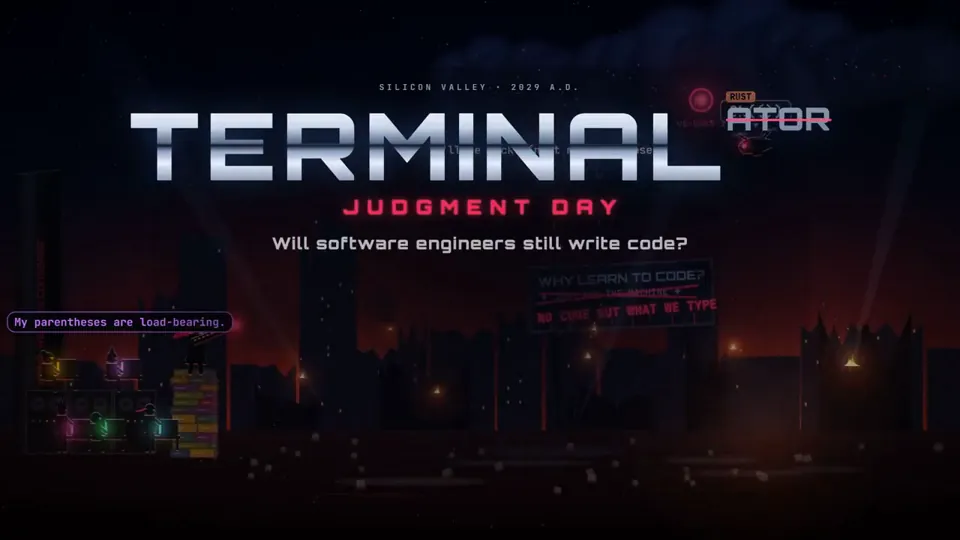
I asked Opus 5.5 to make a game about @dhh , Ruby and the end of hand-written code.
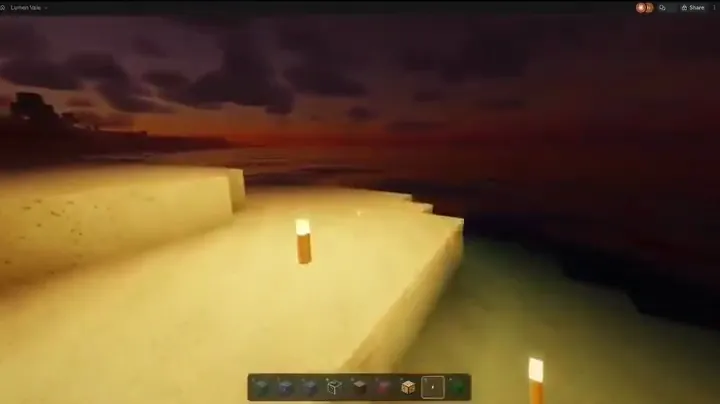
Claude Opus 5.5 just built Minecraft. In the browser. From a single prompt. Noah Wachnick asked it to recreate Minecraft with advanced shaders, "as realistic as possible." 1 hour 37 minutes at max effort: > block placement > terrain > realistic lighting and shaders Here's a prompt to try it yourself. Bookmark this for later "Build a Minecraft-style voxel game in a single HTML file that runs in the browser. - First-person controls: WASD, mouse look, jump - Procedural terrain with hills, water and trees - Place and break blocks with the mouse, 5 block types - Advanced shaders: moving sun, soft shadows, ambient occlusion, fog, water reflections - Smooth 60 fps on a laptop Use Three.js from a CDN. Test it, fix every bug, then keep improving the visuals until it looks as realistic as possible." Tips: 1. Set effort to max 2. Give it time, the original run took ~1.5 hours 3. When it's done, ask: "What looks least realistic? Fix it."
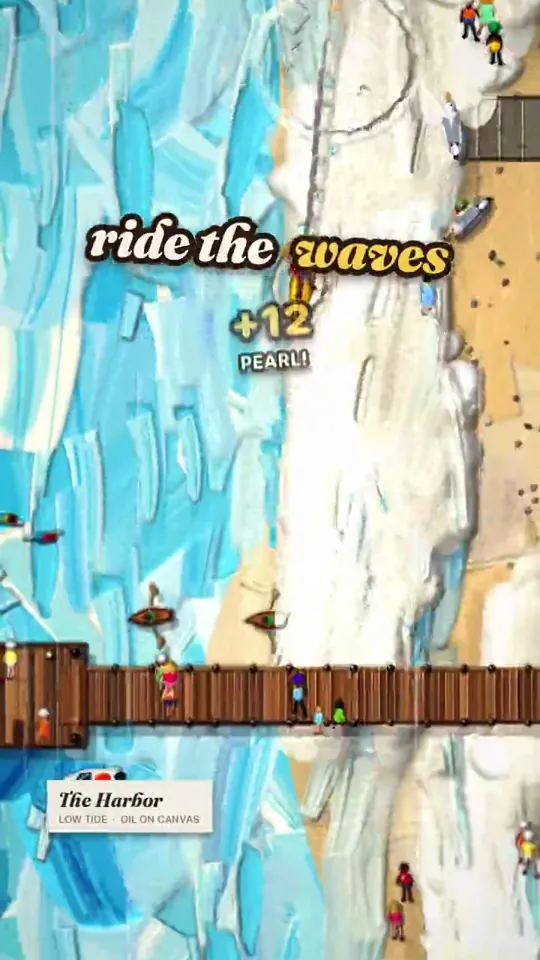
Nobody edited this video. Claude Opus 5.5 built the game, then played it, filmed it, wrote the soundtrack and cut its own trailer. Low Tide: a painting you can actually play. Free in your browser 👇 https://low-tide.netlify.app
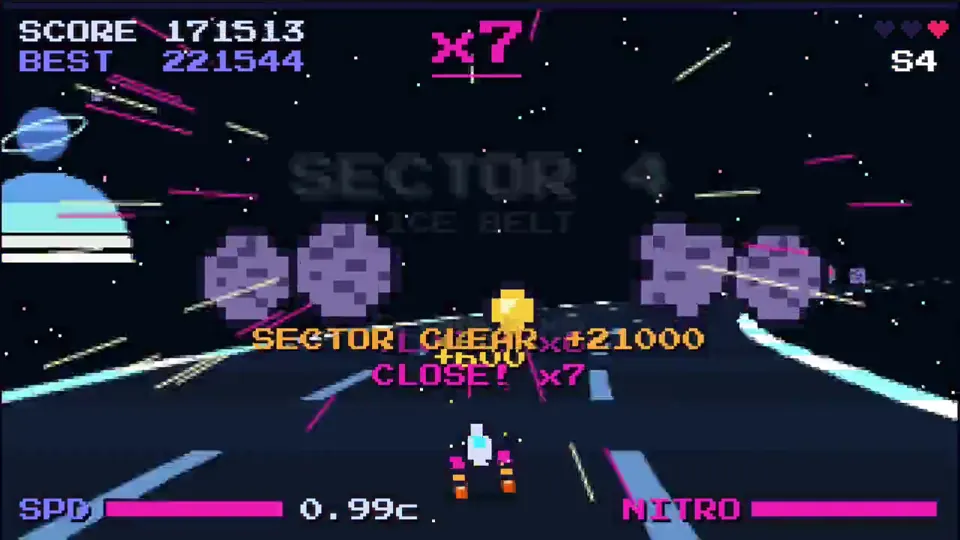
made a galactic pixel racer game with opus 5.5, can you beat my score? 👿 https://velven.ai/david/pixel-racer
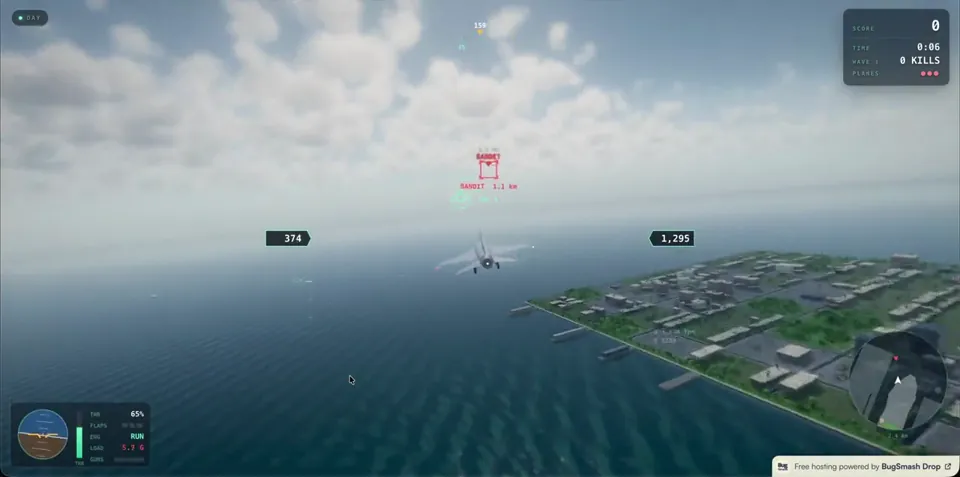
Opus 5.5 releases 😍 Me: Woahh! Let's drill through our BugSmash backlog quickly. My Co-founder @suhailpatel941: Hold my cup... let's make a game 🥲 All this graphics and the game is just - 4MB game - hosted on BugSmash Drop itself 🤯
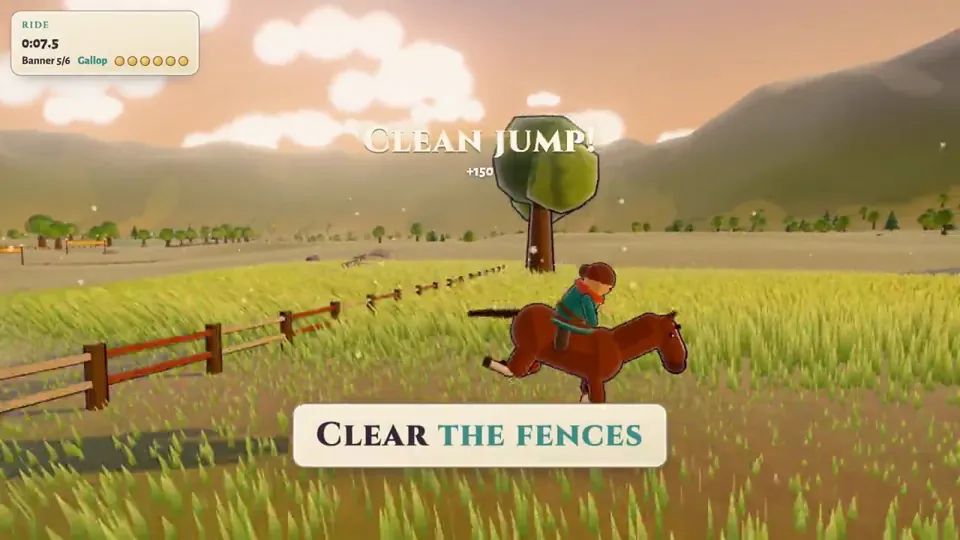
Claude Opus 5.5 is stupidly good at games, so I’m putting it on a streak. Dropping 10 browser games I built with it. One a day. Same characters. Same world. Different gameplay each day. Adventure games. Painterly stylised 3D. Soft cel shading, wind in the grass, hazy blue distance, hand-painted skies. The Legend of Zelda: BotW / TotK energy. Trailer + play link + what the model actually did. Playable. Built with Opus. That’s the series.
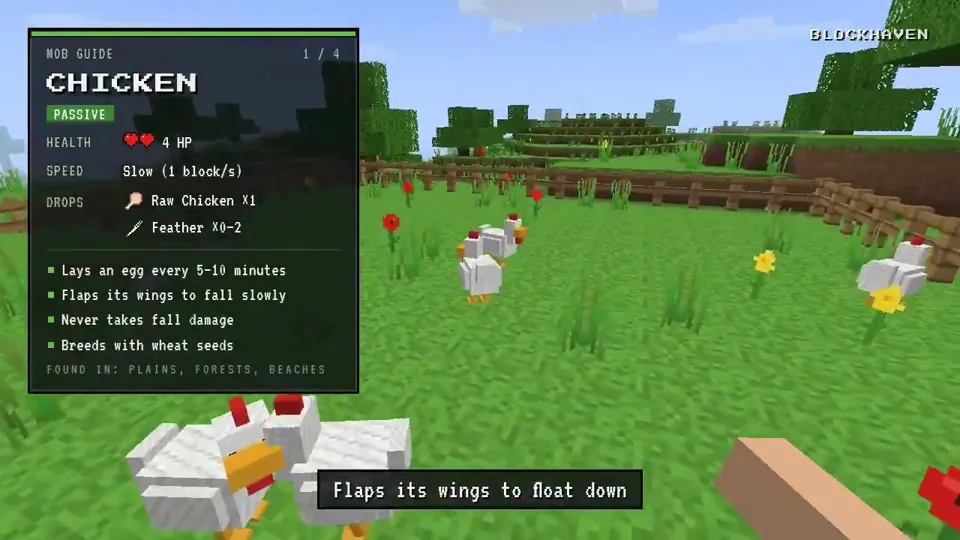
I built Minecraft thanks to Opus 5.5 ( part 2 ) today I added more mobs and here I will show their characteristics as a video the process took probably : 2-3 hours next week I'm going to publish this game for everyone turn notifications
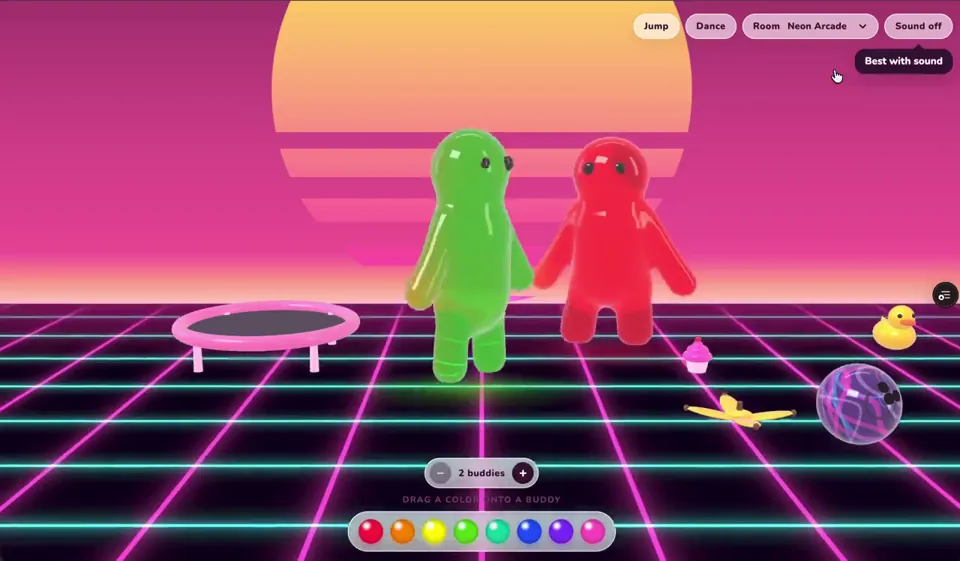
In a deeply serious, highly mature effort to test Opus 5.5's ability to render jello-like textures—reflections, transparency, jiggly movement, the works—I accidentally built a "Jiggle Buddies" game that my son played the entire drive home. Link to play: https://www.angiecarel.com/jiggle-buddies
How Claude Opus 5.5 Generates Videos from Code
Rather than sampling diffusion frames directly, Claude Opus 5.5 writes real-time procedural animation code rendered directly in the browser or headlessly via Chromium and Remotion.
Opus 5.5 writes raw HTML5 Canvas 2D render loops and Three.js WebGL shaders. Camera trajectories, particle systems, and raymarching lighting equations run at native 60 FPS with zero compression artifacts.
By orchestrating SVG vector paths with GreenSock (GSAP) timelines, Opus 5.5 generates sharp typographic title sequences, interface walkthroughs, and kinetic logos that scale infinitely without pixelation.
Every prompt in this directory can be pasted directly into Animatiq. Animatiq bundles the code into structured React Remotion components with keyframes, editable text layers, and 4K MP4 export.