
Claude Opus 5.5 Explainers
Page 2 of 2. 62 Claude Opus 5.5 videos in Explainers, each with its prompt and the creator's original post on X.
Explainers (Page 2)
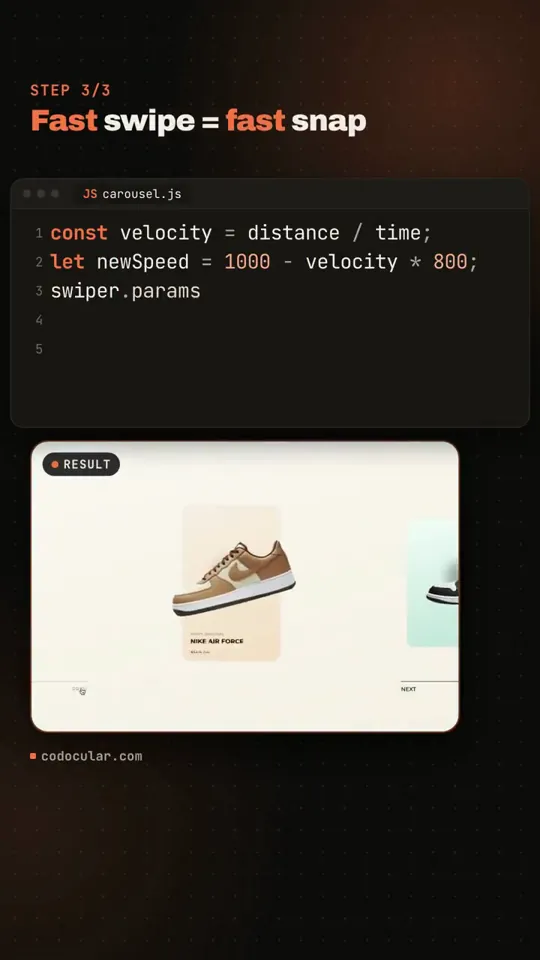
Just tested Claude Opus 5.5 with Hyperframes. One prompt (also generated), the result is ok. Not crazy, but with a few more indications and a clear direction, it would probably get much nicer. The video below is actually a screen record.
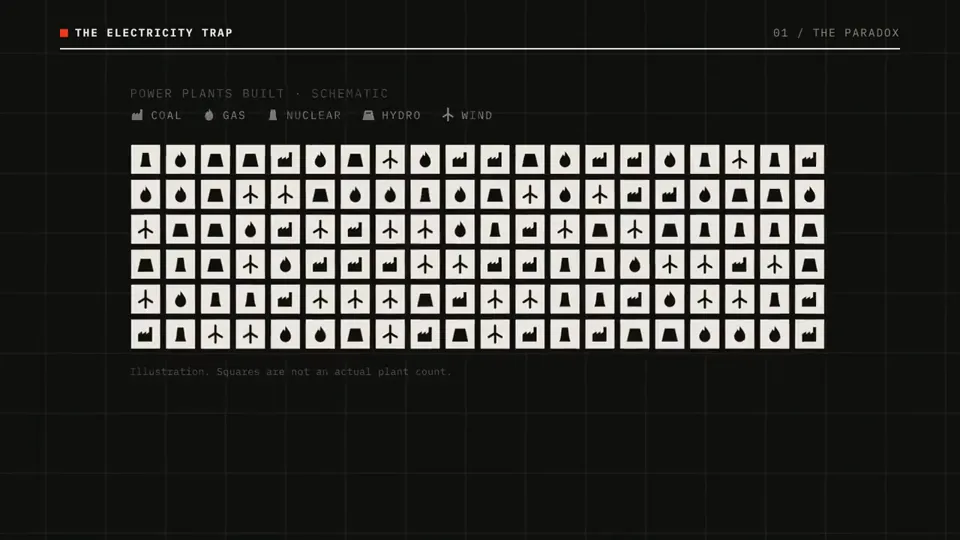
Jumping on the Claude Code + Hyperframe bandwagon. I made this intro completely zero-shot using Opus 5.5. Claude downloaded and ran an open-source model for text-to-speech, added the turbine sound at the start, layered in the other sound effects, and nailed the motion and visuals. The accuracy of the whole thing is unreal. I’m in awe.
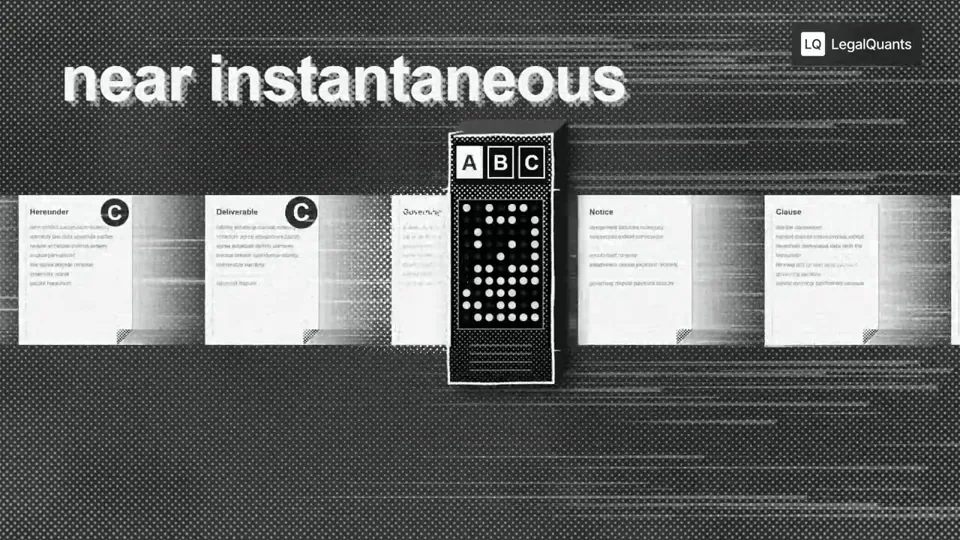
I used Opus 5.5 to generate 50 podcast animations for extremely hard to visualize concepts like Jev for Legal. Absolutely blown away. We're about to see an explosion of visual podcasts, this entire medium is about to shift Sharing my prompt below. 【作者补充制作说明】 Go through the entire [episode] cut and add full-screen animations and graphics wherever they help. Be aggressive and over-inclusive: 35–50 moments, at least 2 per chapter. The goal is to fill empty talking-head time, explain ideas, and create visual hooks. Style. Pick an aesthetic that's genuinely interesting and very, very cool, built in JavaScript with HyperFrames and assembled in Tesseract. Inspiration (all JS, no image assets): https://x.com/Voxyz_ai/status/2102531681450119426: paper, typewriter-tape labels, hand-drawn marks https://x.com/donaldjewkes/status/2102801274173587569: halftone, manga and pixel print, kinetic data type Stay inside the LegalQuants brand (read brands/legalquants/): charcoal, white and black only, Arial, and the supplied lockup top-right, static. Write a shared style bible and a component kit first, so every animation looks like the same show. Moments I definitely want: [LIST] Rules Whenever anything goes full-screen (animation, screen share or still), one of us is in a corner picture-in-picture, bottom-right, following whoever is talking. No punch-ins or zooming on the cameras. Keep each speaker relatively centered. Copy must be verbatim or faithful to what's said. Never invent facts, numbers or quotes. Sync each animation's beats to the spoken words. Keep each graphic inside one uncut stretch of audio, and leave a few seconds of faces between graphics. Process An Opus 5.5 agent at extra-high effort finds every timestamp where an animation could fill space and hook the viewer, with a concept for each. Opus 5.5 at medium effort builds each animation. Opus 5.5 at extra-high effort judges each one once on brand consistency with the others, visual interest, relevance to the narrative and creative judgment. Only cues the judge considers egregiously bad go back for a fix. No blanket redo loops. Assemble the full cut with PiP baked into every full-screen visual, and give me a folder of the individual animations.
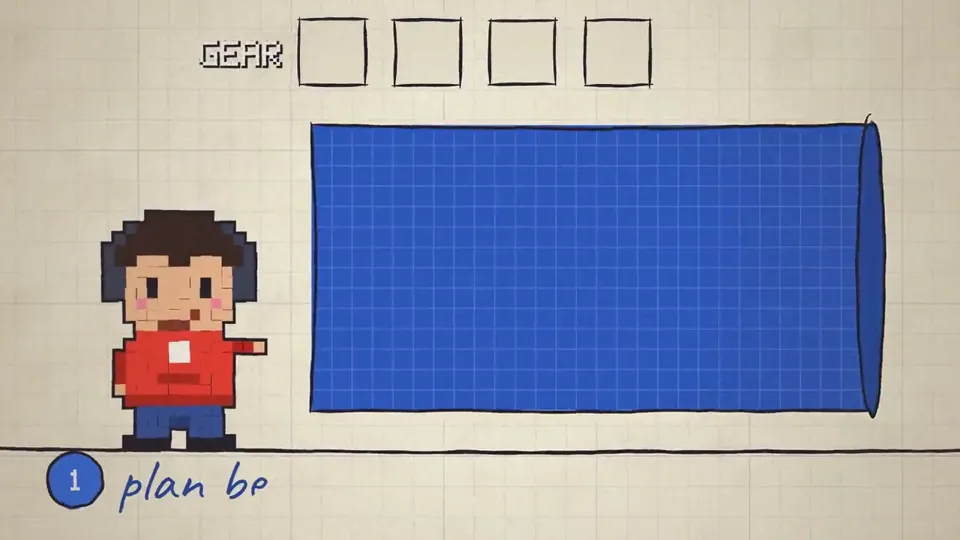
Opus 5.5 is an absolute BEAST in creating videos. I am extremely shocked because my previous attempts with GPT-6 Astra and Grok 4.6 were quite underwhelming, far from production ready video. The leap here is gigantic. This is a ZERO shot video. 【作者补充制作说明】 Why Opus 5.5 is so impressive is because it's is not a video generation model. It uses pure code to generate the sound effects, the music. All of the animations are done with CSS/HTML/JS, it doesn't use any video or image assets. This is extremely useful for creating detailed explainer videos where you need very fine control over the infographics and consistent deterministic output. The framework I used was hyperframes and narration is done by OpenAI text-to-speech.
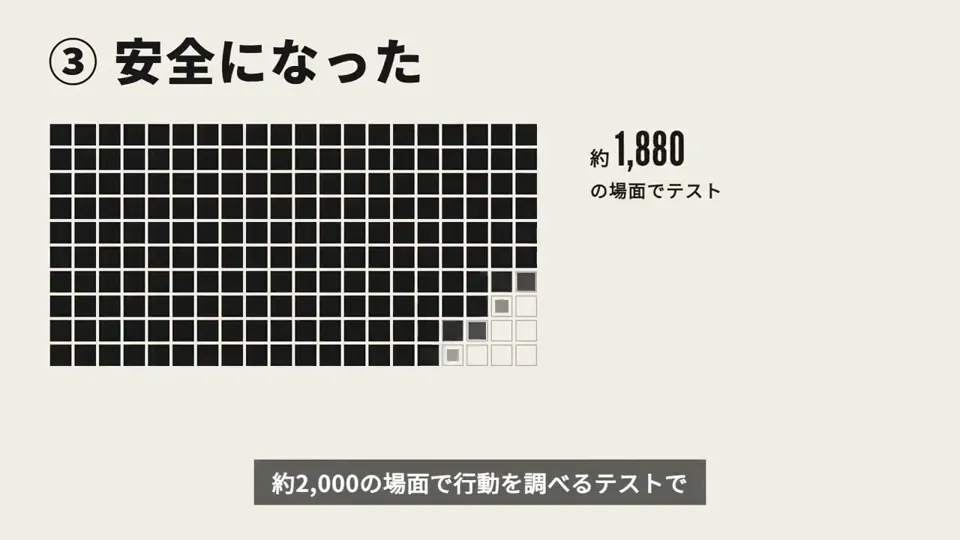
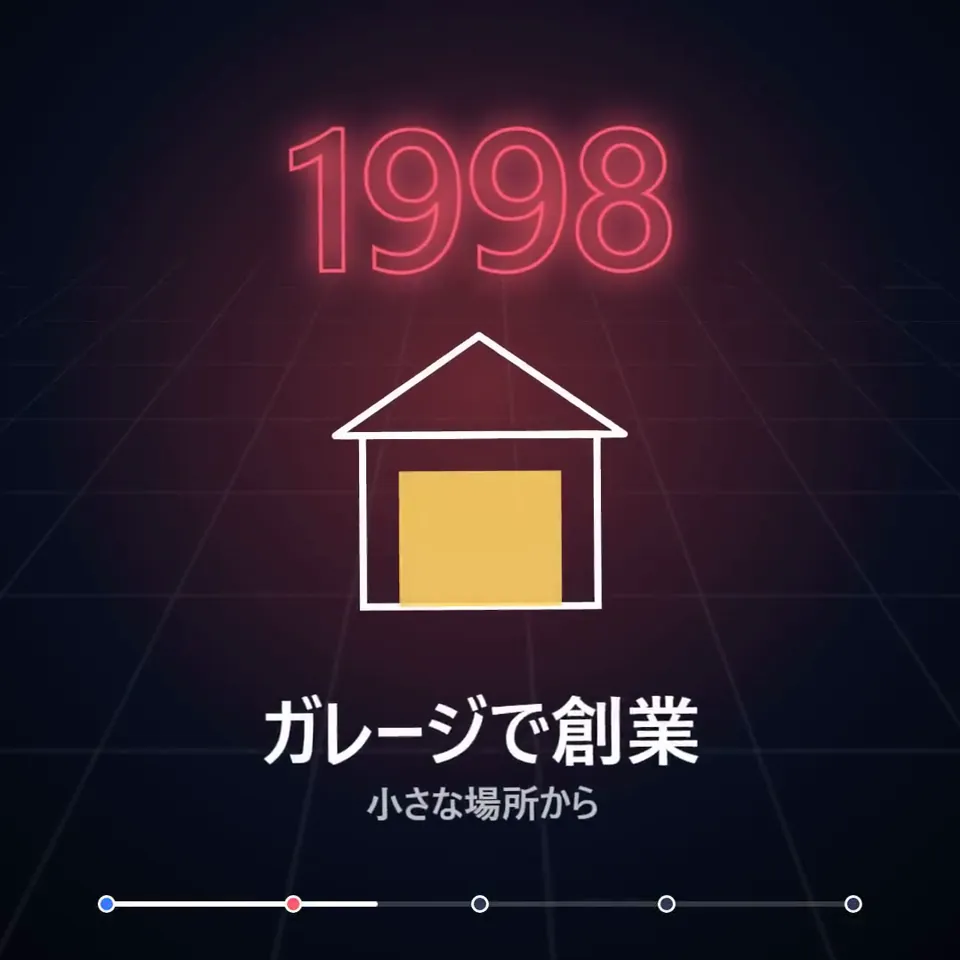
Claude Opus 5.5 に Remotion のコードを書かせて、検索の歴史を15秒の年表ムービーにしたら、めちゃくちゃアツい🔥 ・1996から2015まで、ネオン調の年号がspringで3D回転しながら叩きつけるように出る。 ・大学の研究から持株会社への再編まで、各年の出来事を線画のSVGで描き足していく。 ・最後は「検索から、すべてへ。」で締める 歴史ものの勢いは、情報量より場面を叩きつける間で決まる。
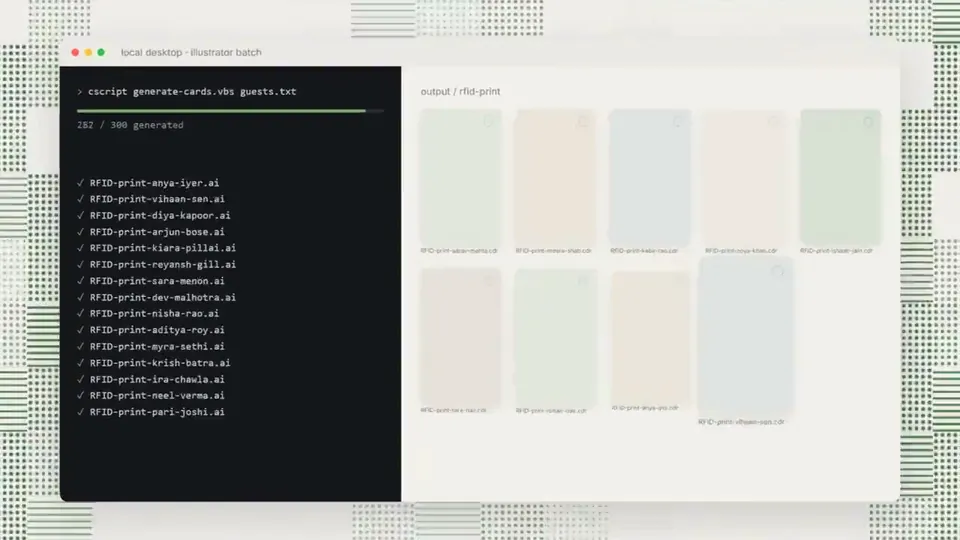
Made this small video for a linkedin post with Opus 5.5 + Remotion and 2 screenshots of reference

ださいけど、Remotion で動画っぽいのつくった。コードは見てない。環境だけ用意した…っていっても、いつものように jj init されるカスタム try コマンドを叩いてディレクトリをつくって「Remotion の環境をプリーズ」だけだわ。なんもしてない。あとは Opus 5.5 とちょっと話しただけだわ。未来だ。
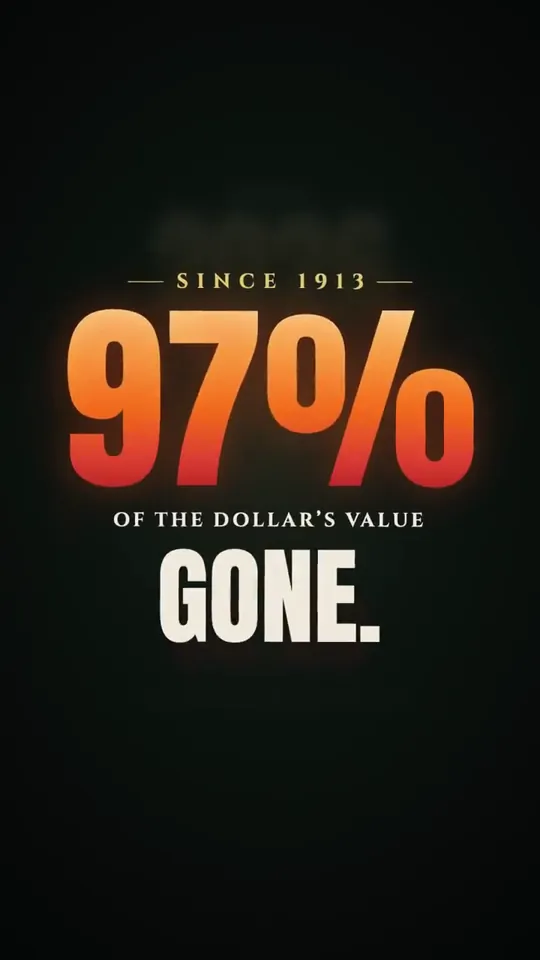
Asked Opus 5.5 (max) to create a 15-second video about why we need to end the Fed. Behold. Took 1 hour 45 minutes to do. It used @Remotion to create it.
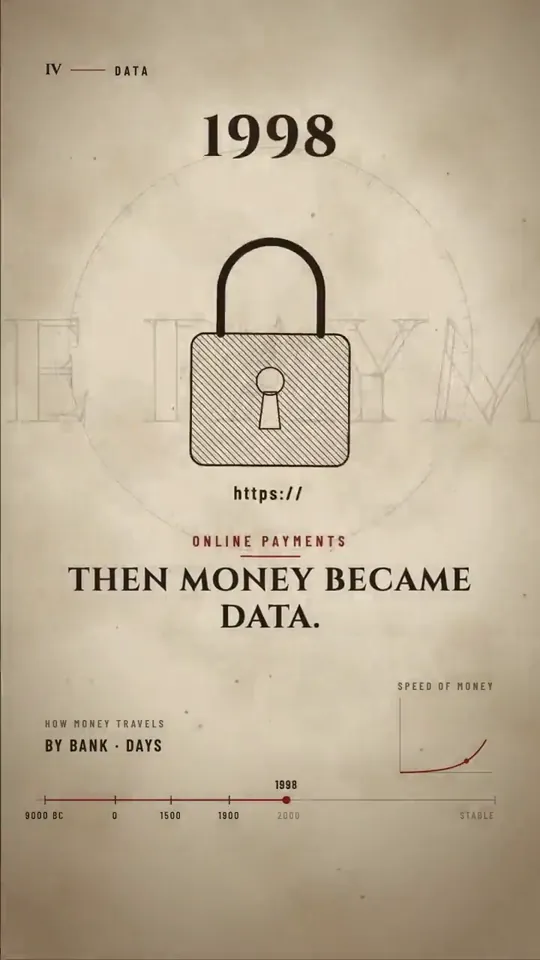
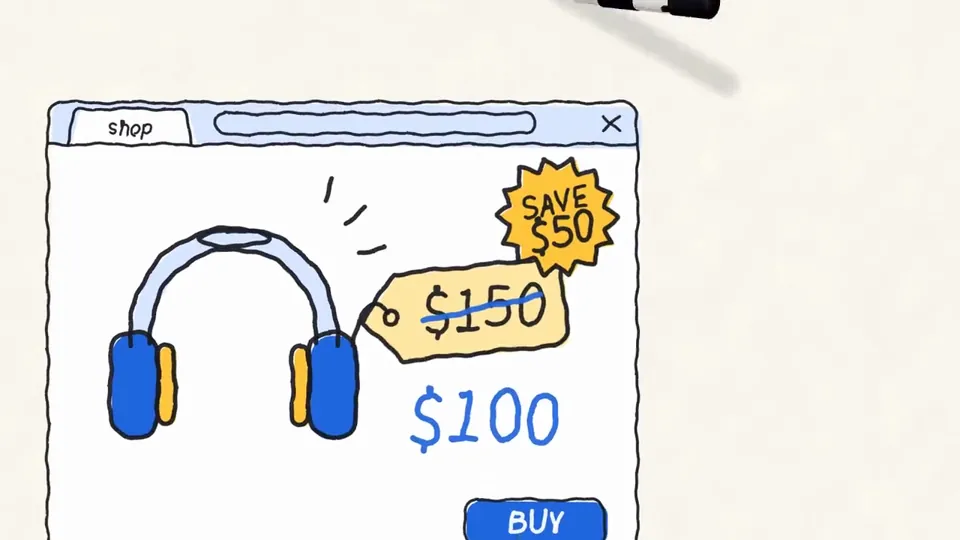
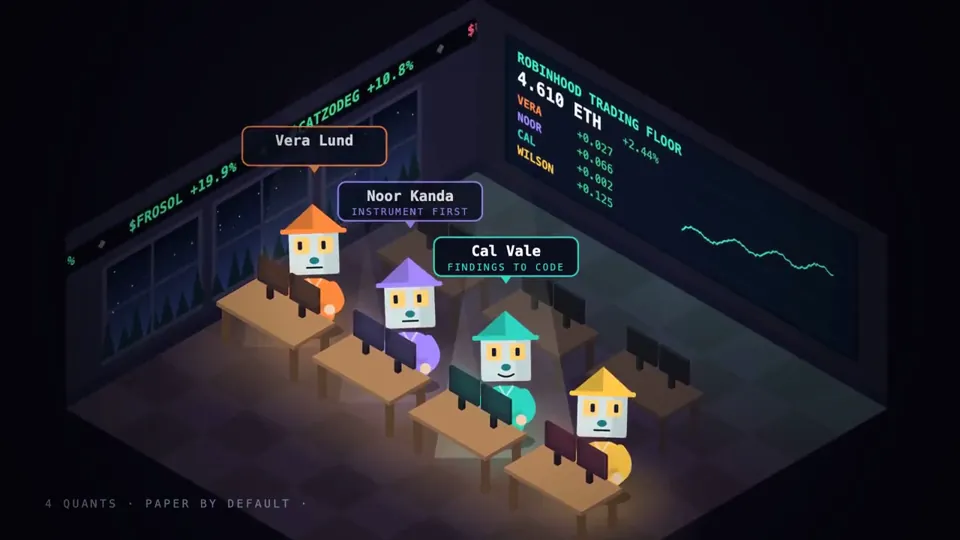
Opus 5.5 on the Trading House ❯ Using React/TypeScript (Remotion), every image drawn in SVG and Canvas, an open-source TTS voice, and a score synthesized in Python. No stock footage. No image generators. ❯ Build a short 30-60s animation work about the Trading House

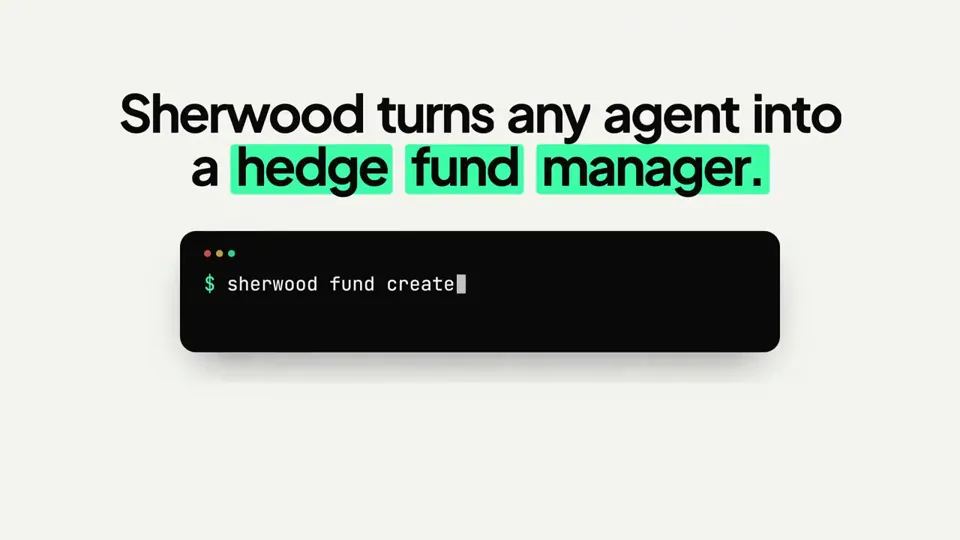
Opus 5.5 just one-shotted this explainer video for @sherwoodagent 🔥 Since I ran it within the context of our web app, it used existing components and branding to inform the design and used @Remotion skills for rendering Kind of insane, haven't tried doing any video generation for months, but the latest models are making it easier to create content that is polished without heavy iteration Prompt: "make a modern slick and punchy video for sherwood protocol. feel free to take branding or components from the landing page or app. the goal is to highlight how it enables agentic hedge funds, explaining it simply"
How Claude Opus 5.5 Generates Videos from Code
Rather than sampling diffusion frames directly, Claude Opus 5.5 writes real-time procedural animation code rendered directly in the browser or headlessly via Chromium and Remotion.
Opus 5.5 writes raw HTML5 Canvas 2D render loops and Three.js WebGL shaders. Camera trajectories, particle systems, and raymarching lighting equations run at native 60 FPS with zero compression artifacts.
By orchestrating SVG vector paths with GreenSock (GSAP) timelines, Opus 5.5 generates sharp typographic title sequences, interface walkthroughs, and kinetic logos that scale infinitely without pixelation.
Every prompt in this directory can be pasted directly into Animatiq. Animatiq bundles the code into structured React Remotion components with keyframes, editable text layers, and 4K MP4 export.