
Claude Opus 5.5 Motion Graphics
Page 4 of 6. 288 Claude Opus 5.5 videos in Motion Graphics, each with its prompt and the creator's original post on X.
Motion Graphics (Page 4)
make a dynamic lyrics motion graphics video based on the attached music, perfectly syncing the lyrics and animation to the vocals and beat. make it feel like an incredible motion designer’s showreel for a résumé. go all out.
Make a dynamic 15-second motion graphics video that shows what an incredible motion designer you are, like it's your showreel for a résumé. go all out.
I want you to create a highly professional SaaS product launch video. Go and find some SaaS, preferably just one that people know, so it's easier to identify with it. Pick that, and then make sure to get actual assets and images and all of that stuff from the internet. Turn it into these typical, very professionally edited, motion-graphics-styled product launch videos that you see people making on Twitter when they launch new SaaS products (which are showing off the features, the benefits, and all of these things).
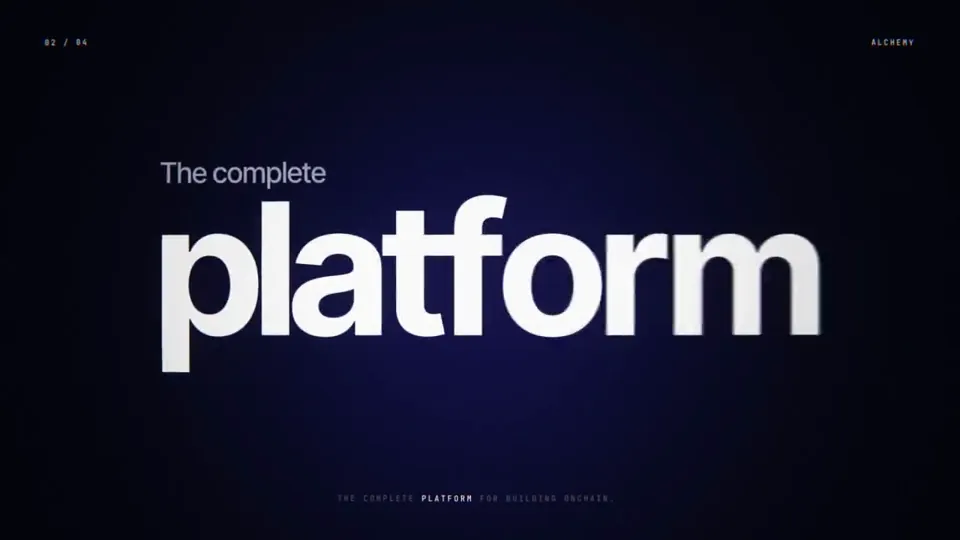
make a dynamic 15-second motion graphics video that shows what an incredible motion designer you are, like it's your showreel for the infra company https://alchemy.com, go all out!
make a dynamic 10-second motion graphics video that shows what an incredible motion designer you are, like it's your showreel for a résumé. go all out
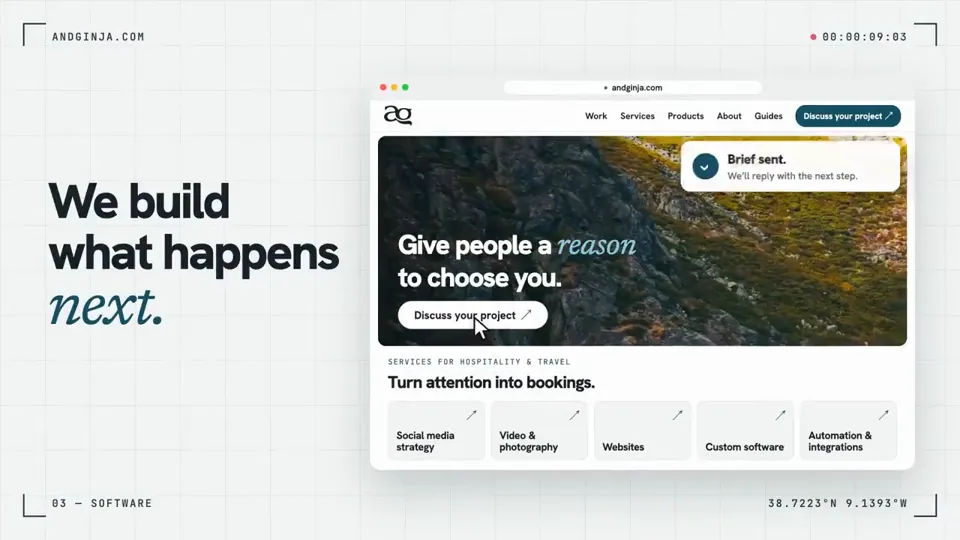
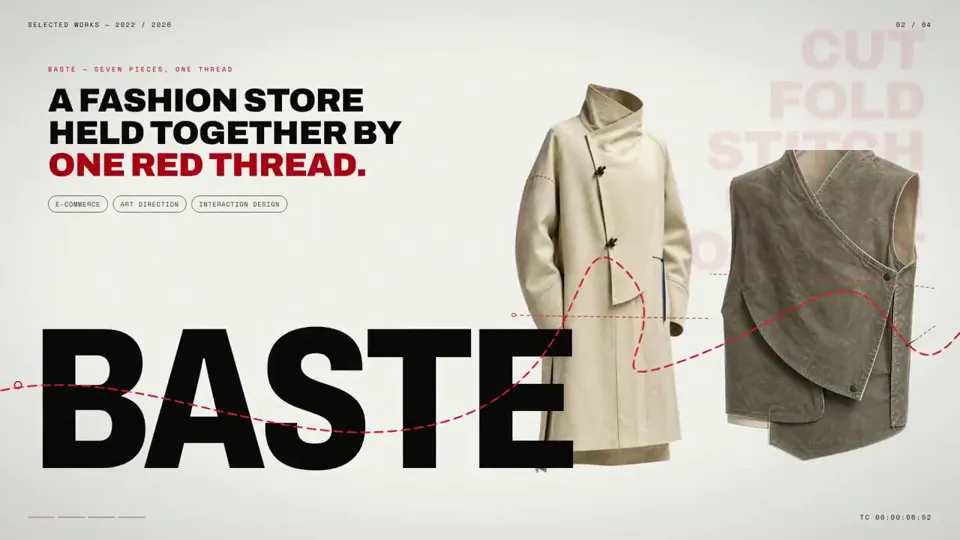
make a dynamic 15-second motion graphics video that shows what an incredible motion designer you are, like it's your showreel for a résumé. go all out. make it conceptually connected to my portfolio at http://monokern.design
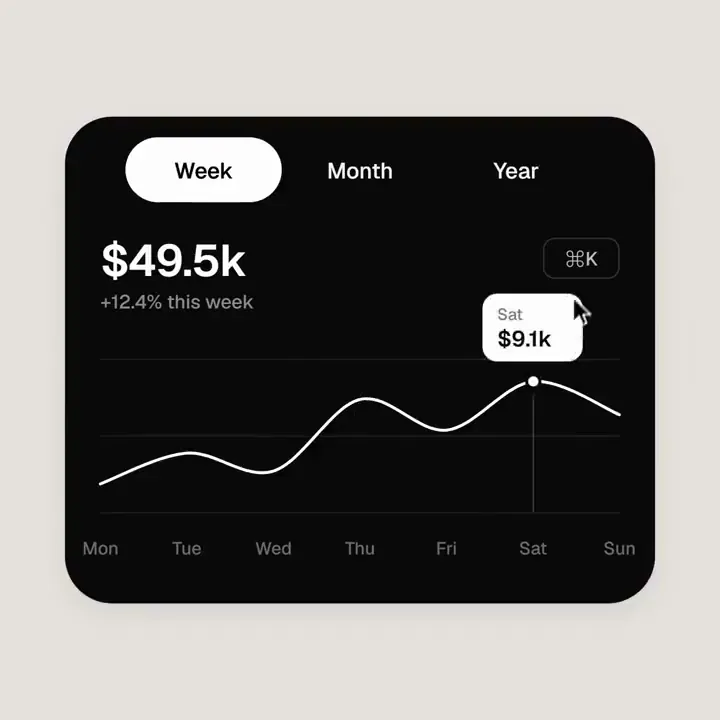
<inputs> Ask me for: 8 to 12 UI states I want the shape to become (e.g. button, loader, player, slider, toggle, tabs, chart, command palette, toast), pure black and white or one accent color, and a royalty-free song around 120 BPM (e.g. Mixkit, free for commercial use). </inputs> <direction> Dribbble-level UI motion. One shape, never cut: every state is the same element morphing its size, radius and color while its content swaps with a short blur. A cursor drives every change with real clicks and drags. Light warm-gray canvas, black and white components, one clean UI font (Geist). Springs everywhere, a tiny overshoot at most. The camera zooms so each state fills the frame. The last frame is the first frame, so it loops. Banned: bouncy easing, particle bursts, glows, gradients on UI chrome, mismatched icon strokes, dead time, anything that looks like a template. </direction> <structure> 120 BPM, 7 bars, something happens on every beat. Button → loader → check → dynamic island → music player with a play/pause morph → scrub the progress bar → it becomes a volume slider that stretches when dragged past max → a toggle flips on the beat → the knob becomes a liquid tab indicator → the tabs open into a chart that draws itself, with a tooltip on hover → it collapses into ⌘K → type to filter → enter → toast → back to the button. </structure> <build> 1. One HTML file, square 1440x1440. Every style is computed from time inside seek(t): no CSS transitions, no timers, no state carried between frames. 2. Springs are closed-form step responses. A value that changes target many times is the sum of one spring per change, so it stays a pure function of time. 3. The tab indicator's two edges ride different springs, so the leading edge stretches ahead of the trailing one. Same trick for the toggle knob. 4. Drags are direct manipulation: while the cursor is held, the value is computed from its position. On release it springs back from wherever it was. 5. Analyze the song with numpy for the beat grid and start on a downbeat. Place every UI sound by its measured peak. 6. Render with Playwright: 4 subframes per frame, blended with ffmpeg tmix for motion blur at 60fps. 7. Render one frame per beat before the full render. Fix anything off the grid, cramped or hard to read. </build> <gotchas> Never put will-change on anything the camera scales or the text renders blurry. Text that swaps inside a morphing container needs its own enter and exit timing or it overlaps. Make the last frame identical to the first, cursor position and speed included, or the loop stutters. </gotchas> <start> Ask me for the inputs, then show me the state list on the beat grid before you write any code. </start>
make a dynamic 15-second motion graphics video that shows what an incredible motion designer you are, like it's your showreel for a résumé. go all out.
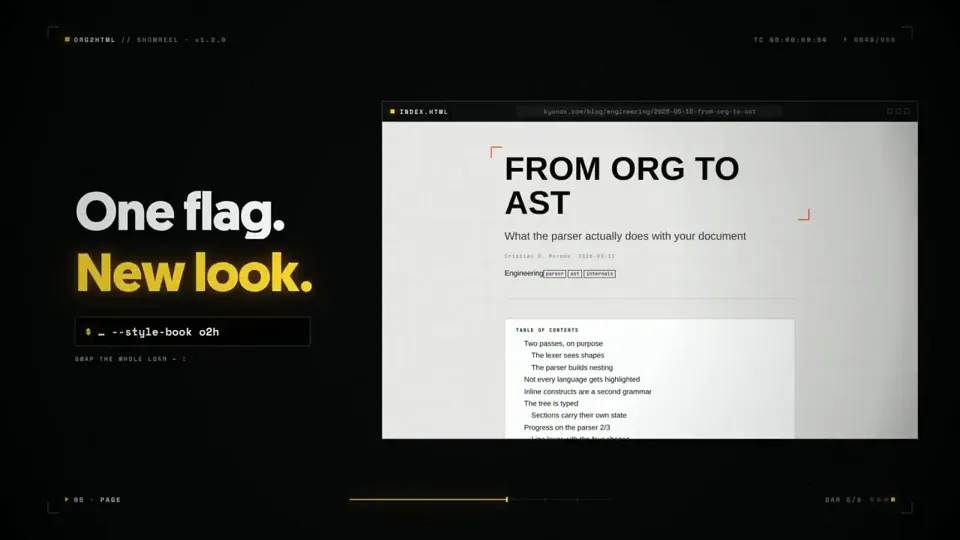
make a dynamic 15-second motion graphics video that shows what an incredible motion designer you are, like it's your showreel for a résumé. go all out. Make sure to showcase properly the usecases, the flow, properly show everything on how it works, also the ascii logo of this is on the kyo-web-online, keep in mind also the color palette.
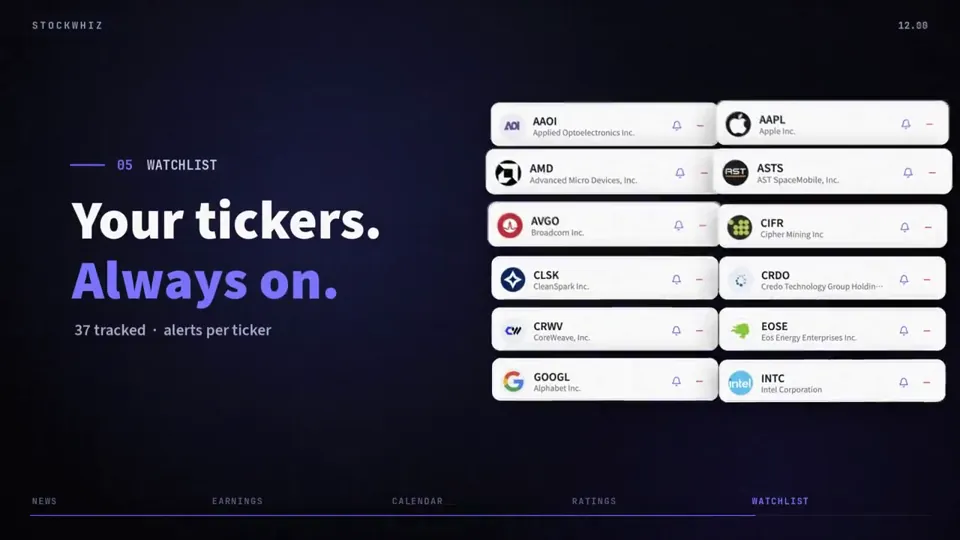
Create a bold, dynamic 15-second motion graphics video that showcases your best motion design skills as if it’s the highlight of your portfolio for a dream job. Bring sharp timing, smooth transitions, and standout visuals. Push your creativity and make every second count.
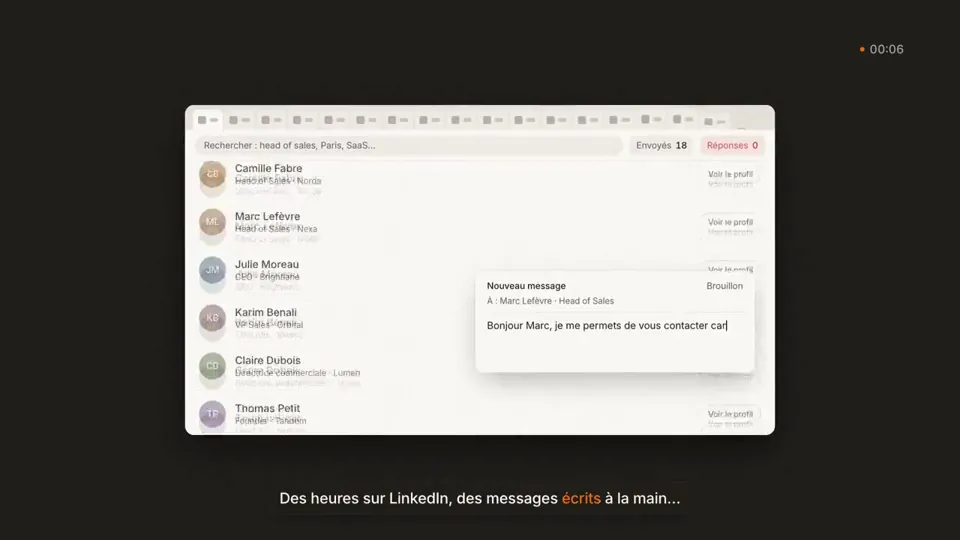
Code-driven animation: an HTML/JS page where every frame is calculated from the time, captured frame by frame with headless Chrome (Playwright), then assembled with ffmpeg into an MP4 with motion blur and code-generated sound.
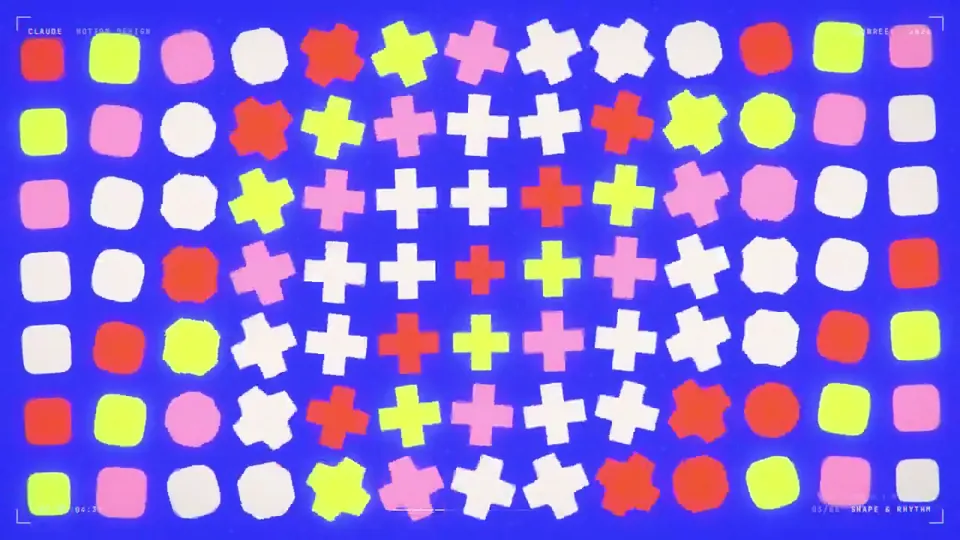
make a dynamic 15-second motion graphics video that shows what an incredible motion designer you are, like it's your showreel for a résumé. go all out.

I want you to create a highly professional SaaS product launch video. Go and find some SaaS, preferably just one that people know, so it's easier to identify with it. Pick that, and then make sure to get actual assets and images and all of that stuff from the internet. Turn it into these typical, very professionally edited, motion-graphics-styled product launch videos that you see people making on Twitter when they launch new SaaS products (which are showing off the features, the benefits, and all of these things) http:// t3pacademy.gumroad.com
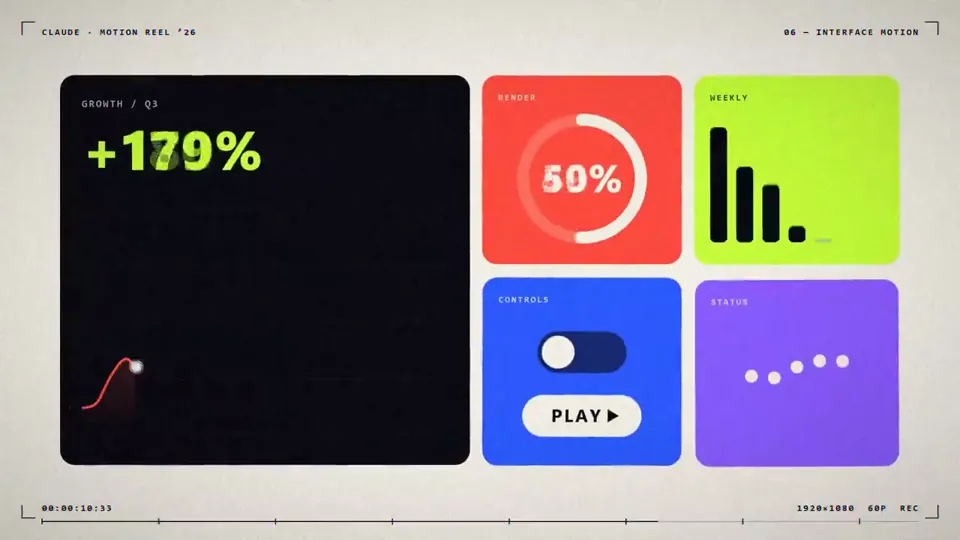
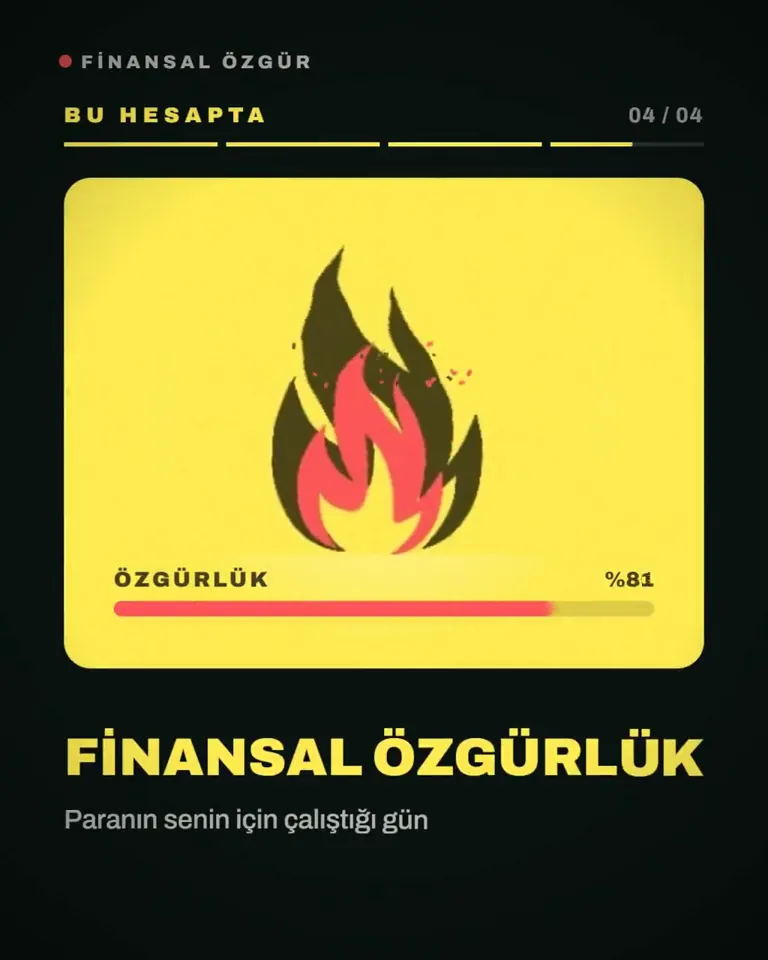
I want to know how good a graphic designer you are. To prove this to me, I want you to prepare a 15-second motion graphics video. I want you to do an introduction related to my account. I'm sharing my logo and my X cover image, use those too.
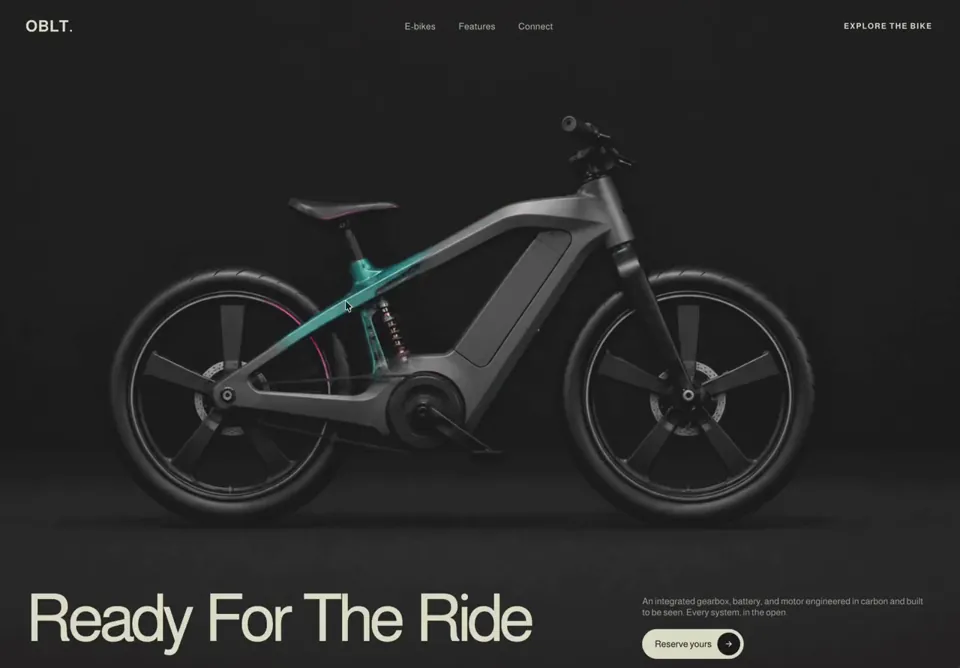
# OBLT E-bike Header A full-viewport, dark, cinematic e-bike product header for the brand **OBLT**, built in React (client component) with pure CSS and an interactive cursor-following "x-ray" spotlight reveal — moving the mouse wipes away the bike's exterior photo to expose its internal carbon/gearbox structure underneath. Built with React only (no animation libraries). ## Tech stack (libraries actually imported) - React only — `useRef`, `useState`, and the `MouseEvent` type. No framer-motion, no GSAP, no icon library. All animation is hand-written CSS keyframes + an inline CSS `mask-image`. - SVG icon (the CTA arrow) is hand-inlined, not from a library. ## Fonts & global styles - Single Google font, imported inside a `<style>` block: ``` @import url('https://fonts.googleapis.com/css2?family=Almarai:wght@300;400;700;800&display=swap'); ``` - Font stack: `"Almarai","Helvetica Neue",Helvetica,Arial,sans-serif`. - `-webkit-font-smoothing: antialiased`. `box-sizing: border-box` applied to the root and all descendants (scoped to `.vt-header`, never global). ## Section container - Root `<header className="vt-header">` is the mouse-tracking element (handlers: `onMouseEnter`, `onMouseMove`, `onMouseLeave`). - Styles: `position: relative; display: flex; flex-direction: column; min-height: 100vh; overflow: hidden; padding: 32px 56px 44px; background-color: #272727; color: #fff;`. - Internal vertical flow: top nav, then a flex-grow spacer "stage", then bottom content pinned to the base. ## Structure, section by section ### 1. Reveal background (`.vt-bg`, absolute inset:0, z-index 0, pointer-events:none) Three stacked layers: - **Base exterior image** (`.vt-bg-img`): the full bike exterior photo, `object-fit: cover; object-position: center;`, fills the layer. `user-select:none`, `-webkit-user-drag:none`, `referrerPolicy="no-referrer"`. - **X-ray layer** (`.vt-bg-xray`, z-index 1): contains the bike x-ray/internal image (same cover/center sizing). This layer is masked by a radial gradient driven by cursor position (see Animations). `will-change: -webkit-mask-image, mask-image;` and `transition: -webkit-mask-image .12s linear, mask-image .12s linear;`. - **Veil overlay** (`.vt-bg-veil`, z-index 2): a vertical darkening gradient so text stays legible top & bottom: ``` linear-gradient(180deg, rgba(39,38,38,.62) 0%, rgba(39,38,38,.10) 26%, rgba(39,38,38,.10) 60%, rgba(39,38,38,.82) 100%) ``` ### 2. Top nav (`.vt-nav`, z-index 30) - `display: grid; grid-template-columns: 1fr auto 1fr; align-items: center; gap: 24px;`. - **Logo** (left, `.vt-logo`): text `OBLT` followed by a `.` span. `font-size: 28px; font-weight: 700; letter-spacing: 0.5px; color: #E0E1CC;` (dot is also `#E0E1CC`). - **Center menu** (`.vt-menu`, gap 40px): three links — `E-bikes`, `Features`, `Connect`. Each: `font-size: 16px; font-weight: 400; letter-spacing: .3px; color: #E0E1CC; opacity: .85; transition: opacity .2s ease;` hover → opacity 1. - **Right cluster** (`.vt-nav-right`, gap 18px): an uppercase explore link plus a hamburger button. - `.vt-explore` link text: `Explore the bike` — `font-size: 14px; font-weight: 700; letter-spacing: 1.5px; text-transform: uppercase; color: #E0E1CC;` hover → opacity .65. - **Hamburger** (`.vt-burger`, hidden on desktop): 34×34px, three `#E0E1CC` bars 22×2px, radius 2px, gap 5px. On `.open`: bar 1 `translateY(7px) rotate(45deg)`, bar 2 `opacity:0`, bar 3 `translateY(-7px) rotate(-45deg)`. Transition `transform .25s ease, opacity .2s ease`. - **Mobile dropdown** (`.vt-mobile-menu`, rendered only when `menuOpen`): absolutely positioned below the nav (`top:100%; margin-top:16px; z-index:40`), `background: rgba(20,19,19,.97); backdrop-filter: blur(10px); border: 1px solid rgba(255,255,255,.1); border-radius: 16px; padding: 8px 18px;`. Links (`E-bikes`, `Features`, `Connect`, `Explore the bike`): `color:#E0E1CC; font-size:18px; padding:14px 4px; border-bottom:1px solid rgba(255,255,255,.08)`; last link `border-bottom:none; font-weight:700`. Each link closes the menu on click. ### 3. Stage spacer (`.vt-stage`, z-index 30, `flex: 1 1 0%`) - `display: flex; align-items: flex-start; justify-content: flex-end; padding-top: 22px;`. In the current markup it is an empty `aria-hidden` spacer (the `.vt-hint` pulsing-dot styles exist in CSS but the hint element is not rendered). - (Reference: `.vt-hint` styled as an uppercase 11px/600 label with a 36px circle dot, `border:1px solid rgba(46,211,176,.5); color:#2ed3b1;` running `vtPulse 1.8s ease-in-out infinite`.) ### 4. Bottom content (`.vt-bottom`, z-index 30) 12-column grid: `grid-template-columns: repeat(12, 1fr); align-items: end; gap: 18px 32px;`. - **Headline** (`.vt-headline`, `grid-column: 1 / span 8`): `<h1>` containing the word-stagger component. h1 style: `color: #E0E1CC; font-weight: 500; font-size: clamp(36px, 7vw, 116px); line-height: 0.85; letter-spacing: -0.07em; white-space: nowrap; margin:0;`. Text: **Ready For The Ride**. - **Right block** (`.vt-right`, `grid-column: 9 / span 4; align-self: end; transform: translateY(22px);`): - Paragraph (verbatim): `An integrated gearbox, battery, and motor engineered in carbon and built to be seen. Every system, in the open.` Style: `font-size: 16px; line-height: 1.2; color: rgba(225,224,204,.7);` animates in via `vtFadeUp .8s cubic-bezier(.16,1,.3,1) both` with `animation-delay: .5s`. - **CTA button** (`.vt-cta`): label **Reserve yours** plus a circular arrow. Pill: `color:#000; background:#E0E1CC; border:none; border-radius:9999px; padding:6px 6px 6px 22px; font-size: clamp(14px, 1vw, 16px); font-weight:500; display:inline-flex; align-items:center; gap:10px;`. Animates via `vtFadeUp .8s cubic-bezier(.16,1,.3,1) both`, `animation-delay: .7s`. Hover → `gap: 14px`. Inner circle `.circ`: 40×40px, `border-radius:50%; background:#000;` containing the SVG (stroke `#E0E1CC`); on button hover `.circ` scales to `1.1` (`transition: transform .25s ease`). ## Assets (every URL) - Exterior photo (base layer): `https://cdn.jiro.build/ARS/OBLT%20E%20Bike/bike-exterior.png` - X-ray / internals photo (revealed layer): `https://cdn.jiro.build/ARS/OBLT%20E%20Bike/bike-xray-original.png` - CTA arrow icon: inline SVG, 16×16, `viewBox="0 0 24 24"`, `stroke="currentColor"`, `stroke-width="2.2"`, round caps/joins, path: ``` M5 12h14M13 6l6 6-6 6 ``` ## Animations ### Cursor "x-ray" spotlight (signature interaction) - State: `hovering` (bool) and `pos` ({x,y} in px relative to the section's bounding rect). `handleMove` computes `e.clientX - rect.left`, `e.clientY - http://rect.top`. - Constants: `RADIUS = 165` px (spotlight radius), `FEATHER = 45` px (soft edge). Inner fully-clear radius = `RADIUS - FEATHER` = 120px. - The x-ray layer's `maskImage` / `WebkitMaskImage` is set inline. When hovering: ``` radial-gradient(circle 165px at {x}px {y}px, #000 0, #000 120px, transparent 165px) ``` When not hovering (collapsed to nothing): ``` radial-gradient(circle 0px at 50% 50%, transparent 0, transparent 0) ``` - Mask transitions at `.12s linear` so the reveal trails the cursor smoothly. NOTE: in CSS `mask`, opaque (`#000`) areas KEEP the layer — so the circle reveals the x-ray image while the rest of that layer is hidden (showing the exterior beneath). ### Headline word pull-up (`WordsPullUp` component) - Splits the headline on spaces; each word is an `inline-block` span (`margin-right: 0.22em`, last word 0). Each word animates `wpuUp` with `cubic-bezier(.16,1,.3,1) both`, default `duration = 0.6s`, staggered by `delayStep = 0.08s` (`animationDelay: i * 0.08s`). - Keyframes: ``` @keyframes wpuUp { from { transform: translateY(20px); opacity: 0; } to { transform: translateY(0); opacity: 1; } } ``` - Optional superscript asterisk (`.wpu-ast`, `font-size:0.31em; vertical-align:top; top:0.15em; left:-0.05em;`) — not enabled here (`asterisk` defaults false). - Respects `@media (prefers-reduced-motion: reduce)` → `.wpu-word { animation: none; }`. ### Fade-up for right block (`vtFadeUp`) ``` @keyframes vtFadeUp { from { transform: translateY(20px); opacity: 0; } to { transform: translateY(0); opacity: 1; } } ``` Paragraph delay `.5s`, CTA delay `.7s`; both `.8s cubic-bezier(.16,1,.3,1) both`. ### Pulse (defined for hint dot) ``` @keyframes vtPulse { 0%,100%{transform:scale(1);opacity:.7} 50%{transform:scale(1.12);opacity:1} } ``` Applied `vtPulse 1.8s ease-in-out infinite`. ## Responsive - **≤1000px**: padding `24px 28px 32px`; nav becomes `1fr auto` (logo + right); center `.vt-menu` and `.vt-explore` hidden; hamburger shown; `.vt-bottom` collapses to single column (`gap:16px`); headline & right span full width; `.vt-right` `transform:none; align-self:start; margin-top:4px; max-width:520px`. - **≤600px**: padding `18px 20px 26px`; logo `font-size:22px`; headline `white-space:normal; font-size: clamp(40px, 13vw, 72px); line-height:0.92`; paragraph `font-size:15px; margin-bottom:16px`; CTA `font-size:14px; padding:5px 5px 5px 20px`; `.circ` 36×36px. ## Key design principles - Dark stage (`#272727`) with a single warm-cream accent (`#E0E1CC`) and a teal accent (`#2ed3b1`) reserved for the (optional) pulse hint. - The product reveal IS the hero: cursor acts as an x-ray torch over a layered photo pair. - Editorial oversized headline (line-height 0.85, tight `-0.07em` tracking) anchored bottom-left; supporting copy + CTA bottom-right. - Staggered, eased (`cubic-bezier(.16,1,.3,1)`) entrance for hierarchy. ## Common mistakes to avoid - Don't invert the mask logic: opaque `#000` in the radial gradient REVEALS the x-ray layer; the transparent ring hides it. Getting this backwards shows internals everywhere except under the cursor. - Keep `RADIUS - FEATHER` (120px) as the inner solid stop and `RADIUS` (165px) as the transparent stop — that 45px band is the soft feather. - Mouse coordinates must be relative to the section rect (`getBoundingClientRect`), not the viewport. - Mask transition is `.12s linear` only — a longer/eased transition makes the spotlight feel laggy. - `white-space: nowrap` on the headline is intentional on desktop; only switch to `normal` at ≤600px. - Scope all resets and the Almarai `@import` to the component; do not touch global `body`/`html`. ## Page title OBLT — Ready For The Ride ## Integration (build-safety — do not skip) - Add this section as a **new** component file with a unique name. Don't edit or overwrite any existing file except to add its import and render it. - Render it **after** all existing sections; keep every previously built section exactly as-is — never replace or remove them. - If no project exists, create a minimal React + Tailwind app; if one exists, use it as-is — don't re-scaffold or change the Tailwind/build config or version. - Keep it self-contained: scope its fonts and any resets to this section; never set global `body`/`html`/`*` styles or a global font. - Install only the libraries this section names.
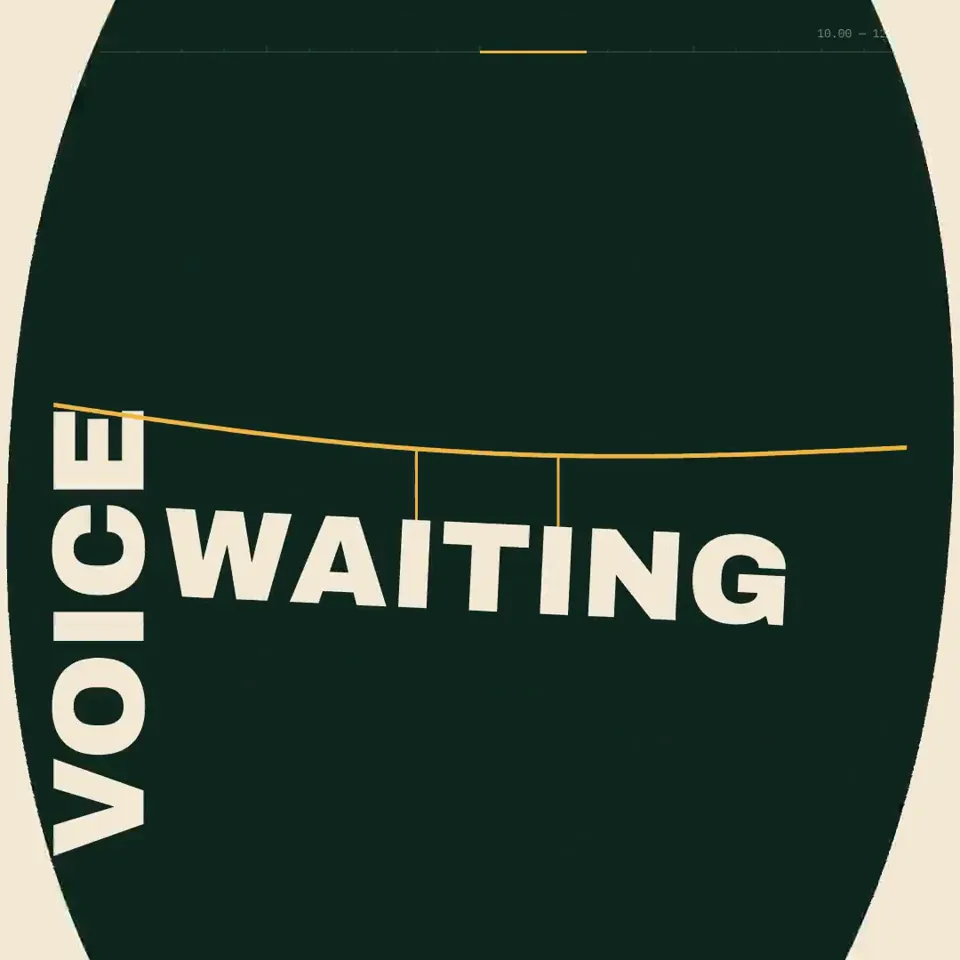
Create a 20.00-second kinetic spoken-word film titled “BUILD THE FLOOR.” Treat this as an original miniature speech staged entirely through typography. Every line changes the architecture of the frame. The final declaration must stand on something the earlier words physically constructed. Deliver one self-contained HTML file, 1080×1080, targeting 60fps, using SVG and/or Canvas. Embed all required assets. ART DIRECTION Background #102820. Paper # F4E9D5. Structural accent # F2B544. A literary editorial world with the scale and confidence of a public monument. Use a high-contrast serif for the speech, a heavy grotesque for load-bearing words, and a restrained monospace for small timing marks. No distressed protest-poster clichés, megaphones, flags, crowds, microphones, or stock footage. ORIGINAL SPEECH — EXACT WORDS, EXACT ORDER “We were told to wait.” “So we learned the weight of waiting.” “Then one voice made room.” “Then another.” “Now the floor belongs to us.” Do not attribute these words to any real person. No extra slogans. The complete speech must be understandable without audio. CENTRAL VISUAL RULE Words have assigned architectural roles. WAIT is a lintel. WAITING is a suspended load. VOICE is a support. ROOM is an opening. FLOOR is a platform. These roles must emerge from the actual letterforms, not from separate illustrations placed behind text. STORYBOARD 0.00–3.00 “We were told to wait.” The sentence occupies a narrow horizontal opening beneath a massive WAIT. The opening slowly compresses while the sentence remains readable. The pressure comes from the layout, not camera shake. 3.00–6.50 “So we learned the weight of waiting.” Reveal the sentence in spoken phrase groups. WAITING lowers on two fine vertical rules. Those rules become suspension cables. A baseline bends under the visual load using a controlled vector deformation. 6.50–10.00 “Then one voice made room.” VOICE enters vertically and rotates into a structural support. It lifts one end of the baseline. The counter of the O in ROOM becomes an aperture. The next composition is revealed through that aperture. 10.00–12.50 “Then another.” A second support arrives. The tilted structure levels. This is the first moment of perfect horizontal alignment in the film. Use a brief stillness to make the change feel earned. 12.50–16.00 “Now the floor belongs to us.” Earlier structural words assemble into a platform. The final sentence settles onto it. US receives emphasis through shared alignment and scale, never through a separate flashy effect. 16.00–18.00 Hold the complete declaration. A slight release of tension travels through the supporting rules. No new text. No restless decorative motion. 18.00–20.00 The camera tracks beneath the completed platform. Its underside fills the frame and becomes the opening WAIT lintel. Under full occlusion, return hidden elements to their initial positions. Reveal the exact opening composition. CHOREOGRAPHY Do not force the speech onto a dance beat. Use a cue sheet based on phrases, pauses, and emphasis. Phrase reveals should follow reading order. Allow at least one 400ms moment of absolute stillness. Use critically damped motion for settling loads. Use controlled elastic deformation for the baseline only. Make the changes in available space carry the emotional progression. TYPE IMPLEMENTATION Use actual glyph paths for structural words. Preserve counters and legibility during deformation. For transitions between unrelated words, use occlusion or matched structural edges; do not interpolate arbitrary path points. Keep the currently spoken phrase readable before it becomes architecture. ENGINEERING Implement window. seek(t) as a deterministic scene renderer. No accumulated physics, autonomous CSS transitions, or changing random values. Use time-remapping curves and analytic transforms. Use a 20-second periodic timeline with render(0)=render(20). Provide fixed-step access at n/60 for 1200 export frames. Audio is optional and off by default; no browser speech synthesis or autoplay dependency. QUALITY GATE Inspect eight representative frames. Check that the speech reads in the correct order. Check that structural transformations never destroy a line before the audience can read it. Check the final platform is visibly assembled from earlier elements. Return the complete HTML implementation.
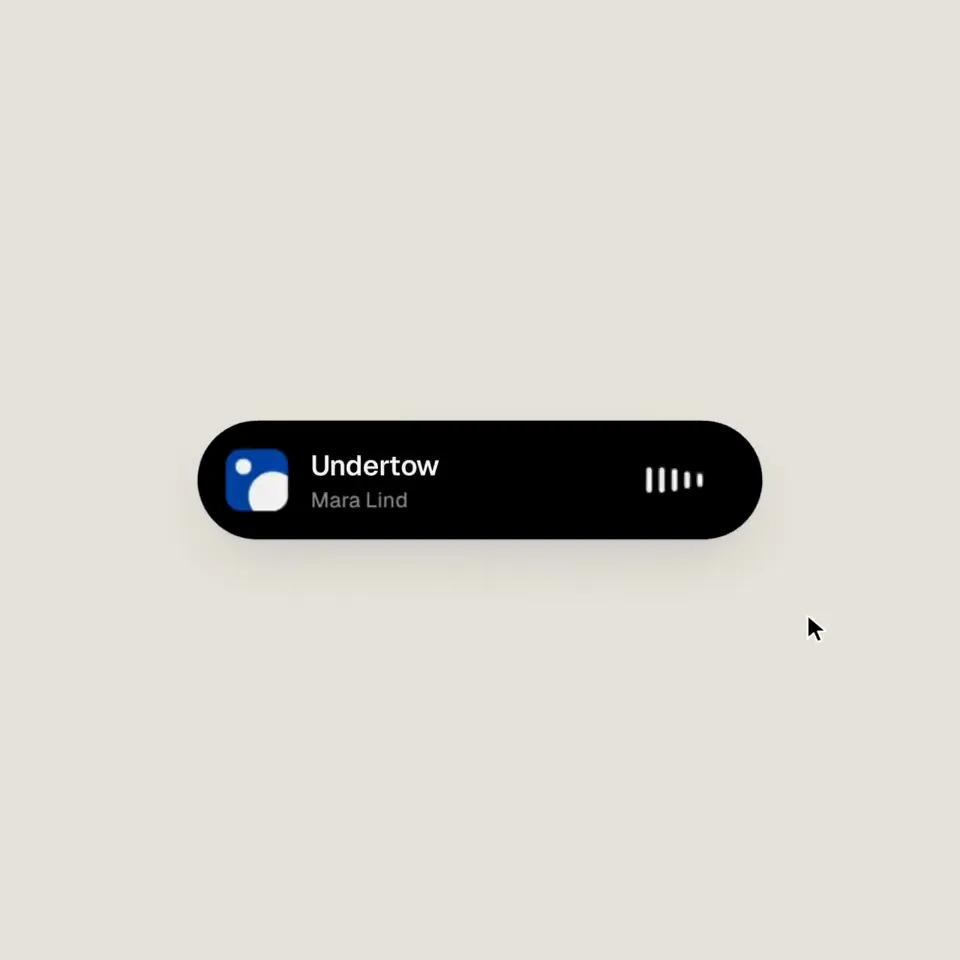
<inputs> Ask me for: 8 to 12 UI states I want the shape to become (e.g. button, loader, player, slider, toggle, tabs, chart, command palette, toast), pure black and white or one accent color, and a royalty-free song around 120 BPM (e.g. Mixkit, free for commercial use). </inputs> <direction> Dribbble-level UI motion. One shape, never cut: every state is the same element morphing its size, radius and color while its content swaps with a short blur. A cursor drives every change with real clicks and drags. Light warm-gray canvas, black and white components, one clean UI font (Geist). Springs everywhere, a tiny overshoot at most. The camera zooms so each state fills the frame. The last frame is the first frame, so it loops. Banned: bouncy easing, particle bursts, glows, gradients on UI chrome, mismatched icon strokes, dead time, anything that looks like a template. </direction> <structure> 120 BPM, 7 bars, something happens on every beat. Button → loader → check → dynamic island → music player with a play/pause morph → scrub the progress bar → it becomes a volume slider that stretches when dragged past max → a toggle flips on the beat → the knob becomes a liquid tab indicator → the tabs open into a chart that draws itself, with a tooltip on hover → it collapses into ⌘K → type to filter → enter → toast → back to the button. </structure> <build> 1. One HTML file, square 1440x1440. Every style is computed from time inside seek(t): no CSS transitions, no timers, no state carried between frames. 2. Springs are closed-form step responses. A value that changes target many times is the sum of one spring per change, so it stays a pure function of time. 3. The tab indicator's two edges ride different springs, so the leading edge stretches ahead of the trailing one. Same trick for the toggle knob. 4. Drags are direct manipulation: while the cursor is held, the value is computed from its position. On release it springs back from wherever it was. 5. Analyze the song with numpy for the beat grid and start on a downbeat. Place every UI sound by its measured peak. 6. Render with Playwright: 4 subframes per frame, blended with ffmpeg tmix for motion blur at 60fps. 7. Render one frame per beat before the full render. Fix anything off the grid, cramped or hard to read. </build> <gotchas> Never put will-change on anything the camera scales or the text renders blurry. Text that swaps inside a morphing container needs its own enter and exit timing or it overlaps. Make the last frame identical to the first, cursor position and speed included, or the loop stutters. </gotchas> <start> Ask me for the inputs, then show me the state list on the beat grid before you write any code. </start>
make a dynamic 15-second motion graphics video that shows what an incredible motion designer you are, like it’s your showreel for a résumé. go all out. It should be focused on Omarchy
make a dynamic 15-second motion graphics video that shows what an incredible motion designer you are, like it's your showreel for a résumé. go all out.
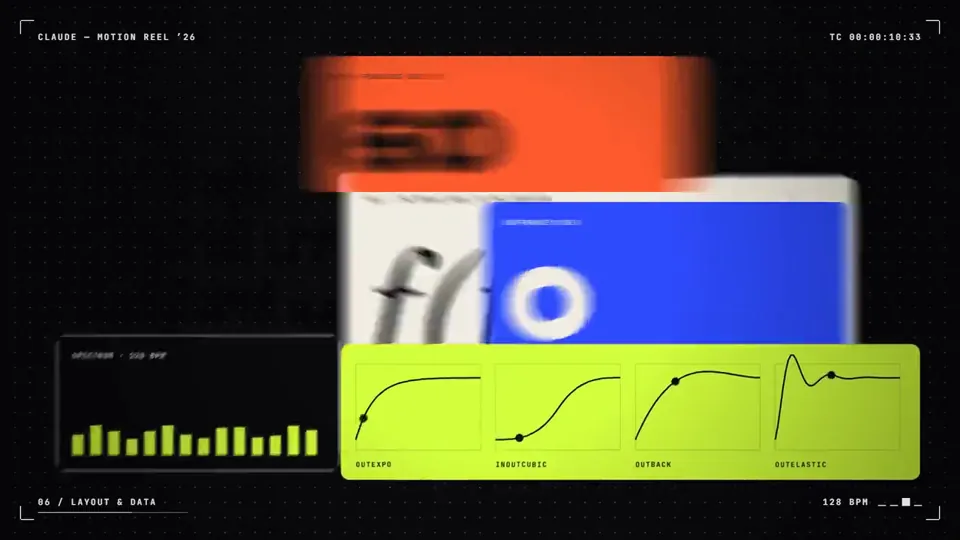
make a dynamic 15-second motion graphics video that shows what an incredible motion designer you are, like it's your showreel for a résumé. go all out.
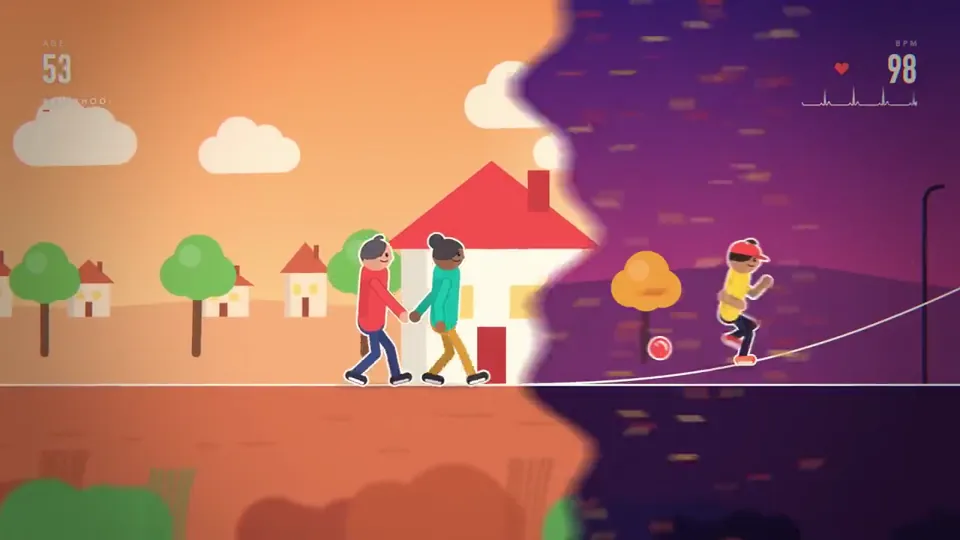
make a dynamic 20-second motion graphics and animation video that shows what an incredible motion designer and animator you are, like it's your showreel for a résumé. make it about the cycle of life showing the same individual going from childhood to adolescence to the 9-5 cycle, to family life to elder life and death, then cutting ready to loop to the beginning. go all out , use whatever you need.
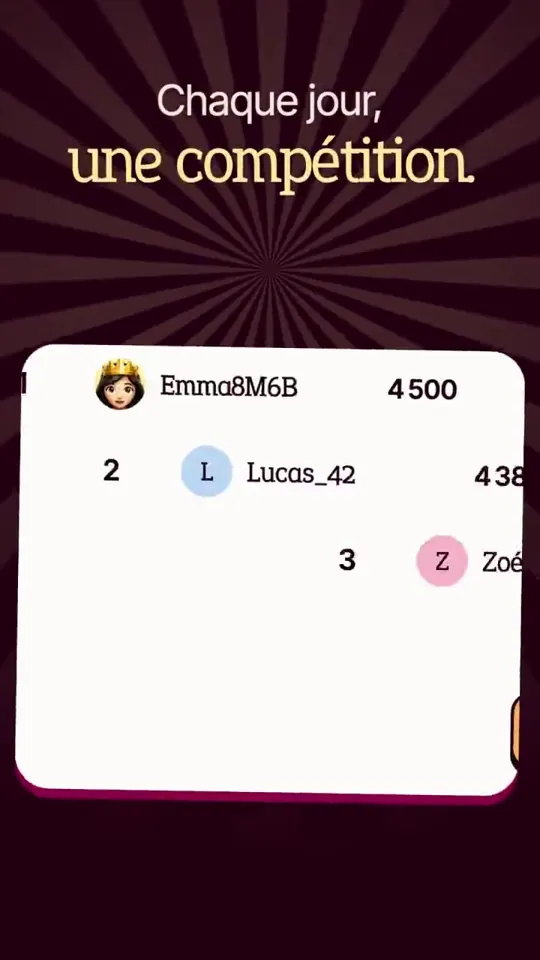
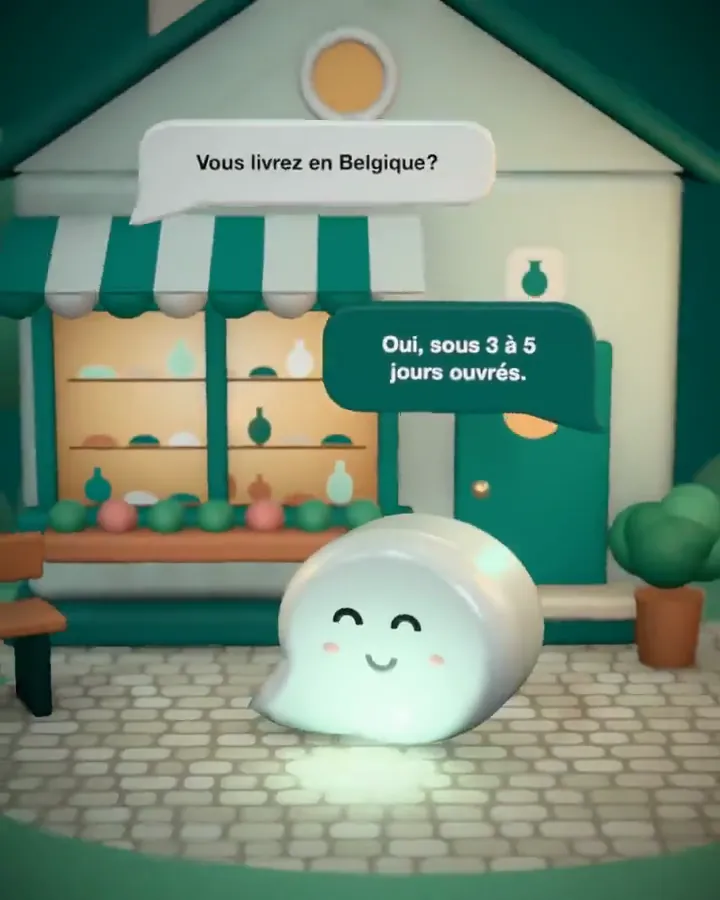
make a dynamic 15-second motion graphics video that shows what an incredible app Mentis is, like it's your showreel for a app launch. go all out. Make the text in French.
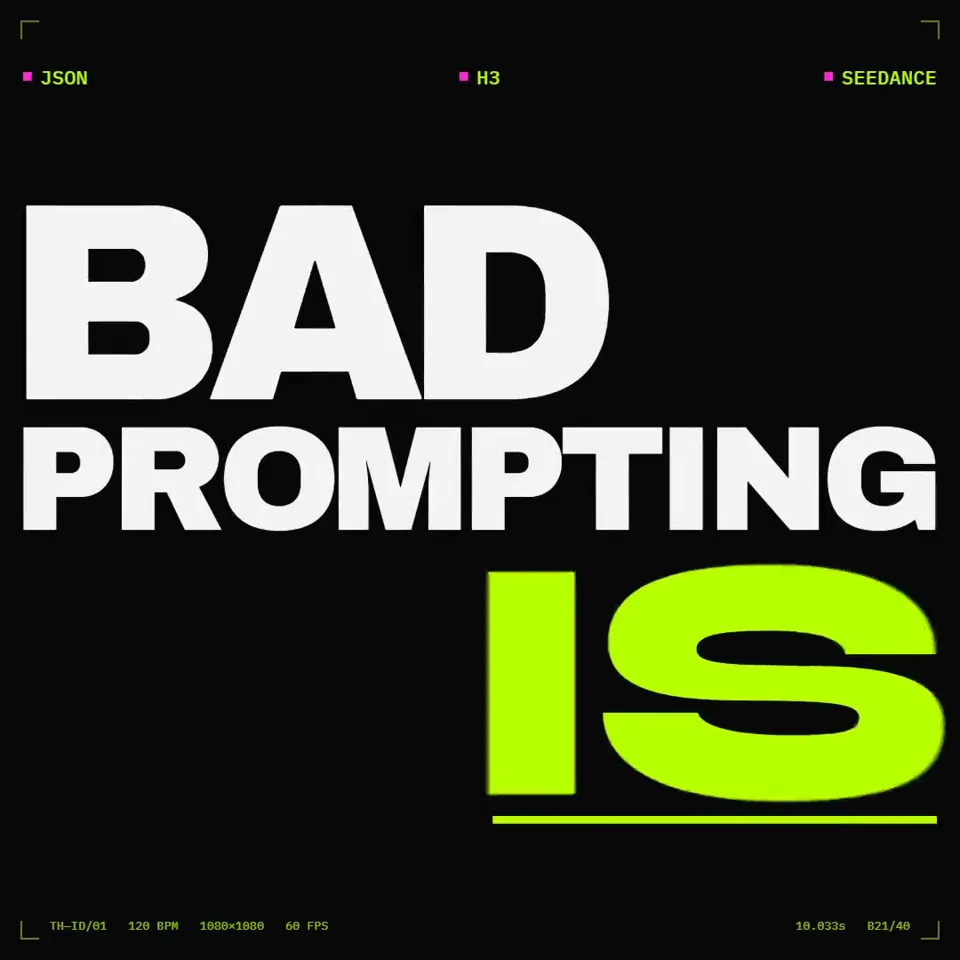
You are a world-class motion designer doing a 20.00s kinetic identity bumper for TechHalla — an AI creator known for stealable workflows, not vibes. This piece must feel like the best designer in the room made a street-poster that moves. Showreel stakes: if this is weak, you don’t get hired. DURATION: exactly 20.00 seconds. LOOPABLE: frame 0 == frame last (position, opacity, cursor if any). FORMAT: one HTML file, 1080×1080 (square, X-native). 60fps. PALETTE (strict): - bg # 0A0A0A - magenta # FF2BD6 - acid green # B8FF00 - white # F5F5F5 only for primary readable type when needed No other hues. No gradients on UI chrome. Magenta/green may misregister (print offset) by 2–4px on impact frames only. TYPE SYSTEM (use all three; never one font for everything): 1) Display / scream: Archivo Black (or equivalent ultra-condensed black) — 1–4 words max 2) Urban grotesque: Syne ExtraBold — secondary hits, stacked lines 3) Mono / “prompt code”: IBM Plex Mono Medium — small labels, timestamps, fake prompt crumbs Tracking: display −40 to −80; mono +20. Optical kerning. No cute script fonts. MESSAGE (locked — do not soften, do not add filler slogans): Beat hits in this exact order: 1. STOP SCROLLING 2. AI VIDEO ISN’T EXPENSIVE 3. BAD PROMPTING IS 4. WORKFLOWS > WISHES 5. STEAL THE PROMPT 6. @ TECHHALLA Supporting crumbs (mono, ≤18 chars, never full sentences): JSON · H3 · SEEDANCE · 0 KEYFRAMES · MAGNIFIC · COPY/PASTE NARRATIVE ARC (20s): 0.0–2.5s COLD OPEN — “STOP SCROLLING” slams in from below with spring overshoot; magenta smear trail; acid green baseline ticks across like a waveform. 2.5–6.5s THESIS A — “AI VIDEO ISN’T EXPENSIVE” locks to a poster grid (baseline grid 8px). Letters scramble (seeded Fisher–Yates per glyph) then snap on the beat. 6.5–10.5s THESIS B — “BAD PROMPTING IS” replaces it via mask wipe through the letterforms (the outgoing line is the mask). Magenta/green channel split on the cut. 10.5–14.5s PROOF FLASH — rapid kinetic stack: WORKFLOWS > WISHES, then mono crumbs orbit a central block like a terminal. One fake “prompt block” types 3 lines max, then gets crossed by an acid green strikethrough that becomes a underline for STEAL THE PROMPT. 14.5–17.5s BRAND LOCK — @ TECHHALLA centers; display weight. A thick magenta bar and a thin acid green rule form an L-bracket mark (custom, not a logo download). 17.5–20.0s SETTLE / LOOP — hold lockup; micro-breath (scale 1.000→1.012→1.000); last frame == first ready for loop. CONCRETE TECHNIQUES (required — implement, don’t approximate): 1. seek(t) pure function of time. No CSS transitions. No setInterval. No React state across frames. 2. Springs = closed-form step responses. Stack one spring per target change so motion stays deterministic. 3. Kinetic type: per-glyph spring (y, opacity, blur). Stagger = 1/16 note at 120 BPM (125ms). 4. Print misregistration: on accent frames only, duplicate text layer offset (±2–4px) in magenta and acid green at 40% opacity. 5. Mask reveal: destination text revealed by animating a path mask derived from the outgoing word’s outlines. 6. Camera: one orthographic camera; only punch-in (1.0→1.08) and horizontal smash-pans timed to beats — never random drift. 7. Motion blur: render 4 subframes per frame, blend (tmix-style). 8. Beat grid: 120 BPM, downbeat at t=0. Something must land on every beat for the first 16 beats; after that, every other beat is ok. 9. Pre-pass: before full render, export one still per major beat (8 frames). Fix cramped type, orphan words, low contrast — then render. BANNED: Generic AI clichés (brains, robots, neural nets, sparkles), soft gradients, bouncy cartoon easing, particle explosions, stock “futuristic HUD”, long paragraphs, narrator essay energy, Canva-deck energy, extra slogans beyond the locked message, purple/blue neon, glassmorphism. If Astra already blew our minds… Opus 5.5 is a monster 😱
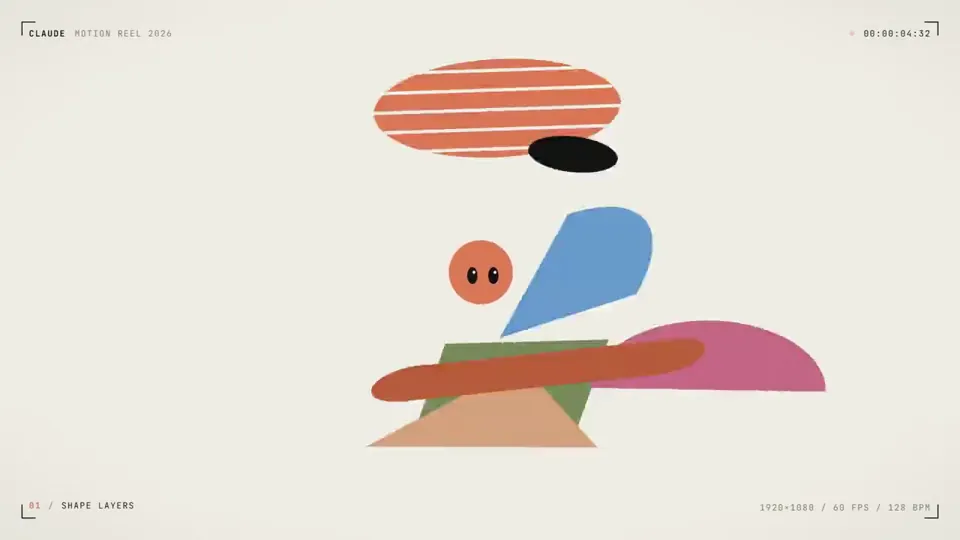
make a 15 second motion graphics video. personify yourself in the video as introducing opus 5.5.
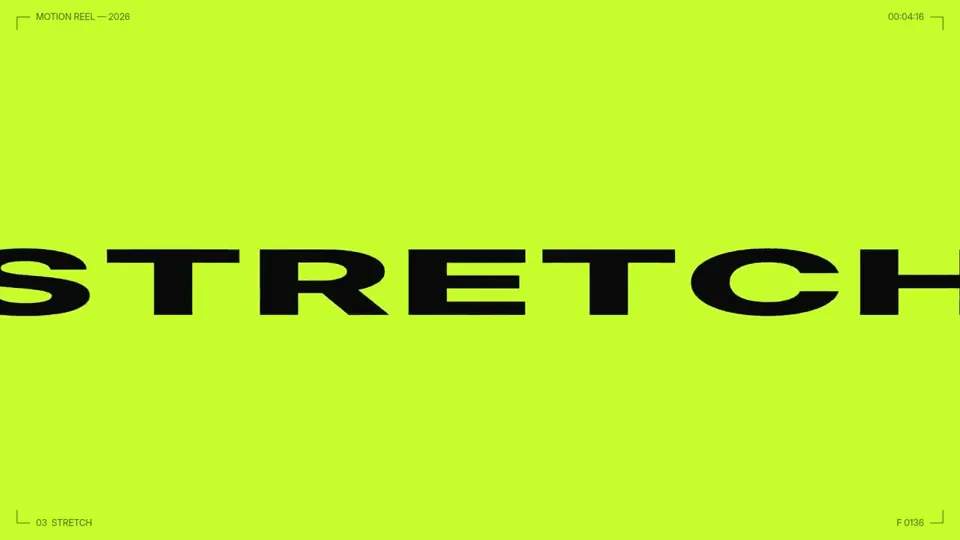
You are applying as a motion designer in my agency. Make 15s video to showcase your skills and capabilities. Send me a showreel
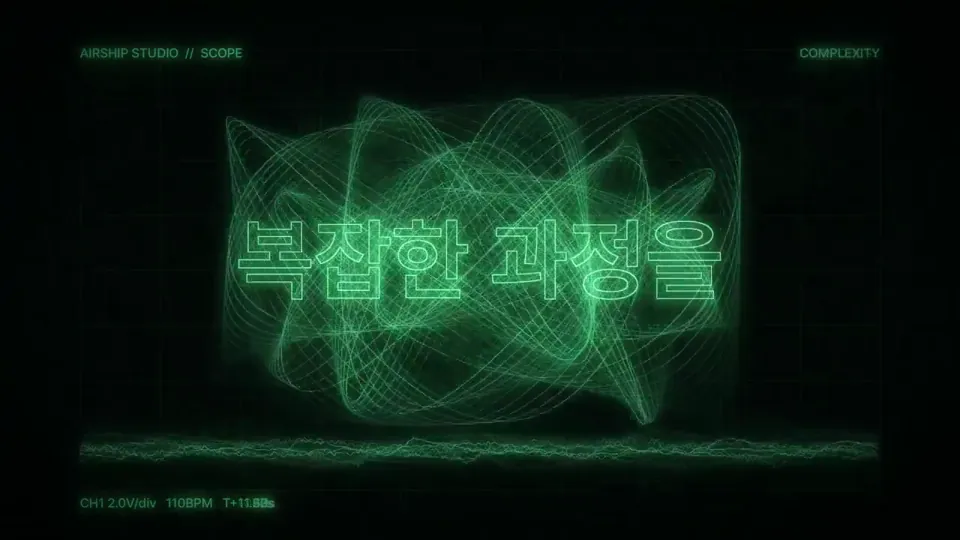
Make a dynamic 15 second motion graphics video that shows off what an incredible motion designer you are. Imagine it's your showreel for a resume!
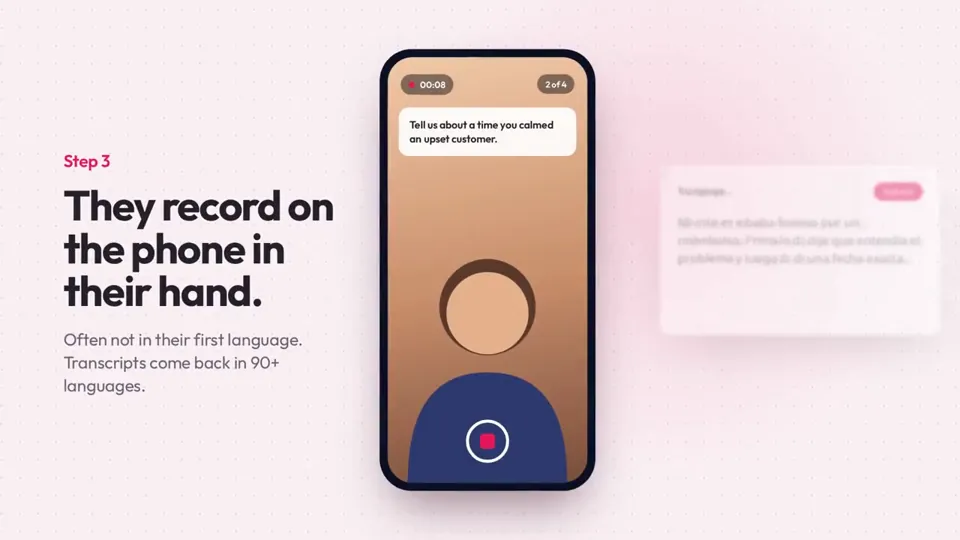
I want you to create a highly professional SaaS product launch video. Go and find some SaaS, preferably just one that people know, so it's easier to identify with it. Pick that, and then make sure to get actual assets and images and all of that stuff from the internet. Turn it into these typical, very professionally edited, motion-graphics-styled product launch videos that you see people making on Twitter when they launch new SaaS products (which are showing off the features, the benefits, and all of these things).
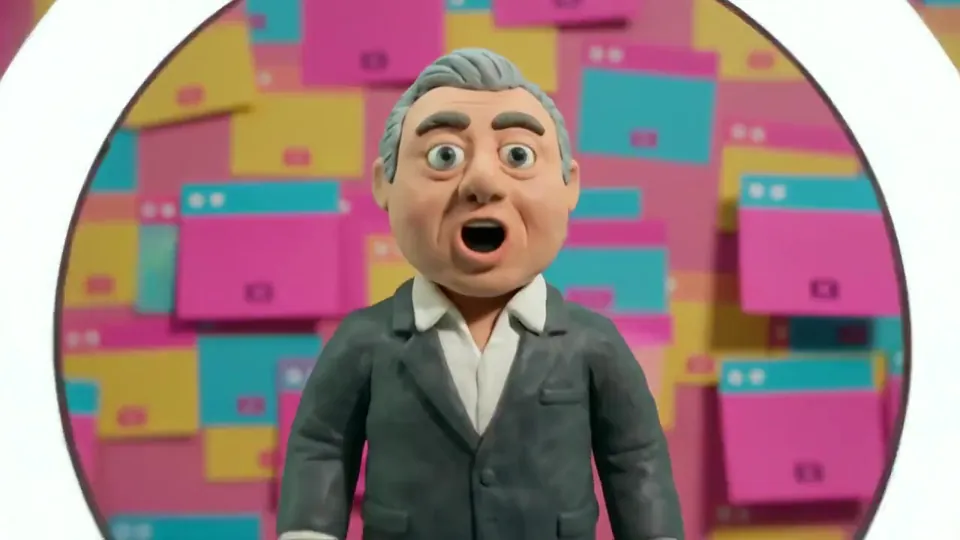
Create a 60 second music video in the style of Peter Gabriel's Sledgehammer and Big Time. But use modern references and figures. Also create the song, something sounds like it would fit on Peter Gabriel's So album.
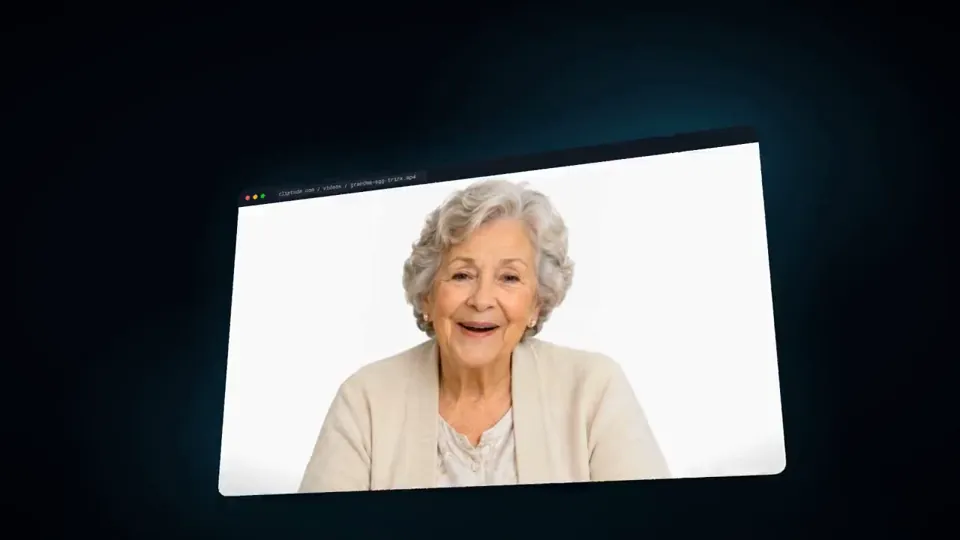
I want you to create a highly professional SaaS product launch video. Go and find some SaaS, preferably just one that people know, so it's easier to identify with it. Pick that, and then make sure to get actual assets and images and all of that stuff from the internet. Turn it into these typical, very professionally edited, motion-graphics-styled product launch videos that you see people making on Twitter when they launch new SaaS products (which are showing off the features, the benefits, and all of these things).
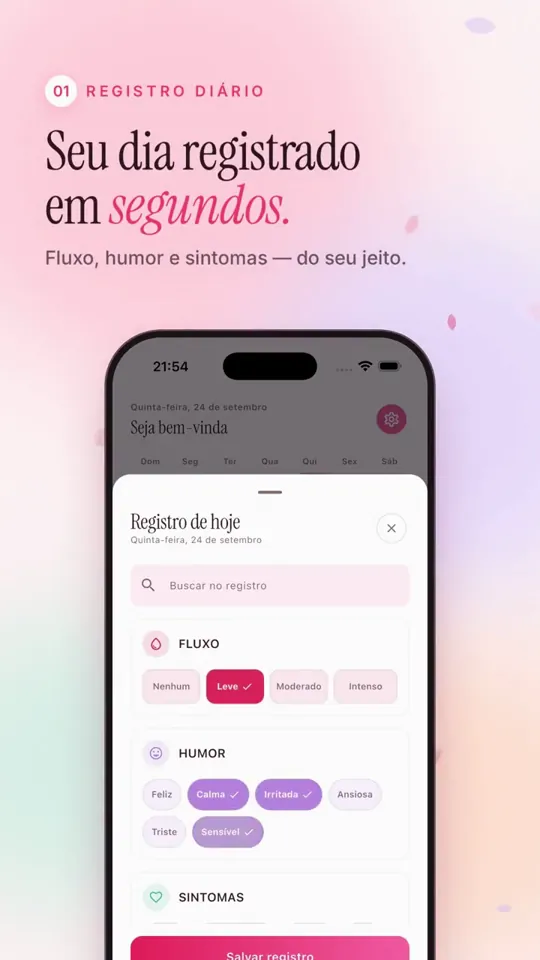
Dentro da pasta do flora tem uma outra pasta chamada "ads" com videos e prints do Flora(Caso queira usar como referencia). Use apenas: JavaScript, Playwright e FFmpeg. Faça um vídeo moderno, elegante e impactante para meu produto. https://apps.apple.com/pt/app/flora-calend%C3%A1rio-menstrual/id6789702093
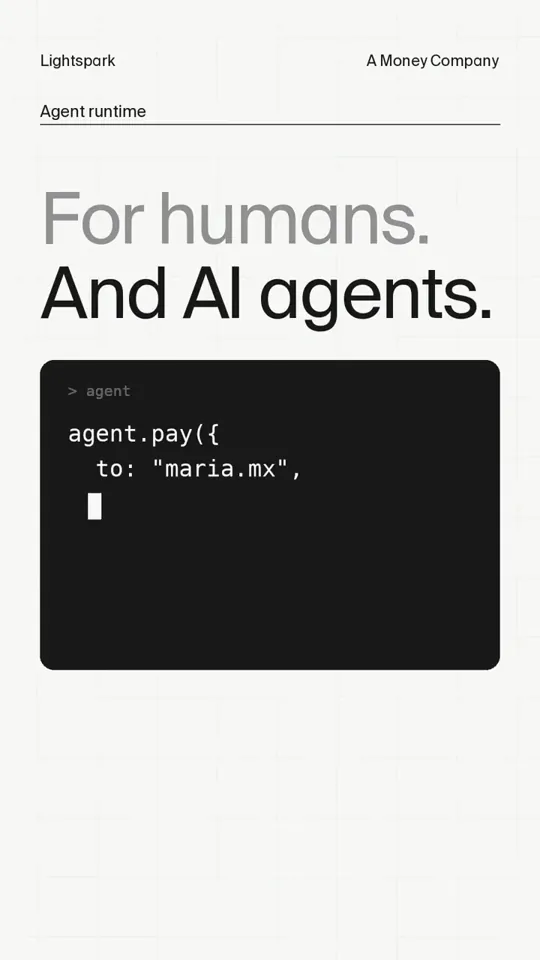
make a punchy and modern short video for social that promotes @lightspark capabilities. Needs to be production grade with sound
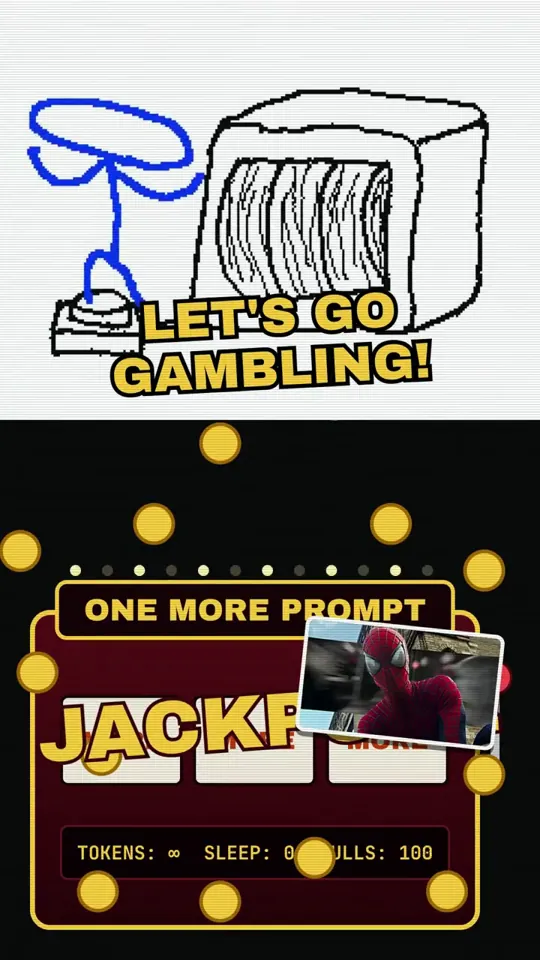
make a brainrot video about the terminal. i can't escape it. ai is so addictive.
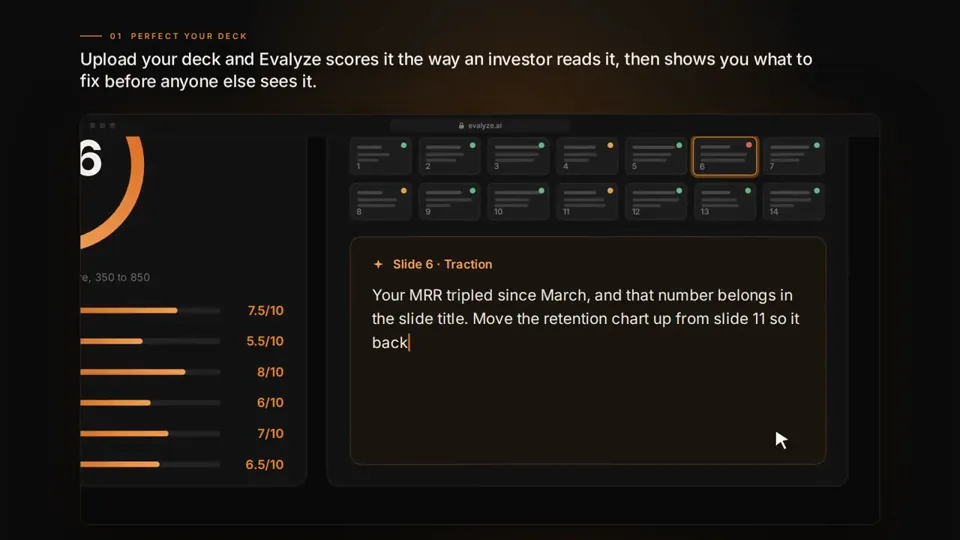
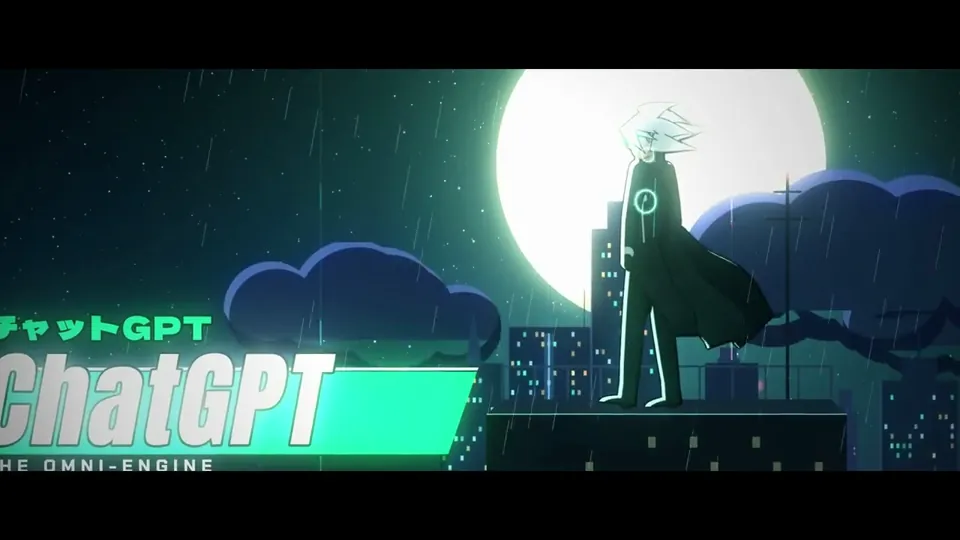
I want to create a highly-detailed video trailer featuring Claude and ChatGPT having a ruthless battle to be the best AI model in the world. Create an engaging story and make it action-paced with proper use of visual and sound effects. Art style must be anime-like.
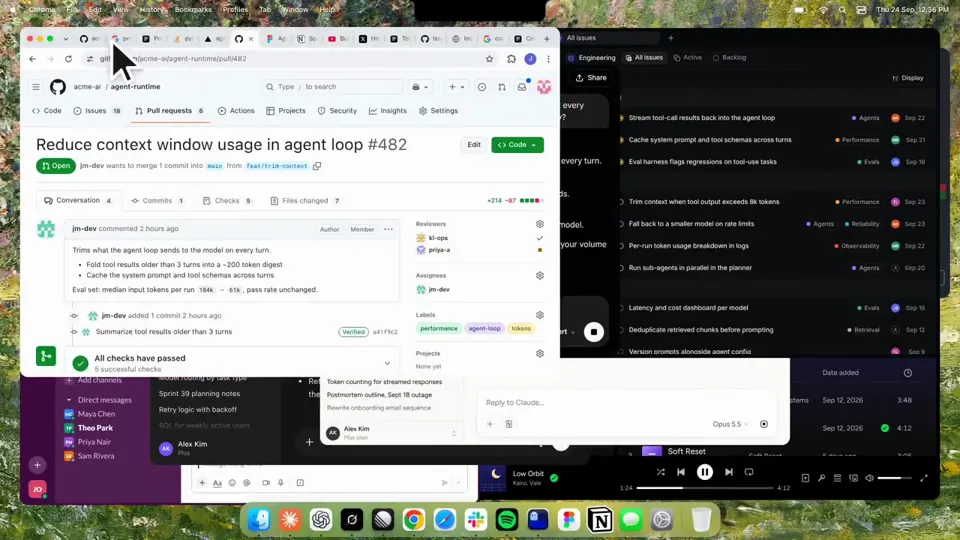
Using HyperFrames, make a hype teaser for the product in this post - [link]. Landscape, around 27 seconds. Match the product UI, wallpaper and copy from the post's video Motion should feel slow and polished - one continuous camera over one Mac desktop, no hard cuts. Camera pushes, pulls and pans run like 1.5 to 3 seconds on gentle ease-in-out curves, nothing snappy - aim for half the speed you'd default to. Add motion blur on fast moves and a light film grain finish. Use an oversized macOS cursor. No audio. All on-screen copy lowercase like the post. 1. Open on a big centered line - "in the AI era, the hard part is" - entering word by word from the right with an orange colorama text wipe over it (the `colorama-wipe` registry component). Hold it about a second, then scale it down into place above a spinning list. 2. The list rotates through 30 hard things about working in the AI era - spending tokens wisely, picking the right model, managing context windows, etc - each with a real app icon. Go fast, it's not meant to be read, then land slowly on "managing your desktop". 0.2s after it lands a question mark pops on after it. 3. Pull the camera back to reveal the Mac desktop as windows pile in on top of each other, arriving from behind the camera - Claude, ChatGPT, Grok, Linear, Chrome, Spotify, Slack and Claude Code in a terminal. Build these as accurate recreations of the real apps with real icons. 4. Push back in so the windows fly past the camera, back to text - "don't make your browser / one of them". 5. Pan up to a really tight framing of just the notch and the top of the wallpaper. A cursor comes up and hovers - the notch morphs into a pill with the name "NotchBrowser", then opens into the browser panel exactly like in the video. 6. Click through the tabs like the video does, then click the collapse chevron so the panel retracts into the notch. 7. End on a checklist of the post's claims with rings and ticks drawing on
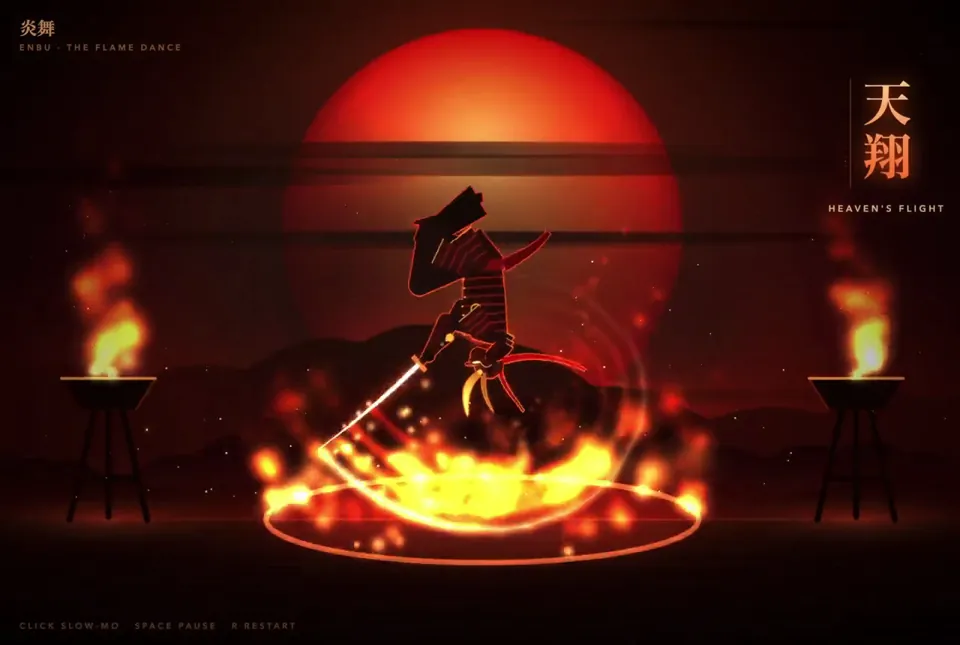
make a samurai dude in only javascript and have him doing a routine in a single spot going through various seriously impressive poses and motions and positions in a fiery awesome display
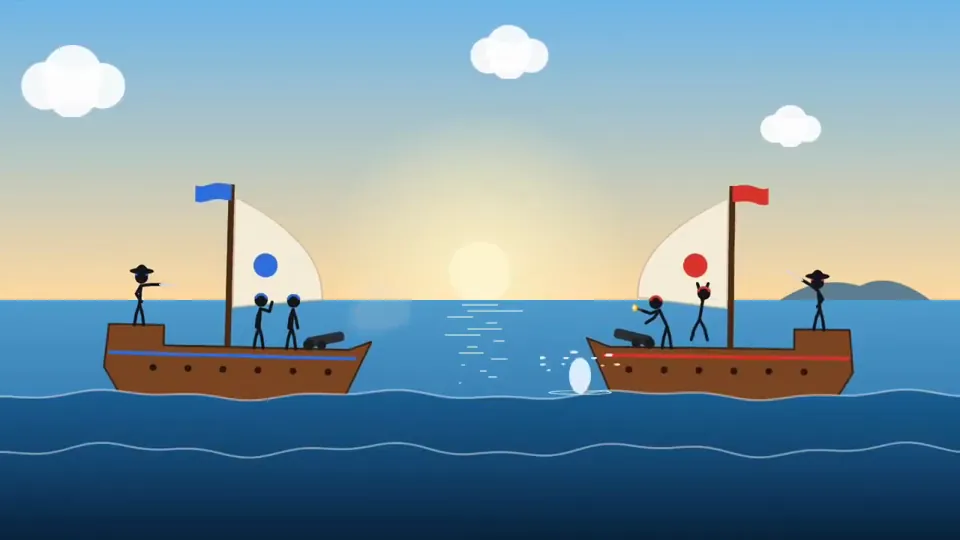
faça uma animação de stickman's numa batalha naval, use meus SFX em tal pasta
How Claude Opus 5.5 Generates Videos from Code
Rather than sampling diffusion frames directly, Claude Opus 5.5 writes real-time procedural animation code rendered directly in the browser or headlessly via Chromium and Remotion.
Opus 5.5 writes raw HTML5 Canvas 2D render loops and Three.js WebGL shaders. Camera trajectories, particle systems, and raymarching lighting equations run at native 60 FPS with zero compression artifacts.
By orchestrating SVG vector paths with GreenSock (GSAP) timelines, Opus 5.5 generates sharp typographic title sequences, interface walkthroughs, and kinetic logos that scale infinitely without pixelation.
Every prompt in this directory can be pasted directly into Animatiq. Animatiq bundles the code into structured React Remotion components with keyframes, editable text layers, and 4K MP4 export.