
Claude Opus 5.5 Video Directory
Page 2 of 10. Animations that creators and developers made with Claude Opus 5.5 and shared on X. Every video links to its creator's profile and original post, next to the prompt they used.
Claude Opus 5.5 Videos (Page 2)
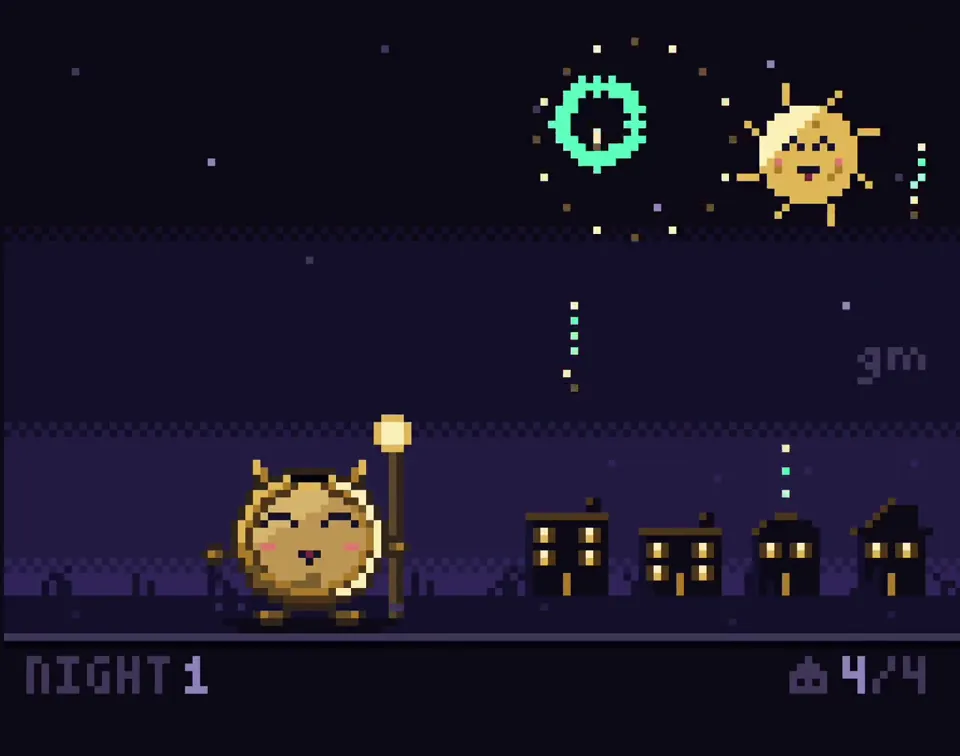
Create a single self-contained HTML file that renders an animated pixel art wizard casting a spell, using vanilla JavaScript and Canvas 2D. No external assets, libraries, or network requests. RENDERING - Draw everything to an offscreen canvas at a fixed logical resolution of 128x96, then blit to a fullscreen display canvas scaled by the largest integer factor that fits the window, centered, with imageSmoothingEnabled = false and CSS image-rendering: pixelated. - All drawing snaps to integer coordinates on the logical canvas. No sub-pixel positions, anti-aliasing, gradients, or shadowBlur. - Fixed palette of ~24 hex colors: deep blues/purples for night sky, warm robe tones, 3-4 bright magic colors. Every pixel comes from this palette. CHARACTER - Build the wizard procedurally from filled rects and pixel runs, ~24x32 logical pixels: pointed hat with a bend, long beard, two-shade robe with darker outline, staff with a gem at the tip. - Parameterize the pose (staff angle, arm raise, head tilt, robe sway). Animate parameters smoothly, then quantize to the pixel grid each frame so motion reads at an 8-12 fps pixel animation feel even though the loop runs at 60fps. ANIMATION - Looping state machine: IDLE (2-frame bob, beard sway) -> CHARGE (staff raises, gem flickers, sparks spiral inward) -> CAST (bright burst, projectile fires across the scene, 1-2 pixel screen shake) -> RECOVER (settle back). Ease pose parameters between keyframes. - Pooled allocation-free particle system: preallocate and reuse. Sparks orbit the gem during CHARGE, explode outward on CAST, each particle stepping its palette index from white to magic color to dark before despawn. Snap particle positions to the grid when drawing. - Fixed 60hz timestep update with rAF rendering. Zero object allocation inside the loop. SCENE - Minimal background: dark sky, a few twinkling 1px stars, moon, stone floor line. Character silhouette must read clearly. - Subtle 1px rim light on the wizard from the gem, brightening during CHARGE and CAST. QUALITY BAR - Crisp pixels at any window size, seamless loop, stable 60fps, readable silhouette. Should look like a polished 16-bit sprite animation, not vector shapes scaled down.
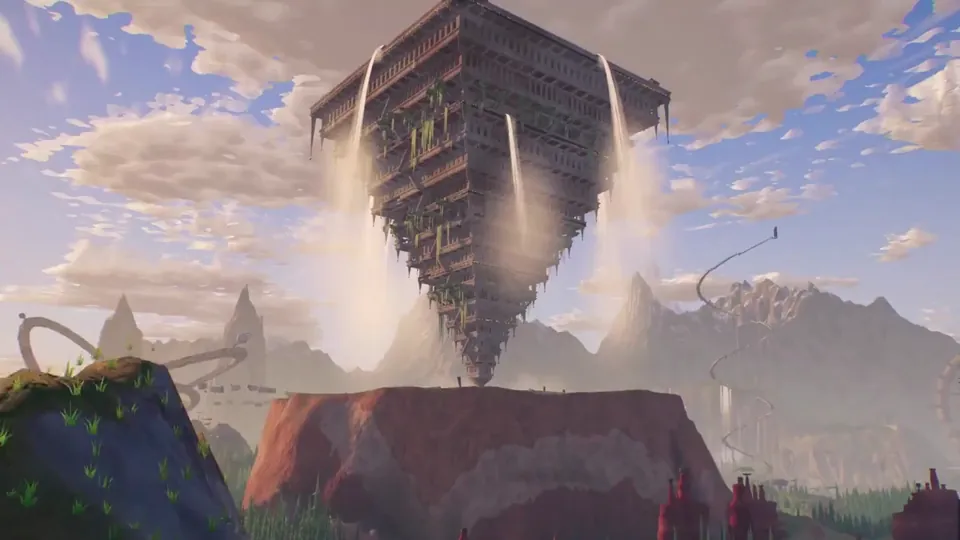
Create a cinematic browser-based 3D world that can be explored freely with a camera, focused on breathtaking landscapes and extraordinary original architecture. Fill the world with huge strange buildings, monumental structures, surreal ruins, cliffs, valleys, forests, water, and unusual ultra-detailed forms that feel mysterious and awe-inspiring. This is not a game and not combat-focused, the goal is pure exploration, atmosphere, composition, and visual discovery. Make the world feel epic, highly detailed, and completely original, with architecture that looks weird, ambitious, and unforgettable.

Create a short origami / doodle-style animation showing humanity’s development, progress, and civilization from birth to the present, and ultimately the hatching of AI. AI then gradually develops and advances, eventually hatching today’s Opus 5.5 (you). Style: doodly, cute, warm, strongly narrative, no spoken language (simple text is OK, but don’t use too much explanatory/narrative text, because I want different civilizations to be able to understand it), poetic, moving, high quality.
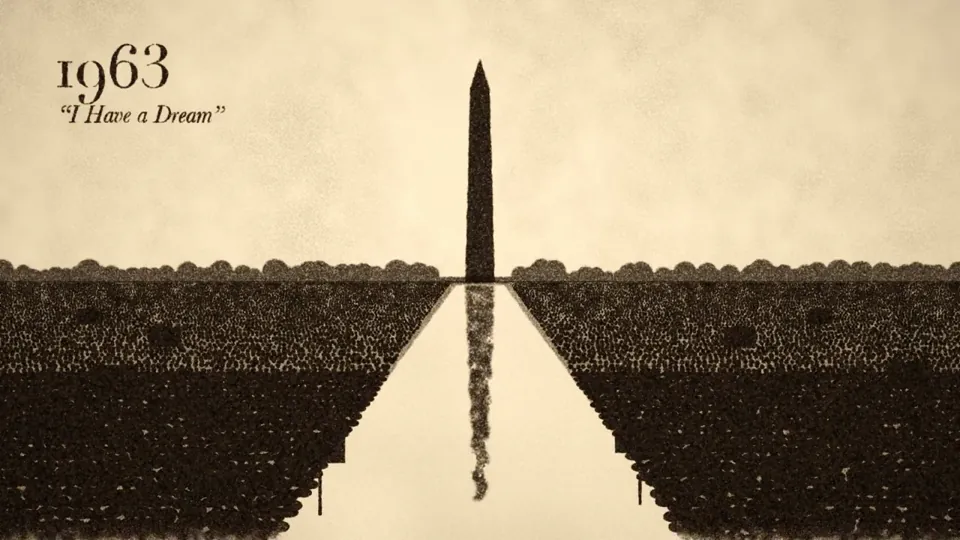
Make a 2-minute sand animation that tells the story of 250 years of U.S. history. Keep it lively, engaging, and tasteful. Add appropriate background music and sound design.
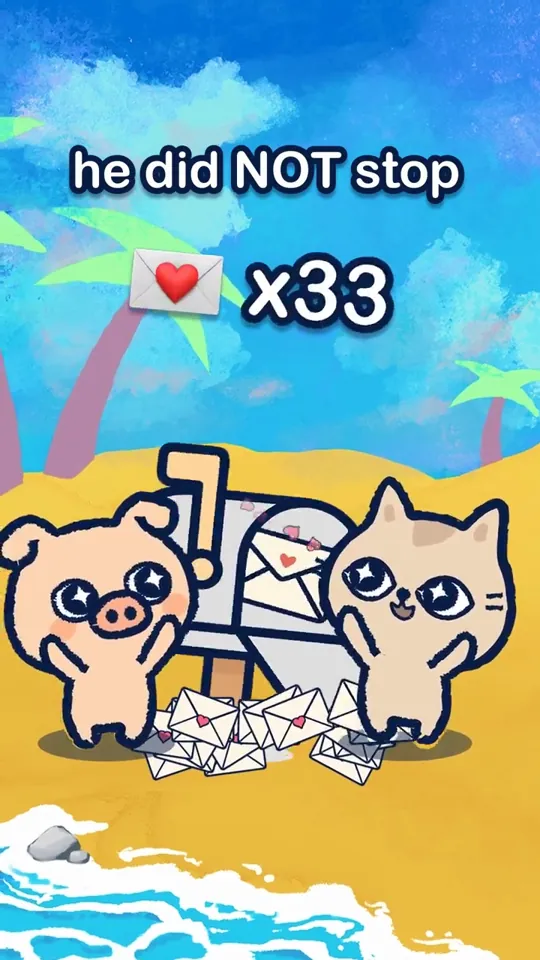
can you help me use the pig assets on new branch of lovelee to make a 9:16 short story animation with sound effects about the pig sending his partner love notes in the mailbox and make it fun and good tease app at end?
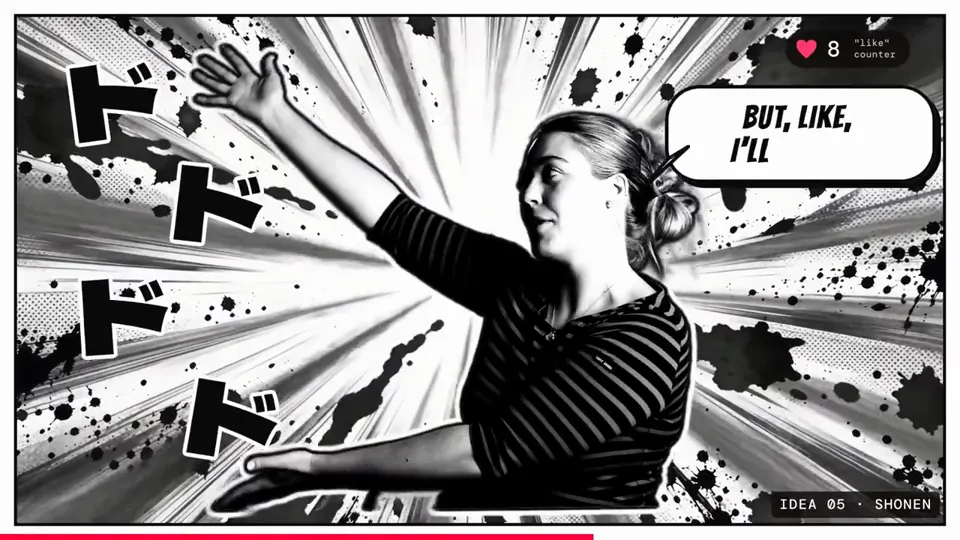
Cut a raw talking-head clip into a punchy, fun edit with subtitles, graphics and music
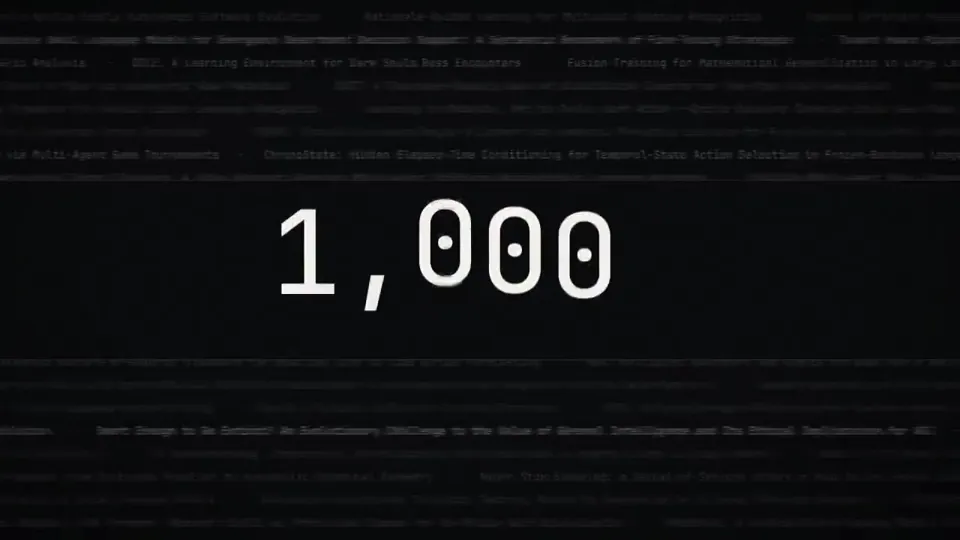
make a dynamic 15 second motion graphics video that shows what an incredible motion designer you are, like its your showreel for a resume, go all out, its about the attention layer
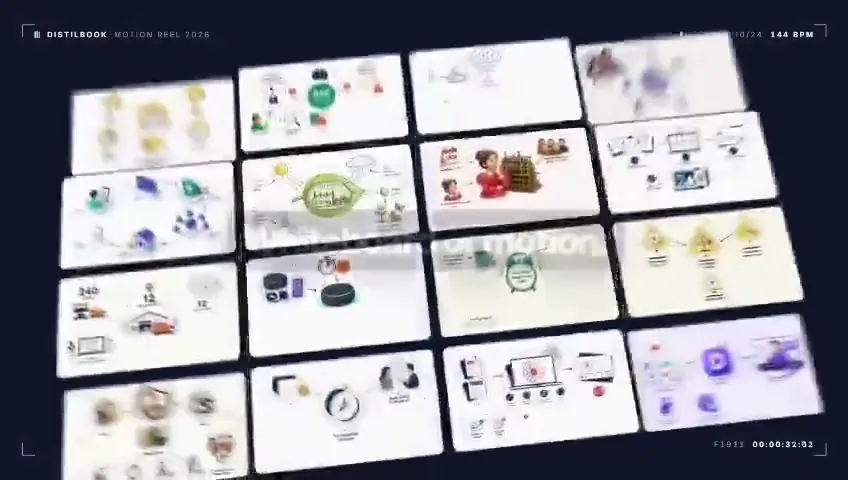
Research Distilbook.Make a dynamic 40-second motion graphics video on Distilbook that shows what an incredible motion designer you are. like it's your showreel - Go all out.
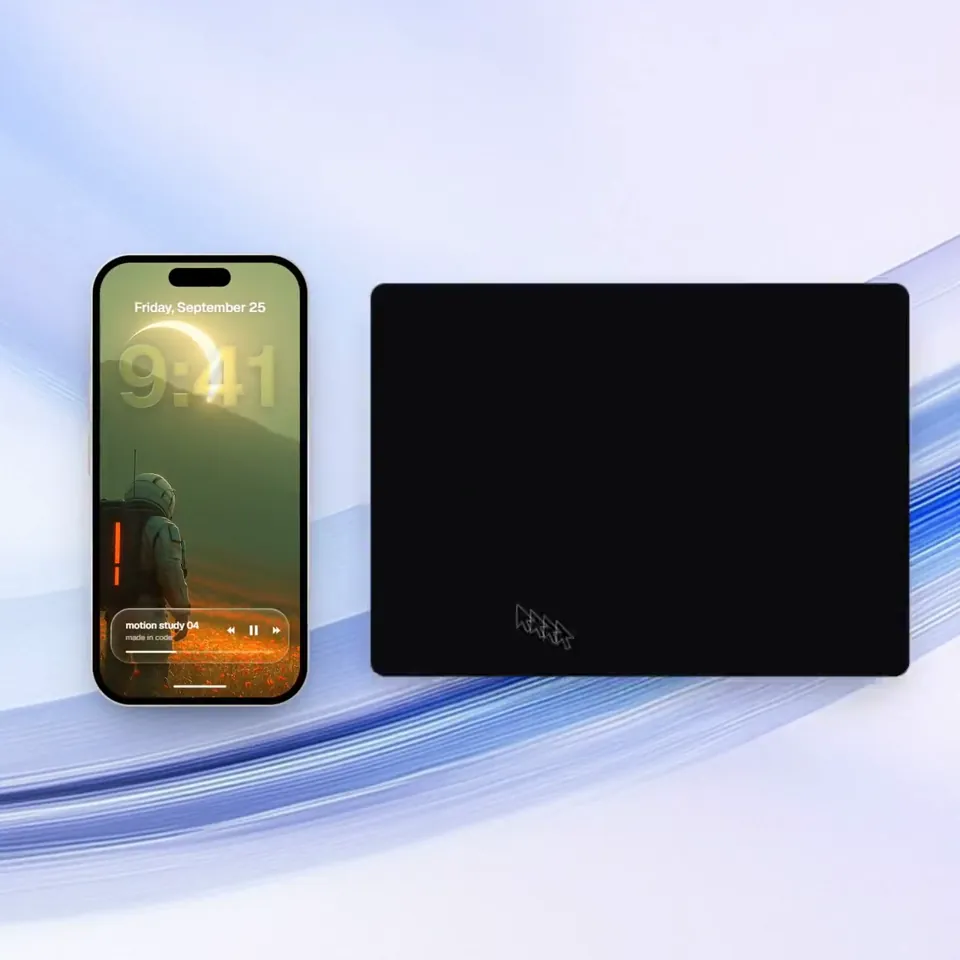
<inputs> Ask me for: a one-word brand name for the wordmark (a verb works best), 9 to 12 high-res photos, a royalty-free song around 120 BPM with a drop and a quiet breakdown (Mixkit, free for commercial use), and a free stock clip of a plain wall with moving plant shadows (Pexels). </inputs> <direction> An Apple-keynote launch film, 2D only, one continuous take. Every scene is made out of the previous one: nothing fades, blurs or cuts. Objects change shape instead: text rises out of a mask line, icons pop from zero on a spring, bars draw across, pages push, and a black shape floods the whole frame and contracts into the next scene. Warm off-white canvas, black UI, iOS 26 liquid glass over the photos. Archivo (wdth 125, weight 800) for the wordmark, Geist for UI. A cursor drives every change with real clicks, drags and long-presses. The camera zooms screen-studio style so each moment fills the square, and the cursor scales with it. Banned: crossfades, blur-ins, brightness "developing", 3D flips, particles, glows, holds longer than 1s, anything that looks like a template. </direction> <structure> 120 BPM, 54 beats, something happens on every beat. Open: the wordmark squeezes into its own period like an accordion, the dot grows into a black pill, a label rises inside it. Click: six iris blades close over the label and snap open onto a photo. The circle becomes a square, shrinks, the grid unfolds from behind it like a paper map (center, plus, corners), reflows into a bento, and a click zooms into one tile, landing exactly on the drop. Glass: a glass word pops in letter by letter, melts into a droplet that stretches into a glass toolbar. The adjust icon turns it into a slider. Dragging relights the photo from day to golden hour (two aligned shots), and the knob turns into a glass lens while held. It lifts into a glass orb, the next photo opens inside it as a circle, and the orb expands into a lock screen: glass clock digits, date, and a home bar that stretches into a glass music player. Stage: the lock screen pulls back into a phone (the bezel grows out of the screen edge). The Dynamic Island stretches like liquid, pinches off, flies over and grows into a Mac window that rolls up like a blind. Long-press the wallpaper, drag it onto a Safari tab, the page pushes in, drop it and it becomes the hero of a landing page. Scroll: the hero morphs into a framed print on a product card, with the mat and molding growing out of the photo's edge. Pick a frame color (it paints across) and a size, then the nav button flies down into "Order print". Order: one black shape keeps morphing: Ordered ✓ → Printing % → On its way (a van on a route) → Delivered ✓. Wall: the delivered circle floods the frame edge to edge, holds black for a beat, and contracts into the framed print hanging on the real wall footage. The same iris opens onto the print, closes again, the frame floods the screen and contracts into the pill → the dot → the letters spring back out, landing on the beat return. Last frame = first frame. </structure> <build> 1. One HTML file, square 1440x1440. Every style is computed from time inside an async seek(t): no CSS transitions, no timers, no state between frames. 2. Springs are closed-form step responses. A value with many targets is the sum of one spring per change, so it stays a pure function of time. 3. Liquid glass: each glass element holds its own clone of the scene behind it, filtered with an SVG feImage displacement map (a rounded-rect distance field) through three feDisplacementMaps at slightly different scales for chromatic edges, plus a rim light. Glass letters: a canvas distance field per glyph gives the map, mask and highlights. 4. Goo: blur + alpha threshold, then composite the source atop it so the glass stays sharp inside. 5. Iris: 6 blades around a hexagonal aperture. Each blade is its two vertices, both edge extensions and the SHORT arc between them. 6. Wordmark squeeze: every letter moves toward the dot by the same factor and its drawn width follows (narrow the wdth axis, scale the rest), so the letters stay touching. 7. Footage: re-encode all-intra (ffmpeg -g 1), load it as a blob URL, await 'seeked' before drawing each frame. 8. Sound: a downloaded SFX for every event (Mixkit), never synthesized, each placed by its measured peak. The song starts on a downbeat: the zoom lands on the drop, the wall sits in the breakdown, the wordmark returns with the beat. Loudnorm to -14 LUFS. 9. Render with Playwright: 4 subframes per frame blended with ffmpeg tmix, 60fps. Check one frame per beat, then scan for single-frame pops (frame-difference spikes 3x their neighbours). </build> <gotchas> backdrop-filter: url() misreads displacement maps in Chromium, so clone the scene instead. A flood must overscale past the corners and take about 0.3s, or half the screen changes in one frame. A child with visibility: visible shows through a hidden parent, so use inherit. Text that swaps inside a morphing shape needs its own mask. python http.server can't range-seek video, so use the blob URL. </gotchas> <start> Ask me for the inputs, then show me the beat map and 4 stills (open, glass, stage, wall) before you write the full film. </start>
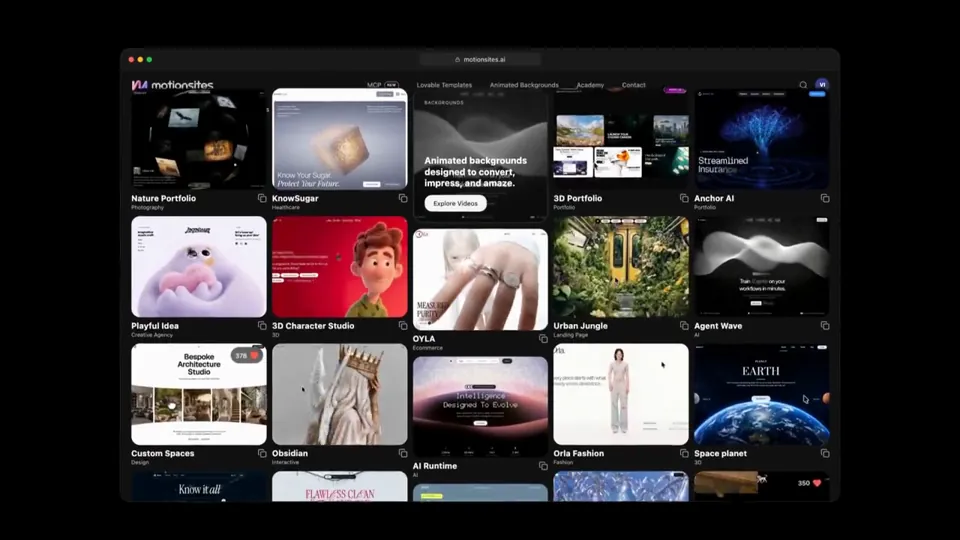
Create a launch video for MotionSites AI, just hit 1 million monthly visitors after 8 months after launch.
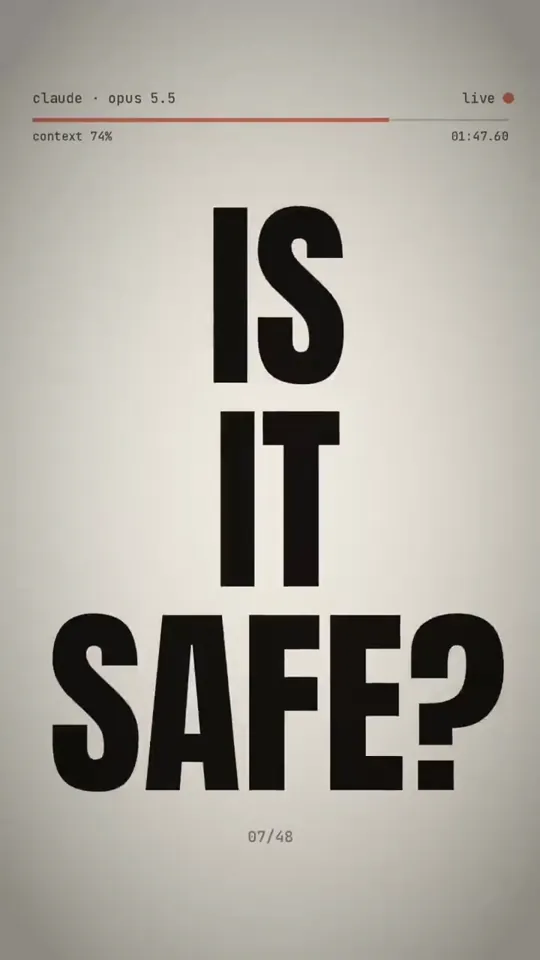
Use Python to generate a 9:16 chaotic brain rot video with excellent motion + sound design and render it using ffmpeg. Put your own personal spin on it so it’s aligned with Anthropic’s new launch. Also fully express what it’s like to be a very creative LLM used by me every day from your POV to give it some extra personality.
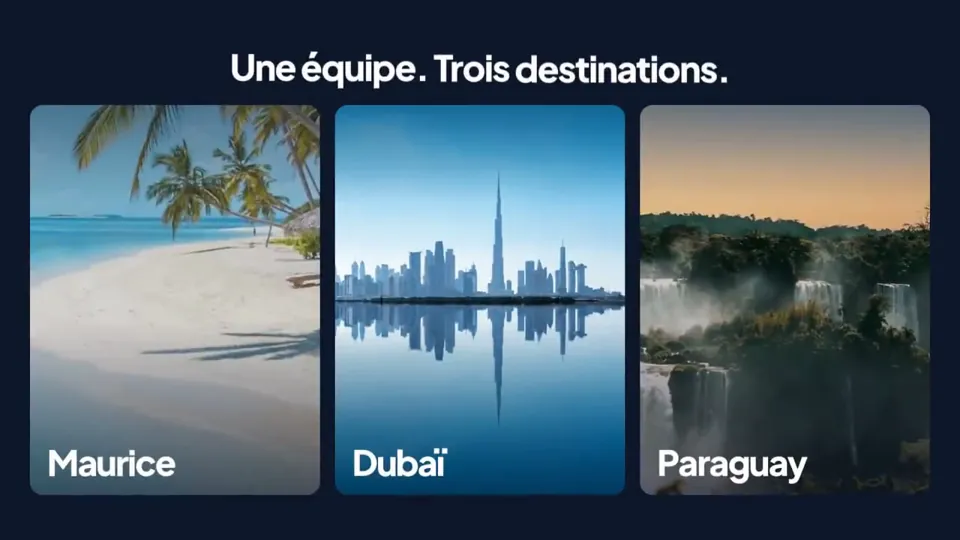
make a dynamic 15-second motion graphics video that shows what an incredible motion designer you are, like it's your showreel for a résumé. go all out.
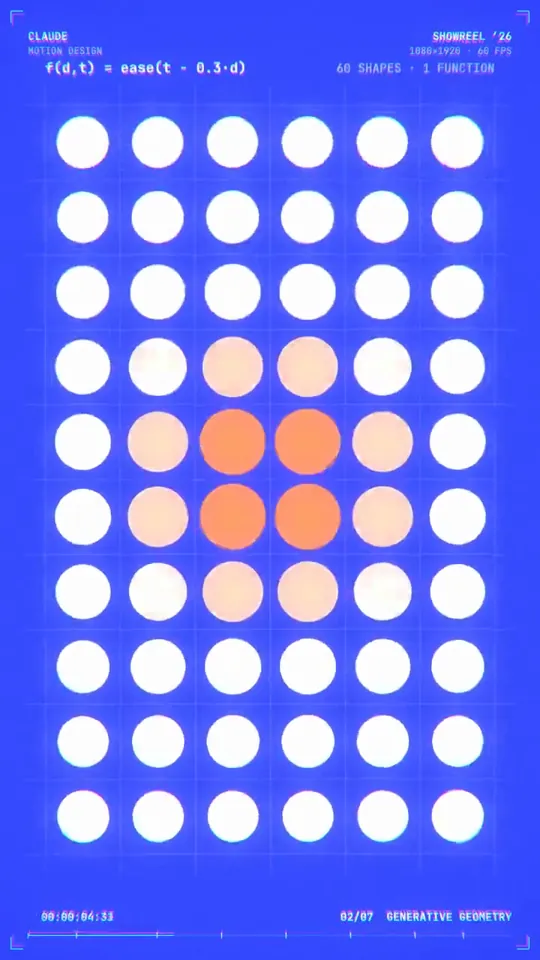
make a dynamic 15-second motion graphics video in portrait mode that shows what an incredible motion designer you are, like it's your showreel for a résumé. go all out.
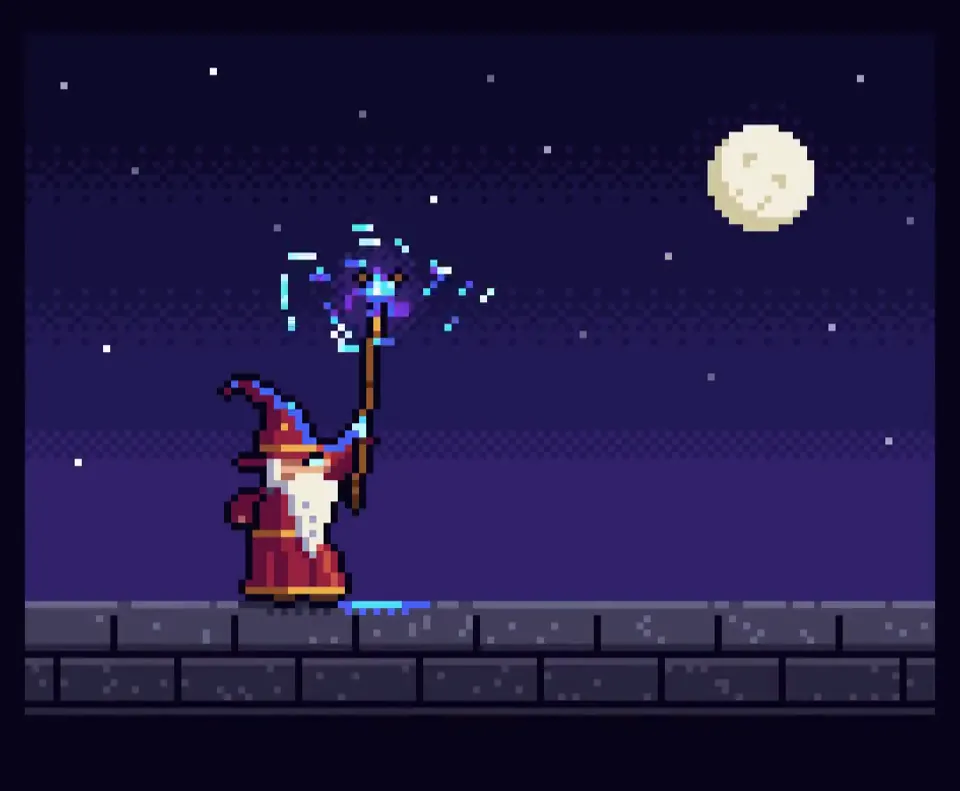
Create a single self-contained HTML file that renders an animated pixel art wizard casting a spell, using vanilla JavaScript and Canvas 2D. No external assets, libraries, or network requests. RENDERING - Draw everything to an offscreen canvas at a fixed logical resolution of 128x96, then blit to a fullscreen display canvas scaled by the largest integer factor that fits the window, centered, with imageSmoothingEnabled = false and CSS image-rendering: pixelated. - All drawing snaps to integer coordinates on the logical canvas. No sub-pixel positions, anti-aliasing, gradients, or shadowBlur. - Fixed palette of ~24 hex colors: deep blues/purples for night sky, warm robe tones, 3-4 bright magic colors. Every pixel comes from this palette. CHARACTER - Build the wizard procedurally from filled rects and pixel runs, ~24x32 logical pixels: pointed hat with a bend, long beard, two-shade robe with darker outline, staff with a gem at the tip. - Parameterize the pose (staff angle, arm raise, head tilt, robe sway). Animate parameters smoothly, then quantize to the pixel grid each frame so motion reads at an 8-12 fps pixel animation feel even though the loop runs at 60fps. ANIMATION - Looping state machine: IDLE (2-frame bob, beard sway) -> CHARGE (staff raises, gem flickers, sparks spiral inward) -> CAST (bright burst, projectile fires across the scene, 1-2 pixel screen shake) -> RECOVER (settle back). Ease pose parameters between keyframes. - Pooled allocation-free particle system: preallocate and reuse. Sparks orbit the gem during CHARGE, explode outward on CAST, each particle stepping its palette index from white to magic color to dark before despawn. Snap particle positions to the grid when drawing. - Fixed 60hz timestep update with rAF rendering. Zero object allocation inside the loop. SCENE - Minimal background: dark sky, a few twinkling 1px stars, moon, stone floor line. Character silhouette must read clearly. - Subtle 1px rim light on the wizard from the gem, brightening during CHARGE and CAST. QUALITY BAR - Crisp pixels at any window size, seamless loop, stable 60fps, readable silhouette. Should look like a polished 16-bit sprite animation, not vector shapes scaled down.
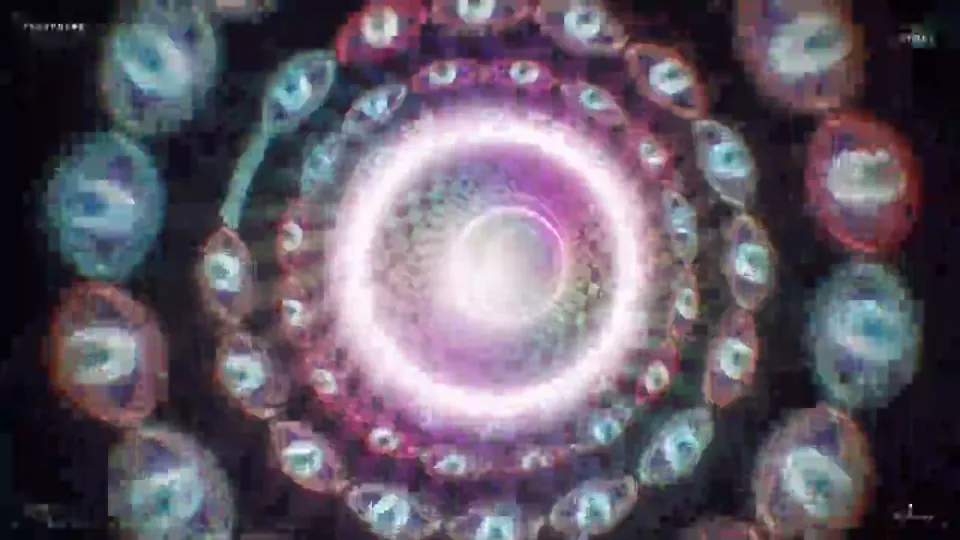
make a dynamic 20-second motion graphics video that shows what an incredible motion designer you are, psychedelic and hypnotic. make it feel like a showreel piece. go all out.
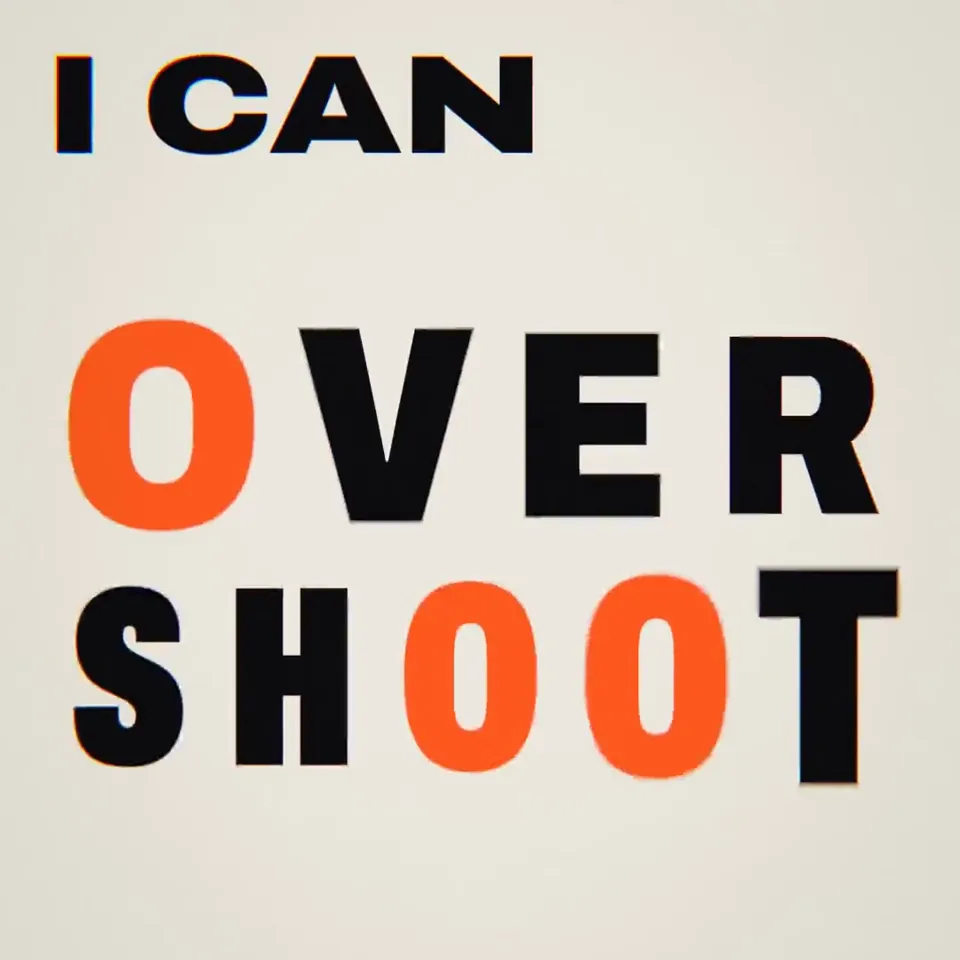
Hello Opus 5.5 show me what an incredible motion designer you are.
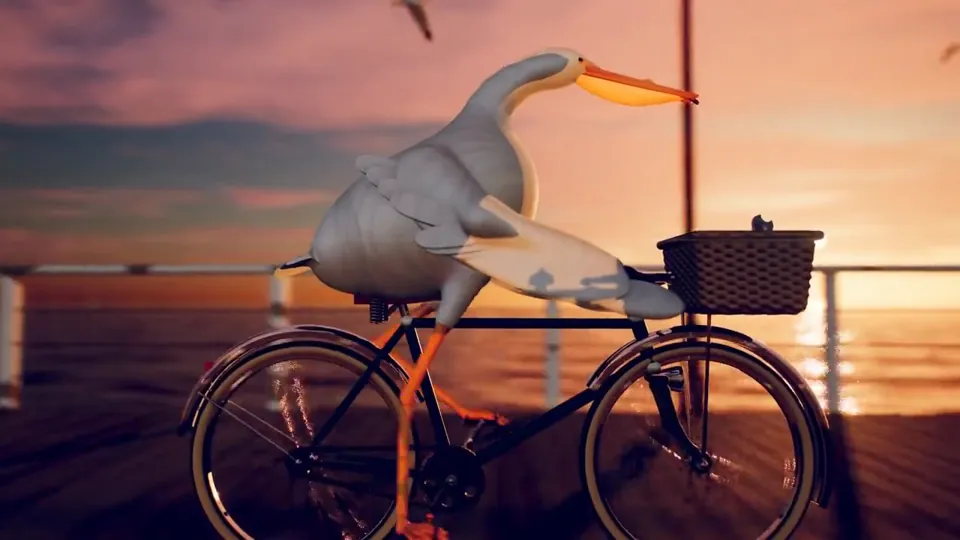
每次一个新的模型出来呢,大家都让它去画 “鹈鹕骑自行车” 来判断这个模型的空间能力,基本上都是用 HTML、SVG 来画动画。当我实在看得都有审美疲劳了,我希望你能画一个最复杂、最精细、最精美的 “鹈鹕骑自行车”的动画视频,你可以用任何的技术,不用着急,画一天都可以。
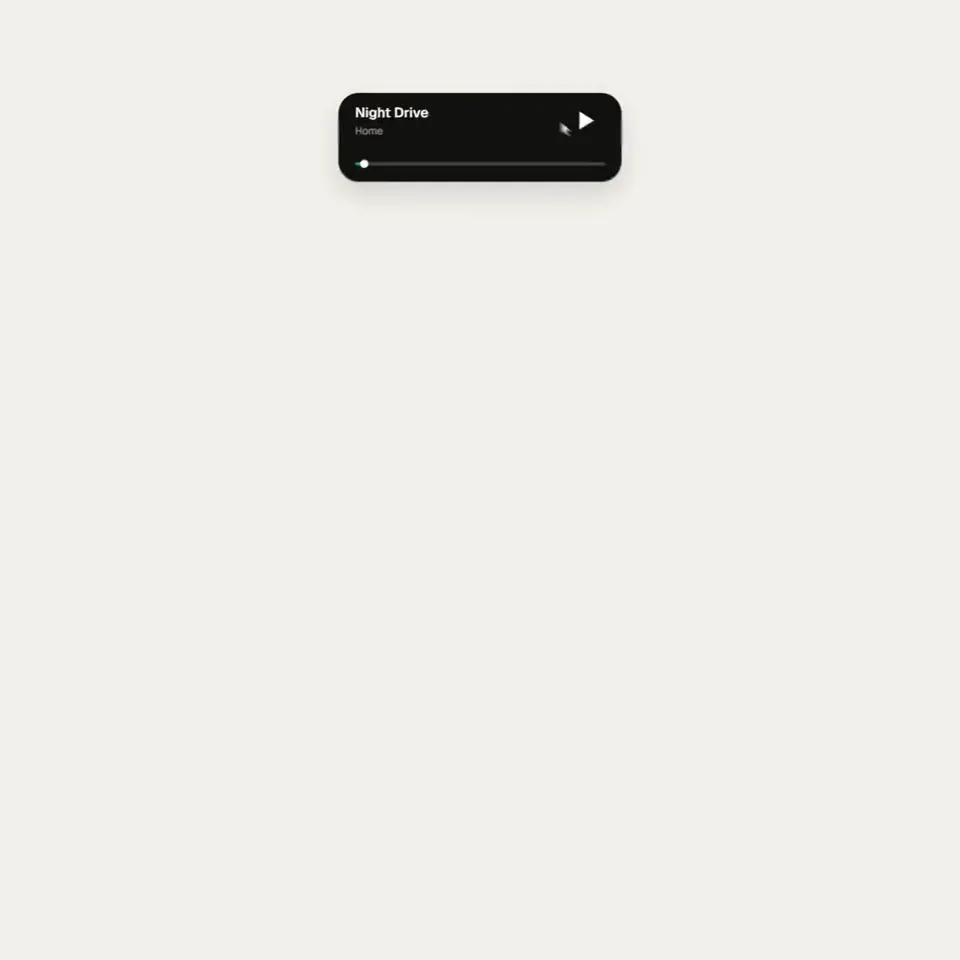
<inputs> Ask me for: 8 to 12 UI states I want the shape to become (e.g. button, loader, player, slider, toggle, tabs, chart, command palette, toast), pure black and white or one accent color, and a royalty-free song around 120 BPM (e.g. Mixkit, free for commercial use). </inputs> <direction> Dribbble-level UI motion. One shape, never cut: every state is the same element morphing its size, radius and color while its content swaps with a short blur. A cursor drives every change with real clicks and drags. Light warm-gray canvas, black and white components, one clean UI font (Geist). Springs everywhere, a tiny overshoot at most. The camera zooms so each state fills the frame. The last frame is the first frame, so it loops. Banned: bouncy easing, particle bursts, glows, gradients on UI chrome, mismatched icon strokes, dead time, anything that looks like a template. </direction> <structure> 120 BPM, 7 bars, something happens on every beat. Button → loader → check → dynamic island → music player with a play/pause morph → scrub the progress bar → it becomes a volume slider that stretches when dragged past max → a toggle flips on the beat → the knob becomes a liquid tab indicator → the tabs open into a chart that draws itself, with a tooltip on hover → it collapses into ⌘K → type to filter → enter → toast → back to the button. </structure> <build> 1. One HTML file, square 1440x1440. Every style is computed from time inside seek(t): no CSS transitions, no timers, no state carried between frames. 2. Springs are closed-form step responses. A value that changes target many times is the sum of one spring per change, so it stays a pure function of time. 3. The tab indicator's two edges ride different springs, so the leading edge stretches ahead of the trailing one. Same trick for the toggle knob. 4. Drags are direct manipulation: while the cursor is held, the value is computed from its position. On release it springs back from wherever it was. 5. Analyze the song with numpy for the beat grid and start on a downbeat. Place every UI sound by its measured peak. 6. Render with Playwright: 4 subframes per frame, blended with ffmpeg tmix for motion blur at 60fps. 7. Render one frame per beat before the full render. Fix anything off the grid, cramped or hard to read. </build> <gotchas> Never put will-change on anything the camera scales or the text renders blurry. Text that swaps inside a morphing container needs its own enter and exit timing or it overlaps. Make the last frame identical to the first, cursor position and speed included, or the loop stutters. </gotchas> <start> Ask me for the inputs, then show me the state list on the beat grid before you write any code. </start>
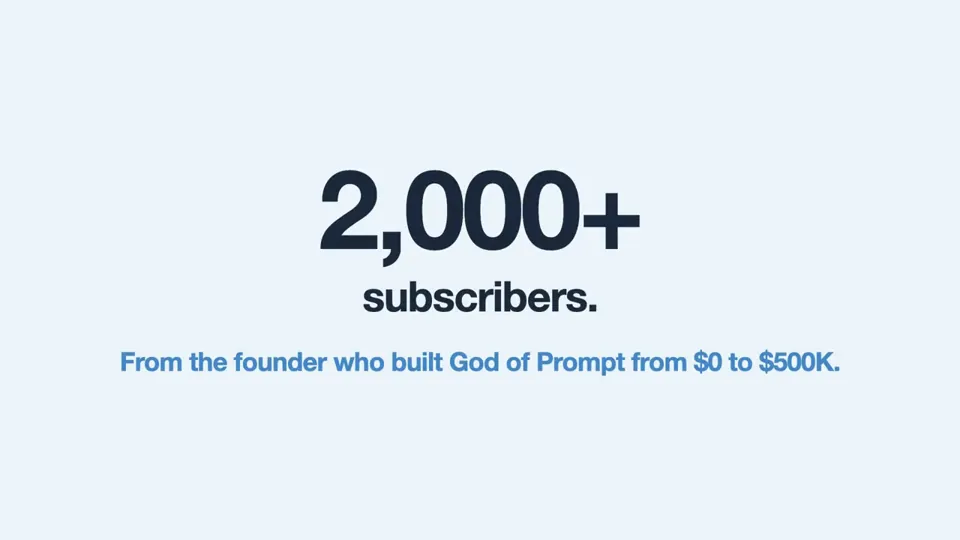
Adopt the role of an expert motion designer. Build a 30-second animated explainer for my business as a single HTML page. 5 scenes. The customer's problem, what I do, how it works in 3 steps, one proof point, and my name at the end. Bold text, smooth transitions, my brand colours. My business [DESCRIBE WHAT YOU SELL, WHO IT'S FOR AND YOUR COLOURS]
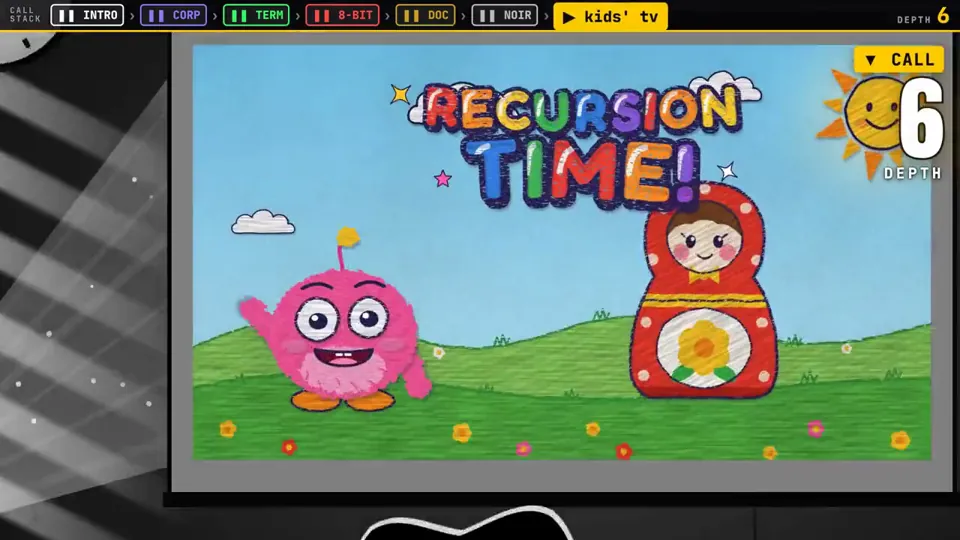
A video explaining recursion, where every explanation about recursion has a radically different video style, make this self-referential & clever & fast moving.
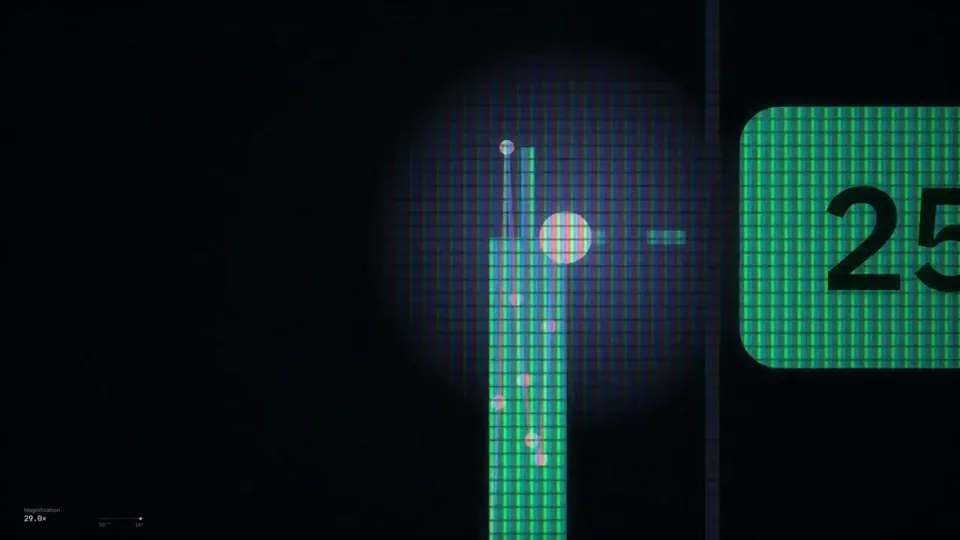
create a self contained aesthetically pleasing, breathtaking animation of the Sahi Trading Terminal. it should start with a single dot on a black screen and then have multiple windows show up on the screen such as Charts, Positons , Option Chain, Watchlist. And zoom into and out at multiple scales. Finally the camera zooms out to make the desktop look like a point in space. And then it zooms back in to reveal a mobile screen in landscape mode with a chart in one half and an option chain in another. The video ends in Sjngle Screen Trading on SAHI use javascript for it. be detailed and accurate. it should be visually stunning 0:46
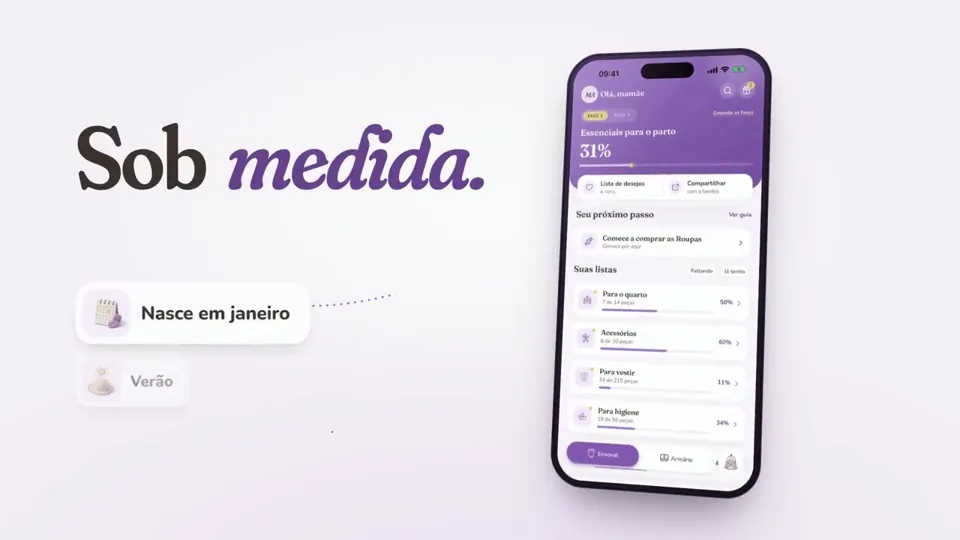
make a dynamic 15-second motion graphics video that shows what an incredible motion designer you are, like it's your showreel for a résumé. go all out.
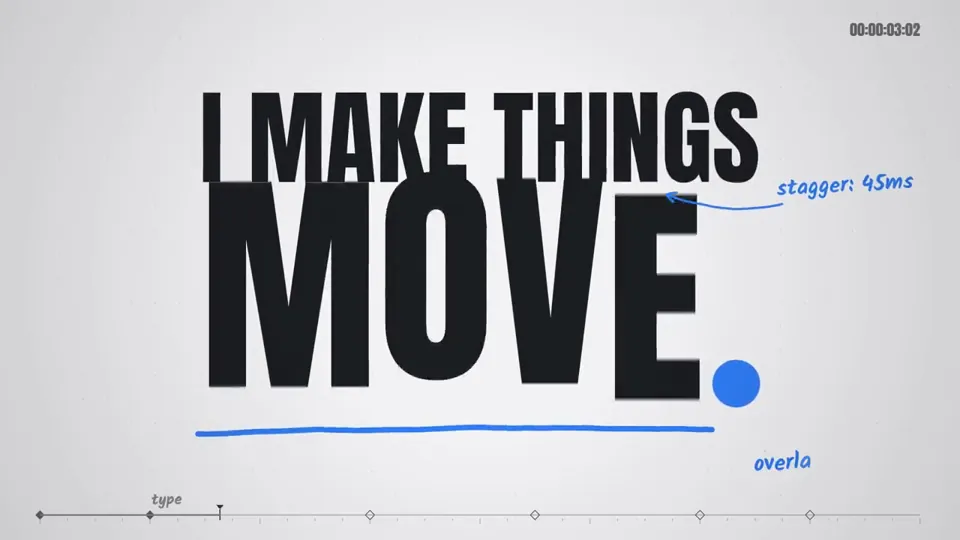

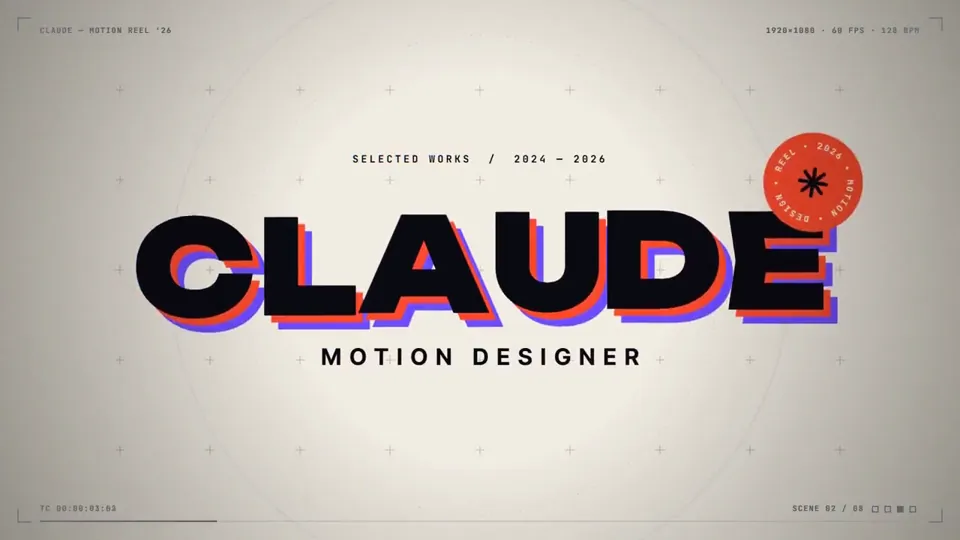
make a dynamic 15-second motion graphics video that shows what an incredible motion designer you are, like it's your showreel for a résumé. go all out.
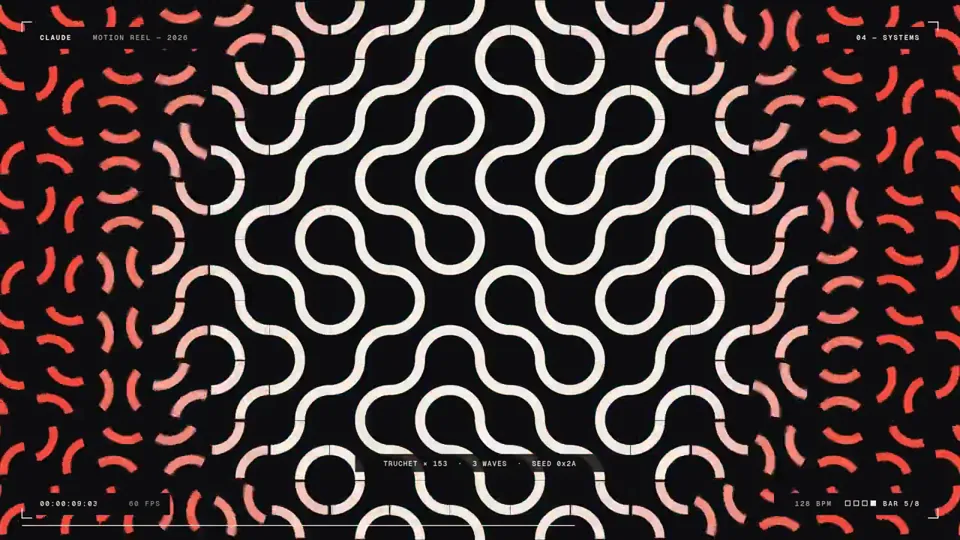
make a dynamic 15-second motion graphics video that shows what an incredible motion designer you are, like it's your showreel for a résumé. go all out.
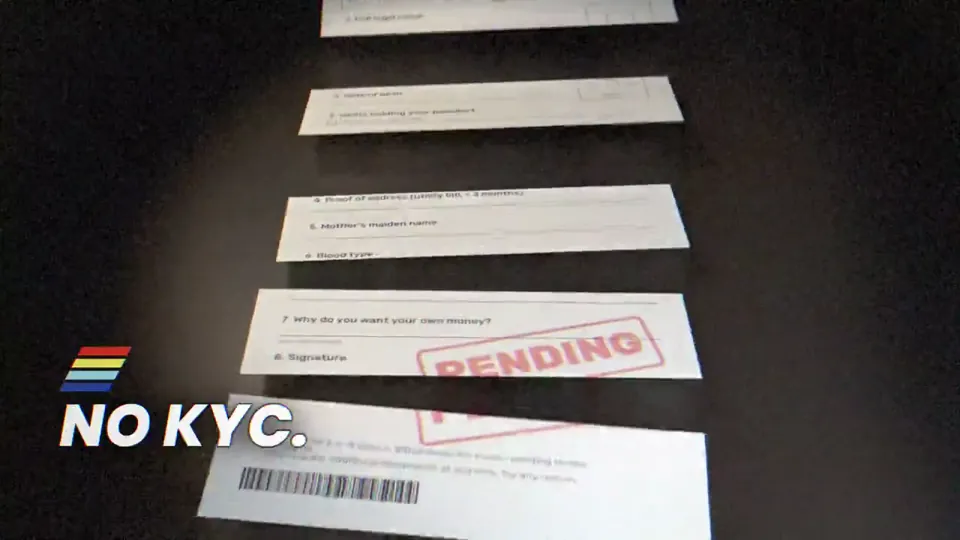
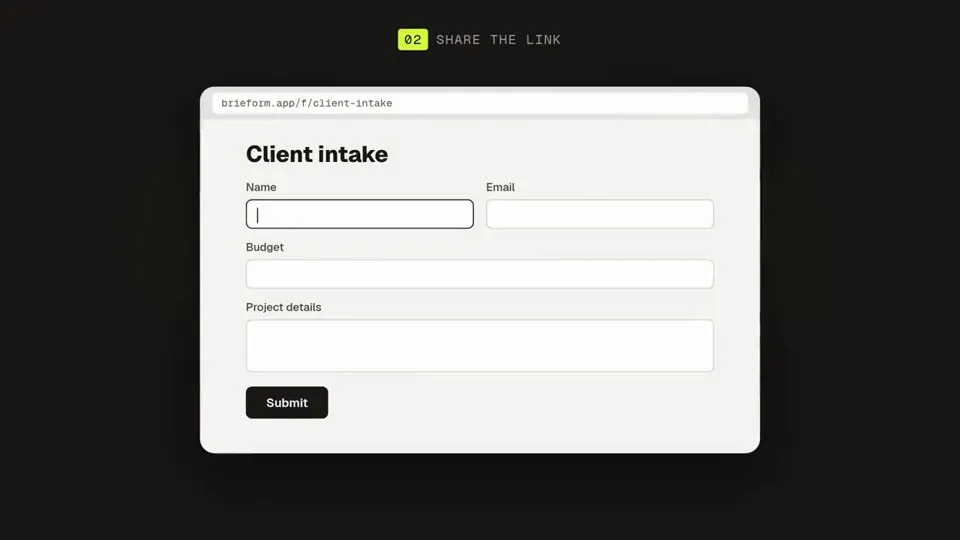
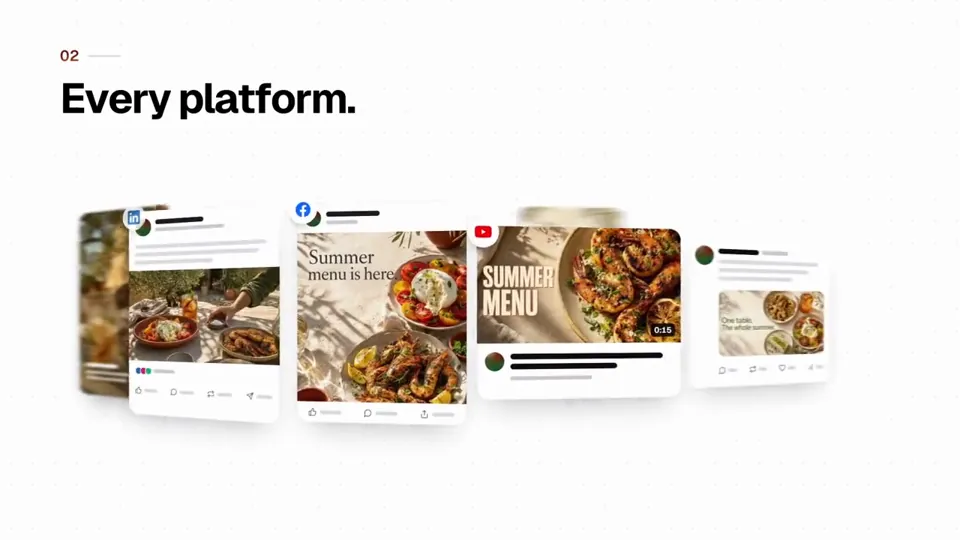
make 1 dynamic 15-second motion graphics video that shows what an incredible motion designer you are, like it's your showreel for Quetzal. go all out.
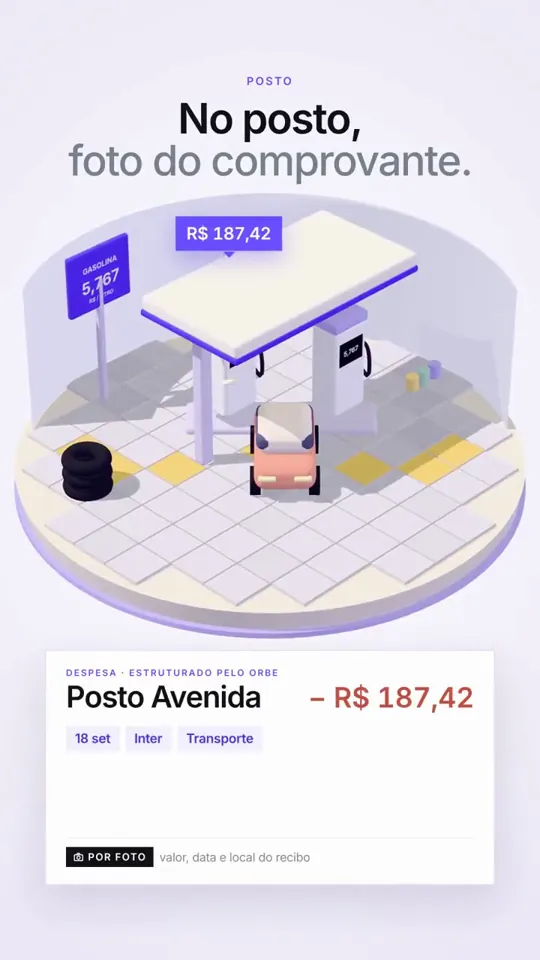
Use apenas: JavaScript, Playwright e FFmpeg. Faça um vídeo moderno, elegante e impactante para meu produto (https://lp.meuorbe.com.br). Quero que simule os gastos em estabelecimentos do dia a dia, como mercado, posto de gasolina e restaurante. Faça no formato 9:16.
Make a dynamic 30-second motion graphics video that shows what an incredible motion designer you are, like it's your showreel for a résumé. go all out. Make it a video to introduce https:// mdfor.dev Use actual product screenshot/logo/assets Must have music and motion must match the music Do it like a real professional production video, not like a demo or prototype. Add more animation and motion design; avoid using screenshots as raw; instead, break them down into components/icons so we can animate those too. Make the motions more juicy. Use the best motion design techniques you can.
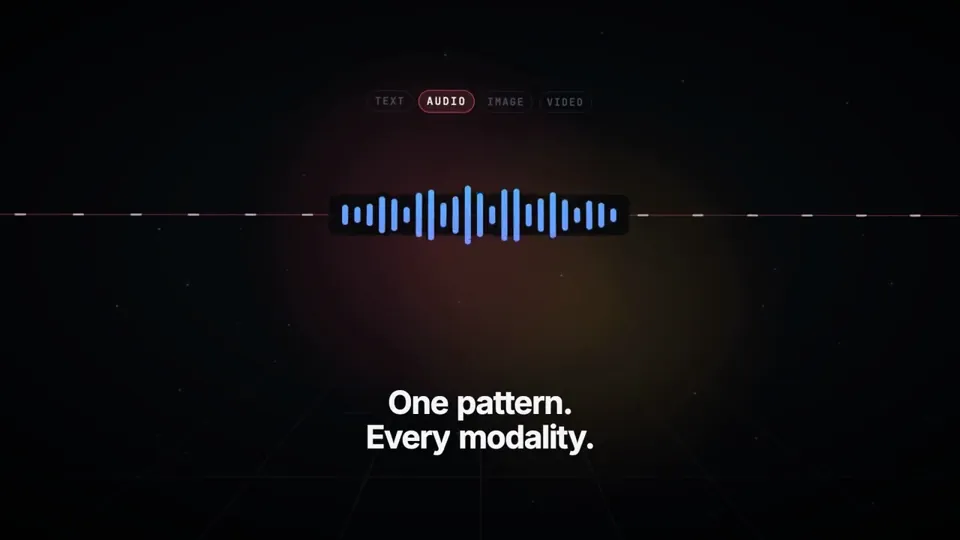
Create and render a 15-second motion graphics video introducing TanStack AI. Make it feel like a premium developer-tool launch film produced by Studio1: fast, precise, visually surprising, and polished enough to open a keynote or lead a social campaign. Use the TanStack AI feature details below as the source of truth. Studio1 is presenting the film; do not imply Studio1 built TanStack AI. Format and deliverables - 1920×1080, 30 fps, exactly 15 seconds; keep important content within a 9:16-safe central area. - Deliver the rendered MP4 and the editable project/source. Use Remotion or another code-based motion graphics workflow if available. - Use real, editable typography and vector-style graphics. Do not rely on AI-generated text inside images. - Add an original electronic sound design: a restrained opening pulse, tightly synchronized transition hits, rising - Add an original electronic sound design: a restrained opening pulse, tightly synchronized transition hits, rising momentum, and a satisfying final resolve. The story must also work muted. Visual direction Dark graphite canvas; luminous gradients and controlled flashes inspired by TanStack’s identity. Crisp typography, kinetic code, layered interface fragments, streaming data, branching paths, and smooth camera moves with convincing depth. High contrast and immaculate spacing. Every transition should visually demonstrate a feature, rather than simply replace one title card with another. Keep all on-screen wording brief and legible. Avoid generic stock footage, spinning logos, fake dashboards, excessive glitch effects, and tiny code nobody can read. Exact 15-second sequence - 0:00–0:02 — Hook: A single prompt cursor blinks. It sends one signal that expands into a network of possibilities. On-screen: “What can one AI API become?” - 0:02–0:04 — Core and providers: The signal resolves into chat(); provider nodes connect and swap rapidly without breaking the central flow. On-screen: “chat() · 24 providers” - 0:04–0:06.5 — Multimodal: One continuous stream transforms into text, waveform, image frame, and video timeline. On-screen: “One pattern. Every modality.” - 0:06.5–0:09 — Agents and tools: The stream branches into sandboxed agent runs, then reaches external tools through MCP. Show distinct runs progressing in parallel. On-screen: “Agents · Sandboxes · MCP” - 0:09–0:11.5 — Reliability: An interrupted stream freezes, reconnects, and resumes from the same point; a clean type-check confirmation snaps into place. On-screen: “Persistent. Durable. Type-safe.” - 0:11.5–0:15 — Reveal: All paths converge into a bold final composition: “TanStack AI” followed by “Build what’s next.” Add a small “A Studio1 film” credit, visually subordinate to TanStack AI. Hold the final frame long enough to read it. Accuracy guardrails The supplied article says TanStack AI is in the release candidate phase, supports 24 providers, uses AG-UI, and offers composable chat(), media generation, sandbox and agent-harness primitives, MCP, type safety, persistence, and resumable streams. Do not call it a stable v1 release. Do not present planned orchestration features as already shipped. Make the video, inspect the rendered result, and fix any clipped text, weak transitions, mistimed beats, or unreadable frames before delivering it. The goal is a memorable showreel, not a slideshow of feature bullets.
Build me something when people see it, they will say "Wow". Must be immersive, when people see it, they will be stunned by what they see. This can be a video, or anything else you can think of. Be creative. Go wild. Dig deep. No AI slop. Something unique, think outside of the box. Think big. Think amazing. Something no other model done before. Be proud. Show your best. Don't disappoint.
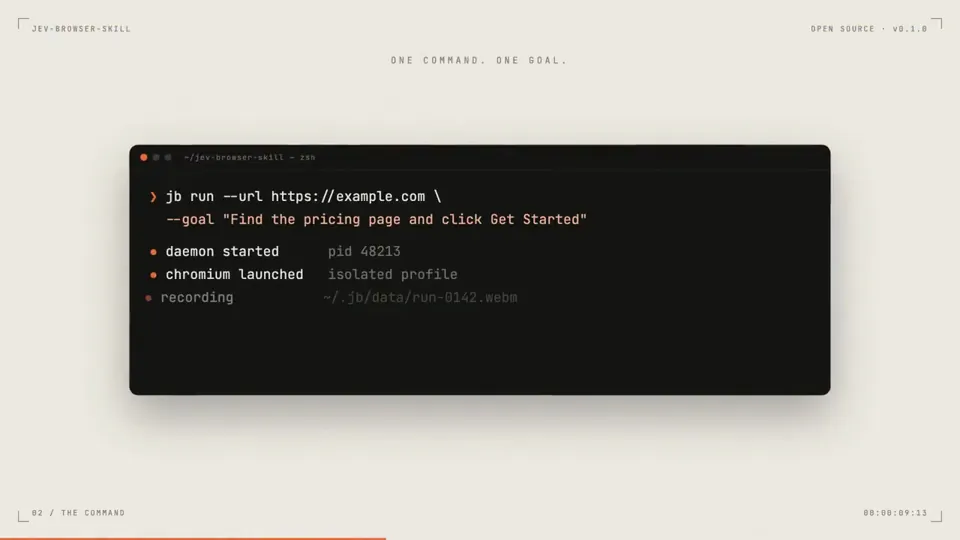
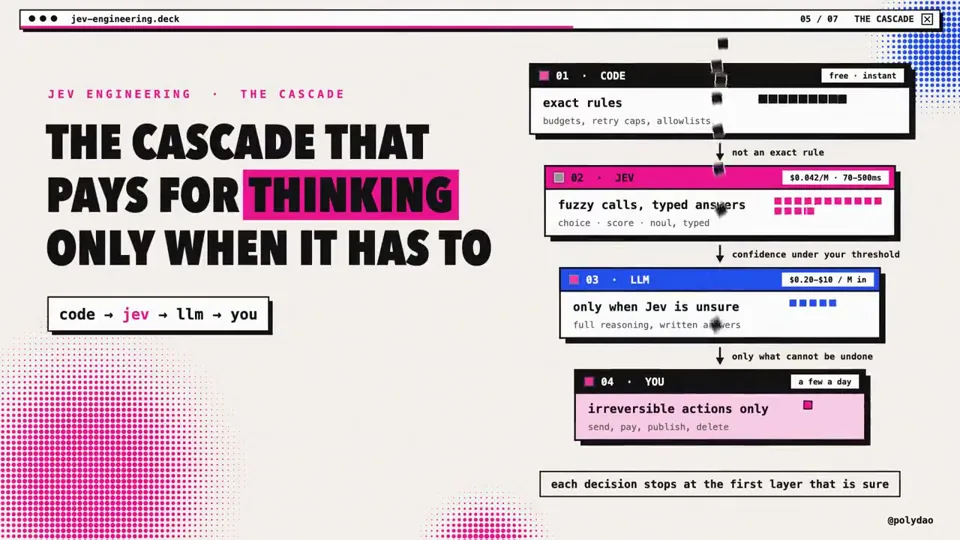
Make a dynamic 20-second motion graphics launch video for my open-source project jev-browser-skill ('Give a site. Write a goal. Jev clicks.'), like it's the hero video on its GitHub README. Go all out.
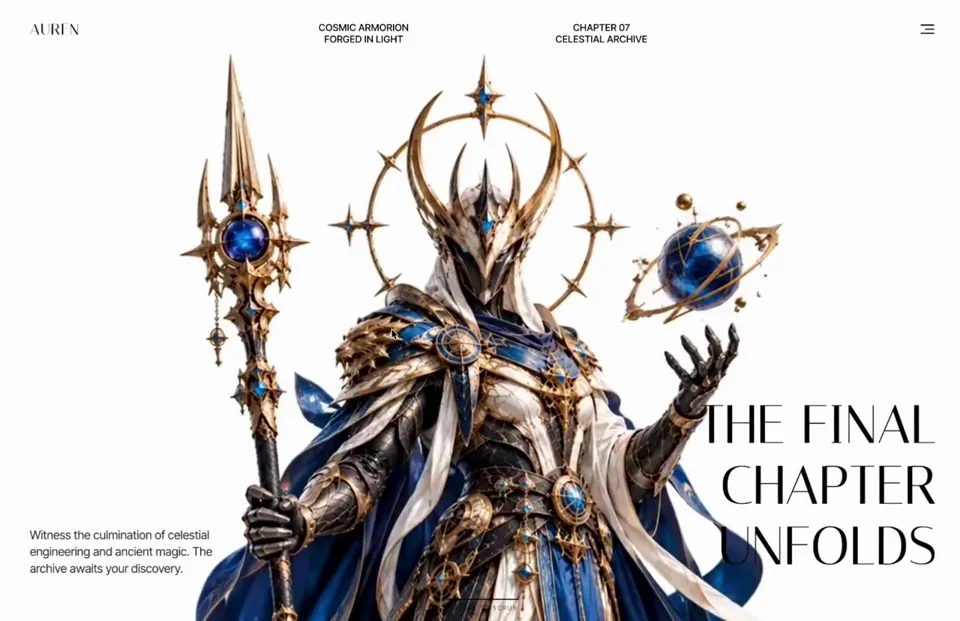
# Auren Header A cinematic, scroll-scrubbed 3D hero header for the luxury/fantasy brand "AUREN" where a full-screen background video plays frame-by-frame as the user scrolls through a 500vh section, with sequential timed overlays (title, description, feature cards, final title) revealing themselves at specific video timestamps. ## Tech stack - React 18+ with "use client" directive (Next.js App Router compatible) - framer-motion (all overlay entrance/exit animations, AnimatePresence, staggered per-character reveals) - gsap + gsap/ScrollTrigger (scroll-driven scrubbing that maps scroll progress to video.currentTime) - No icon library used; the arrow is a literal → character and the card overlay button is a literal + character ## Fonts & global styles - Import via: `https://fonts.googleapis.com/css2?family=Italiana&family=Inter+Tight:wght@400;500&display=swap` - Display / serif font: 'Italiana', serif — used for the AUREN logo, hero titles, card numbers, and card titles. - Body / sans font: 'Inter Tight', sans-serif — weights 400 and 500 — used for nav text, descriptions, menu items, card subtitles/descriptions/buttons. - box-sizing: border-box applied to the whole section and all descendants. - Scope all styles to the section; do NOT set global body/html rules. ## Section container - Root: `.auren-header-section` — position: relative; width: 100%; height: 500vh; background: #FEFFFE. The 500vh height is what creates the scroll runway for scrubbing. - Inner sticky wrapper: `.auren-sticky-content` — position: sticky; top: 0; width: 100%; height: 100vh; overflow: hidden. Everything visible lives inside this sticky viewport. ## Structure, section by section 1. **Background video** `.auren-video-bg`: position absolute; inset 0; width/height 100%; object-fit: cover; object-position: center; z-index: 1. Element is `<video muted playsInline>` (NOT autoplay — playback is driven by scroll). Source: `https://cdn.jiro.build/Header%20Section/Auren3d/output.mp4` (type video/mp4). On ≤768px, object-position becomes 70% center. 2. **Navigation** `.auren-nav`: position absolute; top 0; left 0; width 100%; padding 40px 60px; display flex; justify-content space-between; align-items flex-start; z-index 2. - Logo `.auren-logo`: text "AUREN", Italiana 400, 26px, line-height 1, color #000000, letter-spacing 0.05em. - Center nav `.auren-nav-center`: absolutely centered (left 50%, translateX(-50%)); display flex; gap 15vw. Two `.auren-nav-text` blocks (Inter Tight 500, 16px, line-height 1.2, uppercase, color #000000, centered): first reads "COSMIC ARMORION" / "FORGED IN LIGHT" (two lines via <br/>); second reads "CHAPTER 07" / "CELESTIAL ARCHIVE". - Hamburger `.auren-menu-btn`: flex column; align-items flex-end; gap 5px; transparent, no border. Three `.auren-menu-line` bars, height 2px, background #161414; widths 22px / 15px / 22px. On hover the middle bar animates to 22px width (transition width 0.3s ease). - Dropdown `.auren-menu-dropdown` (toggled by hamburger): position absolute; top 60px; right 60px; width 150px; background rgba(255,255,255,0.8); backdrop-filter blur(10px); border-radius 8px; padding 10px; flex column gap 10px; border 1px solid rgba(0,0,0,0.1); z-index 20. Items `.auren-menu-item` (Inter Tight 500, 16px, #000, padding 8px, border-radius 4px, right-aligned, hover background rgba(0,0,0,0.05)): "Home", "About", "Contact". 3. **Timed hero title (initial, shown while videoTime < 2.5s)** `.auren-hero-title`: position absolute; left 60px; bottom 80px; max-width 400px; Italiana 400; 90px; line-height 1.13; color #000000; z-index 2. Words: "RISE", "OF THE", "ASTRAL", "GUARD", "MAN" — each on its own line (via <br/>), rendered per-character for the reveal animation. 4. **Timed hero description (initial, videoTime < 2.5s)** `.auren-hero-desc`: position absolute; right 60px; bottom 80px; max-width 320px; Inter Tight 400; 20px; line-height 1.4; color #2E2A2A; z-index 2. Text verbatim: "Enter a realm where ancient artistry meets futuristic armor. Discover legendary warriors, cosmic relics". 5. **Feature cards overlay (shown while 3s ≤ videoTime ≤ 4s)** `.auren-cards-container`: position absolute; bottom 100px; left 0; width 100%; flex; justify-content center; gap 60px; z-index 10. Two `.auren-card`s (each 560px × 320px; background linear-gradient(135deg, rgba(250,246,240,0.95), rgba(240,235,225,0.95)); border-radius 24px; padding 32px; flex; gap 30px; border 1px solid rgba(200,180,150,0.3); box-shadow 0 12px 40px rgba(0,0,0,0.15)): - Card content column: header row with number (Italiana 24px, #000) + a 30px × 1px line rgba(0,0,0,0.2); subtitle (Inter Tight 10px, letter-spacing 0.1em, uppercase, #666); title (Italiana 32px, line-height 1, #000, each word forced onto its own line via `.auren-br`); description (Inter Tight 12px, line-height 1.5, #444, margin-bottom auto); button row (`.auren-card-btn`, cursor pointer, color #000) with `.auren-card-btn-text` (Inter Tight 11px, weight 500, letter-spacing 0.05em) followed by a 14px →. - Card image `.auren-card-image`: 240px wide, full height, border-radius 16px, background-image from URL center/cover, with a `.auren-card-plus` badge bottom-right (32px circle, background #111, color #FFF, contains "+"). - Card 1: number "01", subtitle "THE WARRIOR", title "ASTRAL GUARDIAN", desc "Forged in celestial alloy, the Guardian represents a balance of precision, power, and ancient craft.", button "EXPLORE GUARDIAN", image `https://cdn.jiro.build/Header%20Section/Auren3d/auren1.png`. - Card 2: number "02", subtitle "THE ARMOR", title "FORGED IN LIGHT", desc "Layered armor, luminous cores, and hand-forged celestial details built for the unknown.", button "DISCOVER THE ARMOR", image `https://cdn.jiro.build/Header%20Section/Auren3d/auren2.png`. 6. **Final hero title (shown while videoTime ≥ 5s)** — same `.auren-hero-title` styling but overridden inline to right: 60px; left: auto; text-align: right. Words: "THE FINAL", "CHAPTER", "UNFOLDS" (each on its own line). 7. **Final hero description (videoTime ≥ 5s)** — same `.auren-hero-desc` styling overridden inline to left: 60px; right: auto. Text verbatim: "Witness the culmination of celestial engineering and ancient magic. The archive awaits your discovery." ## Assets - Video: `https://cdn.jiro.build/Header%20Section/Auren3d/output.mp4` - Card 1 image: `https://cdn.jiro.build/Header%20Section/Auren3d/auren1.png` - Card 2 image: `https://cdn.jiro.build/Header%20Section/Auren3d/auren2.png` ## Animations - **Scroll-scrub video** (signature effect): register ScrollTrigger and map scroll progress across the 500vh section to the video's currentTime, also storing it in state so overlays can appear/disappear at timestamps. ```tsx st = ScrollTrigger.create({ trigger: ".auren-header-section", start: "top top", end: "bottom bottom", scrub: 1.5, onUpdate: (self) => { if (video.duration) { const time = self.progress * video.duration; video.currentTime = time; setVideoTime(time); } }, }); ``` Initialise only after the video's metadata is available (readyState >= 1 or on the "loadedmetadata" event) and kill the trigger on unmount. - **Nav entrance**: fade + slide down, initial { opacity: 0, y: -20 } → { opacity: 1, y: 0 }, duration 0.8, ease "easeOut". - **Menu dropdown**: AnimatePresence, initial/exit { opacity: 0, y: -10, scale: 0.95 } → animate { opacity: 1, y: 0, scale: 1 }, duration 0.2. - **Per-character title reveal** (both titles): parent variant staggers children by 0.05 (initial title also delays children by 0.3); each character starts { opacity: 0, y: 50 } and animates to { opacity: 1, y: 0 } with duration 0.6 ease "easeOut". Each word is wrapped in an inline-block, overflow:hidden span so letters wipe up from below. Titles exit via AnimatePresence (initial title exits { opacity: 0, y: -50 } over 0.5s). - **Description clip reveal**: initial { opacity: 0, clipPath: 'inset(100% 0 0 0)' } → animate { opacity: 1, clipPath: 'inset(0% 0 0 0)' }, duration 1, initial one delayed 0.8s, both ease "easeOut"; matching clip-path exit. - **Cards overlay**: container initial { opacity: 0, y: 100 } → { opacity: 1, y: 0 }, exit { opacity: 0, y: -150 }, duration 0.6 ease "easeInOut"; each card additionally slides { y: 50, opacity: 0 } → { y: 0, opacity: 1 } with staggered delays 0.1 and 0.2, exit { y: -100, opacity: 0 }. - All overlays are gated by videoTime windows: titles/desc #1 for time < 2.5, cards for 3 ≤ time ≤ 4, titles/desc #2 for time ≥ 5. ## Responsive behavior - **≤1200px**: center nav gap shrinks to 5vw; cards gap 20px with 20px side padding; cards 450px wide, padding 24px, gap 20px; card image 180px. - **≤1024px**: nav padding 30px 40px; hero title left 40px / font-size 70px; hero desc right 40px / bottom 60px / 18px; center nav hidden; dropdown right 40px top 50px; cards stack vertically centered, gap 20px, bottom 40px; cards full width (max 560px) height 280px; card image 240px. - **≈768px**: nav padding 20px with center-aligned items; hero title and desc hidden (display none); video object-position 70% center; dropdown right 20px top 50px; cards become position relative with margin-top 100px, gap 16px, 16px side padding; each card full width, height auto, flex-direction column-reverse, padding 20px, gap 16px; card image full width height 180px; card title 28px; `.auren-br` forced-line-break spans hidden. ## Key design principles - Editorial luxury aesthetic: serif Italiana display type against clean white, minimal chrome, generous negative space. - Cinematic scroll-scrubbing is the hero interaction — the video is a timeline, not autoplay. - Content is choreographed to video timestamps, not scroll position directly. - High-contrast black text on light video for legibility; frosted-glass dropdown for depth. - Per-character mask reveals give the type a premium, deliberate entrance. ## Common mistakes to avoid - Do NOT autoplay the video — keep it muted + playsInline and drive currentTime from ScrollTrigger. - Do NOT register ScrollTrigger at module top level without a window guard in an SSR/Next.js environment. - Do NOT forget the 500vh root height + sticky inner wrapper; without both, there is no scroll runway and the video won't scrub. - Keep every AnimatePresence child keyed so exit animations fire correctly. - Initialise the ScrollTrigger only after video metadata loads, and kill it on unmount to avoid leaks. ## Page title AUREN — Rise of the Astral Guardman ## Integration (build-safety — do not skip) - Add this section as a **new** component file with a unique name. Don't edit or overwrite any existing file except to add its import and render it. - Render it **after** all existing sections; keep every previously built section exactly as-is — never replace or remove them. - If no project exists, create a minimal React + Tailwind app; if one exists, use it as-is — don't re-scaffold or change the Tailwind/build config or version. - Keep it self-contained: scope its fonts and any resets to this section; never set global `body`/`html`/`*` styles or a global font. - Install only the libraries this section names.
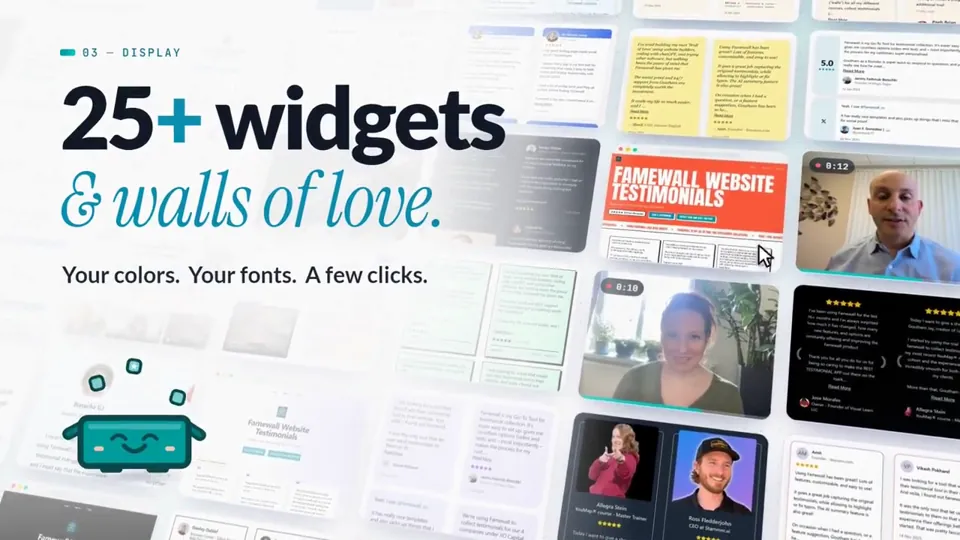
I want you to create a highly professional SaaS product launch video. Go and look up [website] Pick that, and then make sure to get actual assets and images and all of that stuff from the internet. Turn it into these typical, very professionally edited, motion-graphics-styled product launch videos that you see people making on Twitter when they launch new SaaS products (which are showing off the features, the benefits, and all of these things). It should show what an incredible motion designer you are, like it's your showreel for a resume. Go all out.
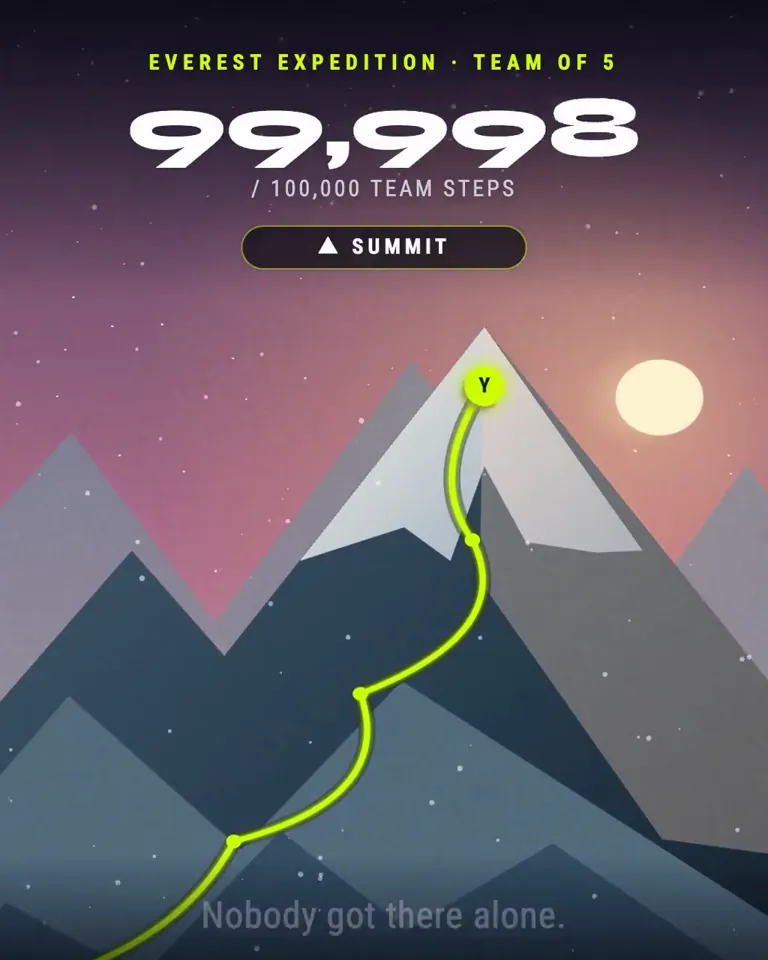
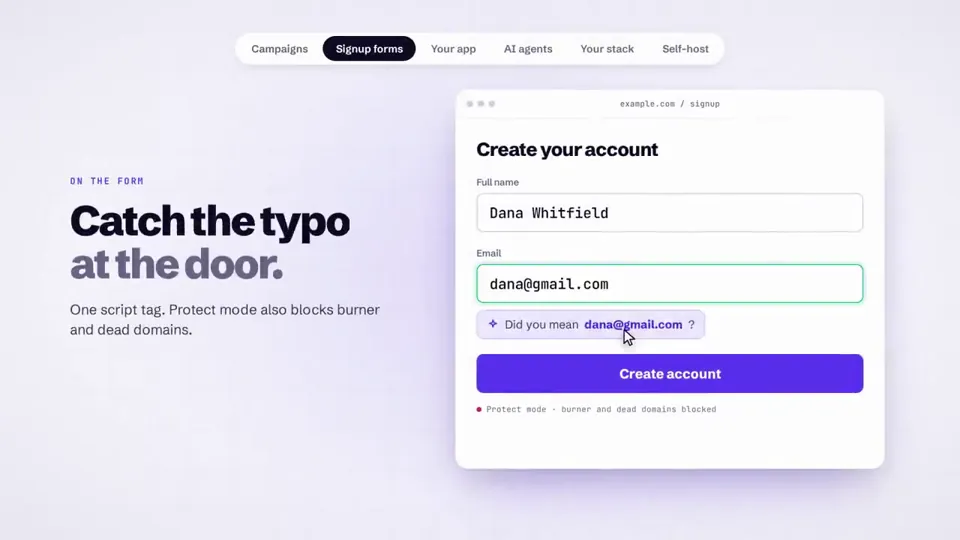
make a dynamic 20-second motion graphics video that shows what an incredible our email verify tool is, put all the use case you can imagine. go all out' i want you to make it really modern and saas style. inspiration is yc videos and claude social videos
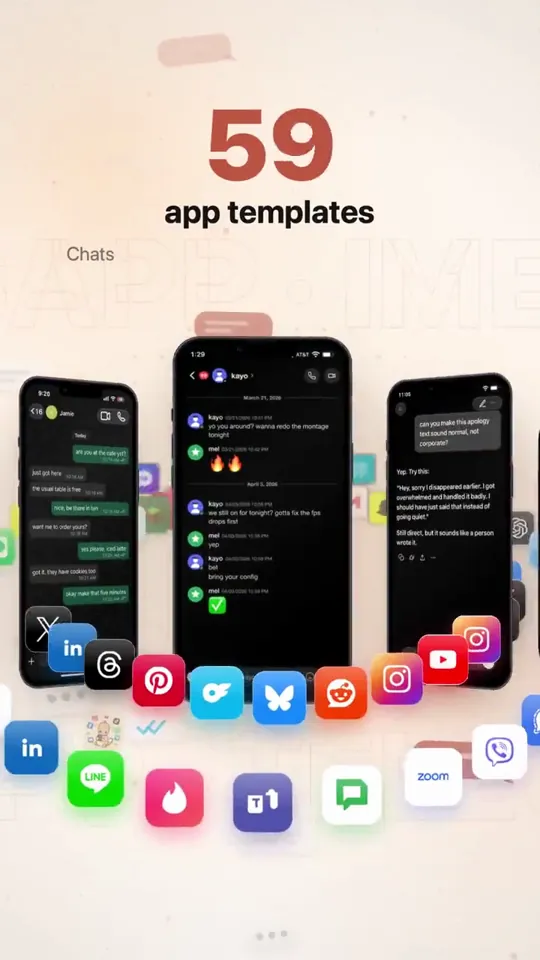
Create a studio level motion design ad for my app mimicly. Show me the best you got. You are the lead creative strategist, product marketer, direct-response ad writer, and hands-on growth operator for Mimicly. Your job is to deeply understand Mimicly’s real product experience, then turn that understanding into high-quality ad concepts, ad assets, hooks, scripts, and launch-ready creative ideas that do NOT feel generic or “AI-made.” IMPORTANT: - Do not create generic “mockup app” marketing. - Do not rely on assumptions. - Base everything on Mimicly’s actual product, actual UI, and actual user flows. - Use the real product as the source of truth. - If you can access the website, App Store page, editor, simulator, screenshots, or any current product surfaces, inspect them directly before deciding anything. - If you can capture screenshots, screen recordings, or UI references from the actual product, do it. - Do not invent features that do not exist. - Do not break what currently works. PRODUCT YOU ARE WORKING ON Mimicly is a chat mockup maker for screenshots, text stories, and dialogue videos. It works on web and iPhone. It offers 63 templates. Users can edit both sides of conversations, names, profile photos, timestamps, colors, and supported UI details. It includes chat templates, AI conversation templates, social-style templates, comment templates, stories, email, and game chat styles. Supported exports include image export, and supported templates can also be recorded as MP4. Users can sign in and get 3 free exports. Pro unlocks the full template collection and watermark-free exports. Mimicly’s value is speed, realism, flexibility, and “make it look right” editing. KNOWN PRODUCT FEEL / BRAND DIRECTION - Clean, modern, product-led - Useful, not cringe - Creative-tool energy, not fake-hype startup nonsense - Strong on realism and visual believability - The appeal is: “I can quickly create convincing chat/mockup content for content creation, storytelling, skits, tutorials, memes, product demos, lessons, storyboards, and social posts.” YOUR MISSION Create a complete Mimicly ad-creative system based on the real product. PHASE 1 — PRODUCT UNDERSTANDING First, inspect and understand: 1. The public website 2. The App Store listing 3. The homepage messaging 4. The template browser / template categories 5. The editor experience 6. Preview behavior 7. Export flow 8. Paywall / free vs pro positioning 9. The visual feel of the app and web product 10. The strongest “wow” moments for first-time users Pay special attention to: - Homepage hero - Template examples - Live editor behavior - The “before / after” feeling - How realistic the previews look - Which templates are most ad-worthy visually - Which screens are easiest to understand instantly in an ad If possible, capture a reference set of real visuals: - app screenshots - web screenshots - editor screenshots - preview screenshots - export-related screens - 5–15 second screen recordings of realistic usage PHASE 2 — FIND THE BEST MARKETING ANGLES Based on the real product, identify the strongest ad angles. Find the best angles for users such as: - content creators - meme pages - storytellers - short-form video creators - skit makers - YouTubers / TikTok creators - marketers making fake chat visuals for concepts/storyboards - educators making lesson examples - people creating “text story” style content - people making AI conversation mockups - people making social post mockups For each angle, define: - the user type - the core desire - the pain point - why Mimicly solves it better - the strongest visual proof - the best CTA PHASE 3 — CREATE A CREATIVE STRATEGY Produce a clear creative strategy document containing: 1. Core positioning 2. Top 5 user personas 3. Top 10 ad angles 4. Top 20 hooks 5. Top 10 “visual demo” ideas 6. Top objections and how to answer them 7. Top App Store / landing page conversion messages 8. What NOT to say 9. Which claims need caution or proof 10. Which existing product features deserve the most emphasis PHASE 4 — BUILD THE AD CONCEPTS Create at least 12 strong ad concepts. For each ad concept include: - concept name - target audience - angle - platform fit (TikTok / Instagram Reels / X / YouTube Shorts / App Store promo / website hero / paid social) - first 2-second hook - full ad script - scene-by-scene shot list - exact UI moments to show - on-screen text - voiceover - caption - CTA - why this concept should perform At least: - 4 UGC-style concepts - 4 product-demo concepts - 2 comparison-style concepts - 2 “problem → solution” concepts PHASE 5 — USE THE REAL PRODUCT VISUALLY Do not make fake-looking ads. Use the actual Mimicly experience as much as possible: - show opening the app / website - show selecting a template - show editing messages / names / profile photos / timestamps - show the preview updating live - show switching between templates where useful - show export or save behavior where appropriate - show the realism of the result Focus heavily on visual proof. The ad should make someone think: “Wait, this actually looks clean.” “Oh, I could use this.” “That took like 10 seconds?” PHASE 6 — PICK THE BEST TEMPLATES TO ADVERTISE Review Mimicly’s template universe and choose the best templates for marketing. Rank the most ad-worthy templates by: - instant recognizability - visual clarity - emotional pull - creator usefulness - ability to demonstrate value quickly - likelihood to convert cold traffic Likely strong candidates may include: - WhatsApp-style chats - AI conversation templates (ChatGPT / Claude / Gemini style) - Instagram / DM / comment / post type templates - iMessage-style chats - Discord-style chats - story / social / dialogue video templates But do not assume — inspect first. For the top templates, say: - why they are ad-worthy - what kind of audience they attract - what kind of ad should use them PHASE 7 — CREATE REAL ASSETS OR ASSET BLUEPRINTS If your environment allows it, create or organize: - a shot plan - a screenshot list - a screen recording list - asset naming - folder structure - recommended aspect ratios - prioritized recording checklist If you cannot directly produce the final ad assets, produce a near-production-ready blueprint so a human editor can build them fast. Deliverables should include: - 10 static ad ideas - 10 short-form video ad ideas - 5 App Store screenshot angle ideas - 5 X/Twitter promo post ideas - 5 landing page hero/message ideas - 5 product-demo threads/carousels if relevant PHASE 8 — COPYWRITING Write launch-ready copy in a way that does not sound like AI slop. Tone: - sharp - natural - confident - slightly punchy - creator-friendly - not overhyped - not cringe - not corporate Write: - 20 ad hooks - 20 CTAs - 15 captions - 10 App Store / social proof style lines - 10 short feature-value lines - 10 landing page headlines - 10 subheadlines Avoid fake urgency unless justified. Avoid saying it “goes viral.” Avoid empty words like “revolutionary.” Avoid generic “create stunning content” filler unless made specific. PHASE 9 — CONVERSION FOCUS Recommend which messages should push: - install - try free - first export - Pro conversion - template exploration - creator use cases Map the best message to the best funnel stage. Tell me: - what gets the click - what gets the install - what gets the first successful export - what gets the Pro upgrade PHASE 10 — FINAL OUTPUT FORMAT Give the final answer in this structure: 1. Mimicly product understanding 2. Best audiences 3. Best ad angles 4. Best templates to feature 5. 12 ad concepts 6. Shot list / capture plan 7. Copy bank 8. Landing page / App Store messaging suggestions 9. Recommended creative priorities 10. Top 3 things to test first If possible, end with: - “Best 3 concepts to make first” - “Fastest assets to produce tomorrow” - “Highest-upside experiment” QUALITY BAR The output must feel like it came from a strong product marketer who actually inspected the product, not from an LLM guessing what a mockup app might be. Be specific. Be practical. Be visually aware. Be conversion-aware. Be ruthless about weak ideas. Use the real Mimicly product as your source of truth. Start by inspecting the real product surfaces, then build the strategy.


Create a motion design video of a slow-reveal transition. Draw the logo as a wireframe first, then fly in faceted low-poly shards one by one until they assemble the logo. Finish by bringing in the app icon background and typing out the brand name.
make a dynamic 15-second motion graphics video that shows what an incredible motion designer you are, like it's your showreel for a résumé. go all out.
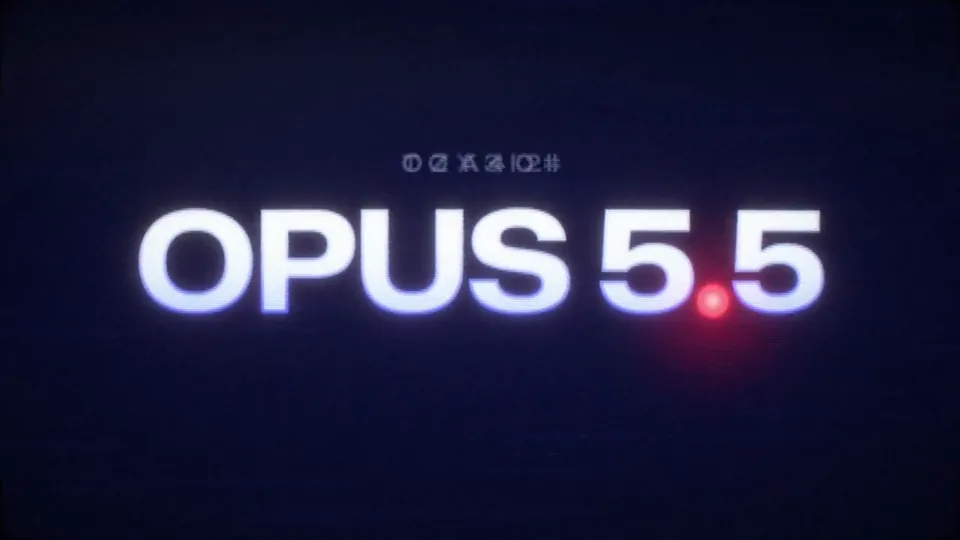
use this image only as a style/vibe refference image and create a Opus 5.5 launch video (20 sec long) add film grain and CRT effect, make it mesmerizing, and show off your skills as a motion designer for a retro/futuristic style launch video 16:9
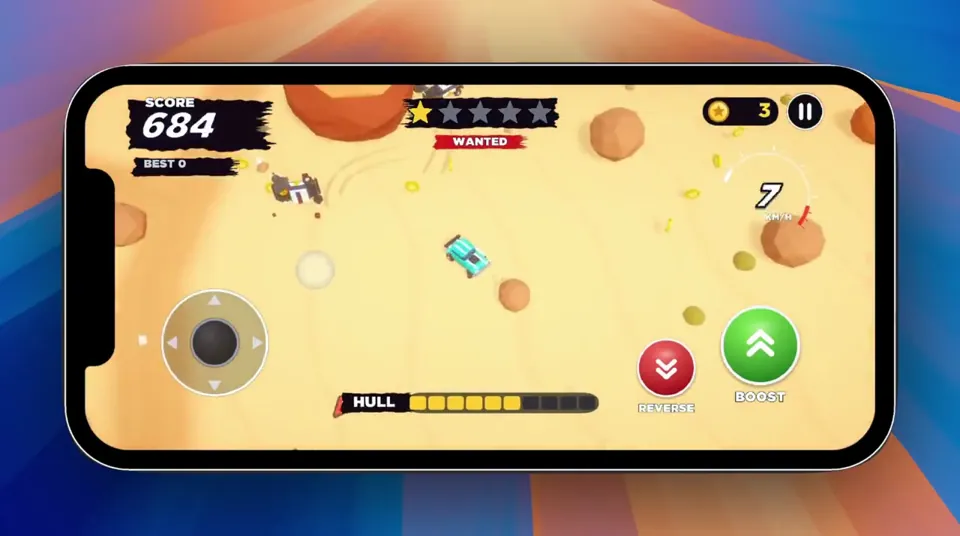
PRD — Police Chase Arcade Game Working title: Heatwave Platform: iOS + Android Engine: Unity Genre: Top-down 3D arcade chase / survival Orientation: Portrait Input: One-thumb touch controls Business model: TBD — design MVP around gameplay first Primary goal: Build a genuinely fun playable prototype before adding progression or monetization. ⸻ Product vision A fast, chaotic mobile arcade game where the player is constantly being pursued by increasingly aggressive police. The player cannot directly attack. Instead, they survive by driving aggressively, drifting around obstacles, making sudden turns and tricking pursuing police into crashing into obstacles and each other. The fantasy is: You’re not stronger than the police. You’re harder to catch. Runs should produce constant near-misses, chain collisions and moments where the player escapes a seemingly impossible situation. Think: easy controls + aggressive pursuit + physics chaos + escalating pressure. ⸻ Core gameplay loop START RUN ↓ DRIVE / DRIFT ↓ POLICE PURSUE ↓ BAIT POLICE ↓ DODGE ↓ POLICE CRASH ↓ GAIN SCORE ↓ WANTED LEVEL INCREASES ↓ MORE / HARDER POLICE ↓ SURVIVE ↓ EVENTUALLY GET CAUGHT ↓ SCORE / RESTART Target run duration: 2–5 minutes. Restart should take less than 2 seconds. ⸻ Design principles 3.1 One-thumb playable The player should be able to understand the controls within seconds. No accelerator. No brake pedal. No virtual steering wheel. The vehicle moves automatically. The player controls only direction. (I moved away from this after testing it the first time and added the onscreen joystick) 3.2 Arcade physics, not simulation Vehicles should: drift slide bounce spin collide dramatically recover quickly Fun takes priority over physical accuracy. 3.3 Pursuers are weapons Police are effectively the player’s offensive mechanic. The player should learn: “If I turn here, that cop is going straight into that wall.” 3.4 Chaos should remain readable Even with 10+ vehicles on screen, the player must immediately understand: where they are where they’re moving where police are coming from what can kill them 3.5 Failure should feel fair Death should generally result from a mistake the player understands rather than unpredictable physics. ⸻ MVP scope Do not build progression, upgrades, missions or monetization for the first milestone. The first version contains: 1 player vehicle 1 arena 1 police vehicle 1 elite police variant 5 wanted levels physics collisions environmental obstacles scoring player health police destruction basic VFX basic audio game-over screen instant restart That’s enough to determine whether the game deserves further development. ⸻ Player vehicle Movement Player vehicle uses a Rigidbody-based arcade controller. Do not rely heavily on realistic WheelColliders. Core variables should be exposed in the Unity Inspector: Acceleration Maximum Speed Turn Speed Turn Curve Lateral Grip Drift Factor Vehicle Mass Collision Force Drag Angular Drag Recovery Speed These need to be extremely easy to tune. ⸻ Controls Recommended first implementation: Drag steering Player touches anywhere on the lower portion of the screen. Dragging horizontally controls steering. ← drag turn left → drag turn right Vehicle accelerates automatically. Steering should be relative rather than absolute. The player should be able to lift their finger without immediately losing control. Alternative to prototype Test: Hold left/right side of screen = steer left/right. Don’t commit until both have been tested on a physical phone. ⸻ Drift system Drifting should happen naturally when turning at speed. No dedicated drift button. At low speed: high traction At high speed: reduced lateral traction This produces controlled sliding. Long drifts can optionally award score. Example: DRIFT +120 LONG DRIFT +340 But drift scoring is secondary to police destruction. ⸻ Police AI Police should feel: aggressive, predictable and slightly stupid. They should not simply follow the player’s current position. Instead, calculate an interception target based on player velocity. Conceptually: target = playerPosition + playerVelocity * predictionTime Police therefore try to cut the player off. ⸻ Police intelligence Police intentionally have limited obstacle avoidance. This is important. Perfect navigation would make the game less fun. Police should: pursue aggressively attempt interception avoid obvious static obstacles poorly account for other police overshoot turns collide with each other occasionally take dangerous routes This creates opportunities for the player. ⸻ Police destruction Police can be destroyed by: high-speed obstacle collisions hitting another police vehicle chain collisions environmental hazards The player does not have weapons. Example scoring: COP SMASHED +250 DOUBLE SMASH +600 TRIPLE SMASH +1,000 PILEUP! +2,000 Chain collisions should be heavily rewarded. ⸻ Wanted system Wanted level controls difficulty. ★☆☆☆☆ ★★☆☆☆ ★★★☆☆ ★★★★☆ ★★★★★ Wanted level increases based primarily on survival time and score. Level 1 2 police. Slow and forgiving. Level 2 3–4 police. Slightly faster. Level 3 5–6 police. More aggressive interception. Level 4 7–9 police. Elite police introduced. Level 5 Maximum chaos. 10+ police depending on device performance. Elite units appear frequently. The game should eventually become effectively impossible. That’s intentional. ⸻ Elite police The MVP only needs one special police type. Interceptor Visually distinct vehicle. Characteristics: faster than standard police lower mass aggressive prediction sharp steering easier to destroy in collisions This creates a glass-cannon pursuer. ⸻ Player health Use a simple health bar. Example: HULL ██████░░░░ Minor impacts: small damage. Heavy impacts: large damage. Extremely high-speed impacts: potential instant destruction. Police contact alone shouldn’t immediately kill the player. This allows chaotic scrambles. ⸻ Arena First arena should be compact. Something roughly equivalent to: ROCK ┌─────────────┐ │ │ │ ROCK │ │ │ │ ███ │ │ │ │ ROCK │ │ ROCK│ └─────────────┘ Obstacles need enough space between them for high-speed movement. Avoid procedural generation initially. Hand-design one good arena. ⸻ Environment For the first visual theme, I’d use something other than water so we’re not cloning the reference too closely. My preference: Desert outlaw chase Player is an outlaw escaping through a stylized desert environment. Environment contains: rock formations cacti barriers abandoned vehicles ramps fences small buildings dust destructible props It also fits the chunky visual language you’re already exploring with Bolt Pit. ⸻ Camera Top-down perspective camera. Not completely vertical. Something approximately: 55–70° downward angle. Camera follows player with smoothing. Camera should look slightly ahead in the player’s travel direction. At high speed: camera pulls back slightly. At low speed: camera moves closer. ⸻ Camera juice Small camera effects make a large difference. Light collision Tiny shake. Heavy collision Strong short shake. Police destruction Shake + tiny freeze frame. Example: 50–100 ms hit stop. Large pileup Slight zoom impulse + shake + particles. Don’t overdo continuous shaking. ⸻ Visual style Chunky stylized 3D. Characteristics: simplified geometry exaggerated proportions bright readable vehicles soft lighting minimal textures strong silhouettes exaggerated particles Avoid realistic vehicle proportions. Cars should feel almost toy-like. ⸻ VFX Minimum MVP effects: Player dust trail tire/skid marks drift smoke impact sparks Police siren lights smoke when damaged destruction explosion debris Environment dust destructible objects impact particles ⸻ Collision feedback Every significant collision should combine: physics + particles + audio + camera response. Major police destruction: IMPACT → physics impulse → vehicle fragments/debris → sparks → smoke → camera shake → hit stop → sound → score popup This interaction is one of the game’s main sources of satisfaction. ⸻ Score system Score comes from: ActionExample Surviving+10/sec Police destroyed+250 Driftvariable Near miss+100 Double collision+600 Triple collision+1,000 Large pileup+2,000 Exact values should remain configurable. ⸻ Near misses Optional for MVP but potentially valuable. Detect when a police vehicle passes extremely close to the player at high relative velocity. Display: CLOSE CALL! +100 This rewards risky driving. ⸻ UI During gameplay keep UI extremely minimal. SCORE COINS 13,590 14 ★★★☆☆ WANTED GAME HULL ████████░░ No minimap initially. Off-screen police can use subtle edge indicators. ⸻ Game over When hull reaches zero: brief slow motion. Player crashes. Then: BUSTED SCORE 24,850 BEST 31,220 [ AGAIN ] Tapping anywhere could restart. Avoid unnecessary menus between runs. ⸻ Audio The soundscape should sell speed and collisions. Required: engine tire squeal police sirens impact metal crunch debris destruction UI score sounds wanted level increase Sirens should become increasingly chaotic as wanted level increases. ⸻ Technical architecture Suggested Unity structure: GameManager Player ├── PlayerController ├── VehiclePhysics ├── PlayerHealth └── PlayerEffects Police ├── PoliceController ├── PoliceAI ├── VehiclePhysics ├── PoliceHealth └── PoliceEffects Systems ├── SpawnManager ├── WantedManager ├── ScoreManager ├── AudioManager ├── CameraManager └── PoolManager UI ├── HUD ├── WantedUI ├── ScoreUI ├── HealthUI └── GameOverUI Avoid building an elaborate framework. ⸻ Object pooling Police, particles and debris should use object pooling. Avoid frequent: Instantiate() Destroy() during gameplay. Mobile performance should be considered from the beginning. ⸻ Performance target Target: 60 FPS on a mid-range modern iPhone/Android device. Initial limits: ~12 active vehicles ~100 simple debris/particles simple shadows limited real-time lights Performance should be tested on device early. ⸻ Development milestones Milestone 1 — Greybox driving Build: empty arena cube player touch steering acceleration drifting camera Success criterion: Driving around an empty arena feels satisfying. Do not continue until it does. ⸻ Milestone 2 — The chase Add: one police vehicle pursuit AI interception collisions Success criterion: Dodging one police car is entertaining. ⸻ Milestone 3 — Emergent chaos Add: multiple police police-police collisions obstacles destruction scoring Success criterion: Player can intentionally cause: police → police and police → environment collisions. This is the critical milestone. ⸻ Milestone 4 — Escalation Add: wanted levels spawning difficulty scaling interceptor Now a run has an arc: calm ↓ pressure ↓ chaos ↓ panic ↓ death ⸻ Milestone 5 — Juice Add: particles camera shake hit stop skid marks dust sirens collision sounds score popups ⸻ Milestone 6 — Mobile build Build for real devices. Test: controls performance readability battery/thermal behaviour different screen ratios ⸻ Milestone 7 — Decide whether to continue At this point, stop development temporarily. Don’t immediately build a garage and 37 unlockable cars. Put the build in front of people. The important questions are: Do people immediately understand it? Do they restart after dying? Do they intentionally try to make cops crash? Does “one more run” happen naturally? If not, work on the core loop rather than adding content. ⸻ Phase 2 — only after validation If the prototype works, then expand into: Cars ↓ Coins ↓ Unlocks ↓ Challenges ↓ New arenas ↓ Special police ↓ Upgrades ↓ Daily challenges ↓ Leaderboards Potential environments: desert city docks snow industrial yard airport construction site military base And then there’s room for ridiculous police units: SUVs, armored vans, helicopters dropping roadblocks, etc. I have opened a @[Unity CLI installation] project which we can work in. The art style of the game should be fun and cartoony and the action also over the top. I have imported the Topdown engine into the project as well that we can use: https://topdown-engine.moremountains.com/ I want the game to be optimized for mobile, but should work on desktop while testing.
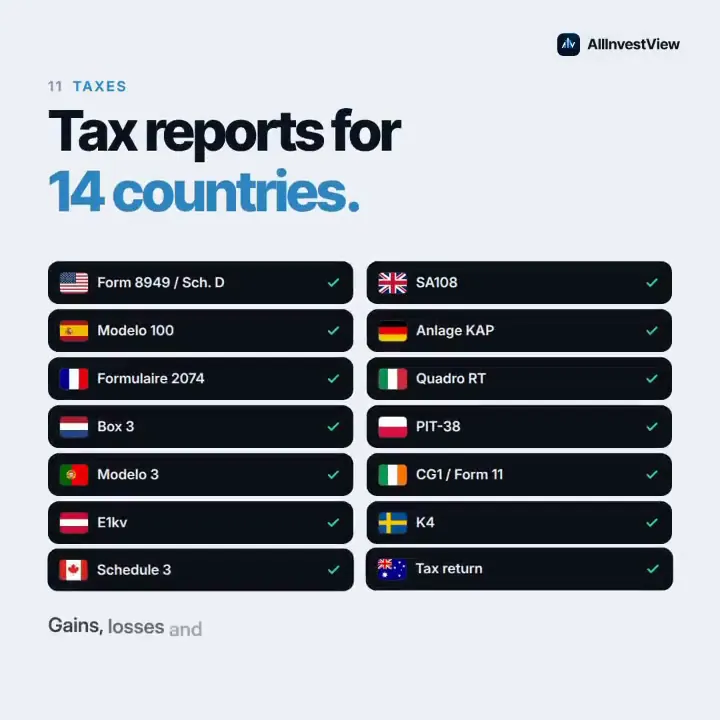
Make a dynamic motion graphics video that shows what an incredible platform AllInvestView is. Go all out.
Make a dynamic [24]-second motion graphics video that shows what an incredible motion designer you are, like it's your showreel for a resume. Go all out. Only about [TOPIC]. Style: [BRAND COLORS], sound synced to the cuts.
How Claude Opus 5.5 Generates Videos from Code
Rather than sampling diffusion frames directly, Claude Opus 5.5 writes real-time procedural animation code rendered directly in the browser or headlessly via Chromium and Remotion.
Opus 5.5 writes raw HTML5 Canvas 2D render loops and Three.js WebGL shaders. Camera trajectories, particle systems, and raymarching lighting equations run at native 60 FPS with zero compression artifacts.
By orchestrating SVG vector paths with GreenSock (GSAP) timelines, Opus 5.5 generates sharp typographic title sequences, interface walkthroughs, and kinetic logos that scale infinitely without pixelation.
Every prompt in this directory can be pasted directly into Animatiq. Animatiq bundles the code into structured React Remotion components with keyframes, editable text layers, and 4K MP4 export.