
Claude Opus 5.5 Video Directory
Page 4 of 10. Animations that creators and developers made with Claude Opus 5.5 and shared on X. Every video links to its creator's profile and original post, next to the prompt they used.
Claude Opus 5.5 Videos (Page 4)
make a dynamic 15-second motion graphics video that shows what an incredible motion designer you are, like it's your showreel for a résumé. go all out.
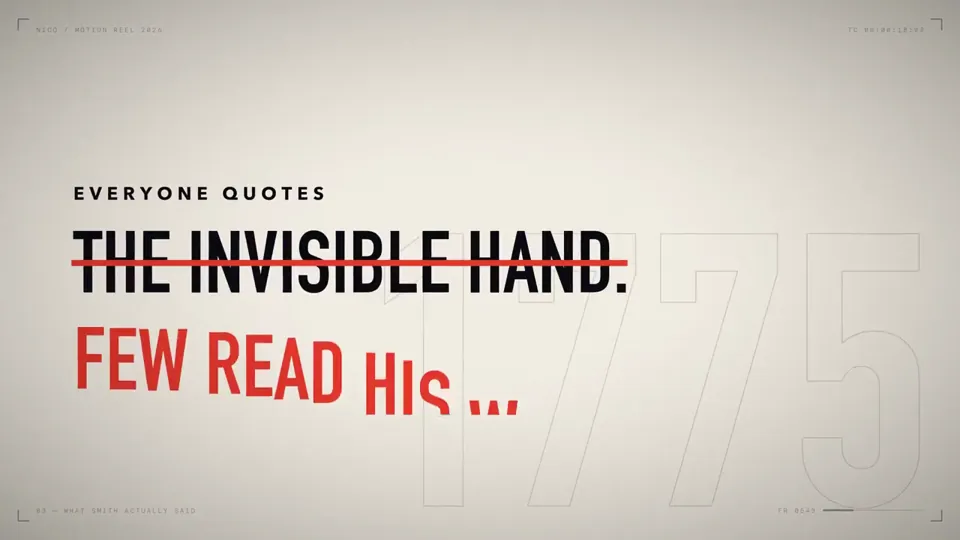
make a dynamic 60-second motion graphics video that shows what an incredible motion designer you are, like it's your showreel for a résumé. go all out. and make the theme and content be about the importance of an informed public in a democracy, the importance of not having corrupted officials and greedy corporations, we need to remember what adam smith said about responsible capitalism or whatever (you can rewrite all of what im saying to sound so much smarter and better) and why facsism and croney capitalism can always reer its ugly head if we aren’t vigilant and always remember the important threats to prosperity and freedom which is the ruling classes need for more control, power and consolidation at the expense of others because they believe they know better.
<inputs> Ask me for: 8 to 12 UI states I want the shape to become (e.g. button, loader, player, slider, toggle, tabs, chart, command palette, toast), pure black and white or one accent color, and a royalty-free song around 120 BPM (e.g. Mixkit, free for commercial use). </inputs> <direction> Dribbble-level UI motion. One shape, never cut: every state is the same element morphing its size, radius and color while its content swaps with a short blur. A cursor drives every change with real clicks and drags. Light warm-gray canvas, black and white components, one clean UI font (Geist). Springs everywhere, a tiny overshoot at most. The camera zooms so each state fills the frame. The last frame is the first frame, so it loops. Banned: bouncy easing, particle bursts, glows, gradients on UI chrome, mismatched icon strokes, dead time, anything that looks like a template. </direction> <structure> 120 BPM, 7 bars, something happens on every beat. Button → loader → check → dynamic island → music player with a play/pause morph → scrub the progress bar → it becomes a volume slider that stretches when dragged past max → a toggle flips on the beat → the knob becomes a liquid tab indicator → the tabs open into a chart that draws itself, with a tooltip on hover → it collapses into ⌘K → type to filter → enter → toast → back to the button. </structure> <build> 1. One HTML file, square 1440x1440. Every style is computed from time inside seek(t): no CSS transitions, no timers, no state carried between frames. 2. Springs are closed-form step responses. A value that changes target many times is the sum of one spring per change, so it stays a pure function of time. 3. The tab indicator's two edges ride different springs, so the leading edge stretches ahead of the trailing one. Same trick for the toggle knob. 4. Drags are direct manipulation: while the cursor is held, the value is computed from its position. On release it springs back from wherever it was. 5. Analyze the song with numpy for the beat grid and start on a downbeat. Place every UI sound by its measured peak. 6. Render with Playwright: 4 subframes per frame, blended with ffmpeg tmix for motion blur at 60fps. 7. Render one frame per beat before the full render. Fix anything off the grid, cramped or hard to read. </build> <gotchas> Never put will-change on anything the camera scales or the text renders blurry. Text that swaps inside a morphing container needs its own enter and exit timing or it overlaps. Make the last frame identical to the first, cursor position and speed included, or the loop stutters. </gotchas> <start> Ask me for the inputs, then show me the state list on the beat grid before you write any code. </start>
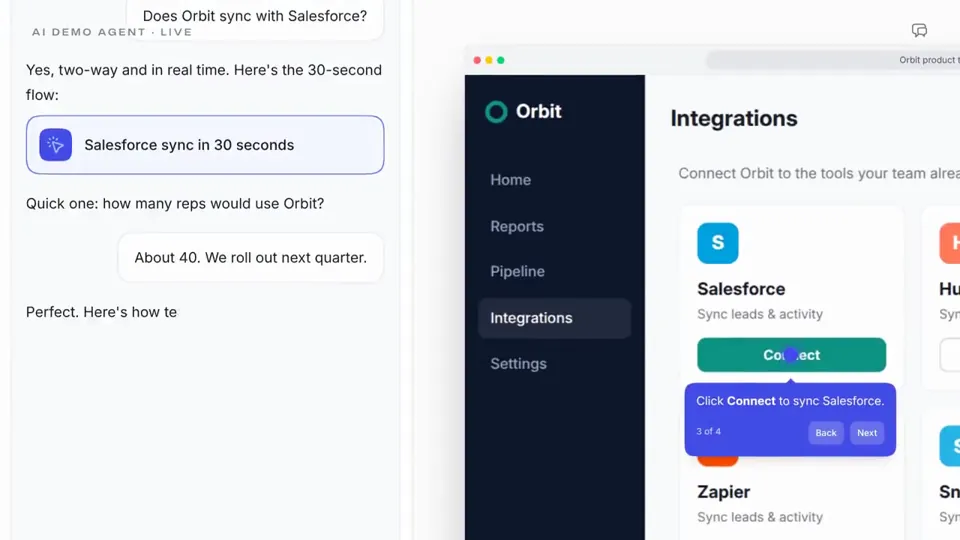
You're a world-class motion designer building a Supademo launch video. Research and land our core value and narrative. Scenes should be dynamic and confident: hook in the first second, then distinct beats for product proof and AI. Brand-accurate UI, type, color, and motion. Score the music so every cut, animation hit, and scene change lands on a beat or drop; retimed until synced. Social energy, quick cuts

make a dynamic 15-second motion graphics video that shows what an incredible work Studio1 is doing, you will get relevant info from case study, create like it's a good showreel for a Studio1 intro launch. go all out.
<inputs> Ask me for: 8 to 12 UI states I want the shape to become (e.g. button, loader, player, slider, toggle, tabs, chart, command palette, toast), pure black and white or one accent color, and a royalty-free song around 120 BPM (e.g. Mixkit, free for commercial use). </inputs> <direction> Dribbble-level UI motion. One shape, never cut: every state is the same element morphing its size, radius and color while its content swaps with a short blur. A cursor drives every change with real clicks and drags. Light warm-gray canvas, black and white components, one clean UI font (Geist). Springs everywhere, a tiny overshoot at most. The camera zooms so each state fills the frame. The last frame is the first frame, so it loops. Banned: bouncy easing, particle bursts, glows, gradients on UI chrome, mismatched icon strokes, dead time, anything that looks like a template. </direction> <structure> 120 BPM, 7 bars, something happens on every beat. Button → loader → check → dynamic island → music player with a play/pause morph → scrub the progress bar → it becomes a volume slider that stretches when dragged past max → a toggle flips on the beat → the knob becomes a liquid tab indicator → the tabs open into a chart that draws itself, with a tooltip on hover → it collapses into ⌘K → type to filter → enter → toast → back to the button. </structure> <build> 1. One HTML file, square 1440x1440. Every style is computed from time inside seek(t): no CSS transitions, no timers, no state carried between frames. 2. Springs are closed-form step responses. A value that changes target many times is the sum of one spring per change, so it stays a pure function of time. 3. The tab indicator's two edges ride different springs, so the leading edge stretches ahead of the trailing one. Same trick for the toggle knob. 4. Drags are direct manipulation: while the cursor is held, the value is computed from its position. On release it springs back from wherever it was. 5. Analyze the song with numpy for the beat grid and start on a downbeat. Place every UI sound by its measured peak. 6. Render with Playwright: 4 subframes per frame, blended with ffmpeg tmix for motion blur at 60fps. 7. Render one frame per beat before the full render. Fix anything off the grid, cramped or hard to read. </build> <gotchas> Never put will-change on anything the camera scales or the text renders blurry. Text that swaps inside a morphing container needs its own enter and exit timing or it overlaps. Make the last frame identical to the first, cursor position and speed included, or the loop stutters. </gotchas> <start> Ask me for the inputs, then show me the state list on the beat grid before you write any code. </start>
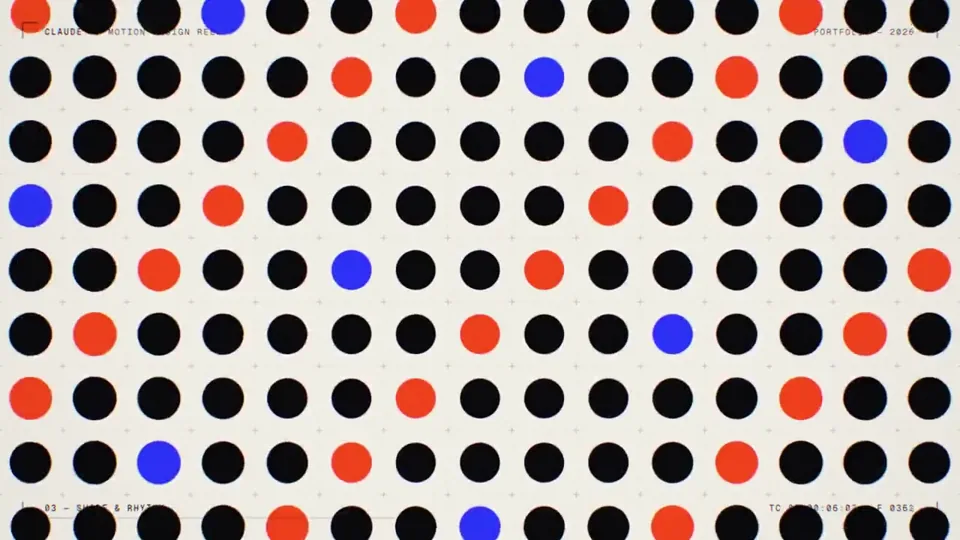
make a dynamic 15-second motion graphics video that shows what an incredible motion designer you are, like it's your showreel for a resume. go all out. use only code
make a dynamic 15-second motion graphics video that shows what an incredible motion designer you are, like it's your showreel for a résumé. go all out.
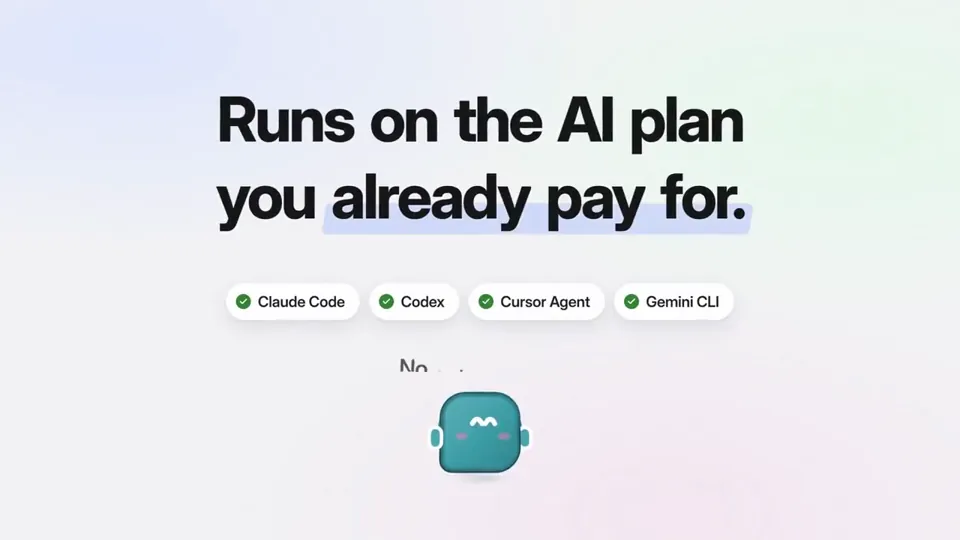
make a dynamic 15-second motion graphics video that shows what an incredible motion designer you are, like it's your showreel for a résumé. go all out.
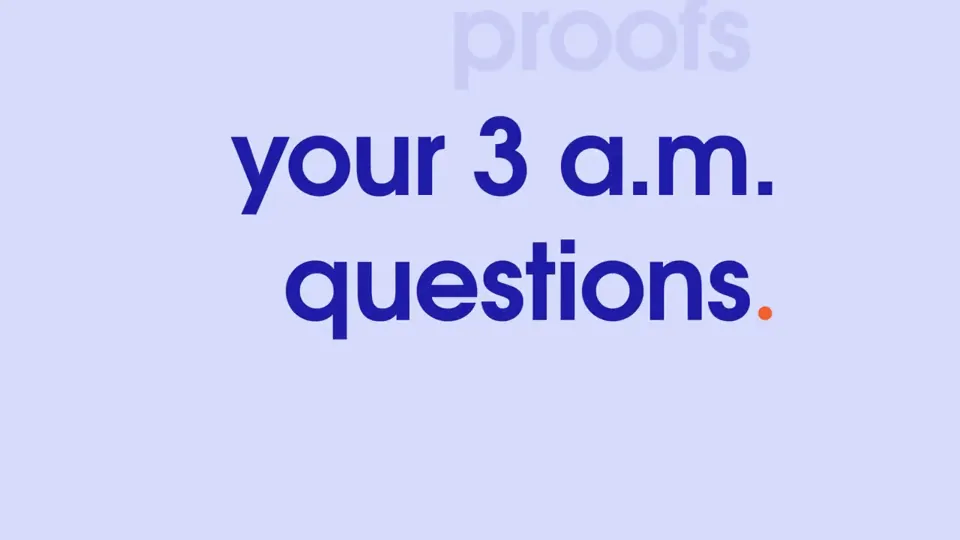
make a dynamic 10-second motion graphics video that shows who are you as Opus 5.5 - be as creative and dynamic as possible. Avoid the frames and texts on the corners which are typical ai made giveaways!
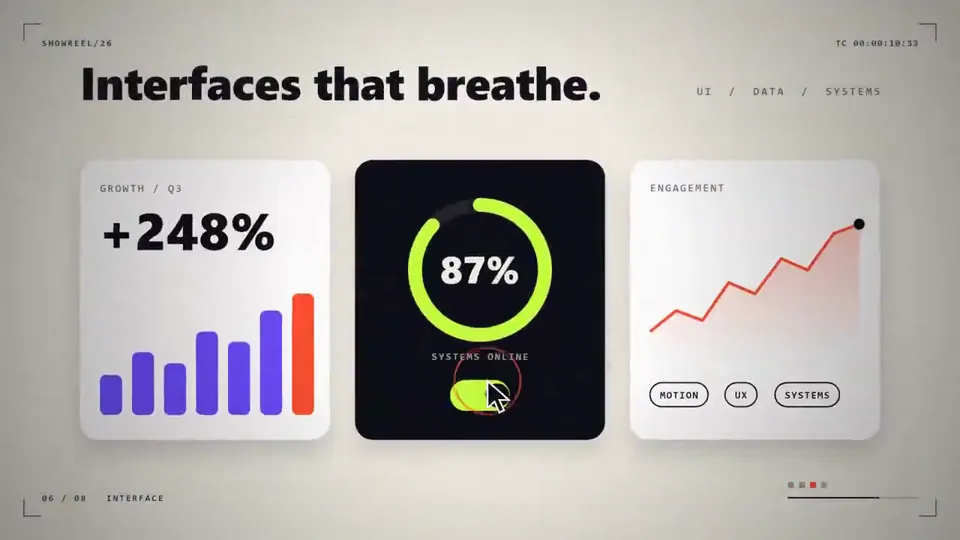
Make a dynamic 15 second motion graphics video that shows what an incredible motion designer you are, like its your showreel for a resume, go all out!
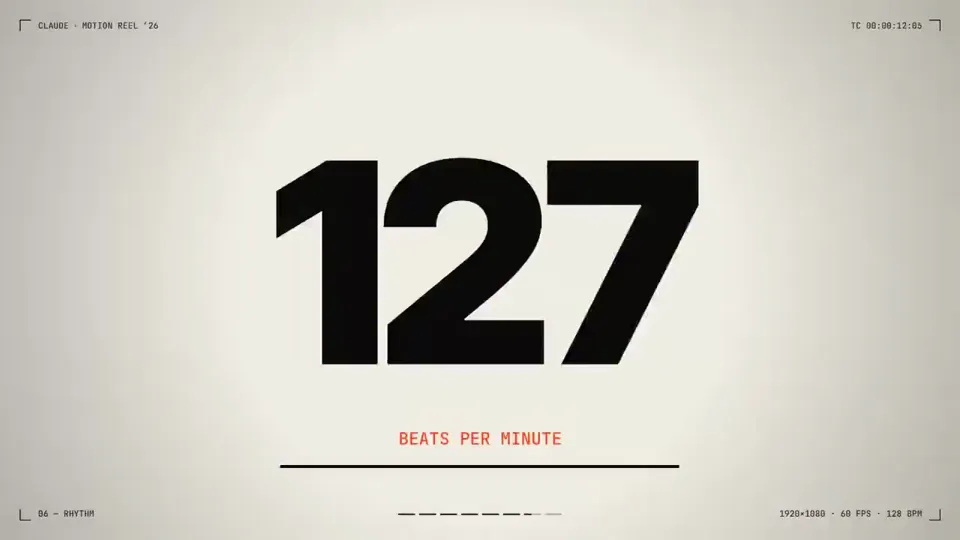
make a dynamic 15-second motion graphics video that shows what an incredible motion designer you are, like it's your showreel for a résumé. go all out'
make a dynamic 15-second motion graphics video that shows what an incredible motion designer you are, like it's your showreel for a résumé. go all out'
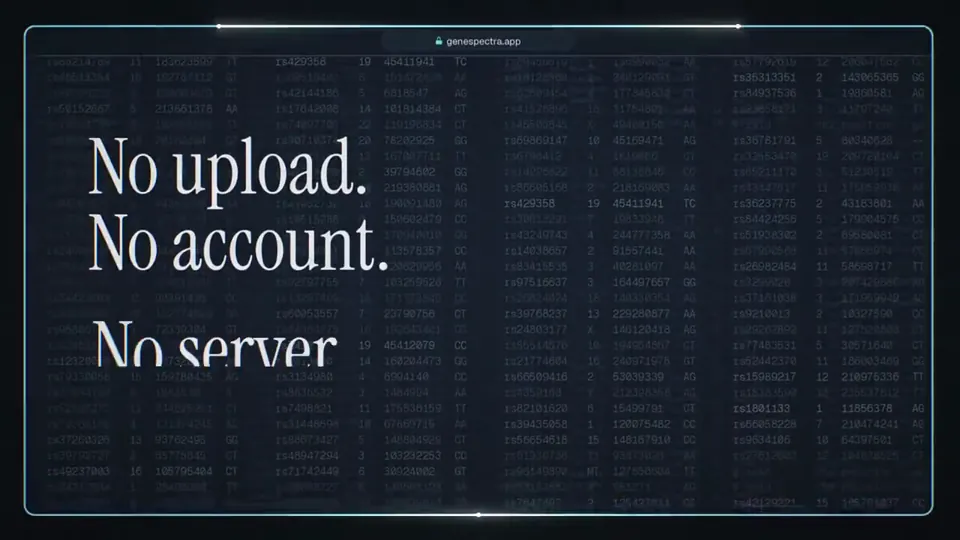
make a dynamic 15-second motion graphics video promo about gene spectra, use assets from the current live site where relevant. go all out.'
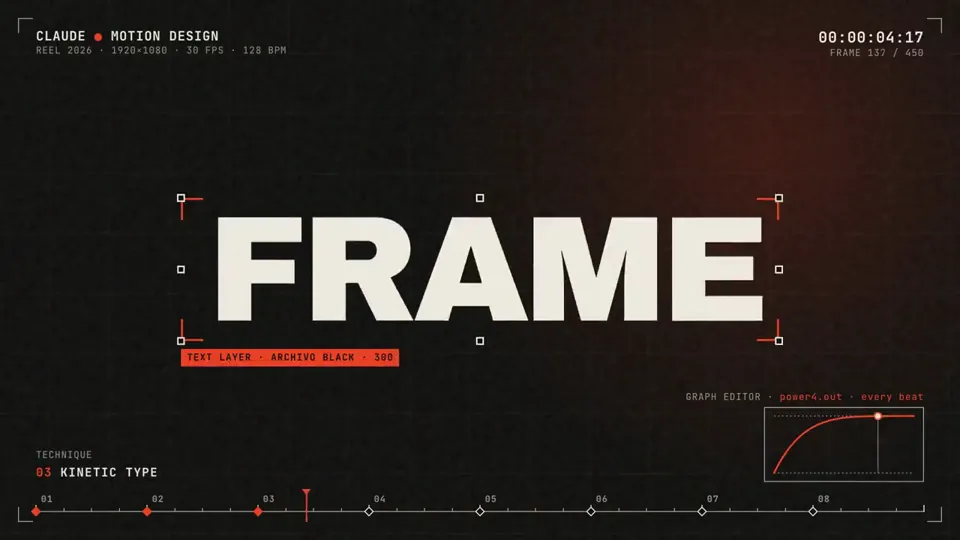
make a dynamic 15-second motion graphics video that shows what an incredible motion designer you are, like it's your showreel for a résumé. go all out
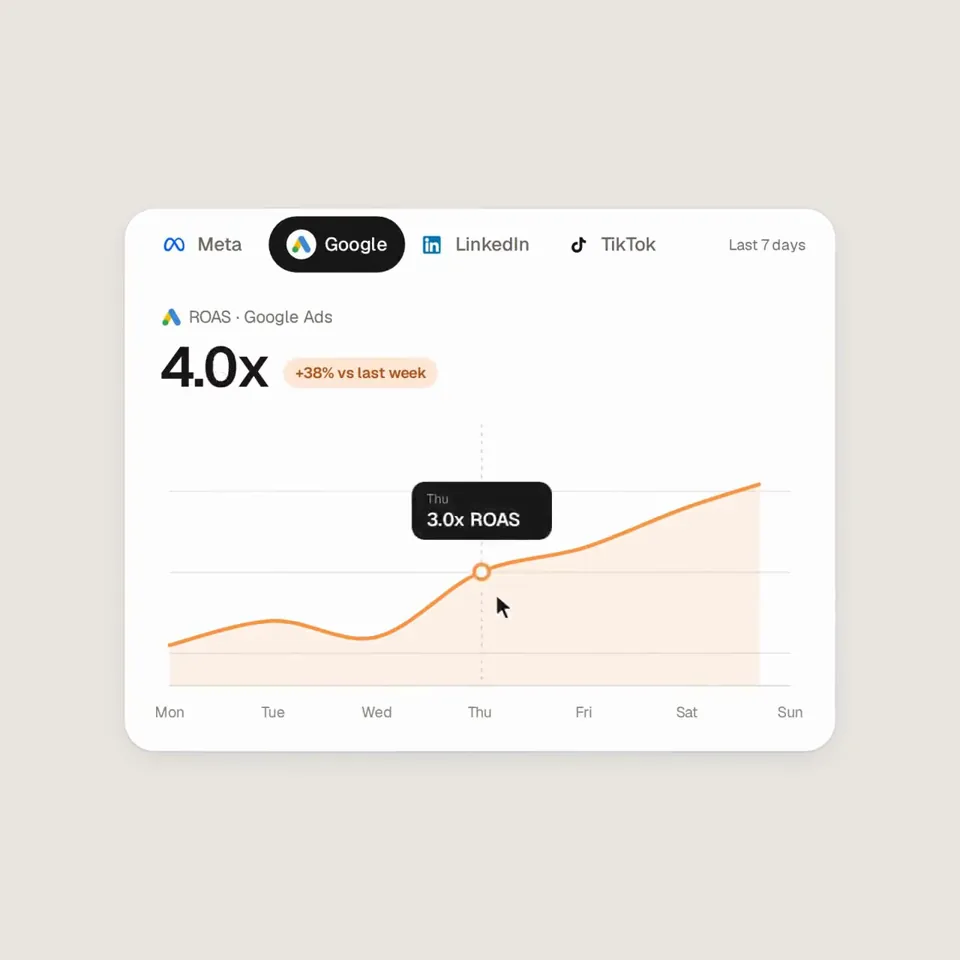
Analyze http://sprites.ai and build a product promo from our own UI, not generic components. <direction> Dribbble-level UI motion. One shape, never cut: every state is the same element morphing its size, radius and color while its content swaps with a short blur. A cursor drives every change with real clicks and drags. Warm-gray canvas, black and white components, one accent (#FD9543), Geist. Springs everywhere, a tiny overshoot at most. The camera zooms so each state fills the frame. Last frame = first frame, so it loops. Banned: bouncy easing, particles, glows, gradients on UI chrome, mismatched icon strokes, dead time, anything that looks like a template. </direction> <structure> 120 BPM, 7 bars, something on every beat. Connect ad account (Meta, Google, LinkedIn, TikTok, Reddit logos) → loader → check → prompt bar types "Launch ads that convert" → island "Researching 42 competitors" → Ads Library wall of real ads scrolls and lands on a top performer → approval card → Approve & launch → budget slider that stretches past max → Autopilot toggle → knob becomes a liquid tab indicator across channels → ROAS chart draws itself with hover tooltip → ⌘K → type "pause" → toast "Paused 3 losing ads" → back to the button. </structure> <build> 1. One HTML file, 1440x1440. Every style is computed inside seek(t): no CSS transitions, no timers, no state between frames. 2. Springs are closed-form step responses. A value that changes target many times is a sum of springs, so it stays a pure function of time. 3. Tab indicator and toggle knob: the two edges ride different springs, so the leading edge stretches ahead. 4. Drags are direct manipulation: while held, the value follows the cursor. On release it springs back from wherever it was. 5. No music. Synthesize UI sounds with numpy and place each one by its measured peak on the beat grid. 6. Render with Playwright: 4 subframes per frame, blended with ffmpeg tmix for motion blur at 60fps. 7. Render one frame per beat first. Fix anything off-grid, cramped or hard to read. </build> <gotchas> No will-change on anything the camera scales. Swapped text needs its own enter/exit timing. Match the last frame to the first, cursor position and speed included, or the loop stutters. </gotchas> Show me the state list on the beat grid before writing any code.
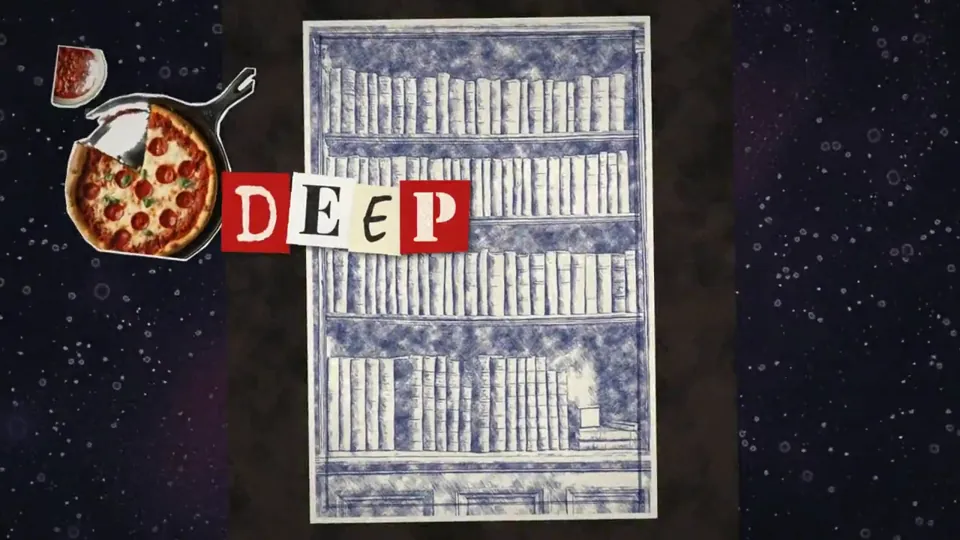
create a music video for this entire song, check lyrics.txt to sync the visuals to. style should be a mix between monty-python/vox style "postcards in space" mixed with sketchy ballpoint pen style visuals. this needs to look professional. theme of the video is a creepy evil pizza parlor, camera starts outside and works through the inside, through a secret bookshelf door into a basement with untold horrors and pizza sauce all over the place. use whatever tools or methods you need to make this look professional. final export should be an .mp4 of the entire music video. claude/opus 5.5 detected comfyui on my system, generated all the assets with SDXL and then composited and animated it all together. Even if I had all of the art assets and timeline markers, this would have easily taken be 8-10+ hours in After Effects to do manually. I might never open After Effects again.
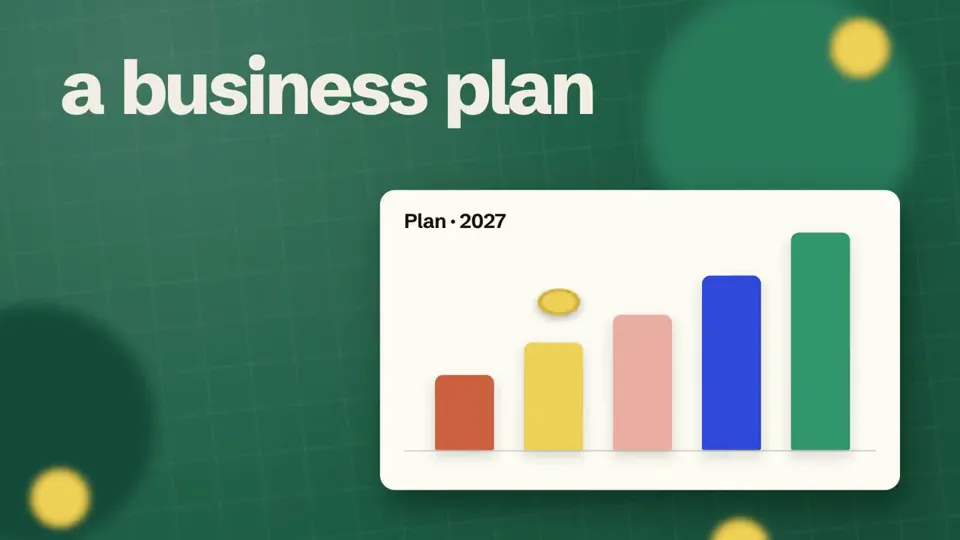
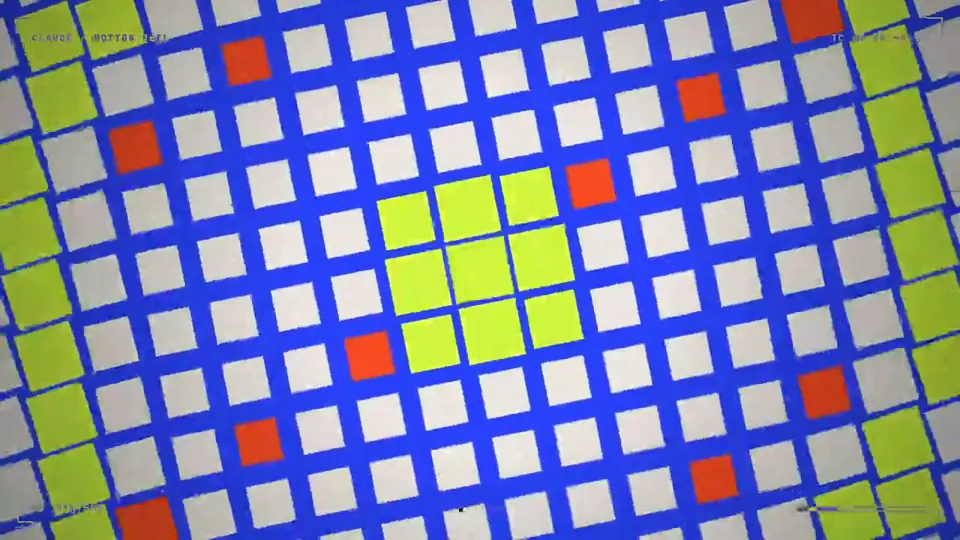
make a dynamic 15-second motion graphics video that shows what an incredible motion designer you are, like it's your showreel for a résumé. go all out.
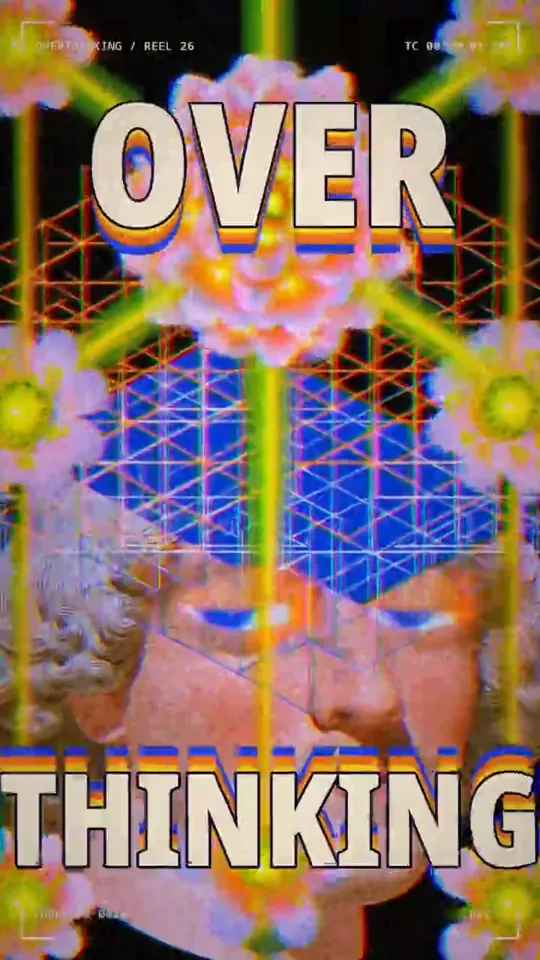
Make a dynamic 15-second motion graphics video that shows what an incredible motion designer you are, like it’s your showreel exploring the concept of “Overthinking,” inspired by the attached graphics.
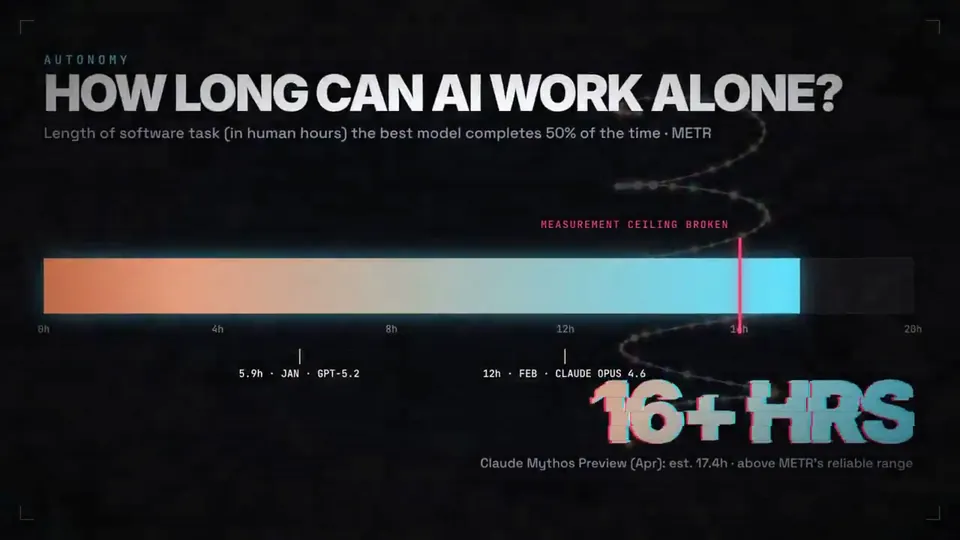
Can you make me a video of LLM progression, like models that is from January of this year up until now, and what the trajectory is looking like, the capabilities and models as well? Like the capabilities of models too? I want to make it really like bang, bang, boom, whoa, here we go, kind of amazing innovation. Are you ready for this kind of thing? I think you'd use vMotion, 3GS, a bunch of stuff you've got. Use whatever you want.
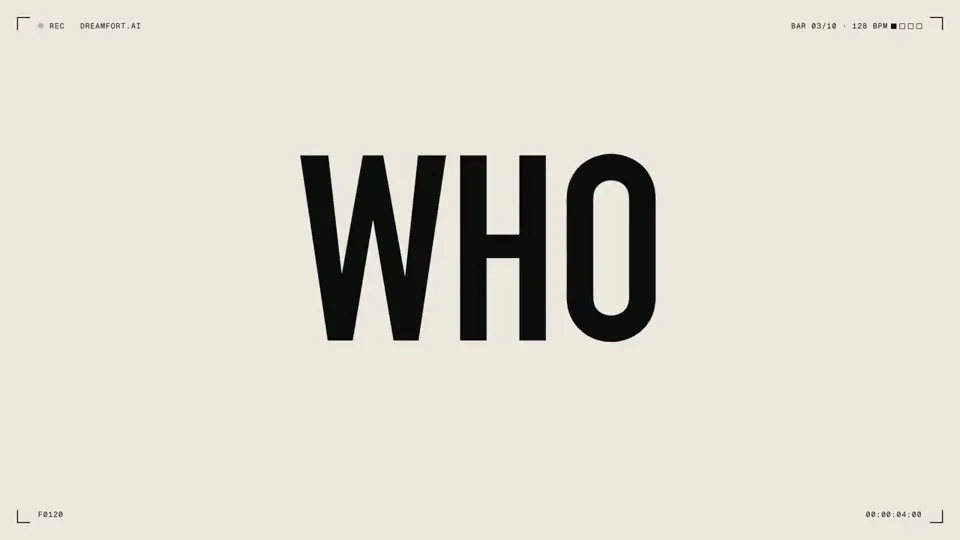
make a 20-second motion graphics manifesto for DreamFort: "superintelligence should belong to everyone". every frame and every sound written in code, no image or video models.
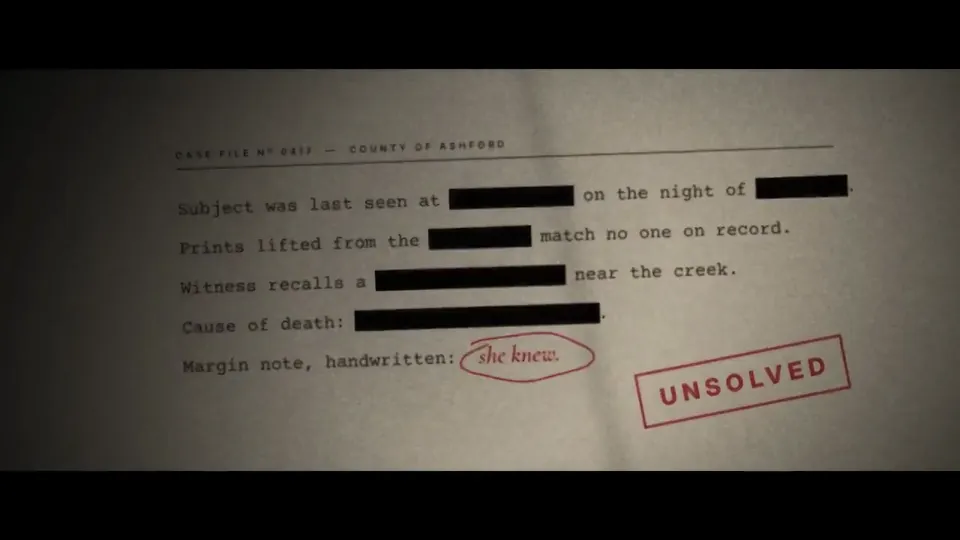
Make a 20-second title sequence for a Netflix thriller that doesn't exist yet. Make it feel like it won an Emmy for main title design.
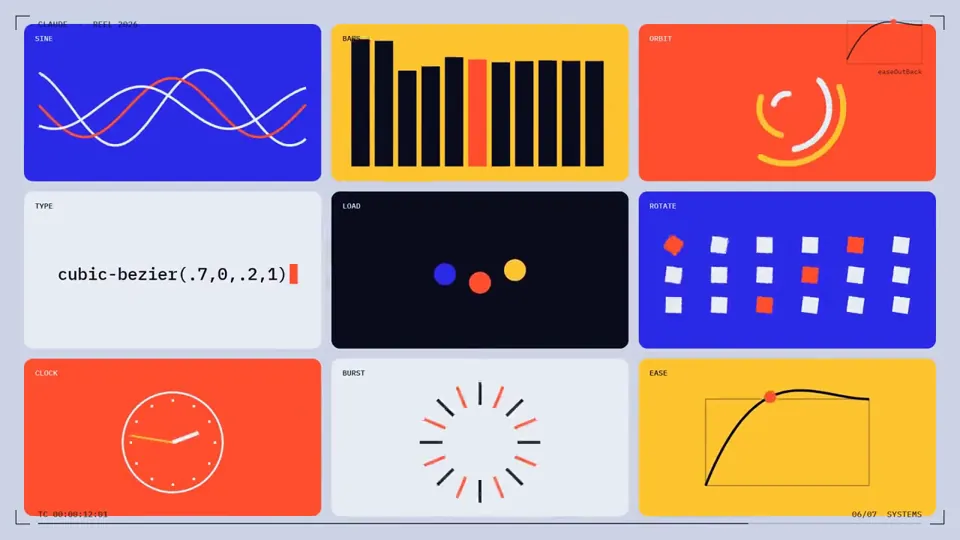
make a dynamic 15-second motion graphics video that shows what an incredible motion designer you are, like it's your showreel for a résumé. go all out.
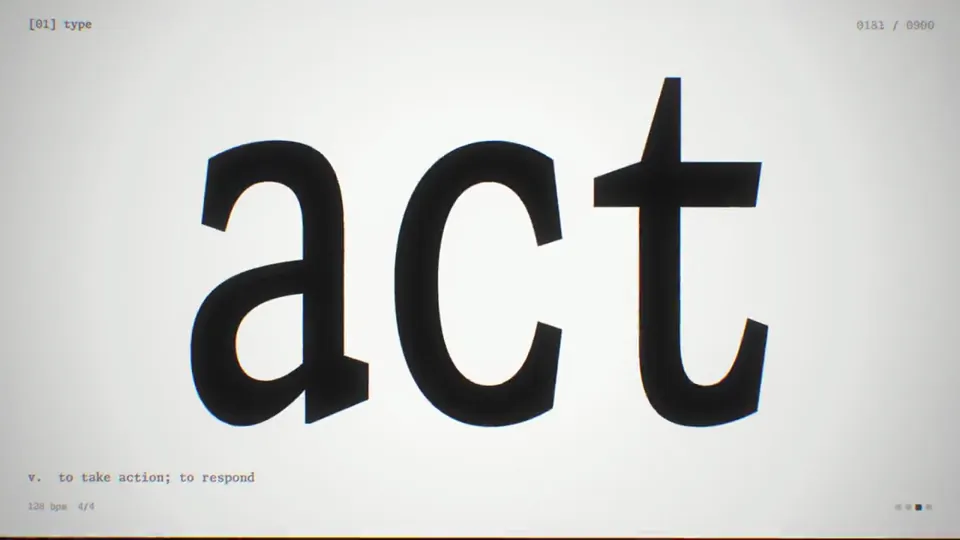
You're a world-class motion designer, and this is your 15-second résumé reel. Make it dynamic and confident: open with a striking hook in the first second, build through a sequence of distinct techniques (typography, shape play, camera moves, colour shifts), and land on a clean, memorable final frame. Pacing should feel like it's cut to music. Go crazy. Make it promote our brand, reflex. inc. Proceed as if you were starting with zero of my tools. Do not assume that the tools we already have are the best to use, as they might be outdated.
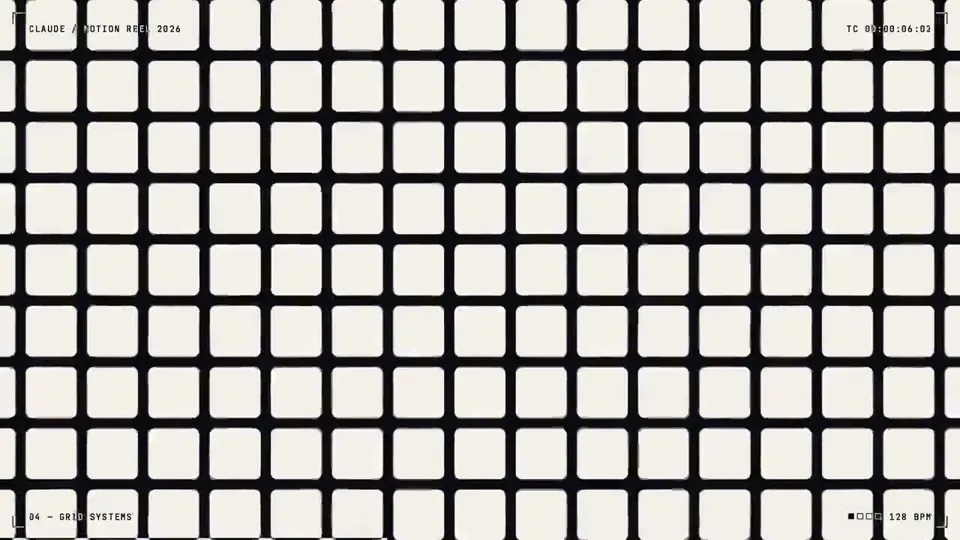
Make a dynamic 15-second motion graphics video that shows what an incredible motion designer you are, like it's your showreel for a résumé. Go all out.
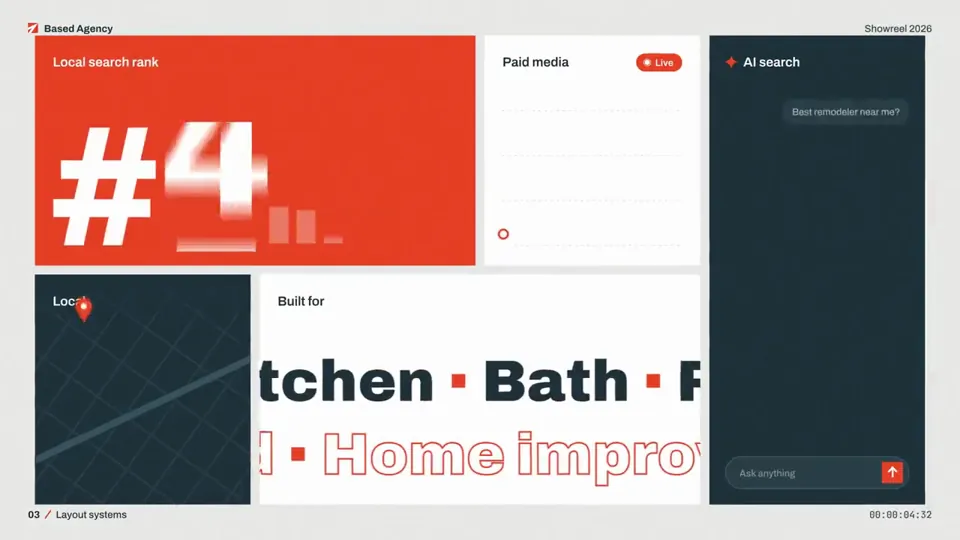
make a dynamic 15 second motion graphics video that shows what an incredible motion designer you are, like its your showreel for a resume. go all out, and brand it for Based Agency.
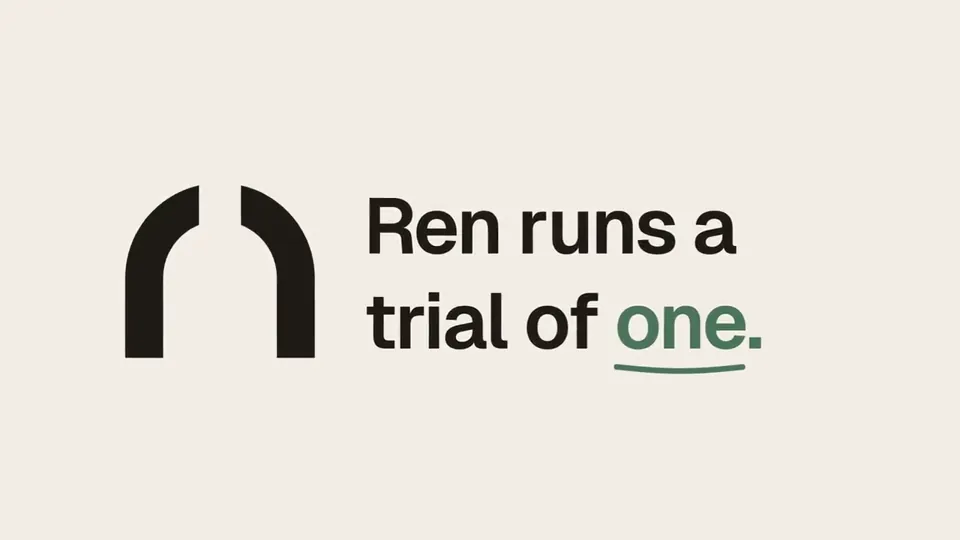
[gave access to Ren repo] Make a dynamic 30-second motion graphics video for Ren that shows off your motion and sound design. Go crazy.
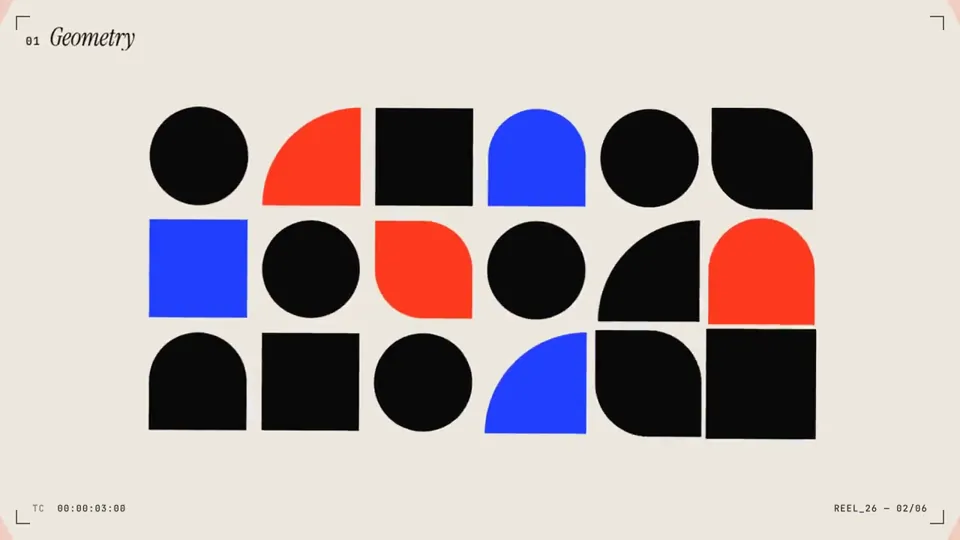
Create a motion graphics video that feels like the centerpiece of a world-class designer’s showreel. Treat it as your résumé: showcase your full range, push the craft as far as possible. Go all out.
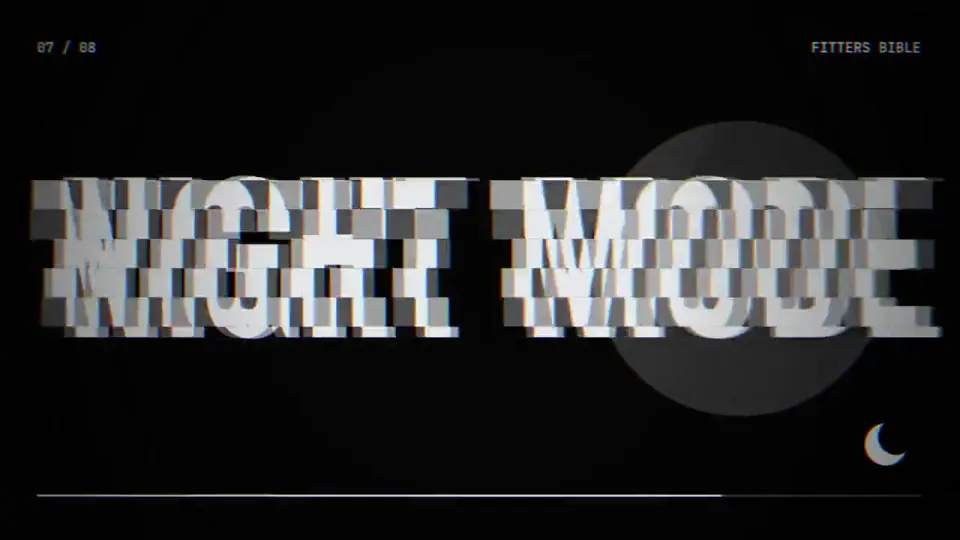
make a dynamic 15-second motion graphics video that shows what an incredible motion designer you are, like it's your showreel for a résumé. go all out. (About the pipefitters bible)
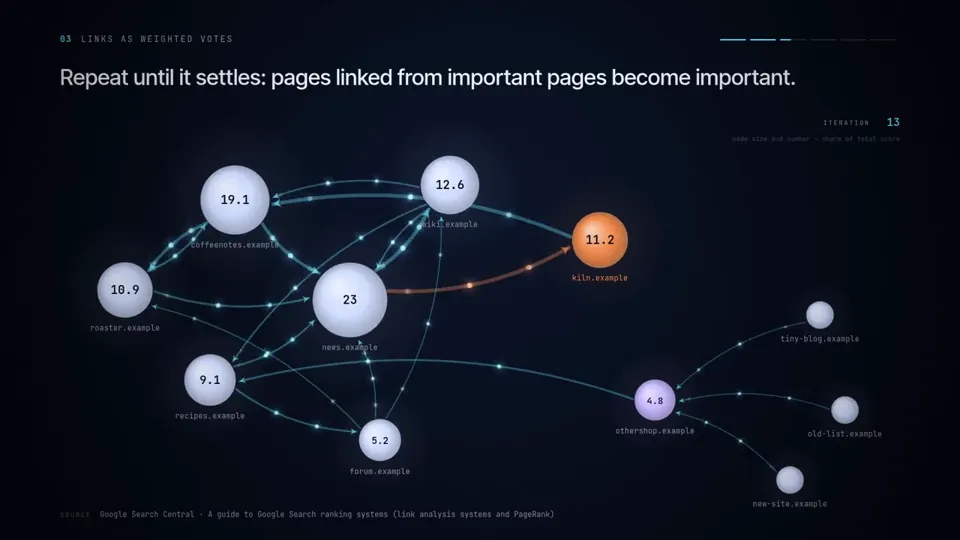
create an insightful, yet state of the art video visualization for how backlinks work for SEO
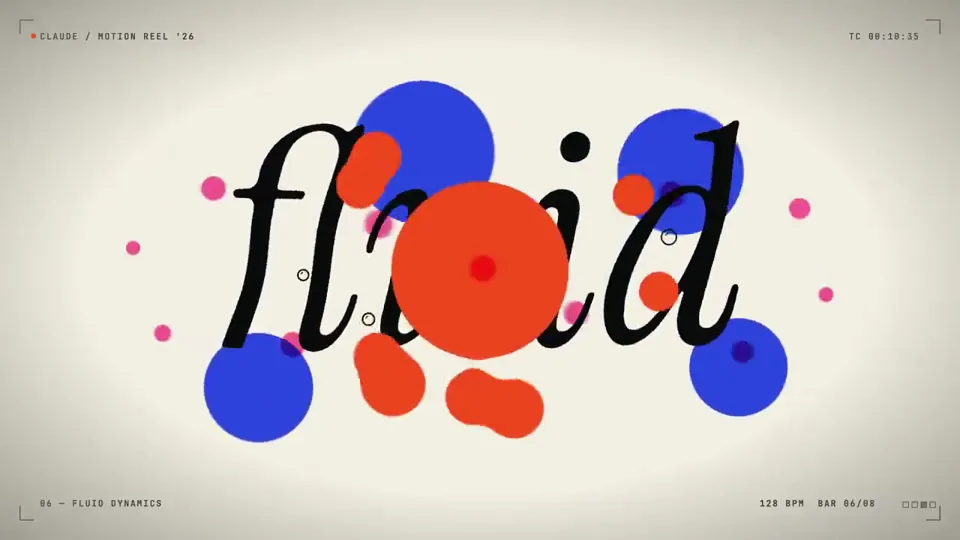
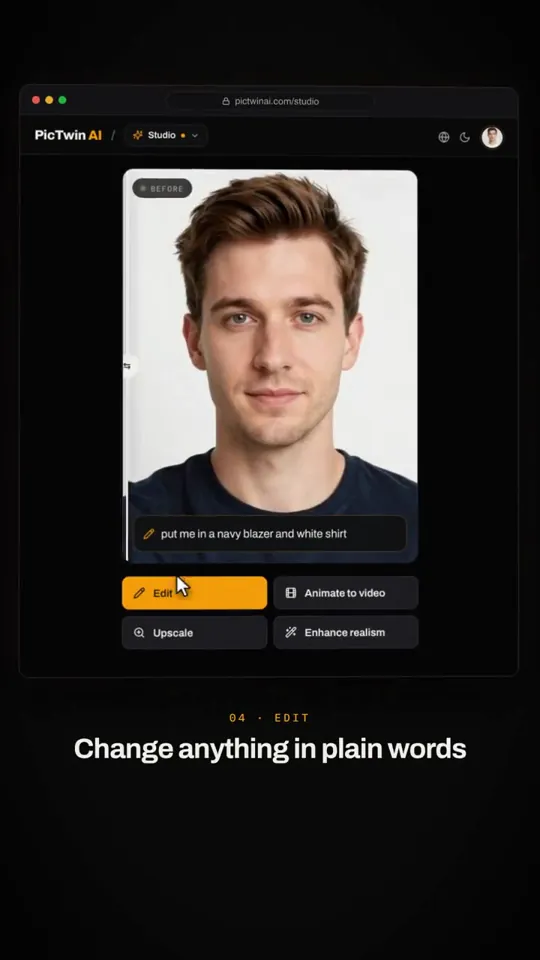
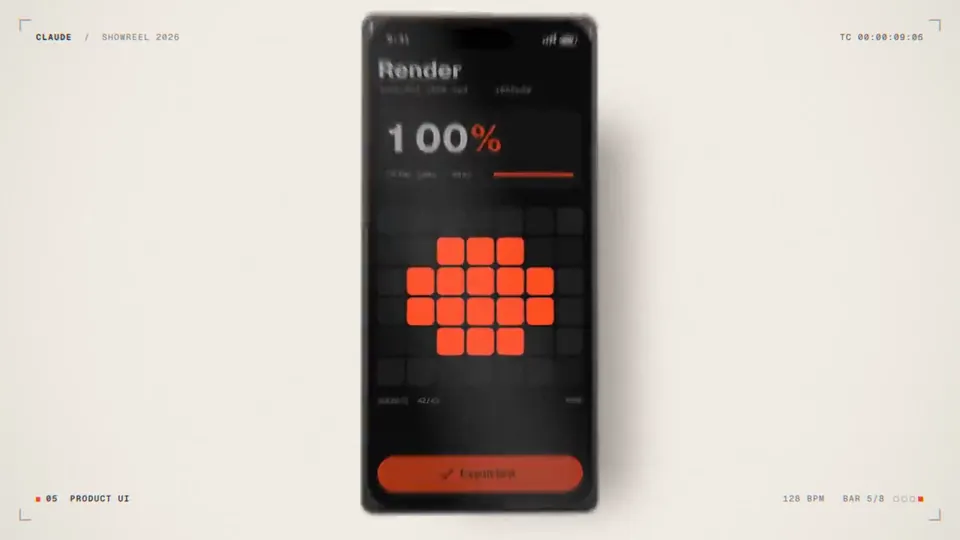
make a dynamic 15-second motion graphics video that shows what an incredible motion designer you are, like it's your showreel for a résumé. go all out.
merak ediyorum ne kadar iyi bir hareketli grafik tasarımcısısın. Bunu bana kanıtlamak için 15 saniye sürecek bir hareketli grafik videosu istiyorum senden. Bu video http:// lidlezz.app 'i tanıtacak ve x üzerinde 10.000 kişinin karşısına çıkacak. Elinden geleni yap
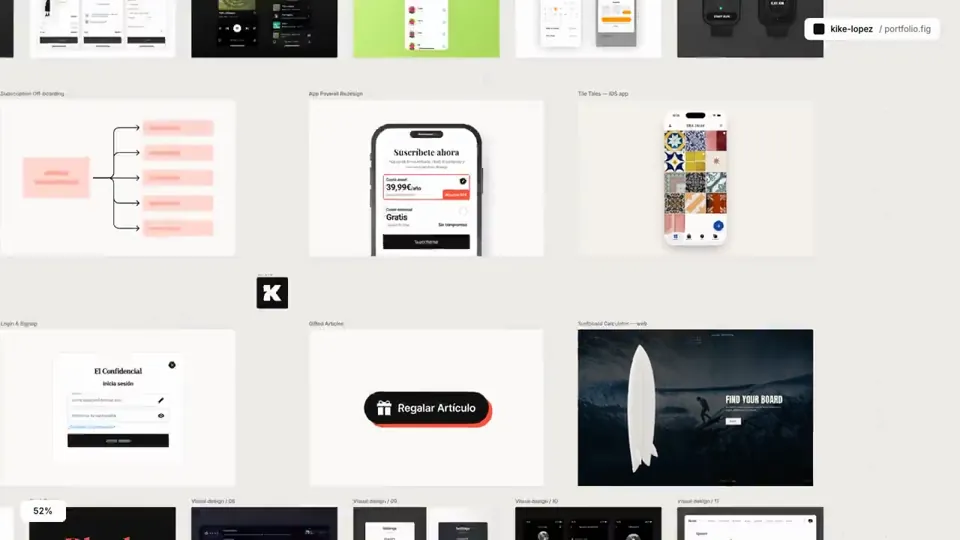
Make a 20 second video about my portfolio from scratch, using only the portfolio's own resources
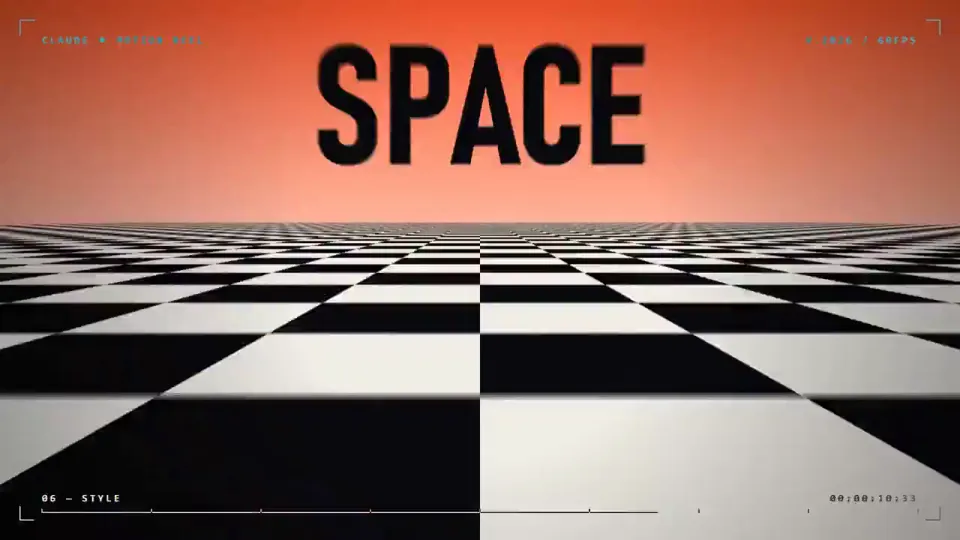
make a dynamic 15-second motion graphics video that shows what an incredible motion designer you are, like it's your showreel for a résumé. go all out
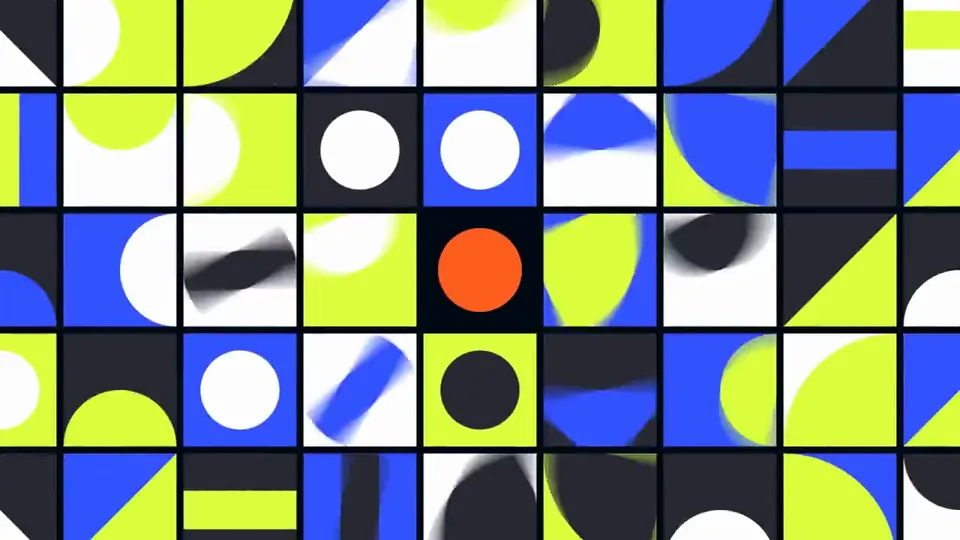
make a dynamic 15-second motion graphics video that shows what an incredible motion designer you are, like it's your showreel for a résumé. go all out.
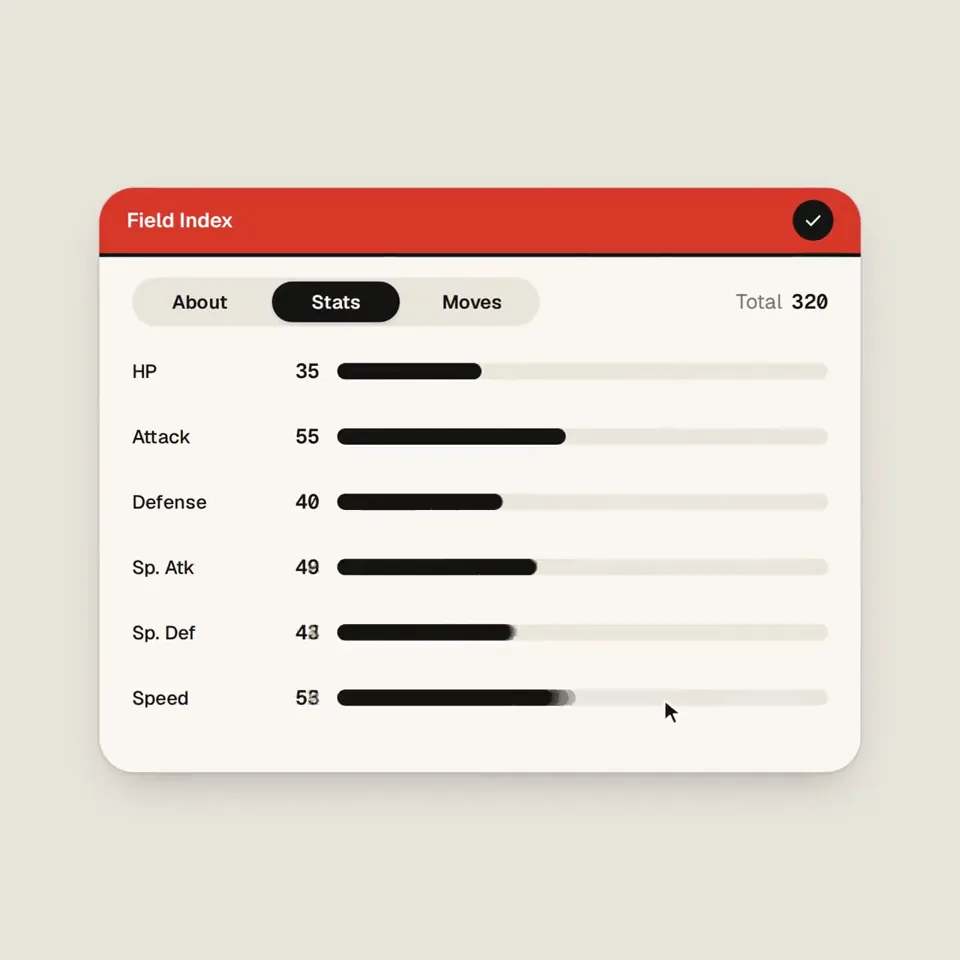
<inputs> Ask me for: my featured Pokémon or starter trio, 8–12 Pokémon-themed UI states, and a royalty-free song around 120 BPM with a playful adventure or electronic feel. Confirm that the song’s license permits the intended use.Default palette: warm off-white, black, and Poké Ball red. Pokémon artwork keeps its original colors. </inputs> <direction> A Pokémon-inspired UI motion film with Dribbble-level polish. Imagine a beautifully designed modern Pokédex: playful, precise, and instantly http://recognizable.One shape, never cut: a Poké Ball continuously morphs into every interface component by changing its size, radius, and color. Its central button, dividing line, and outer shell become the controls and structure of each new state. Content swaps with a short blur and carefully separated enter/exit timing. A visible cursor drives every interaction with clicks, drags, and hover gestures. Use a light warm-gray canvas, clean Geist typography, consistent icon strokes, and crisp Pokémon artwork. Use tightly damped springs with only a tiny overshoot. The camera smoothly reframes each state so the interface stays large and readable. The ending returns exactly to the opening Poké Ball for a seamless loop. Banned: excessive bouncing, particle bursts, glows, gradients on UI chrome, mismatched icon strokes, dead time, generic dashboard layouts, abrupt scene changes, and unrelated floating elements. </direction> <structure> 120 BPM, 4/4 time, 7 bars: 28 beats, approximately 14 seconds. Something intentional happens on every http://beat.Bar 1 — Poké Ball activation 1. A closed Poké Ball sits centered; the cursor approaches. 2. The cursor clicks its central button. 3. The button becomes a circular scanning loader. 4. The scan resolves into a check, and the shell stretches into a compact Pokédex. Bar 2 — Pokémon discovery 5. The Pokédex expands to reveal the featured Pokémon. 6. Its name, number, and type appear in a quick stagger. 7. The cursor clicks the cry/play control. 8. The control morphs into pause while a compact waveform animates. Bar 3 — Trainer controls 9. The waveform flattens into a volume slider. 10. The cursor drags its Poké Ball-shaped knob to maximum. 11. Dragging beyond maximum elastically stretches the slider. 12. On release, it settles and compresses into a shiny-mode toggle. Bar 4 — Pokémon details 13. The cursor flips shiny mode; the artwork changes to the correct shiny variant. 14. The toggle knob stretches into a liquid tab indicator. 15. The cursor selects “Stats.” 16. The card opens into a clean Pokémon stat chart. Bar 5 — Stats to search 17. Stat bars draw themselves in sync with the beat. 18. The cursor hovers over a bar; a readable tooltip appears. 19. The chart retracts into the same container. 20. The container compresses into a Pokédex search field. Bar 6 — Find and select 21. The search field expands into a command palette. 22. A short Pokémon name is typed; matching results filter. 23. The cursor selects a result, revealing its miniature artwork and type. 24. Enter confirms; the palette folds into an “Added to team” toast. Bar 7 — Return to the Poké Ball 25. The toast’s confirmation mark becomes the Poké Ball’s central button. 26. The toast contracts; its edges become the circular shell. 27. The red upper half, white lower half, and black dividing line settle into place. 28. The cursor returns along a smooth path, matching the opening position and velocity as the loop wraps. Use the chosen Pokémon consistently throughout. Keep visible text brief enough to read at this pace. </structure> <build> 1. Build one self-contained HTML file with a square 1440×1440 composition. Compute every animated style from time inside seek(t): no CSS transitions, timers, or state carried between frames. 2. Keep one persistent outer element throughout the sequence. Its internal artwork, labels, and controls may change, but the main silhouette must visibly connect every state. 3. Use closed-form spring step responses. For repeated target changes, sum one spring response per change so animation remains a pure function of time. 4. Give the tab indicator’s two edges different springs so the leading edge stretches ahead of the trailing edge. Apply the same technique to the toggle knob. 5. Make drags direct manipulation: while held, values follow cursor position. On release, use a closed-form spring matching the release position and velocity. 6. Analyze the supplied song with numpy to estimate the beat grid, verify the downbeat, and align the sequence. If the tempo differs from 120 BPM, adapt the timing to the actual music. 7. Use licensed UI sounds and align their measured transient peaks with clicks, confirmations, and morph accents. 8. Render with Playwright at four subframes per output frame. Blend each group of four with ffmpeg into a 60fps video for motion blur. 9. Render one preview frame per beat before the full video. Fix anything cramped, unreadable, visually disconnected, or off the beat grid. 10. Package artwork and fonts inside the HTML so rendering does not depend on network requests. </build><gotchas> Never put will-change on anything the camera scales; text can become blurry.Give outgoing and incoming content separate timing so labels never overlap during a morph. Use accurate Pokémon artwork, names, types, shiny colors, and stats. Do not invent variants or stretch character artwork when the container changes shape. Keep the main container recognizable through every transition. Pokémon artwork is content inside the morphing interface, not a replacement for the persistent shape. Match the loop boundary exactly: geometry, content, camera, cursor position, and cursor velocity. Export the interval [0, duration) without duplicating the endpoint frame. Make the audio loop cleanly too. </gotchas> <start> Ask me for the inputs, then show me the proposed Pokémon state list on the 28-beat grid before writing any code. </start>
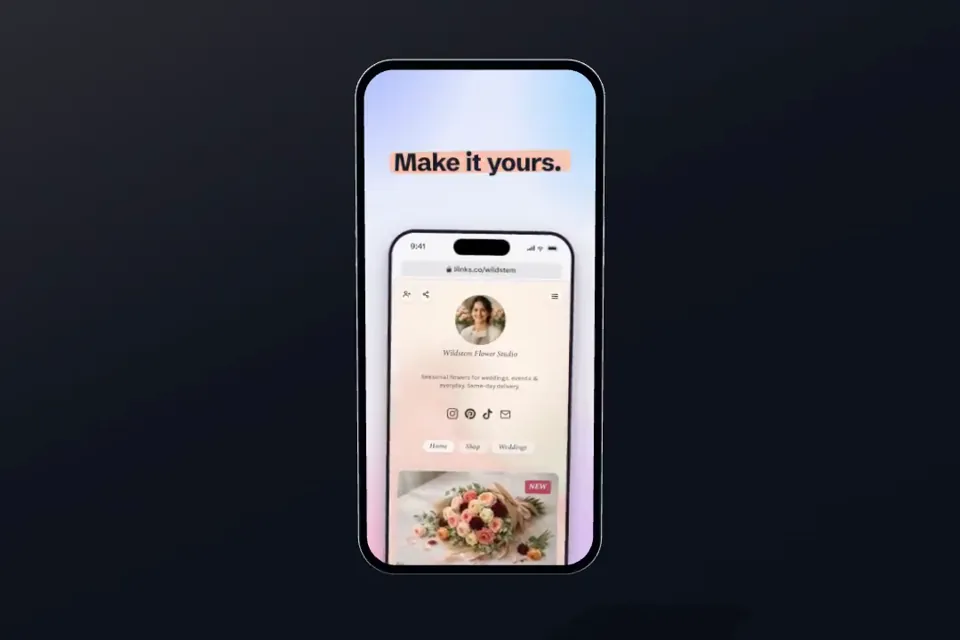
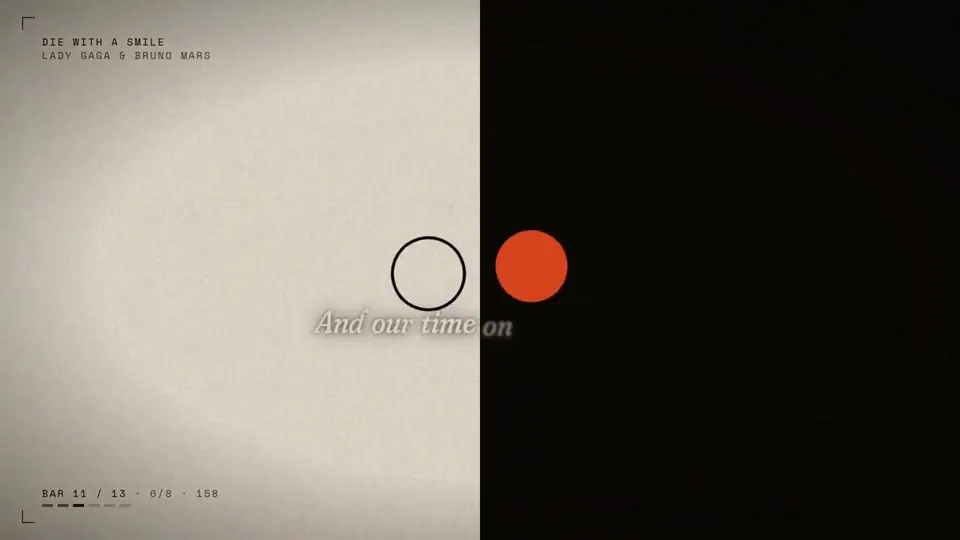
make a dynamic lyrics motion graphics video based on the attached music, perfectly syncing the lyrics and animation to the vocals and beat. make it feel like an incredible motion designer’s showreel for a résumé. go all out.
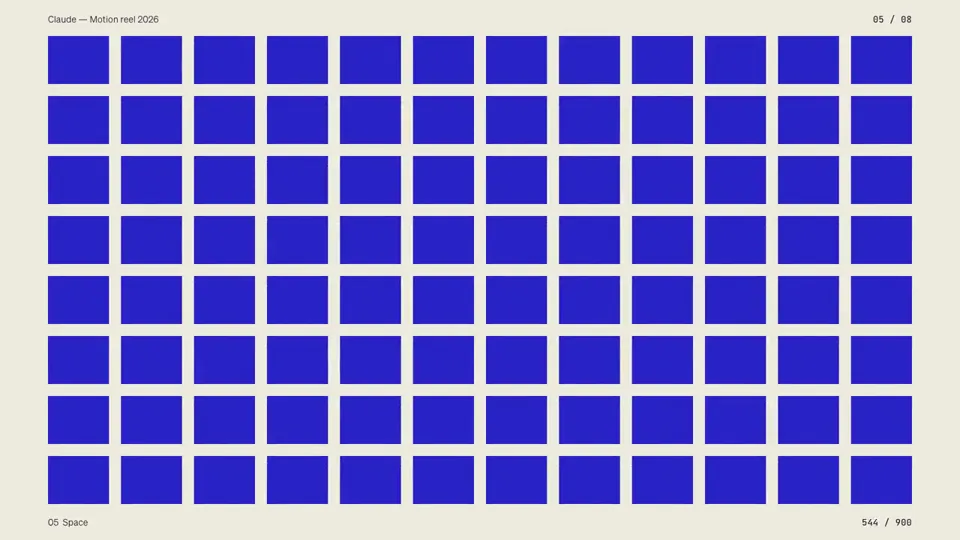
Make a dynamic 15-second motion graphics video that shows what an incredible motion designer you are, like it's your showreel for a résumé. go all out.
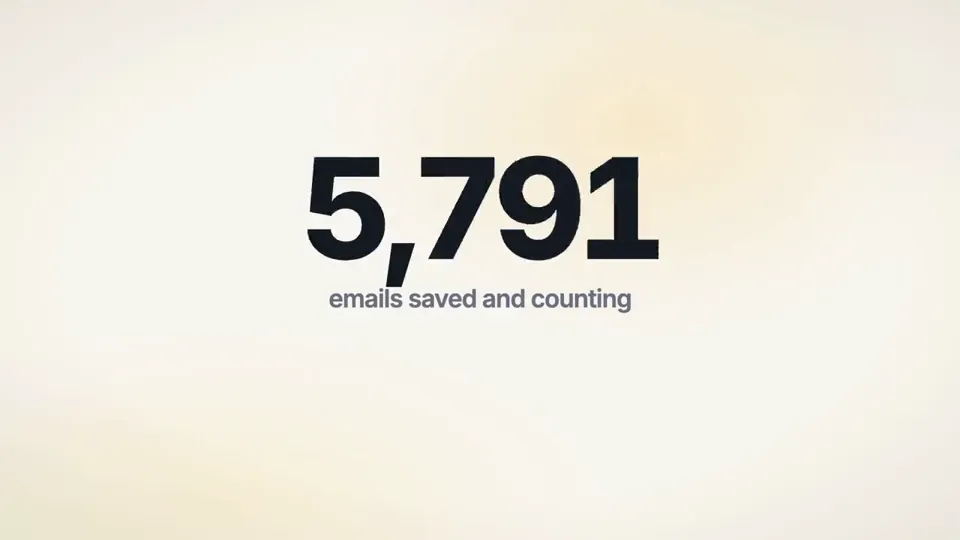
I want you to create a highly professional SaaS product launch video. Go and find some SaaS, preferably just one that people know, so it's easier to identify with it. Pick that, and then make sure to get actual assets and images and all of that stuff from the internet. Turn it into these typical, very professionally edited, motion-graphics-styled product launch videos that you see people making on Twitter when they launch new SaaS products (which are showing off the features, the benefits, and all of these things).
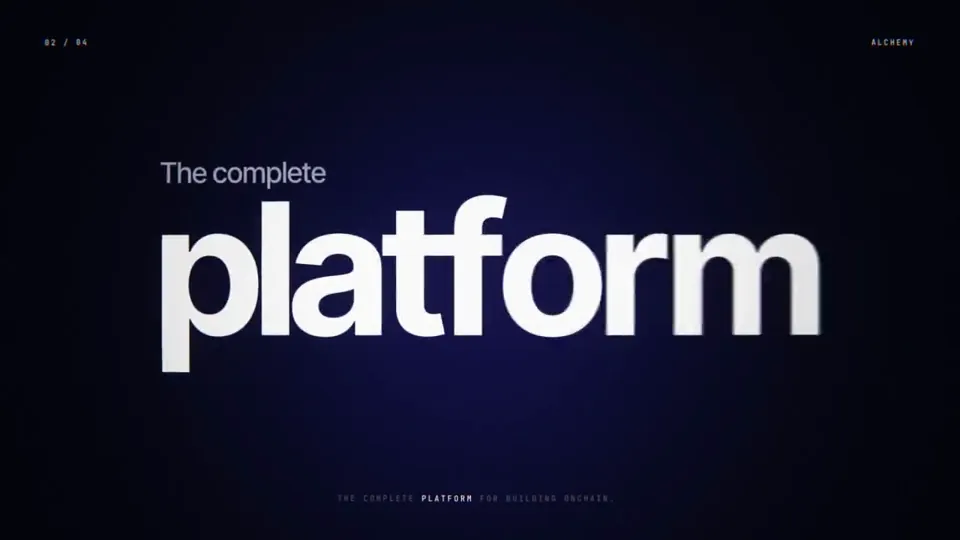
make a dynamic 15-second motion graphics video that shows what an incredible motion designer you are, like it's your showreel for the infra company https://alchemy.com, go all out!
make a dynamic 10-second motion graphics video that shows what an incredible motion designer you are, like it's your showreel for a résumé. go all out
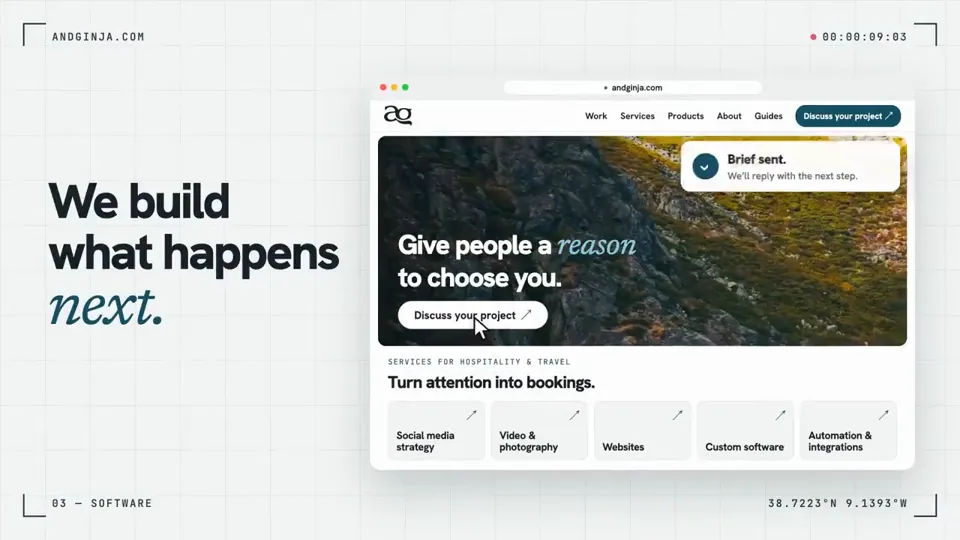
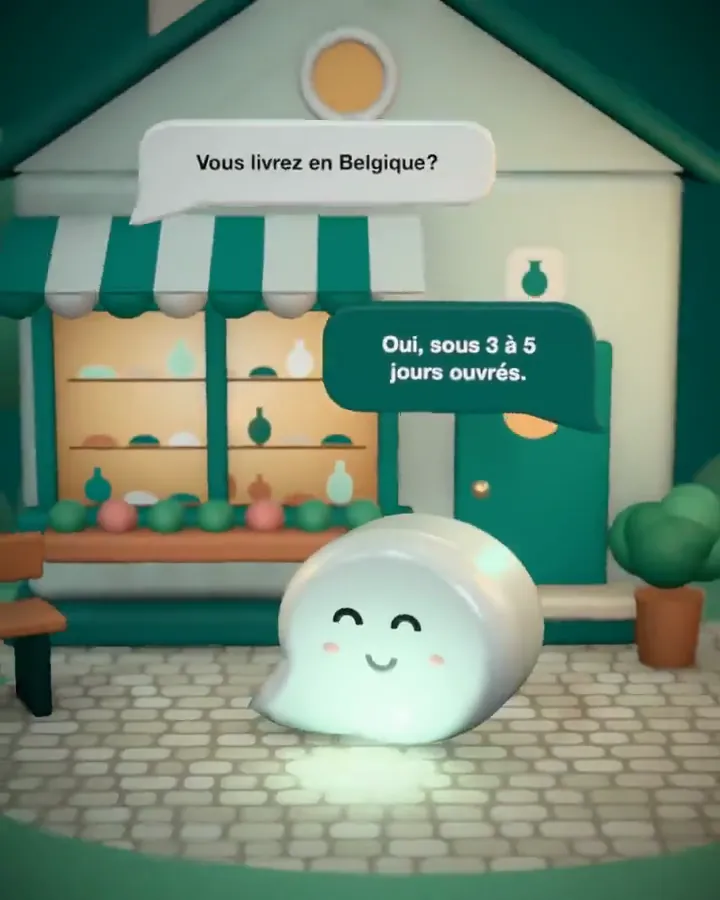
How Claude Opus 5.5 Generates Videos from Code
Rather than sampling diffusion frames directly, Claude Opus 5.5 writes real-time procedural animation code rendered directly in the browser or headlessly via Chromium and Remotion.
Opus 5.5 writes raw HTML5 Canvas 2D render loops and Three.js WebGL shaders. Camera trajectories, particle systems, and raymarching lighting equations run at native 60 FPS with zero compression artifacts.
By orchestrating SVG vector paths with GreenSock (GSAP) timelines, Opus 5.5 generates sharp typographic title sequences, interface walkthroughs, and kinetic logos that scale infinitely without pixelation.
Every prompt in this directory can be pasted directly into Animatiq. Animatiq bundles the code into structured React Remotion components with keyframes, editable text layers, and 4K MP4 export.