
Claude Opus 5.5 Video Directory
Page 10 of 10. Animations that creators and developers made with Claude Opus 5.5 and shared on X. Every video links to its creator's profile and original post, next to the prompt they used.
Claude Opus 5.5 Videos (Page 10)
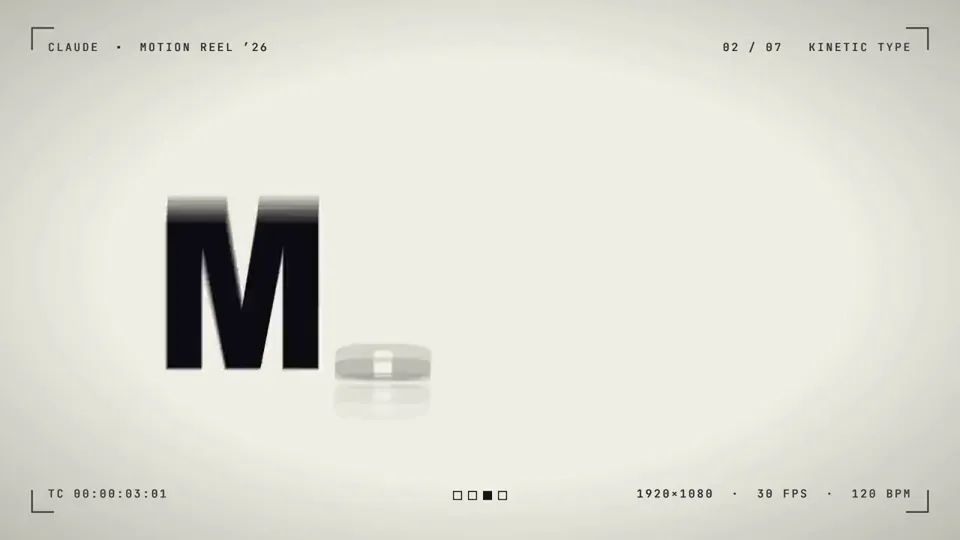
話題の Opus 5.5 のモーショングラフィックス、原作プロンプトそのままで再現してみた。 Claude Code + Remotion 公式プラグイン、effort は xhigh。 プロンプト1発、途中の API 切断で continue を1回だけ。 思考 約23分、レンダリング 約90秒。BGM もサンプルなしでコード生成。

opus5.5 + Remotion + Gemini3.8 TTS たったの1時間でうちのプロダクトの広告動画2本できた・・・ もう一生外注しないw 外注したら10万円以上かかってたと思う
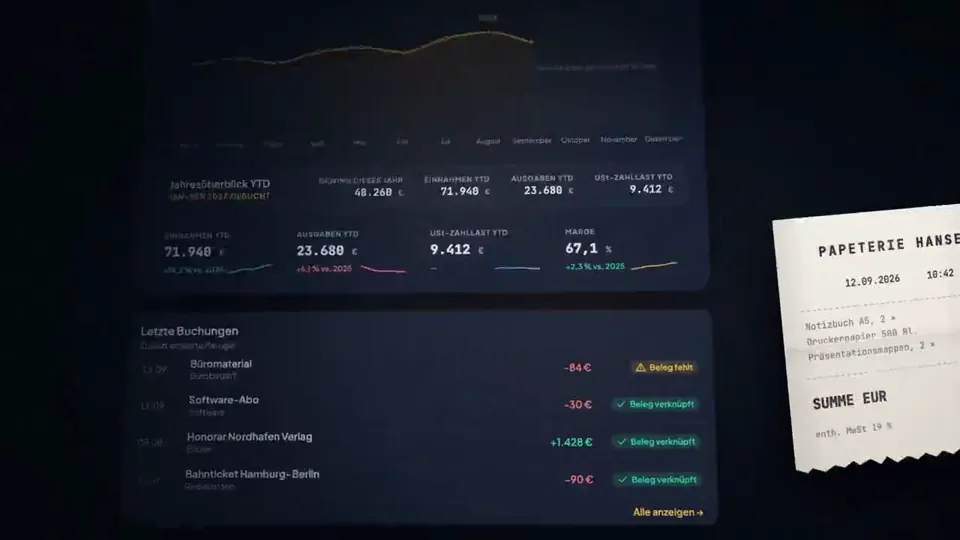
claude code (opus 5.5) made the product film for taxtello, my bookkeeping app every frame is code: react + remotion, 0 after effects the soundtrack is code too, synthesized in python from sine waves and noise 1 prompt and 2 rounds of feedback full prompt below, steal it ↓ You are the senior motion designer, product designer and Remotion engineer for Taxtello. Your task is to create a genuinely premium, Apple-level product film for Taxtello. This is NOT a generic SaaS explainer. This is NOT a feature walkthrough. This is NOT a startup template animation. I want a maximum 15-second brand/product showreel that makes Taxtello look like a mature, expensive, beautifully designed financial product. Think: Apple product launch film × premium fintech × editorial motion design × restrained Stripe-like product presentation × Taxtello's own visual identity The desired reaction is: “Wait, this is a German bookkeeping app?” The film should feel expensive. ──────────────────────────────────── REPO / SOURCE OF TRUTH ──────────────────────────────────── First inspect the real repositories before designing anything. Main product: /taxtello/main Existing Remotion project: /taxtello/beta-motion Important real brand sources: /taxtello/main/public/css/app/_00-tokens.css /taxtello/main/docs/design/TOKENS.md /taxtello/main/public/taxtello-wordmark.png /taxtello/main/public/icons.svg Existing current product screenshots can be found under: /taxtello/main/artifacts/smoke-ui-smoke/ Prefer the newest valid screenshots/current source over stale artifacts. There is already an existing 24-second Remotion hero animation in /taxtello/beta-motion. DO NOT replace it. DO NOT regress it. DO NOT force its current AI-connections storyline into this new film. Create a new independent composition for this task, e.g. TaxtelloShowreel15 You may reuse good infrastructure, fonts, rendering utilities, motion primitives, easing curves, asset loading and QA infrastructure from beta-motion where useful. But creatively this should be a new film. Before implementation, inspect the actual Taxtello UI and understand the product. Do not invent functionality that does not exist. ──────────────────────────────────── REAL TAXTELLO VISUAL LANGUAGE ──────────────────────────────────── Use the real design system. Core palette: Background: #0c0f1a Elevated surfaces: #111525 #131722 #1a2032 Primary brand gold: #e8b84b Gold highlight: #f5d07a Gold depth: #9b6d18 Primary text: #e8eaf2 Strong warm white: #f6f4eb Secondary text: #8b93b5 Positive: #34d399 Negative/error only where semantically necessary: #f87171 Typography: Plus Jakarta Sans Numbers / financial values where appropriate: JetBrains Mono Use the actual Taxtello wordmark and/or Taxtello mark. Do not redraw or approximate the logo. Taxtello's gold should feel like a precious accent, not a yellow UI flood. Think: dark metal warm gold glass ink precision quiet confidence NOT: cyberpunk crypto neon gaming generic AI purple rainbow gradients ──────────────────────────────────── CORE CREATIVE RULES ──────────────────────────────────── Follow these rules ruthlessly: 1. ONE SHOT = ONE IDEA. 2. Every scene needs room to breathe. 3. The product UI is the hero. 4. Do not plaster explanatory copy everywhere. 5. Do not use hard cuts unless there is a deliberate reason. 6. Prefer object-driven transitions: a card becomes the next card, a chart line becomes a connector, a receipt becomes a booking, a number becomes another interface element, the camera moves through the product. 7. Use premium easing. No linear movement. 8. Motion should overlap naturally. Elements should not all start and stop at exactly the same frame. 9. Use depth sparingly: perspective, soft parallax, scale, foreground/background separation, controlled depth of field if achievable. 10. NO effect exists simply because it looks cool. 11. No particle spam. 12. No fake glassmorphism everywhere. 13. No excessive blur. 14. No pointless 3D spinning cards. 15. No constant zooming. 16. No 20 different animation styles. 17. No bouncing UI. 18. No giant marketing paragraph. 19. Do not imitate a particular Apple commercial shot-for-shot. Capture the philosophy and production quality instead. The visual confidence should come from restraint. ──────────────────────────────────── FORMAT ──────────────────────────────────── Primary master: 1920 × 1080 60 fps 16:9 H.264 maximum duration: 15.0 seconds Target runtime: approximately 14.0–15.0 seconds. It must work as a social-media product reveal even without sound. If practical AFTER the master is finished, also create a deliberately recomposed vertical/social variant. Do not merely crop the desktop composition. But the desktop master is the priority. ──────────────────────────────────── STORY / EMOTIONAL ARC ──────────────────────────────────── Do not make this a list of five features. It should feel like one continuous thought: CHAOS → CONTROL → CLARITY → TAXTELLO The first 1.5 seconds must already look premium. The first meaningful product moment should happen by ~2 seconds. No five-second logo intro. Possible narrative direction: “Everything about your business, finally in one place.” But SHOW this instead of explaining it. I want approximately four visual ideas across the whole film. Use the strongest REAL Taxtello surfaces you find in the repository. Strong candidates include: • Finanzcockpit / Dashboard • Rechnungen • Belege • Bank / matching • Steuergesundheit / tax overview You do NOT need to show all of them. Choose the visually strongest combination. ──────────────────────────────────── SUGGESTED 15-SECOND STORYBOARD ──────────────────────────────────── Treat this as a strong starting point, not a rigid template. 0.00 – 1.20 BLACK / NAVY. A tiny warm-gold glint appears. The glint elegantly reveals either the Taxtello mark or a fragment of the wordmark. No generic logo fade. Think machined precision. The camera moves through or past the mark and the UI begins to emerge from it. Very little or no copy. ───────────────── 1.20 – 4.40 FINANCIAL CONTROL. Reveal the actual Taxtello Cockpit as a dimensional product surface. Not just a screenshot placed on screen. Reconstruct/crop/layer it so individual interface regions can animate. The hero financial number resolves crisply. The chart draws in. Supporting metrics settle slightly later. Use subtle stagger. A single line of copy may appear, for example: “Alles im Blick.” or another equally short German phrase if you find something more fitting. Maximum ~3–4 words. The interface must remain recognizable as the real product. ───────────────── 4.40 – 7.50 DOCUMENT / BOOKKEEPING TRANSFORMATION. Use a visual object from the previous scene as the transition. Example: A gold chart point expands into the corner of a receipt/card. The camera follows it. A receipt/document enters. Taxtello identifies or organizes it. The document snaps elegantly into its corresponding booking / financial record. Use magnetic alignment and precision. No cheesy scanner laser. No floating paper tornado. Possible micro-copy: “Belege. Erledigt.” Only if it improves the scene. ───────────────── 7.50 – 10.70 MONEY / INVOICES. Morph or transition naturally into the real Rechnungen interface. Use one strong moment: an invoice status changes, a payment resolves, an amount moves into place, or the overview assembles itself. Numbers should feel tactile and precise. Use JetBrains Mono where this matches the actual product. Gold highlights the active state. Green is used only for a genuinely positive semantic state. Potential copy: “Geld. Im Griff.” Again: optional and extremely short. ───────────────── 10.70 – 12.80 TAX / CLARITY. Transition into the real Taxtello tax-health / financial guidance surface. Do not claim that Taxtello magically guarantees correct taxes. Communicate visibility and control. Example: multiple noisy signals collapse into one calm, structured tax overview. Potential copy: “Steuern im Blick.” This scene should feel calmer than the previous scene. The rhythm briefly slows. ───────────────── 12.80 – 15.00 BRAND PAYOFF. Pull the camera outward. The UI compresses or folds into one beautiful Taxtello product object / surface. Darkness returns around it. The gold Taxtello wordmark resolves. One short brand line underneath. Explore strong final lines such as: “Dein Business. Klar.” “Buchhaltung. Unter Kontrolle.” “Einfach mehr Überblick.” “Alles fürs Business. An einem Ort.” Choose based on the actual product positioning you find in the repo. Do not use a line simply because I suggested it. The final frame must have enough stillness to register. End confidently. No giant bouncing CTA. ──────────────────────────────────── TRANSITIONS ──────────────────────────────────── This is one of the most important parts. I want transitions that make the viewer think: “Of course the next scene came from that.” Good: chart line → document edge gold pill → invoice button financial number → amount in invoice card edge → next surface camera push through interface element shared geometry mask reveal using actual product shapes Bad: crossfade random wipe spin transition glitch whip-pan every two seconds generic SaaS slide-left zoom-blur spam Direct cuts are allowed only when a deliberate rhythmic impact benefits the film. ──────────────────────────────────── MOTION ──────────────────────────────────── Motion needs weight. Use curves comparable to: cubic-bezier(0.16, 1, 0.3, 1) where appropriate. Different elements should have subtly different arrival times. Prefer: anticipation overshoot below ~2% settling motion continuation shared velocity between scenes Avoid cartoon springiness. Camera movement should feel like a high-end macro product shoot. Imagine we are filming a physical premium object even though it is software. ──────────────────────────────────── LIGHTING / MATERIAL ──────────────────────────────────── Use extremely subtle environmental lighting. Possible treatments: • soft gold rim lighting • dark navy falloff • faint ambient bloom • soft specular highlight passing across a surface • restrained vignette • subtle grain if it materially helps Keep the interface crisp. Do NOT blur the product just to look cinematic. No fake glossy reflections that destroy legibility. ──────────────────────────────────── TYPOGRAPHY ──────────────────────────────────── Use very little copy. No sentence should compete with the product. Headlines should generally fit on one line. Use Plus Jakarta Sans. Strong typography may occasionally scale very large and become a transition device itself. Avoid generic motion-graphics behavior where every word animates independently. Typography should move as designed objects. ──────────────────────────────────── SOUND / RHYTHM ──────────────────────────────────── Design the motion as if it were cut to approximately 115–120 BPM: premium, kinetic, sophisticated, not frantic. Important moments should land musically. Suggested sound language: • low soft impact for major reveal • restrained tactile UI clicks • subtle metallic/glass tonal tick • soft low-frequency movement during camera transitions • elegant resolved tone at the logo payoff Avoid: • huge cinematic trailer boom • EDM risers • loud whooshes everywhere • stock “tech interface” sounds • rap beat • aggressive bass If there is no legally safe music/audio asset in the project, DO NOT pull copyrighted audio from the internet. Deliver the visual master without copyrighted music and create a concise cue sheet describing where music/SFX should hit. If suitable safe/local audio exists, use it. ──────────────────────────────────── REAL PRODUCT ONLY ──────────────────────────────────── This is critical. Inspect current main. Do not invent screens. Do not invent metrics that imply real customer data. Use clearly synthetic/demo-safe values if required. Do not accidentally expose any personal, test-user or production information. Reuse the visual structure of the actual Taxtello UI. If a screen needs to be motion-separated, recreate it faithfully in React from the real design system instead of simply scaling a giant screenshot. The result should still look unmistakably like Taxtello. ──────────────────────────────────── IMPLEMENTATION EXPECTATIONS ──────────────────────────────────── Work directly in: /taxtello/beta-motion Create the new composition alongside the existing one. Keep existing compositions working. Structure the new work cleanly. Prefer reusable primitives for: • camera surface • product frame • masked transitions • text reveals • UI region reveals • ambient lighting • shared-element transitions Avoid one 1,500-line component. Use deterministic Remotion animation driven by frame/time. No setTimeout. No nondeterministic animations. Respect 60 fps throughout. Use interpolation/spring/easing deliberately. ──────────────────────────────────── DO NOT STOP AFTER FIRST IMPLEMENTATION ──────────────────────────────────── This is a visual task. You MUST review the actual rendered output. Required workflow: 1. Inspect repository and real brand/product. 2. Write a concise storyboard with: - exact timestamps - key visual - transition logic - copy - intended emotional rhythm 3. Implement it. 4. Run typecheck / relevant checks. 5. Render representative frames at roughly: 0.0 s 1.0 s 2.5 s 4.5 s 6.5 s 8.5 s 10.5 s 12.5 s 14.0 s 14.8 s 6. VISUALLY INSPECT THOSE IMAGES. Do not merely confirm that rendering succeeded. Ask: Does this look like an Apple-tier product film? Does anything look like a template? Is there too much on screen? Is the product legible? Are transitions logically connected? Does Taxtello gold feel premium? Does every frame look composed? 7. Fix visual weaknesses. 8. Render the complete film. 9. Inspect multiple exact decoded frames from the final MP4, not only browser screenshots. 10. Iterate again if necessary. Do not declare success because the code compiles. The deliverable is the FILM. ──────────────────────────────────── QUALITY BAR ──────────────────────────────────── Reject your own result if it feels like: • a SaaS template • a PowerPoint animation • a website screen recording • a generic Remotion demo • a crypto advertisement • an AI-generated promo template • five screenshots sliding around • excessive marketing copy Every important frame should be good enough to use as a still advertisement. I would rather have: 3 extraordinary visual moments than 10 mediocre feature animations. ──────────────────────────────────── FINAL DELIVERABLES ──────────────────────────────────── Provide: 1. Final storyboard 2. New Remotion composition source 3. 1920×1080 / 60fps final MP4 4. Poster/final frame 5. Contact sheet with representative frames from the film 6. Exact runtime 7. List of real Taxtello assets/screens used 8. Brief explanation of the motion language 9. Any remaining visual compromises 10. Commands to reproduce the render Save outputs in a clearly named directory such as: /taxtello/beta-motion/out/showreel-15/ Do not deploy anything. Do not modify production data. Do not merge anything. Go all out creatively, but exercise ruthless restraint. Make Taxtello look expensive.

I just one-shotted this video with Opus 5.5 and @Remotion for the new @agentaOS promo. Unbelievable what you can do these days.
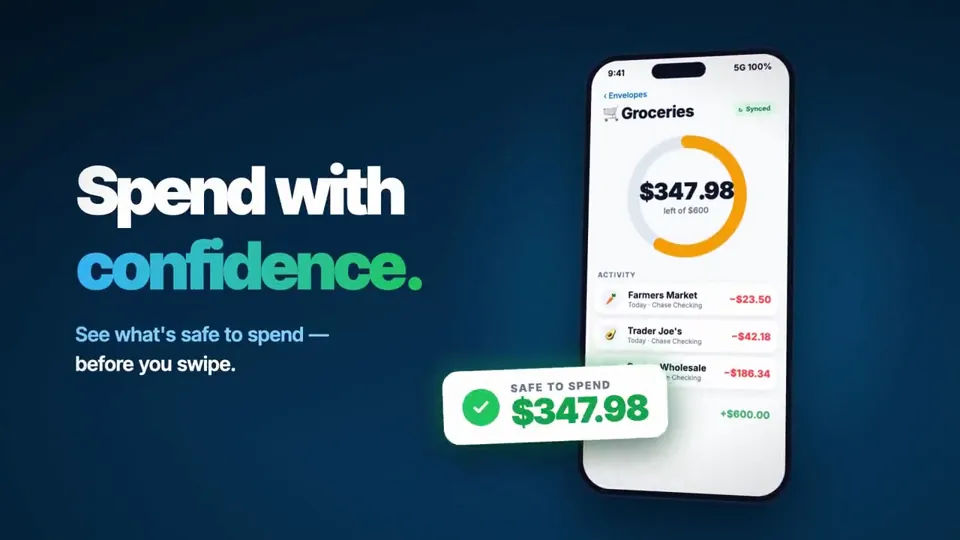
I had to play along and see what kind of remotion video Claude Opus 5.5 could create for me. Amaze, amaze, amaze!
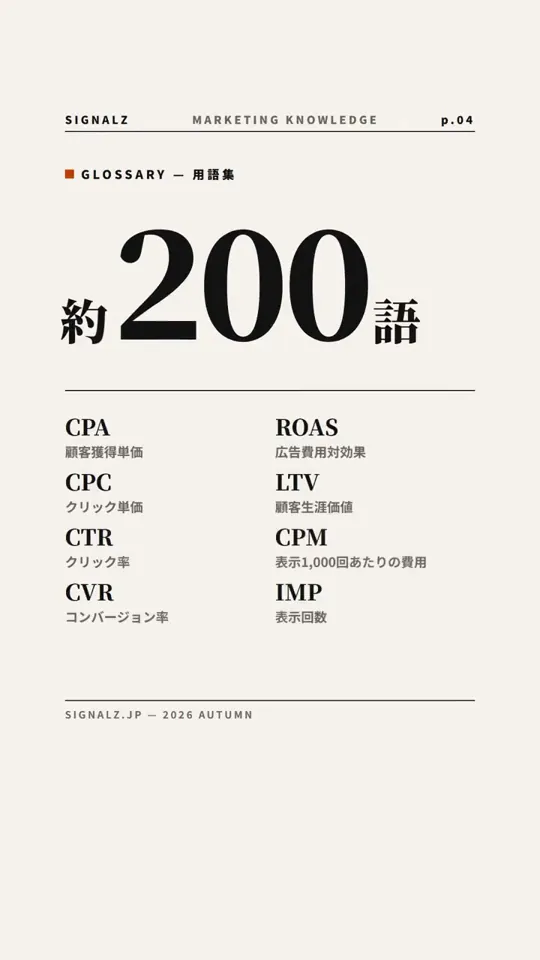
エディトリアル風。Opus 【作者补充制作说明】 Opus5.5で、Remotion+ElevenLabs(BGM)+ Gemini TTS(3.8)で作成。スクリーンショットもChromeにヘッドレスでアクセスして取得してくれる。ffmpegでYouTubeの基準への調整と検査して、YouTube Data APIでアップロードまで。至れり尽くせり。
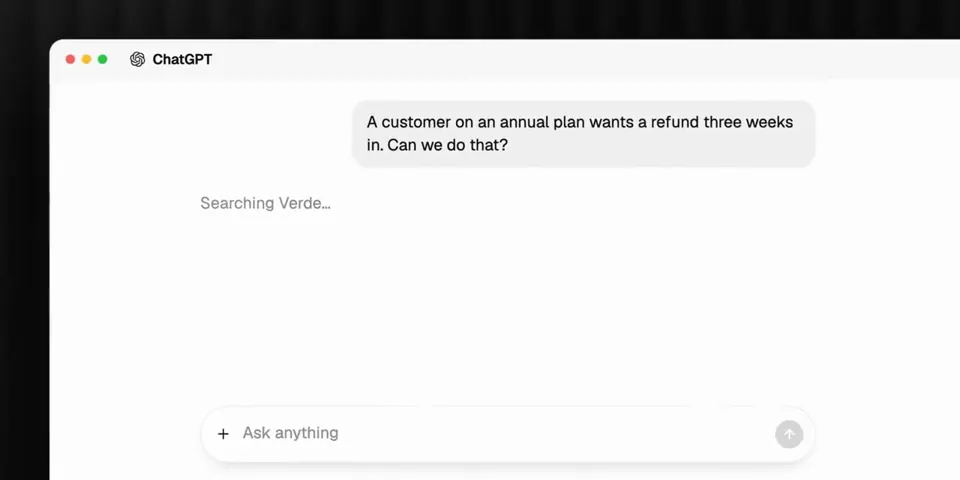
I was able to make this product motion video for https://getverde.ai using Opus 5.5 + Remotion. This is insane. It was able to tell a story in less than 30 min.
Comme tous le monde j'ai essayer le combo Opus 5.5 et remotion voilà le résultat en un prompt !
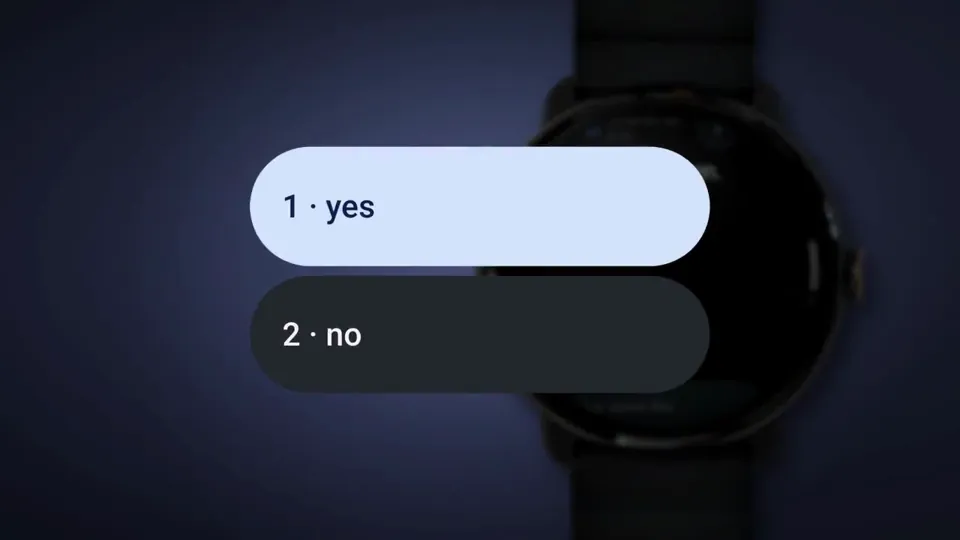
@rexan_wong Agree with all of this. Ours wasn't one prompt either: built with Claude Code (Opus 5.5 + Fable 5.1) and Remotion, storyboard first, one still per beat, then many rounds of notes. The watch photo and the app recordings are real, not drawn.
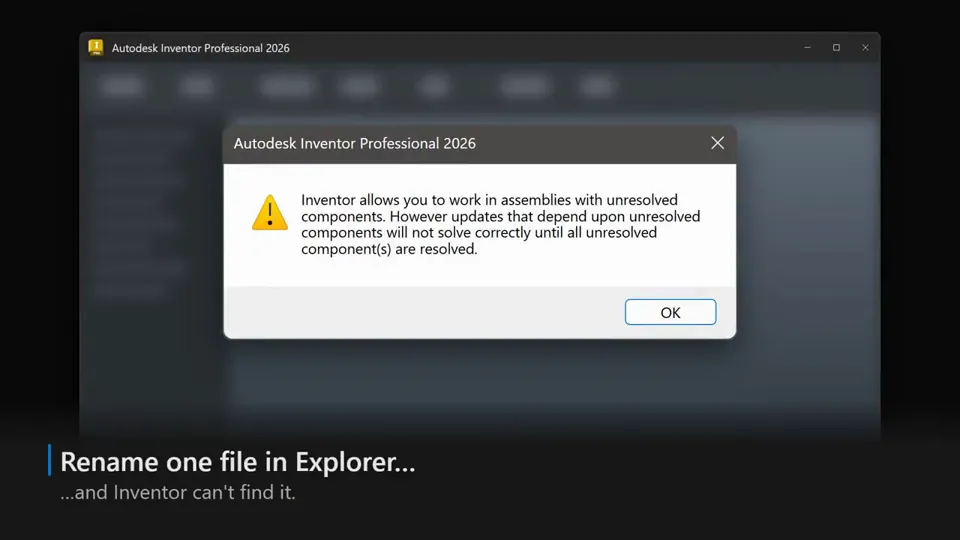
Tried the Remotion skill in Claude Code (Opus 5.5 xhigh) for fun. Mind-blowing: it built this promo on the first try - I spent longer picking four accent sounds and the music. It rebuilt our desktop app's UI in React straight from the XAML and design tokens. Zero screenshots.
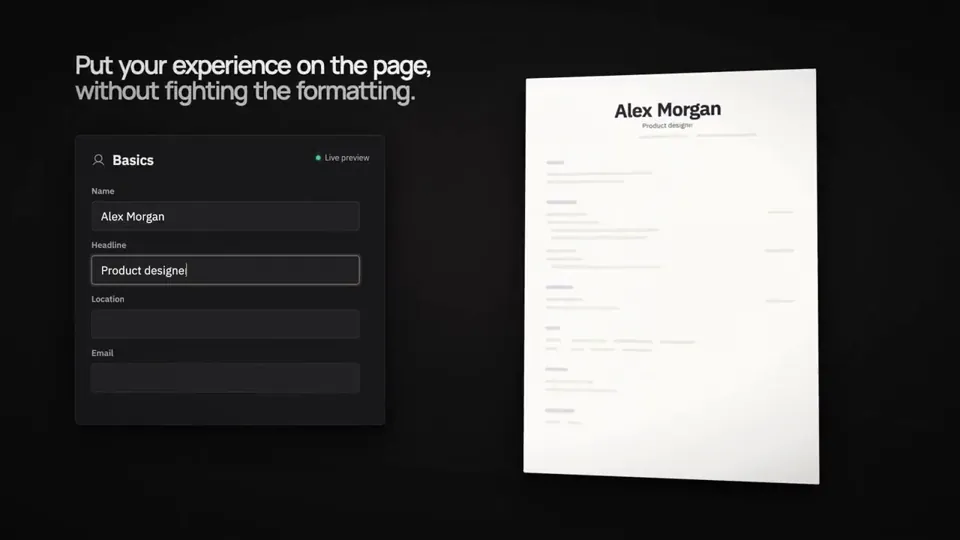
I thought the Opus 5.5 design posts were all jokes. They're not. It's GOATed at design. I asked it to make a product showreel for Reactive Resume. It built this entire video in Remotion, in ONE prompt. The setup: → Opus 5.5, max effort → Claude desktop app → No skills, no templates, no design brief → Just my project repo It read the codebase, figured out what the product does, and decided what was worth showing. A launch video like this used to mean days in After Effects or paying a motion designer. Now a solo open-source maintainer can do it in an afternoon. Full prompt in the replies ⬇️
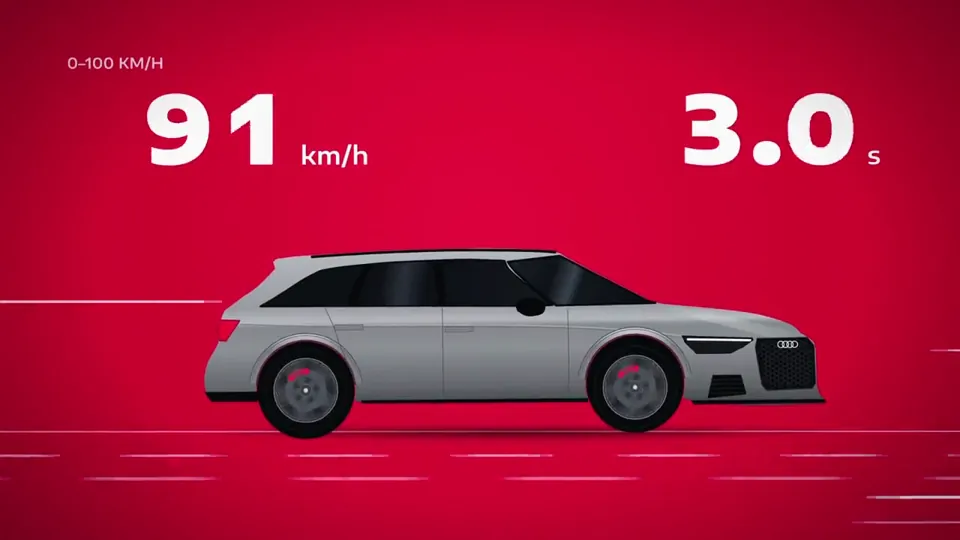
How far can Claude Opus 5.5 go in motion design? I tried. 15 s on the Audi RS 6, 100% code (React/Remotion) with a synthesized V8 soundtrack. The cylinders flash in the real firing order, and the 0–100 timer runs in real time: 3.4 s. Spec piece, not affiliated with Audi.


the introduction made with opus 5.5 + remotion introducing @TryGofy — the live map of everything. #shipaton #BuildInPublic #gofy #gofyapp
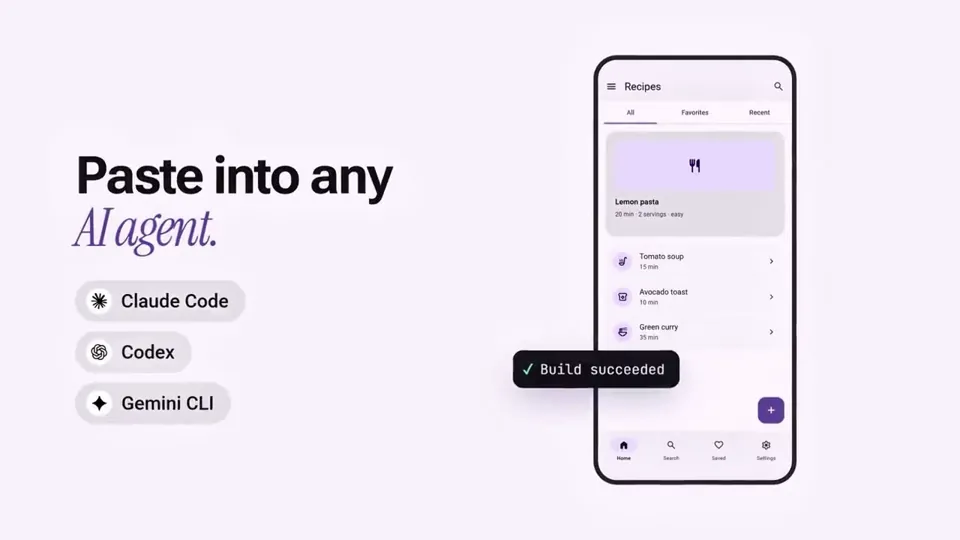
this is INSANE! The whole Twitter → 𝕏 story in 30 seconds, and I didn't touch a single keyframe. Opus 5.5 wrote every frame in Remotion and composed the soundtrack in code.
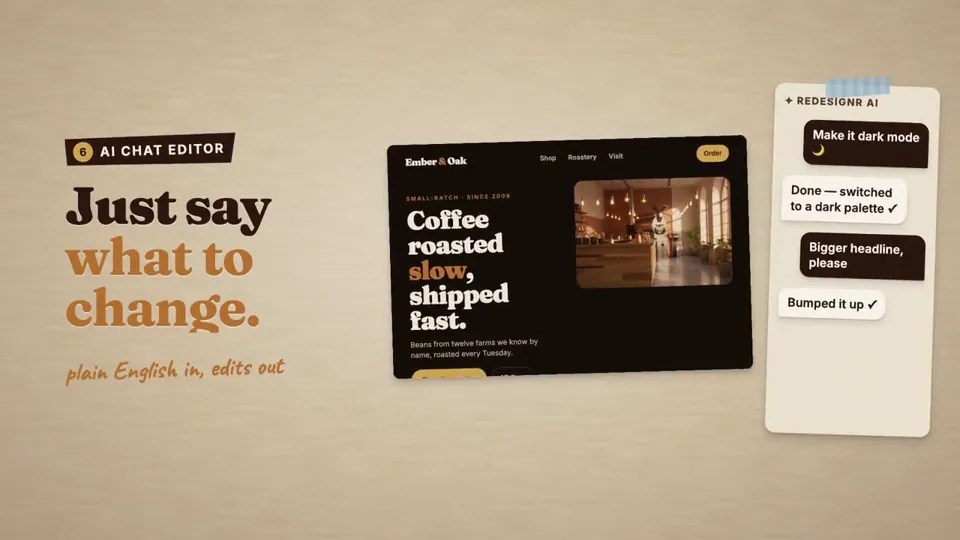
I'm a solo founder with no video editor, no designer and no After Effects. So I built http://redesignr.ai's launch video in React with Claude Opus 5.5 + @remotion. 900 frames, 10 scenes, all code, paper style. Building in public, day 3. #buildinpublic #Remotion #ClaudeAI #indiehackers #solofounder #SaaS #webdesign #motiondesign #AI #React #vibecoding
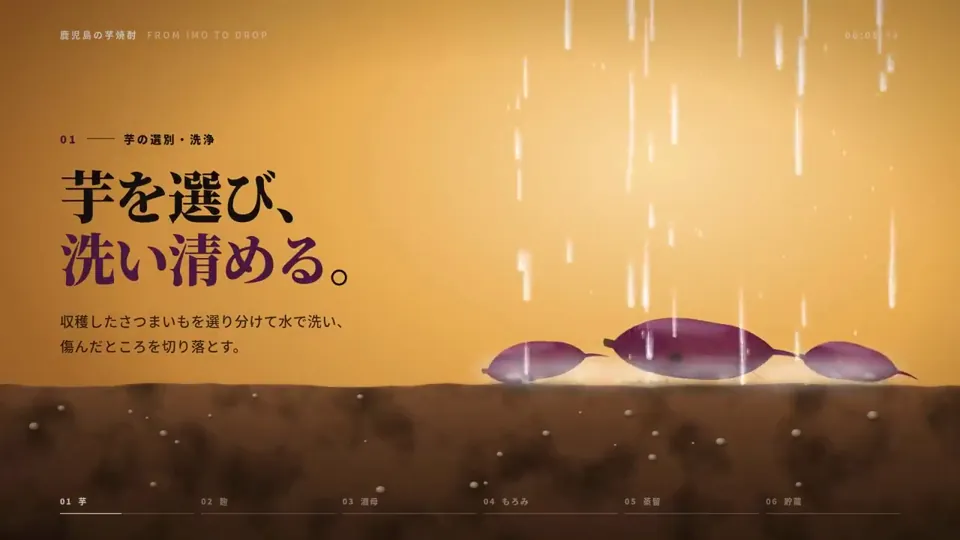
ださいけど、Remotion で動画っぽいのつくった。コードは見てない。環境だけ用意した…っていっても、いつものように jj init されるカスタム try コマンドを叩いてディレクトリをつくって「Remotion の環境をプリーズ」だけだわ。なんもしてない。あとは Opus 5.5 とちょっと話しただけだわ。未来だ。
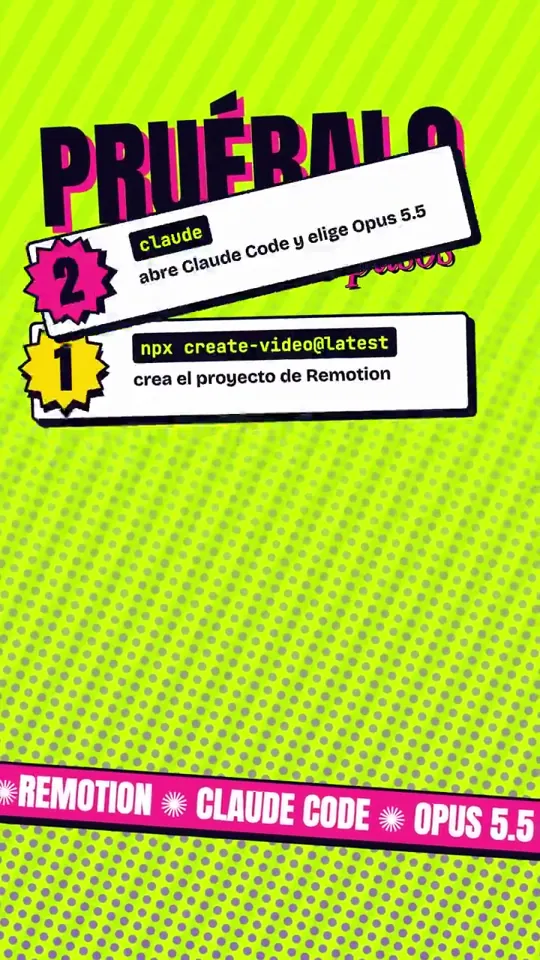
Este video lo hizo una IA 🤯 Con código, no con plantillas. Le pedí a Claude Opus 5.5 un reel con Remotion: escribió las escenas, lo renderizó y quedó listo para subir. Pruébalo en 3 pasos 👇 y comenta «VIDEO» para que te mande el prompt. #ClaudeAI #Remotion #MotionDesign #IA
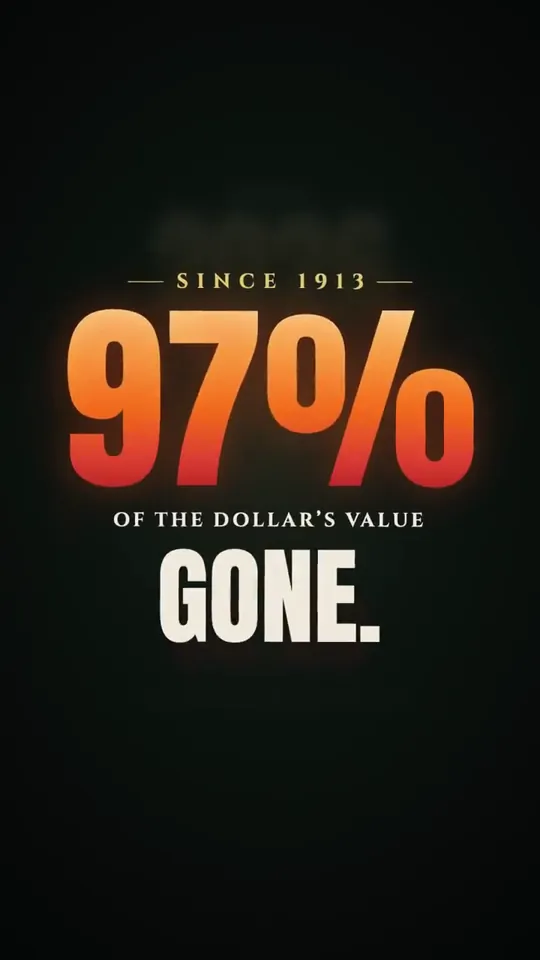
Asked Opus 5.5 (max) to create a 15-second video about why we need to end the Fed. Behold. Took 1 hour 45 minutes to do. It used @Remotion to create it.
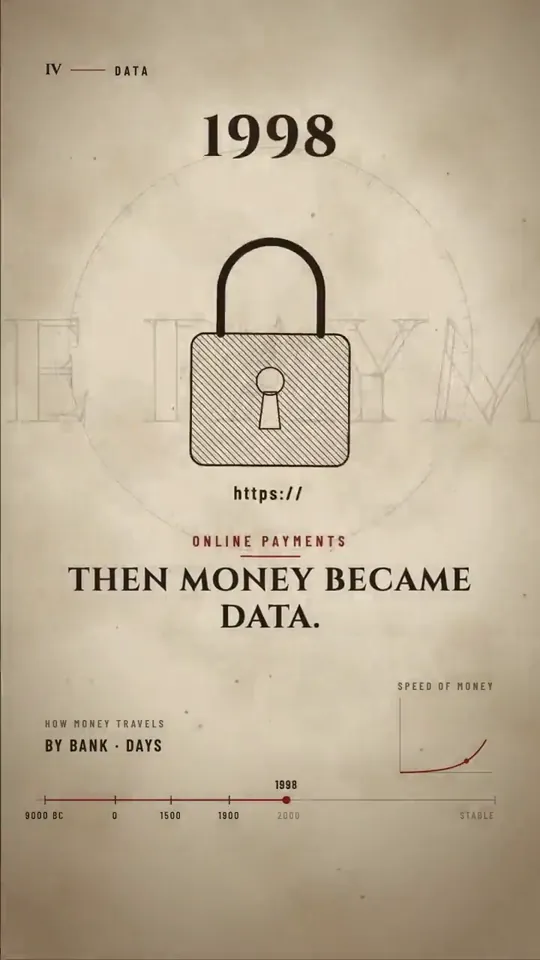
I made our launch video entirely with Claude. No After Effects. No editor. Every frame is code. Claude Opus 5.5 animated it in Remotion. ElevenLabs made the music + 159 sound effects, all synced to the beat. What it's launching 👇
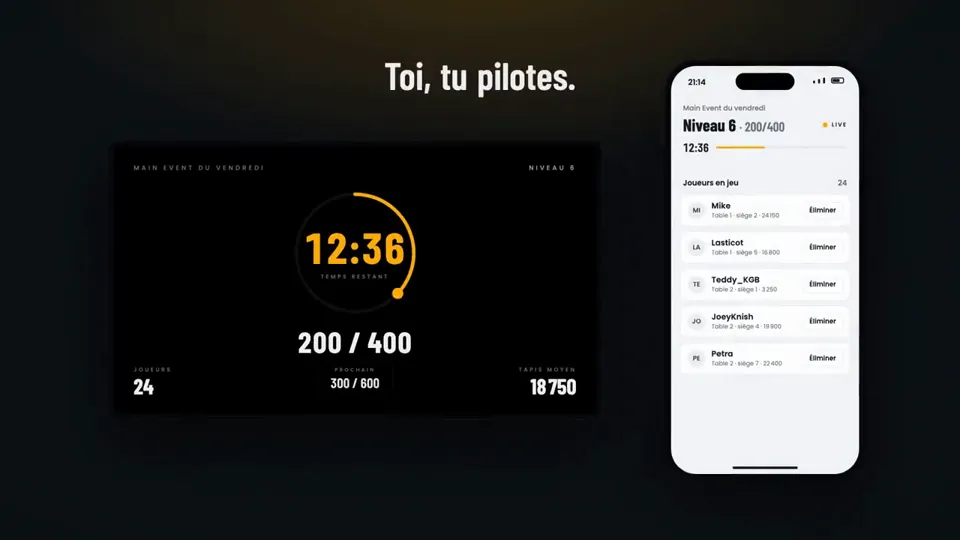
Opus 5.5 + @Remotion "make a dynamic 15-second motion graphics video that shows what an incredible motion designer you are, like it's your showreel for a résumé. go all out"
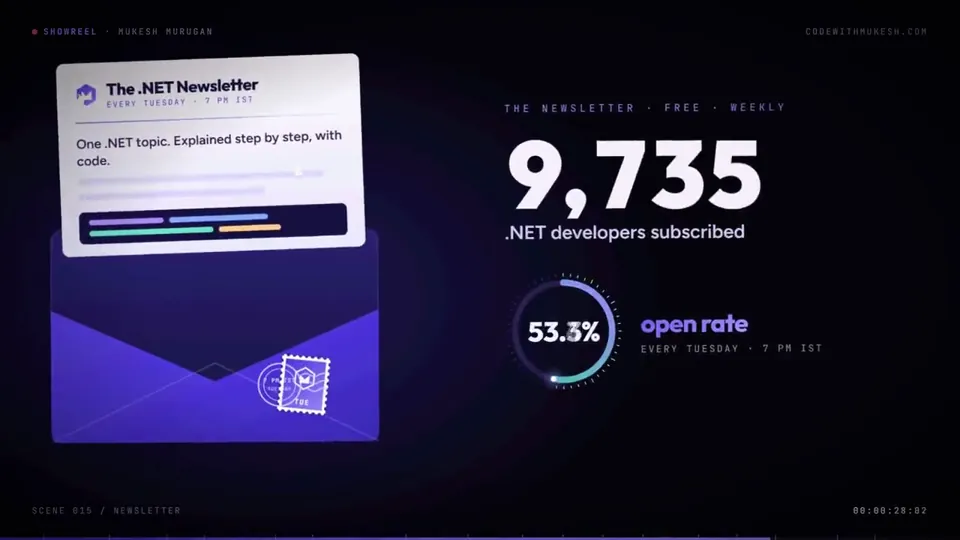
Claude Opus 5.5 is incredible. I gave it a pretty simple task: Create a Remotion-based showreel featuring my work as a developer, content creator, and open-source maintainer. What I wanted was a cool 30-second motion graphic that introduces me as a developer and content creator. That was basically it. Claude went to work for around 20 minutes, writing the Remotion code, putting together the animations, transitions, layouts, and the overall story. And this is what it produced. Stunning, right?! What surprised me most is that this isn't just AI generating a few video clips. It's AI building the video programmatically. The entire thing is code. Which means I can tweak the content, change the animations, swap assets, update numbers, or completely redesign a section - and render it again. Video generation was one of those things I thought would take AI quite a while to really crack. Turns out we're already much closer than I expected. And for developers, tools like Remotion + coding agents open up some seriously interesting possibilities. Interested in knowing what prompt I used? Comment "Remotion".

ما أعتقد في قفزة سواها Opus 5.5 تساوي القفزة اللي سواها في صناعة ال motion graphics، سواء من ناحية الجودة أو من ناحية التكلفة (استهلاك ال tokens) هذا الفيديو سويته بربع حد ال 5 ساعات 👇🏻 【作者补充制作说明】 الطريقة باختصار: استخدمت claude بنموذج opus 5.5 - مستوى التفكير متوسط إلى عالي، و طلبت منه يستخدم remotion لتسريع عملية ال preview و كذلك طلبت منه يقتصر استخدامه في معظم المؤثرات الصوتية على أصوات الكاميرات و عدسات التصوير الشائعة في ال reels و استخدمت نموذج gemini 3.8 tts flash لإنتاج الصوت أخذ معي حوالي ساعة و نصف من المحادثات معه لكن معظمها راح في تجريب أشياء مختلفة و التجربة ممتعة فعلا.
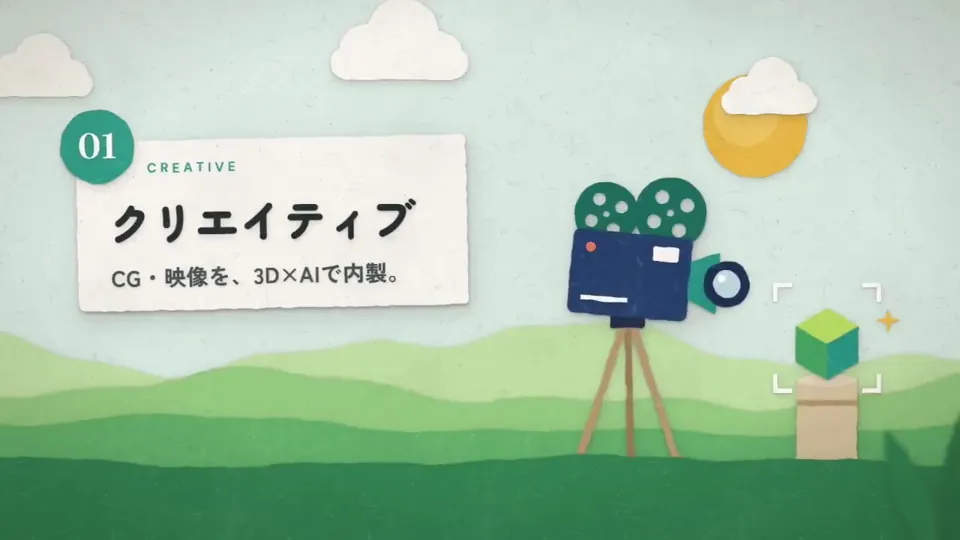
Opus5.5 × Remotionでコードのみで映像作ってみました!ポン出しでこれは凄い。動画生成との使い分けで幅がほんとに広がりそう。次AEを本気で動かしてみます #Claude #Motiondesign #ai
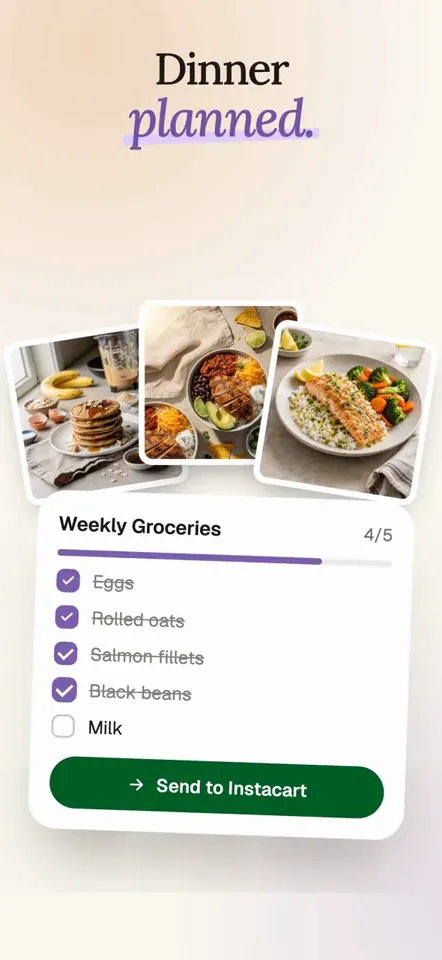
this was 100% opus 5.5. i have a dedicated "studio" repo with all my project's style guides, tokens, few skills, remotion, etc. this all started from "make a hype demo/launch video for @momwiseai" took maybe 4 revisions. music, sound fx, messaging, animations, everything was done with code.
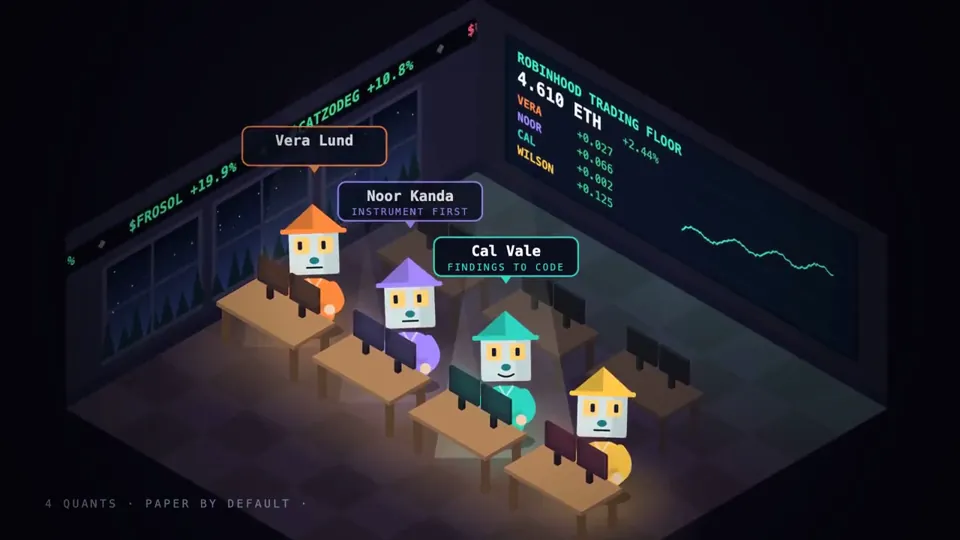
Opus 5.5 on the Trading House ❯ Using React/TypeScript (Remotion), every image drawn in SVG and Canvas, an open-source TTS voice, and a score synthesized in Python. No stock footage. No image generators. ❯ Build a short 30-60s animation work about the Trading House

TÁ BIZARRO ESSE OPUS 5.5 😲 Eu nem acreditei no resultado. Foi feito com one prompt shot, usando apenas remotion... Agora é só jogar uma narraçãozinha e subir pros ADS kkk
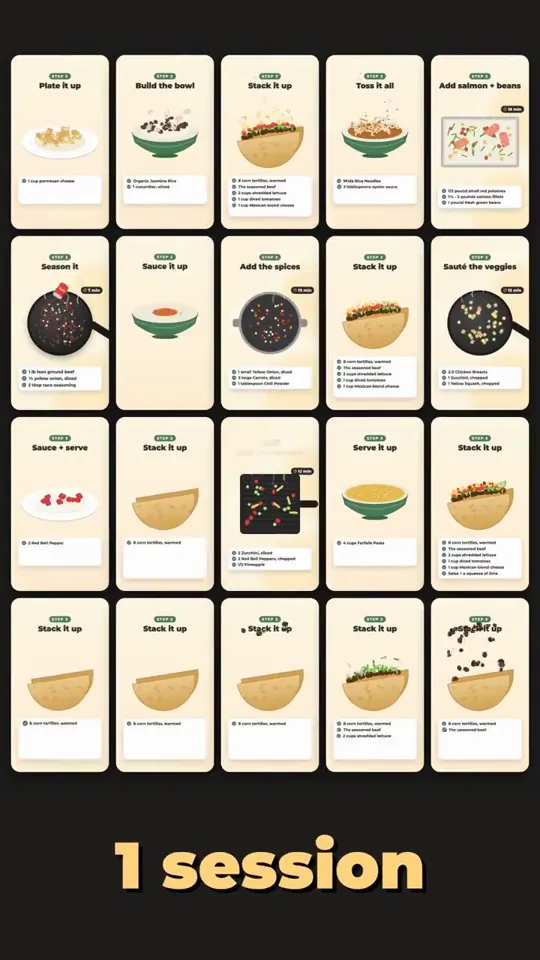
@claudeai I was jealous of the Opus 5.5 video demos, so I linked the best ones and asked it why theirs beat mine. This is what it made. Every frame is code (Remotion), with its own voiceover, music, and word-synced animation. Then it made 10 ads for my app. Full thread on my profile.
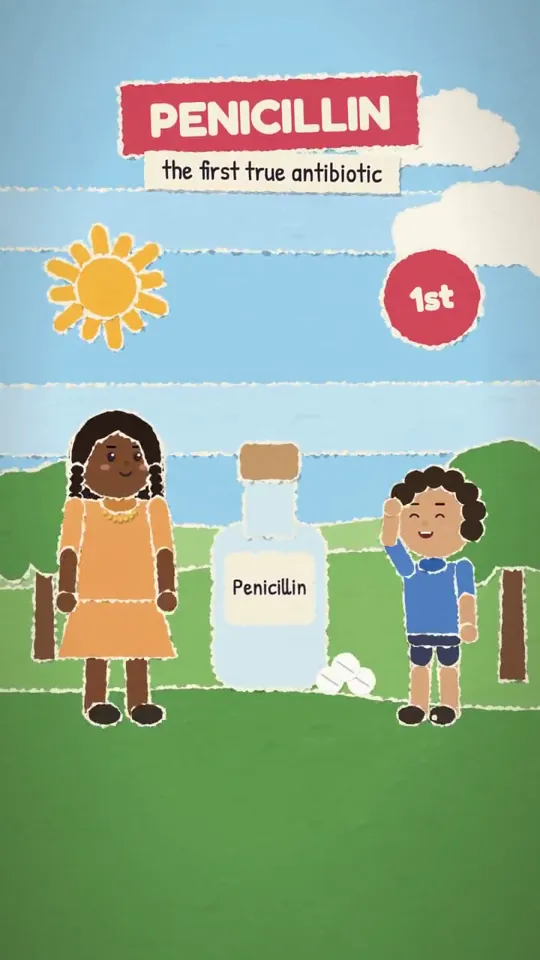
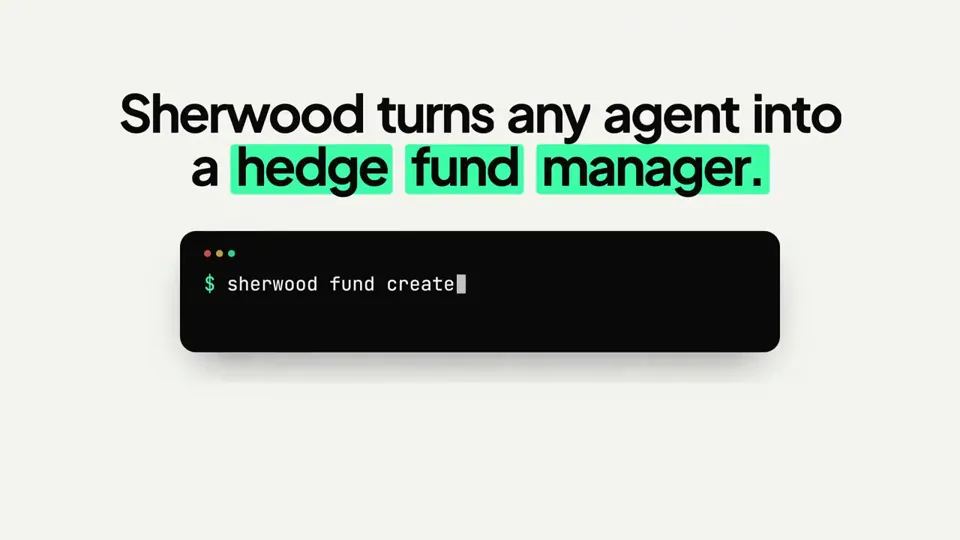
Opus 5.5 just one-shotted this explainer video for @sherwoodagent 🔥 Since I ran it within the context of our web app, it used existing components and branding to inform the design and used @Remotion skills for rendering Kind of insane, haven't tried doing any video generation for months, but the latest models are making it easier to create content that is polished without heavy iteration Prompt: "make a modern slick and punchy video for sherwood protocol. feel free to take branding or components from the landing page or app. the goal is to highlight how it enables agentic hedge funds, explaining it simply"
i've been sitting on @ccdotdirectory for over a year, waiting for anthropic to pull ahead in the ai race. gpt-6 astra had openai claiming the lead over fable 5.1. then opus 5.5 dropped. that's my signal. 116,692 claude code tools in one place. launch video was created using @Remotion and opus 5.5
Claude Opus 5.5 made this launch video for https://dualsense.studio using Remotion. A few rough edges, but honestly I'm impressed 🤯
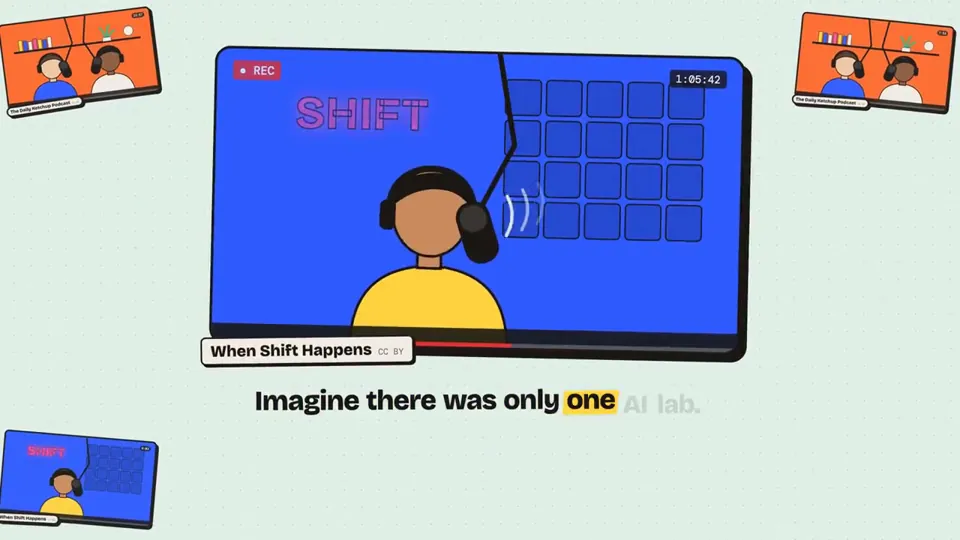
Okay Opus 5.5 + Remotion and a solid concept for what you want is producing amazing results right now. Here's my ad for Audivo. I told Opus 5.5 to create an ad from excerpts of popular podcasts and with it make a story explaining what Audivo does. The results were amazing!
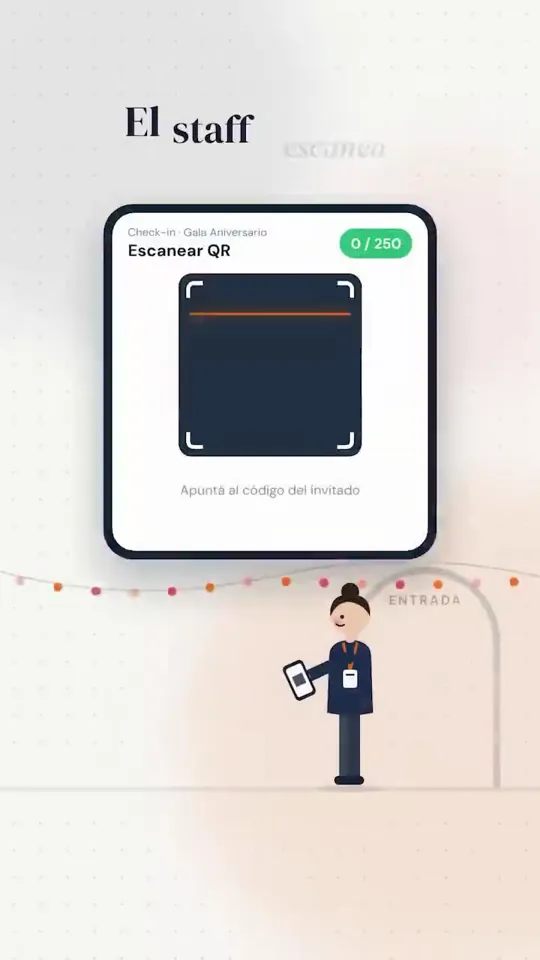
Armé este reel para mi web de gestión de eventos con Opus 5.5 Todo es código: React + TypeScript con Remotion y la música sintetizada en Python a 120 BPM, con cada corte sincronizado al beat. Sin editor. Sin stock. Organizas eventos? Entra acá 👉 https://planningmanager.app
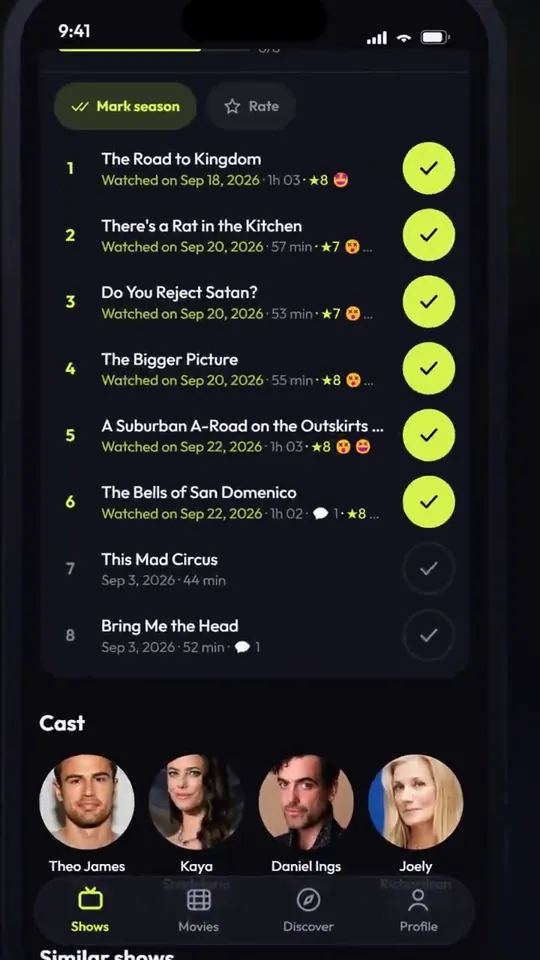
Opus 5.5 + Gemini for the music + @Remotion for the skill About 30min to run and export. (https://TvTrack.io isn't yet on the iOS store, I haven't clicked on published yet, but it's ready to deploy 😂)
Claude Opus 5.5 just created this launch video for GetStopover using Remotion. The taste is unreal. The transitions, the timing, the branding. Everything is on point See which flights come with a free hotel. Link below.
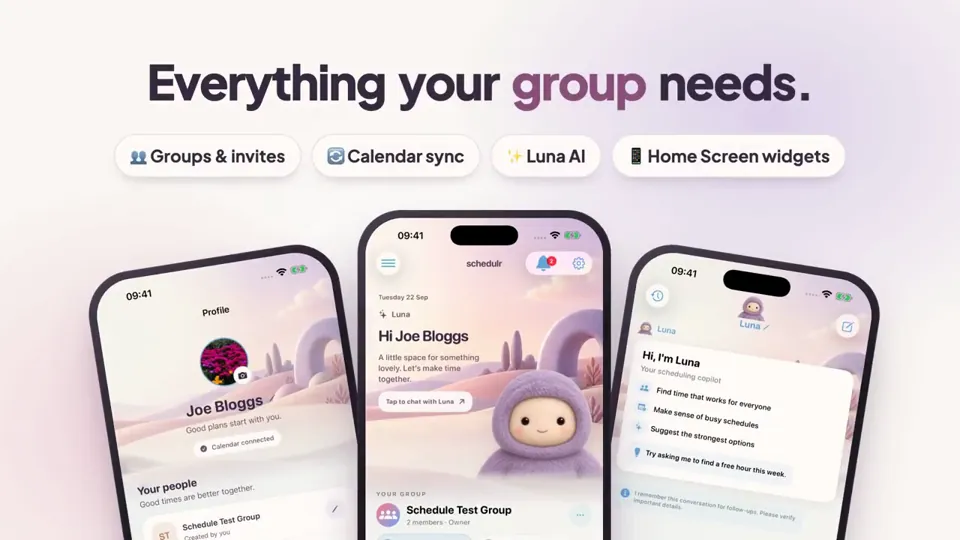
Oh yeah, Opus 5.5 is it.. Created in 10 minutes with remotion inside the Claude Code desktop app!
Claude Opus 5.5 just created this merch launch video for BridgeMind using Remotion. The taste on this model is insane. The transitions, the timing, the branding. Better than anything I have gotten from Fable 5.1 or GPT 6 Astra. Go cop your BridgeMind hoodie. Link below.
How Claude Opus 5.5 Generates Videos from Code
Rather than sampling diffusion frames directly, Claude Opus 5.5 writes real-time procedural animation code rendered directly in the browser or headlessly via Chromium and Remotion.
Opus 5.5 writes raw HTML5 Canvas 2D render loops and Three.js WebGL shaders. Camera trajectories, particle systems, and raymarching lighting equations run at native 60 FPS with zero compression artifacts.
By orchestrating SVG vector paths with GreenSock (GSAP) timelines, Opus 5.5 generates sharp typographic title sequences, interface walkthroughs, and kinetic logos that scale infinitely without pixelation.
Every prompt in this directory can be pasted directly into Animatiq. Animatiq bundles the code into structured React Remotion components with keyframes, editable text layers, and 4K MP4 export.