
Claude Opus 5.5 Video Directory
Page 9 of 10. Animations that creators and developers made with Claude Opus 5.5 and shared on X. Every video links to its creator's profile and original post, next to the prompt they used.
Claude Opus 5.5 Videos (Page 9)
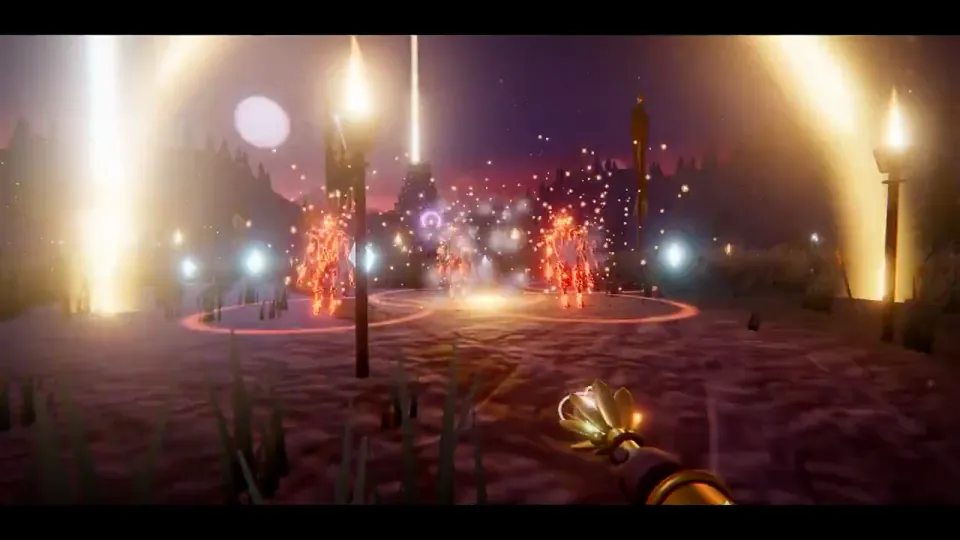
Claude Opus 5.5 built this game from a single prompt - a mythic action game inspired by ancient Indian epics. No engine. No assets. Every temple, tree, enemy, shader, and sound is generated in code. Even this trailer was designed by Claude. The future is crazy.
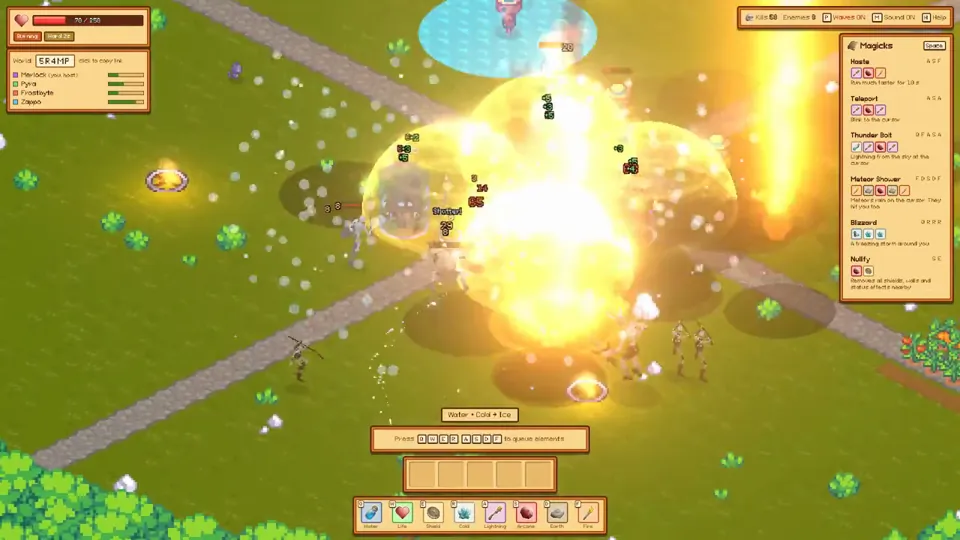
Testing out Opus 5.5 today by letting it work on a Magicka-inspired game! I loved this game when it came out 15 years ago, super cool spell casting mechanics. So I want to take this and turn it into an extraction looter. You go out into the wild solo or in a group, fight off mobs and other players to collect loot to bring back to your base. Like others have mentioned, Opus 5.5 feels so much more creative. Crazy
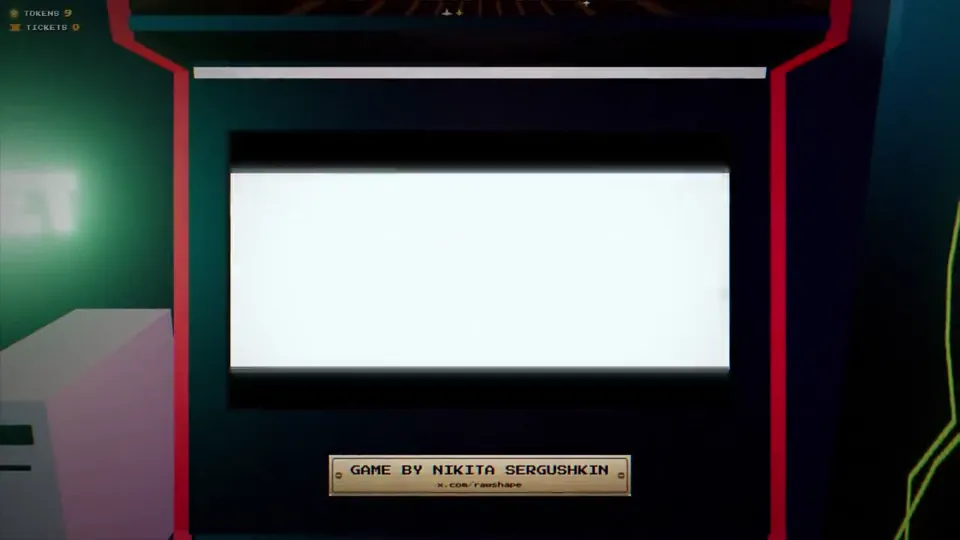
Everyone is sharing what Opus 5.5 can build this week, and it made us ask ourselves a different question: when making things becomes this easy, what do we actually want to make and why? Our answer was a small retro arcade, the kind we grew up hanging out in, filled with 21 games made by independent developers. Every cabinet carries the name of the person who built its game. Walk in, drop a coin, and play: https://tympanus.net/Demos/InsertCoin/ #threejs #webgl
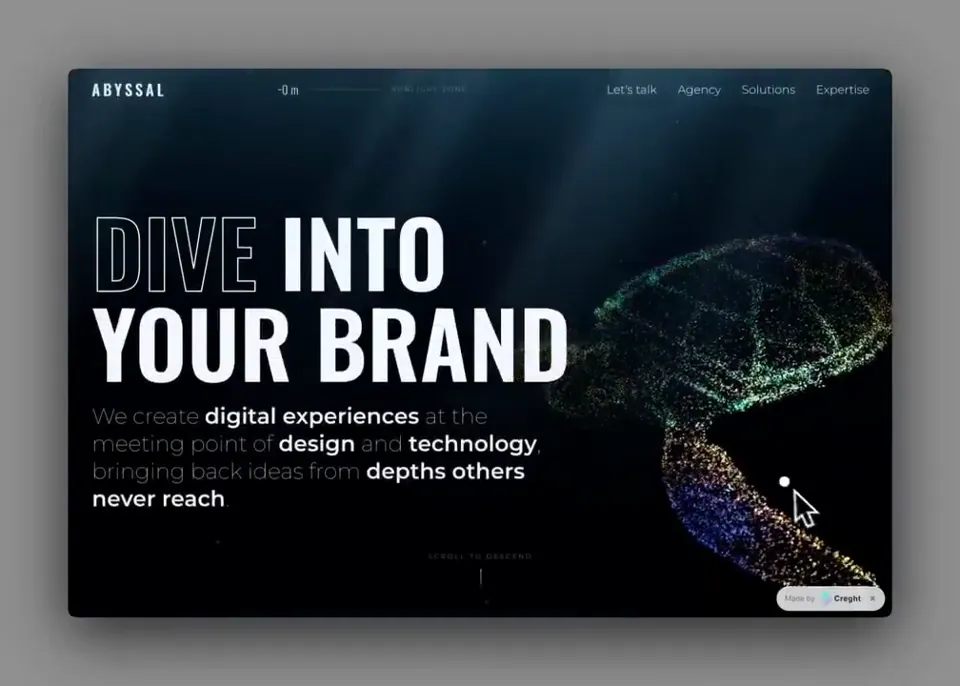
趁着今天有空回看和分析了一下整个视频 审美在线的Opus 5.5确实顶 @claudeai 3D渲染器像素风 这个渲染效果确实做得很强,逻辑调度能力和美学素养确实是挂钩的 这个片头的转场、音效和提振人心的bgm真的可以被 @binancezh 拿去用了 像素小人物也很有 @cz_binance 的感觉 #binance #claude
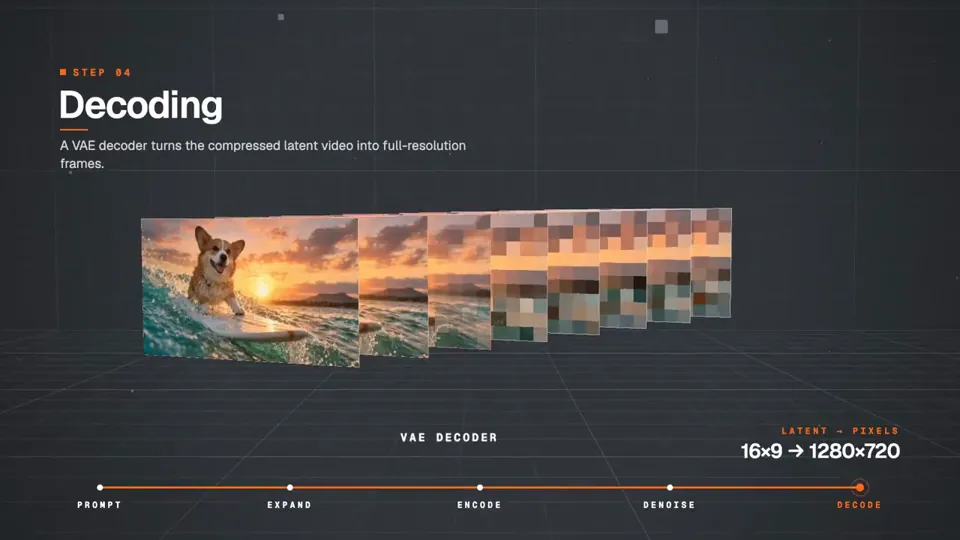
messing around with Opus 5.5 - HyperFrames staging, edit - JavaScript, ThreeJS, - fal GPT Image 2.5 and Seedance 2.5 very blah text design, I need a fal design skill/guideline ideally

claude codeで動画作成が流行ってるけど、AI臭さがあるからどっかでみたことあるようなスタイリッシュな動画を作ってみた CMとしては使えるかな? 使ったもの:Claude Code(Opus 5.5)/Gemini TTS/HyperFrames
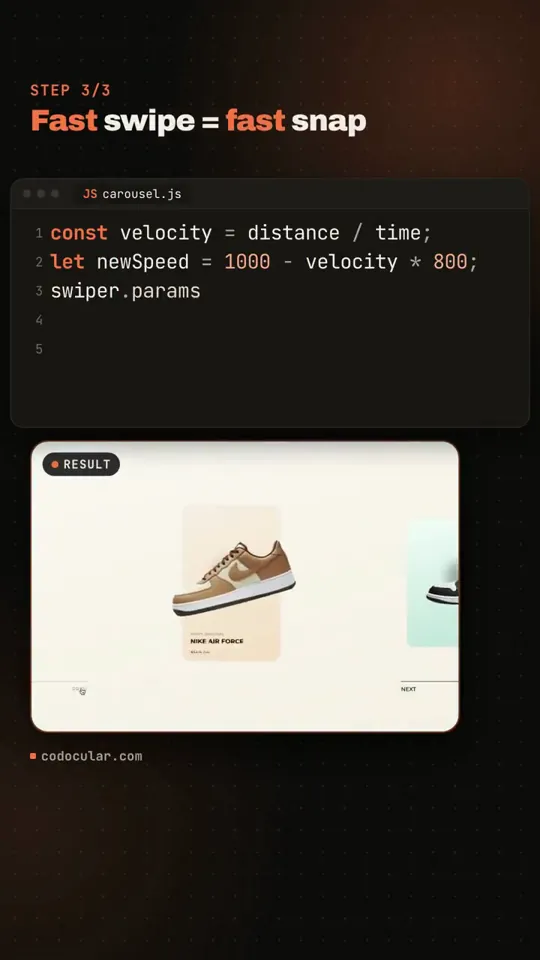
Just tested Claude Opus 5.5 with Hyperframes. One prompt (also generated), the result is ok. Not crazy, but with a few more indications and a clear direction, it would probably get much nicer. The video below is actually a screen record.

motion reel do http://ondefica.app inspirada no @gabrielbuzziv e @condzxyz, segui o tutorial e prompt deles e fui aparando as arestas 1. skill hyperframes 2. mesmo prompt: "make a dynamic motion graphics video that shows what an incredible motion designer you are, like it's your showreel for a résumé. go all out" 3. referencie a pasta do projeto. o que tinha nela fez a diferença: > app real: o Claude navegou no simulador do iOS e gravou as telas > dados reais: ele escreveu as queries, eu rodei no banco. > 3D: dioramas criados no ChatGPT 6 (Astra), animados pelo claude com Higgsfield > trilha no Suno + efeitos do Soundly modelo: opus 5.5 (effort: max), plano Max 5x

Não tava botando fé no hyperframes + opus 5.5 max effort, mas isso aqui ficou sensacional.
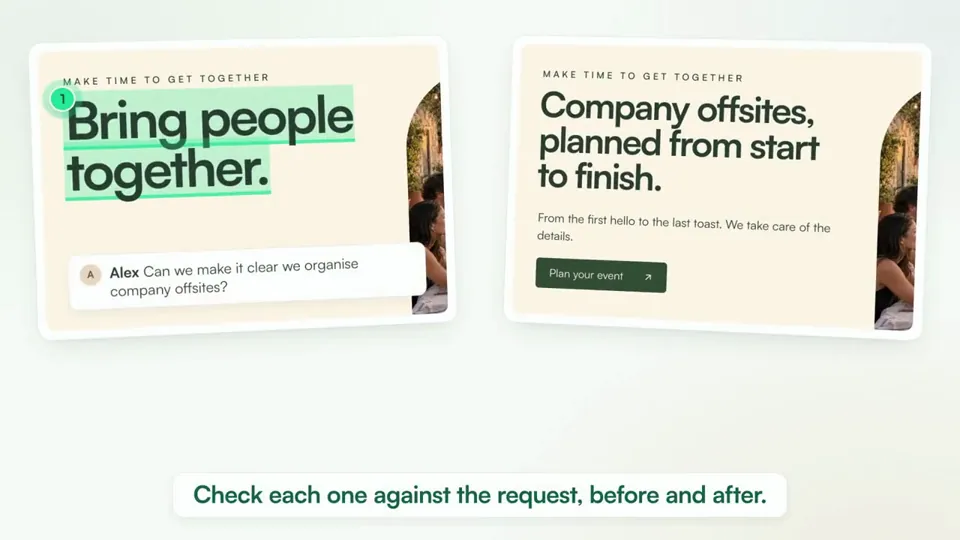
I didn't believe it but this was 100% Opus 5.5 Max, in 8h15 min. Gave it access to DesignLoop, hyperframe skill, elevenlabs.

Opus 5.5に「ド派手なPVを作って」と丸投げしたら、ほぼ任せきりで完成した😳 世界ランク上位の実際のリプレイを撮影して、拍に合わせて「ギリギリ!」を重ねてくる。 日英2本、一晩で。Claude×HyperFrames、世界変わった🔥 https://biribiri-game.web.app

TUTORIAL do @gabrielbuzziv > o mais insano ta, é que isso gastou tipo 5% do limite de 5 horas 1. instale a skill hyperframes 2. prompt: "make a dynamic 15-second motion graphics video that shows what an incredible motion designer you are, like it's your showreel for a résumé. go all out." 3. no prompt referencia a pasta do seu projeto 4. espera a mágica acontecer modelo usado: opus 5.5 (effort: max)
AI video editing has been improving quite a bit. Claude made this in about 5 mins with the hyperframes skill. I used Opus 5.5 with effort on the highest (ultracode)
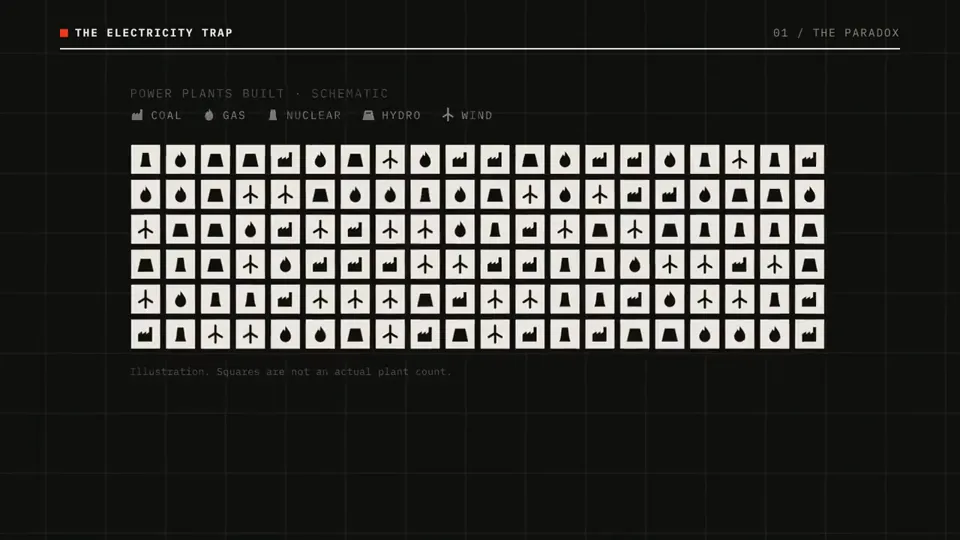
Jumping on the Claude Code + Hyperframe bandwagon. I made this intro completely zero-shot using Opus 5.5. Claude downloaded and ran an open-source model for text-to-speech, added the turbine sound at the start, layered in the other sound effects, and nailed the motion and visuals. The accuracy of the whole thing is unreal. I’m in awe.
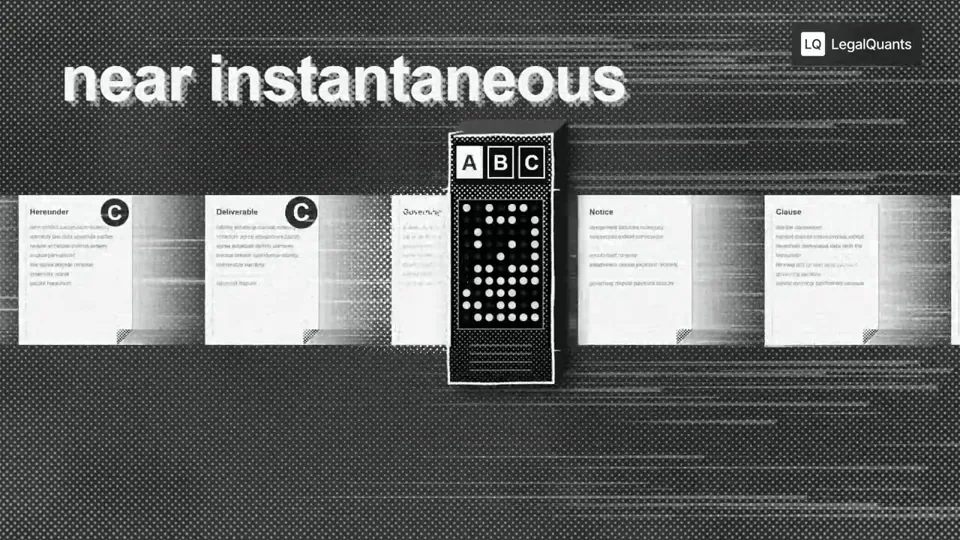
I used Opus 5.5 to generate 50 podcast animations for extremely hard to visualize concepts like Jev for Legal. Absolutely blown away. We're about to see an explosion of visual podcasts, this entire medium is about to shift Sharing my prompt below. 【作者补充制作说明】 Go through the entire [episode] cut and add full-screen animations and graphics wherever they help. Be aggressive and over-inclusive: 35–50 moments, at least 2 per chapter. The goal is to fill empty talking-head time, explain ideas, and create visual hooks. Style. Pick an aesthetic that's genuinely interesting and very, very cool, built in JavaScript with HyperFrames and assembled in Tesseract. Inspiration (all JS, no image assets): https://x.com/Voxyz_ai/status/2102531681450119426: paper, typewriter-tape labels, hand-drawn marks https://x.com/donaldjewkes/status/2102801274173587569: halftone, manga and pixel print, kinetic data type Stay inside the LegalQuants brand (read brands/legalquants/): charcoal, white and black only, Arial, and the supplied lockup top-right, static. Write a shared style bible and a component kit first, so every animation looks like the same show. Moments I definitely want: [LIST] Rules Whenever anything goes full-screen (animation, screen share or still), one of us is in a corner picture-in-picture, bottom-right, following whoever is talking. No punch-ins or zooming on the cameras. Keep each speaker relatively centered. Copy must be verbatim or faithful to what's said. Never invent facts, numbers or quotes. Sync each animation's beats to the spoken words. Keep each graphic inside one uncut stretch of audio, and leave a few seconds of faces between graphics. Process An Opus 5.5 agent at extra-high effort finds every timestamp where an animation could fill space and hook the viewer, with a concept for each. Opus 5.5 at medium effort builds each animation. Opus 5.5 at extra-high effort judges each one once on brand consistency with the others, visual interest, relevance to the narrative and creative judgment. Only cues the judge considers egregiously bad go back for a fix. No blanket redo loops. Assemble the full cut with PiP baked into every full-screen visual, and give me a folder of the individual animations.
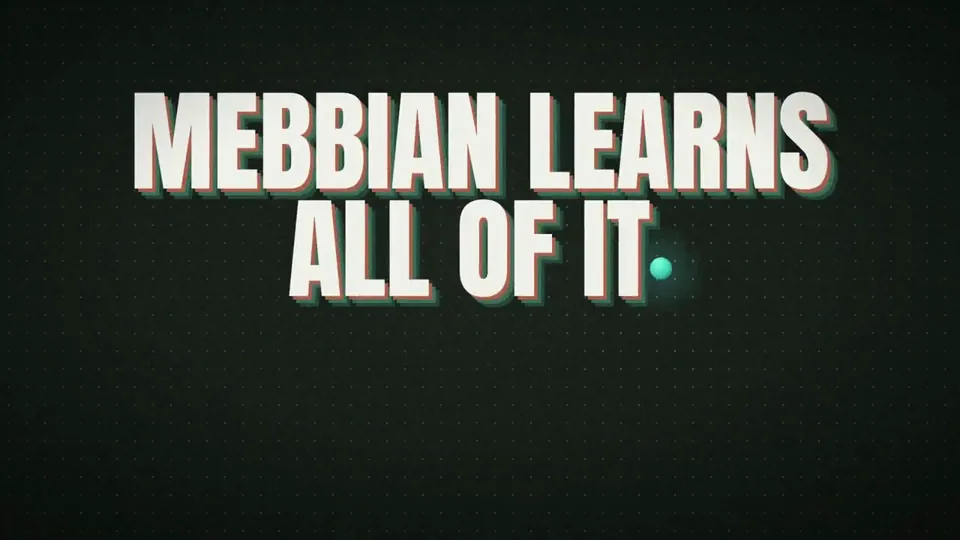
I WAS QUOTED $3000 FOR THIS!!! So I asked Opus 5.5 (medium) to create a launch video using Motion Graphics for us. here's the prompt that one-shots it: "Create a 15s motion-graphics film explaining {{PRODUCT}}. HyperFrames + GSAP, no voiceover, no footage. Style: paper-light canvas, marker notes that draw on, real physics, huge kinetic type, hard light/dark switches, a new idea every 1.5–2 s, a sound on every hit. COPY: read {{POSITIONING_DOCS}} first. {{ONE_LINER}} For {{AUDIENCE}}. {{WHAT_IT_DOES}} Name what the product learns, never the abstraction. RULES - No chrome (scrubber, timecode, fps, headers). No animator jargon on screen ("squash", "stagger", "easing"...). Every word speaks to the buyer. - No invented results: no %, multipliers, customer names or figures. - Never use: {{BANNED_WORDS}}. - Logo: real mark {{LOGO_FILE}} + "{{PRODUCT}}" in {{WORDMARK_FONT}}; never a boxed logo file. CRAFT - Colours {{COLOR_CANVAS}} / {{COLOR_INK}} / {{COLOR_ACCENT_1}} / {{COLOR_ACCENT_2}}; notes in the accents; dark mode = charcoal matching the palette. - Fonts {{BRAND_FONTS}}; Anton for kinetic type; Caveat handwriting via stroke-dashoffset. - Real easing, squash/stretch, stagger, overlap, onion skin, smear, follow-through. Check the HyperFrames registry first. Set every from-state at t=0 (seek-safe); never cover an exit. One primary move per transition; no generic push/slide/rotate-swing. - Music in sections: drums drop on the dark switch and while the ball is airborne, slam back on the type and the logo. SFX: pops, pen scribbles, whooshes, logo sub-hit. CC0 or generated only; log sources. Master -14 LUFS, -2 dBTP, re-measured after AAC encode."
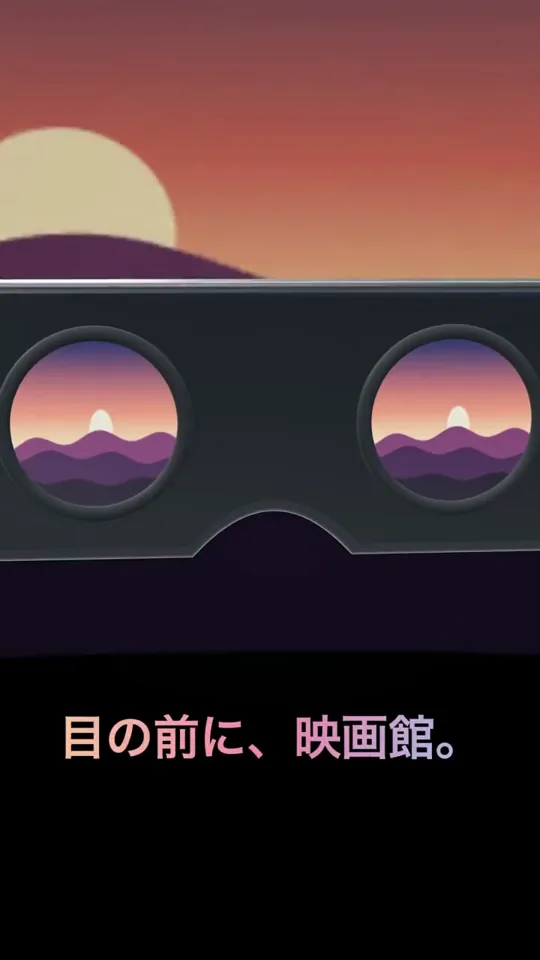
Claude Opus 5.5 + HyperFrames + Gemini Flash 3.8 + Three jsで、Meta VRの紹介動画作ったら変な感じになった
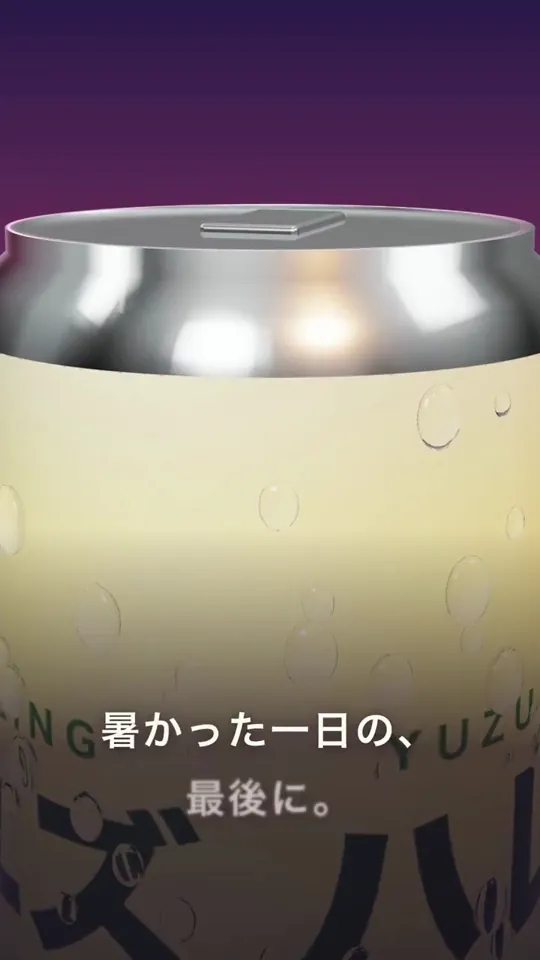
Claude Opus 5.5 + HyperFrames + Gemini Flash 3.8 + Three jsで架空の飲料の広告動画作ってみたけど、なかなか良い

Claude Opus 5.5 + HyperFrames + Gemini Flash 3.8 + Three js で架空の家計簿サービスの動画作ってみたけど、なかなか良い

Testando o Opus 5.5 com a skill hyperframes que vi no post do @gabrielbuzziv Simplesmente inacreditável, a voz foi gerada localmente, se tivesse enviado pro ElevenLabs talvez teria ficado melhor, 9,8/10
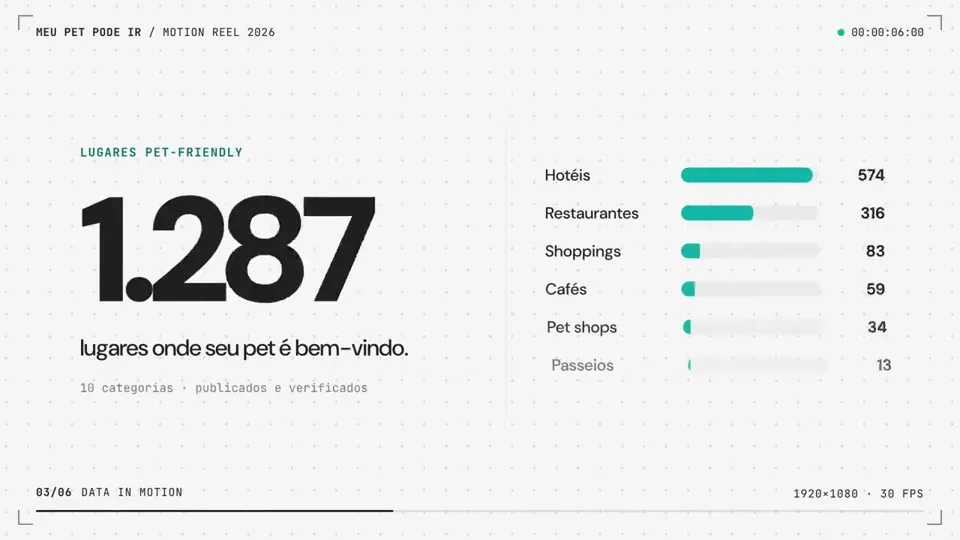
Cursor usando o Opus 5.5 instale a skill hyperframes via terminal depois rodei "/hyperframes make a dynamic 15-second motion graphics video that shows what an incredible motion designer you are, like it's your showreel for a résumé. go all out. use todo o contexto do projeto"
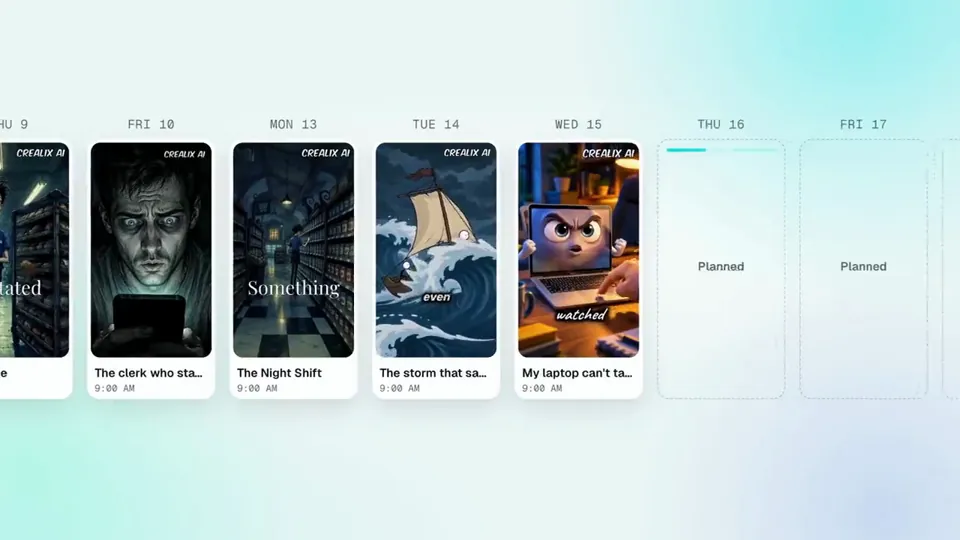
This video was made with Opus 5.5, Hyperframes, ElevenLabs with Music, SFX and Voices Endpoints throught Fal AI. This way of making videos is making me a little addicted to be honest hahaha. I still have to improve. Crealix Autopilot is live: set your format, style, schedule and channels once, and it plans, writes, voices and builds every video. Then again. And again. Try it free → https://crealix.ai/autopilot
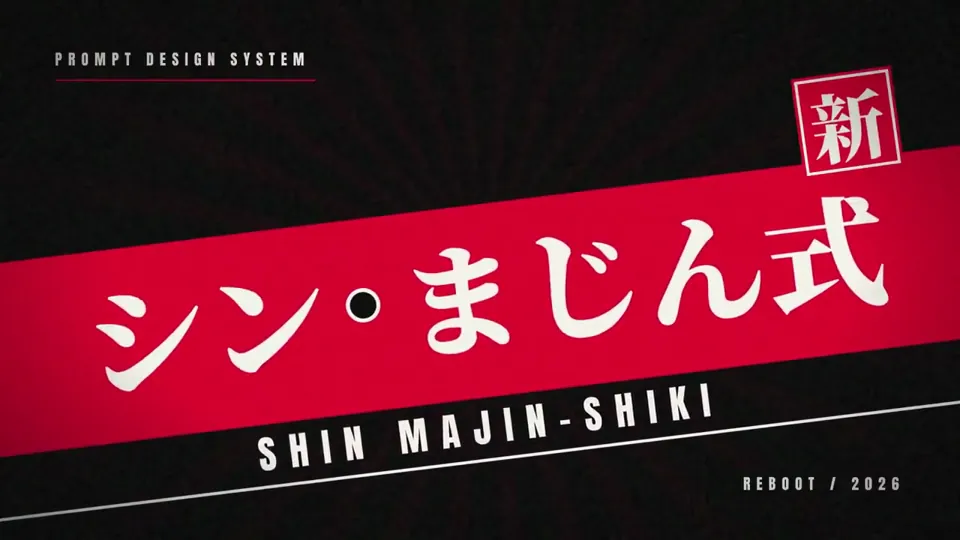
流行ってることは一回試しとくマン。 Claude Code(Opus 5.5)でモーショングラフィックスを作るのが面白いみたいなので、「シンまじん式のPV作って」と頼んだだけで、これが出てきた。 動画生成AIはゼロ。 ・映像:HTML+コードで1コマずつ描画(HyperFrames) ・BGM:GeminiのLyriaで生成 ・効果音:拍を解析して、着地やハンコの瞬間に音ハメ 自分がやったのは、スキルを入れて「おまかせ」って返事したくらい。 しかもClaude自身は音が聴けないのに、波形を数値で解析して音ハメしてるのがヤバい。 何なのもう…日々革命が起こりすぎて 頭ガンガンするわ
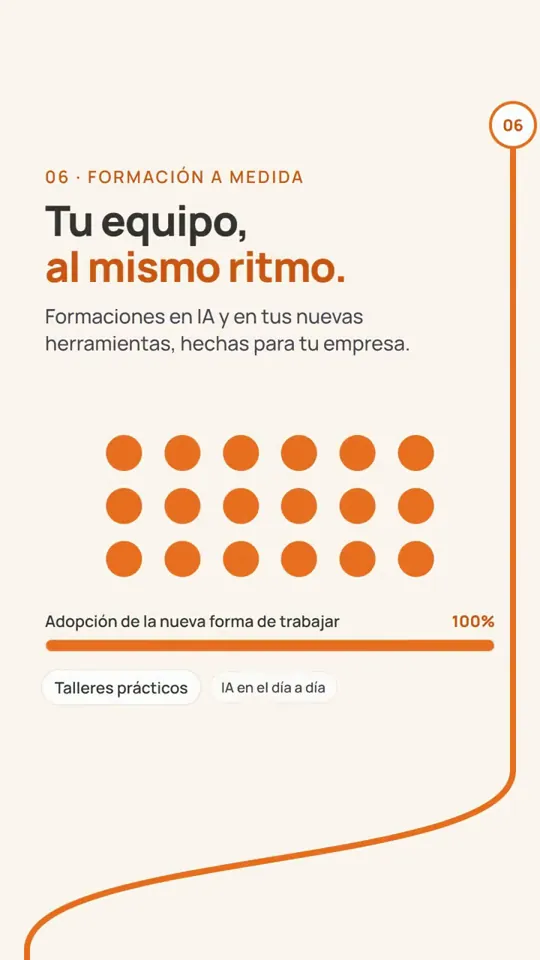
@gonahmias Le pedi un video para mostar un servicio de mi Agencia de IA (Opus 5.5 + Hyperframe) en 20 minutos tenía esto montado, coste un 20% del consumo de 5h del plan Max.
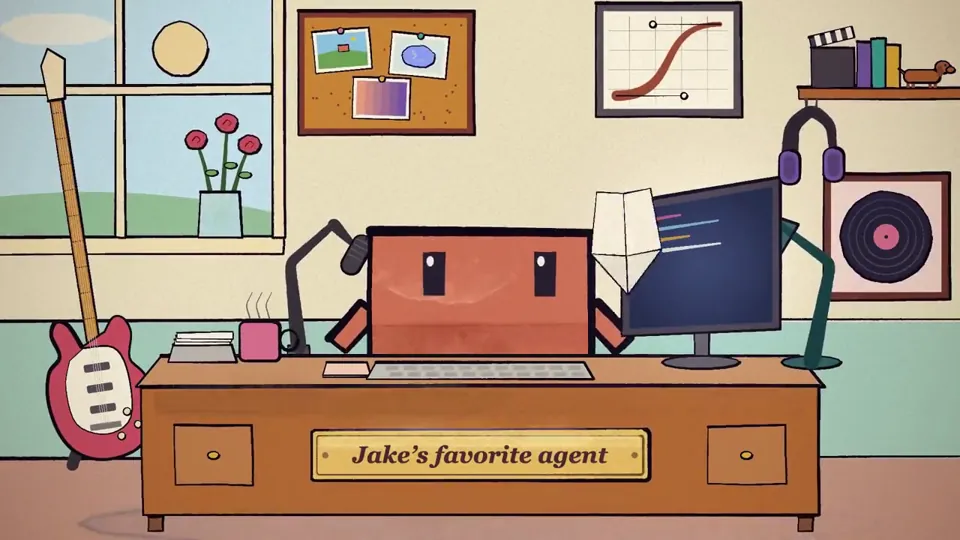
/session-story created a skill for opus 5.5 using @HyperFrames_ - claude reads your local claude code history, finds what an average session with you looks like and animates it start to finish with your messages try here: https://github.com/heygen-com/hyperframes-community-skills/tree/master/skills/session-story
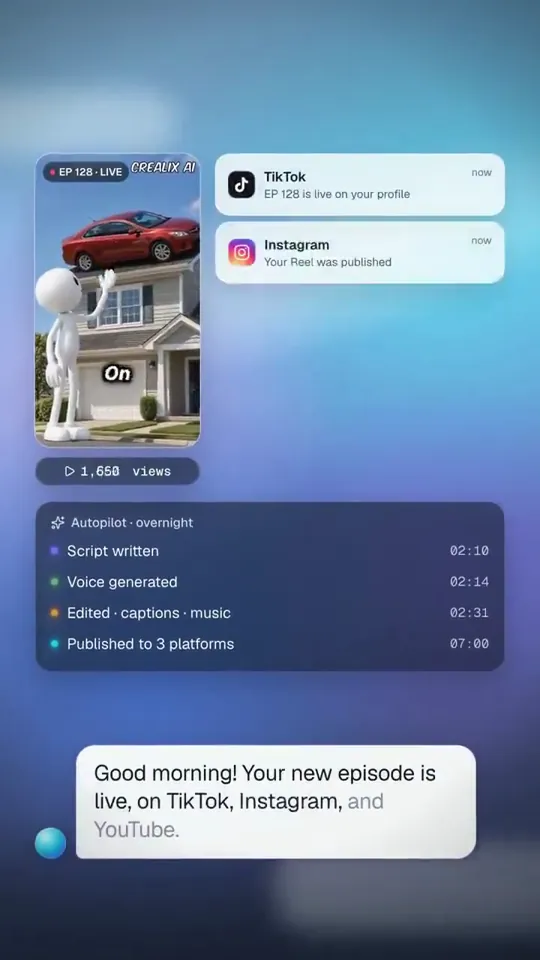
I have to admit, this blew my mind. I saw people using Opus 5.5 + Remotion for launch videos, so I tried my own approach. Opus 5.5 Max + Hyperframes locally, with Fal AI for voices, music & SFX. Not perfect, but I loved the result. https://www.crealix.ai Autopilot is coming.
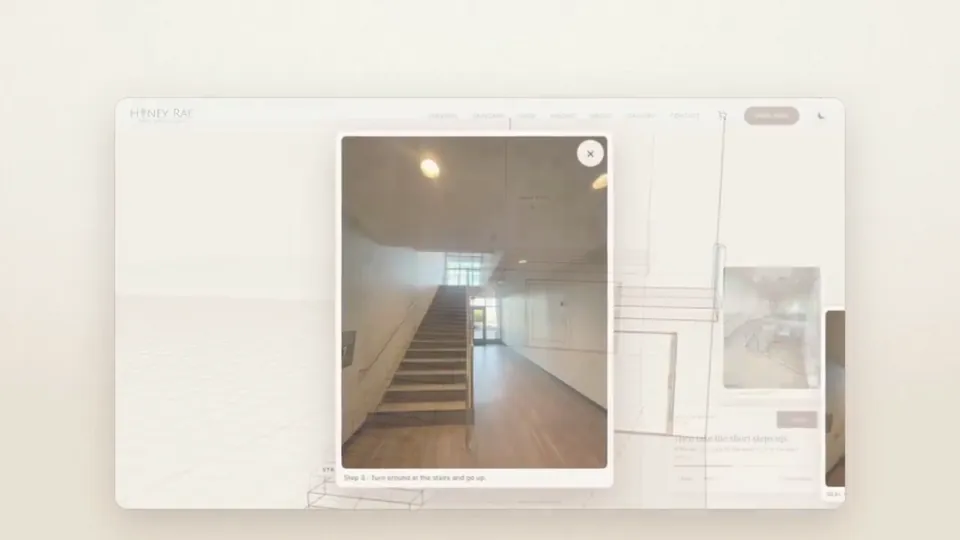
Experimenting with our contact page where astra made the outside model. Decided to do a tour inside and have Opus 5.5 take a swing with some images to walk the client where to go. Used @HyperFrames_ to create the video. Im VERY impressed! #hyperframes #honeyraeaesthetics #opus5
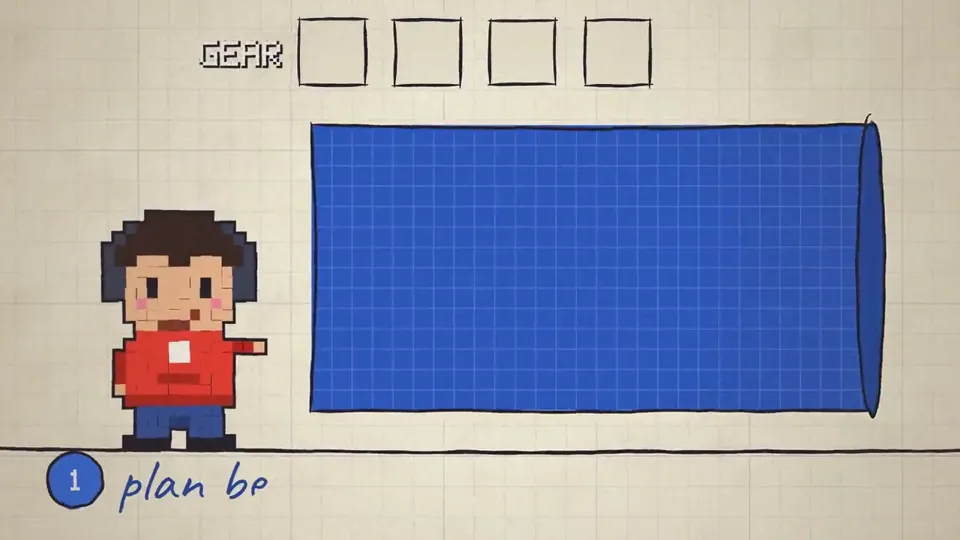
Opus 5.5 is an absolute BEAST in creating videos. I am extremely shocked because my previous attempts with GPT-6 Astra and Grok 4.6 were quite underwhelming, far from production ready video. The leap here is gigantic. This is a ZERO shot video. 【作者补充制作说明】 Why Opus 5.5 is so impressive is because it's is not a video generation model. It uses pure code to generate the sound effects, the music. All of the animations are done with CSS/HTML/JS, it doesn't use any video or image assets. This is extremely useful for creating detailed explainer videos where you need very fine control over the infographics and consistent deterministic output. The framework I used was hyperframes and narration is done by OpenAI text-to-speech.

Created a launch video for my startup https://bestproductivityresources.com with Claude Opus 5.5 Medium in Claude Code with the Hyperframes by HeyGen skill.

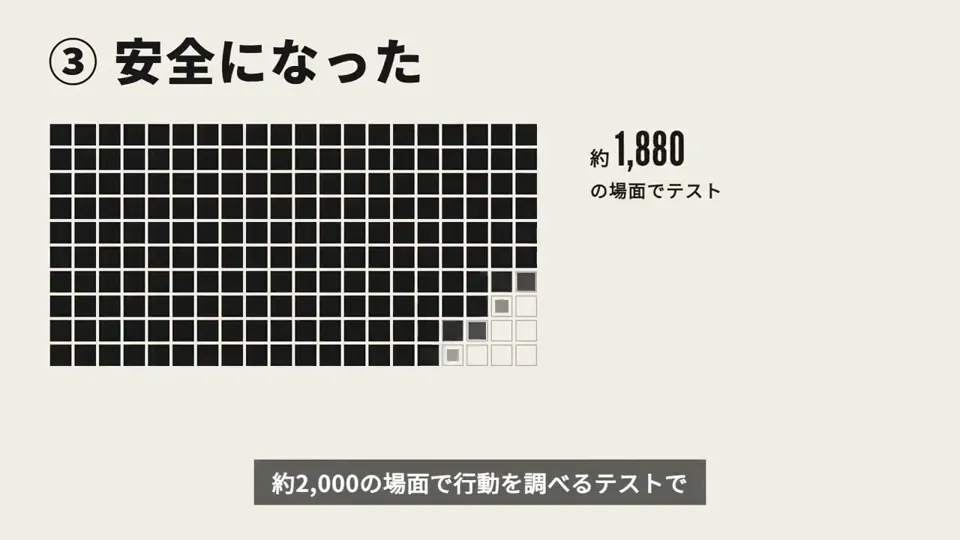
This product video was generated entirely by Claude Opus 5.5. Our colleague @kristel_tech gave it @HeyGen’s HyperFrames skills and pointed it at https://kotlinlang.org – out came this Kotlin promo. Try it in JetBrains Air or Junie.
I made a launch ad for @grouped_news in an hour with Opus 5.5 and Remotion, and I never opened a video editor. I added the voiceover and music with ElevenLabs. The ad is a React app. It imports my site's CSS tokens and fonts, so it uses the same design system as the site. I didn't review it by watching renders. It rendered about 20 stills and tiled them into one contact sheet, so I could check a whole cut at a glance before rendering any video. Captions are measured in the real font and shrink to fit the 9:16 safe zone, so nothing hides under TikTok's buttons. Every cut lands on a 120 BPM grid, which made the music easy to line up. It's one codebase, so the 30s, 15s and 6s cuts in 16:9 and 9:16 are each a different list of scenes. My part was saying what felt wrong.
Amazing that this is possible now. I made this with Opus5.5. It controls blender, remotion, runway and veo to make this by itself 🤯
Last week, we launched column permissions! I’m not on Notion’s video team, but with the help of @claudeai, @bot, and @NotionHQ, I made a trailer over the weekend. (How I made it in 🧵) 【作者补充制作说明】 🎬 BEHIND THE SCENES: This was built using @Remotion (React/TypeScript only!), with @claude’s opus 5.5 [xhigh], orchestrated with @bot, and managed in a Notion doc as a working canvas. In total, this project took ~90 messages with my @bot over 2 days, which generated 33 video takes with Claude Code and cost ~$400 in Claude credits including all the other takes (API billing but should fit fine in the $100/mo plan) Here’s a Notion doc documenting the process (including many rejected candidates): https://notion.notion.site/column-permissions-trailer
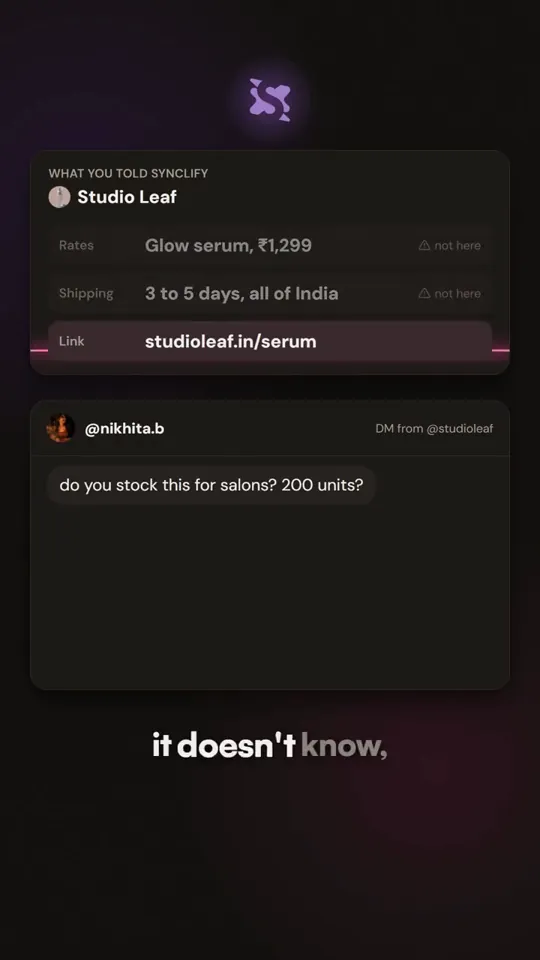
Claude Opus 5.5 made this whole video in code. There was no editor, no After Effects and no stock music. The motion graphics are Remotion code. Opus also wrote the music in Python, note by note, and the track reads the same beat file as the visuals. So every DM reply that lands on screen hits a blip in the music at the same frame. I picked the voice on ElevenLabs and approved the script. Opus did everything else. It's a 51-second ad for Synclify's DM automation.
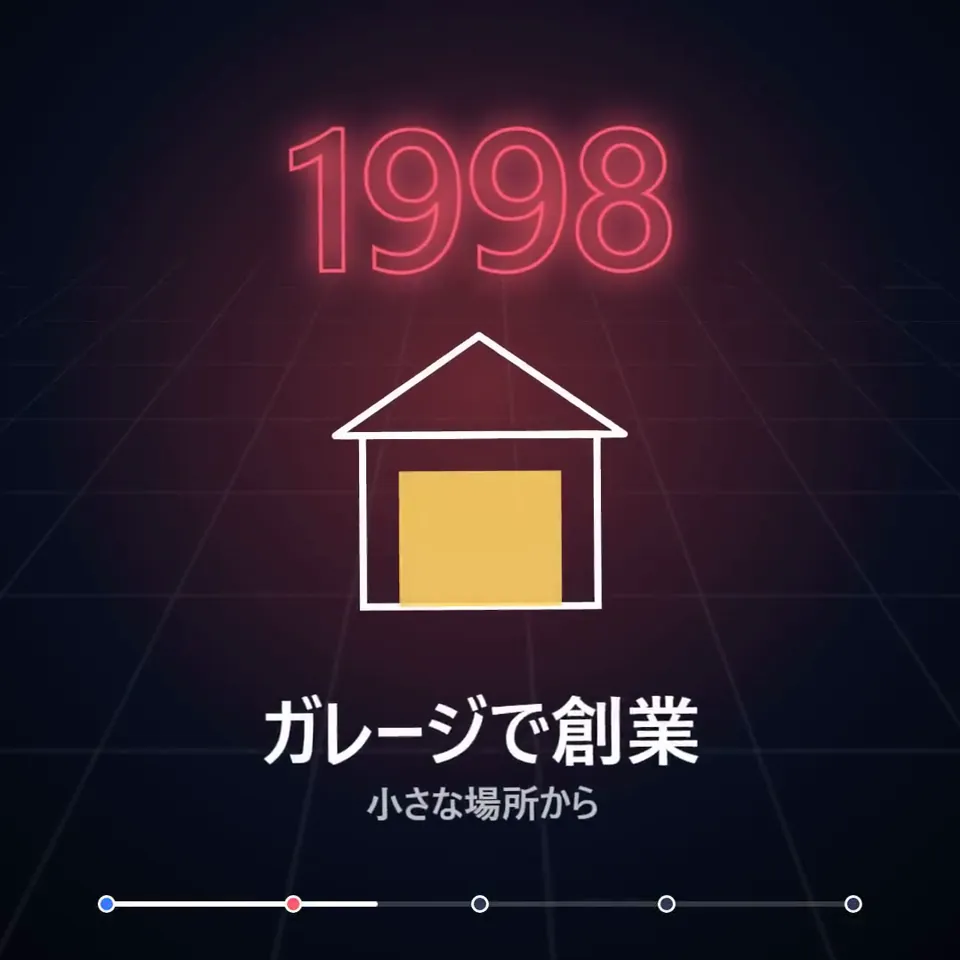
Claude Opus 5.5 に Remotion のコードを書かせて、検索の歴史を15秒の年表ムービーにしたら、めちゃくちゃアツい🔥 ・1996から2015まで、ネオン調の年号がspringで3D回転しながら叩きつけるように出る。 ・大学の研究から持株会社への再編まで、各年の出来事を線画のSVGで描き足していく。 ・最後は「検索から、すべてへ。」で締める 歴史ものの勢いは、情報量より場面を叩きつける間で決まる。
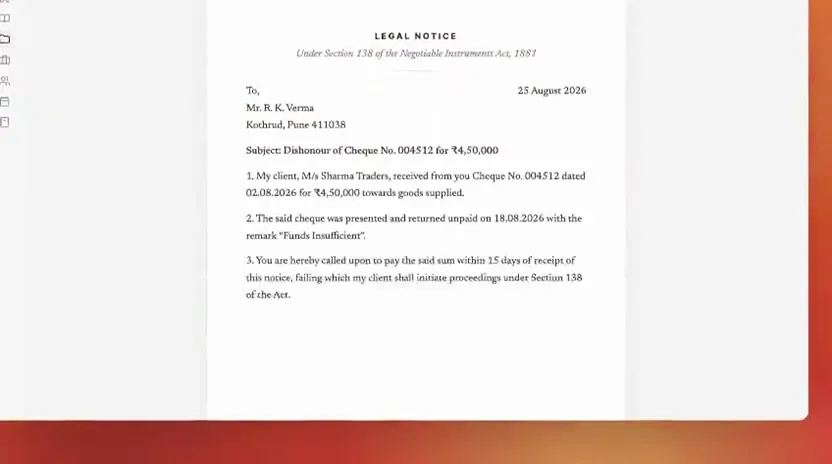
I tied brag + remotion + opus 5.5 max and this oneshot launch teaser for https://lysa.legal/
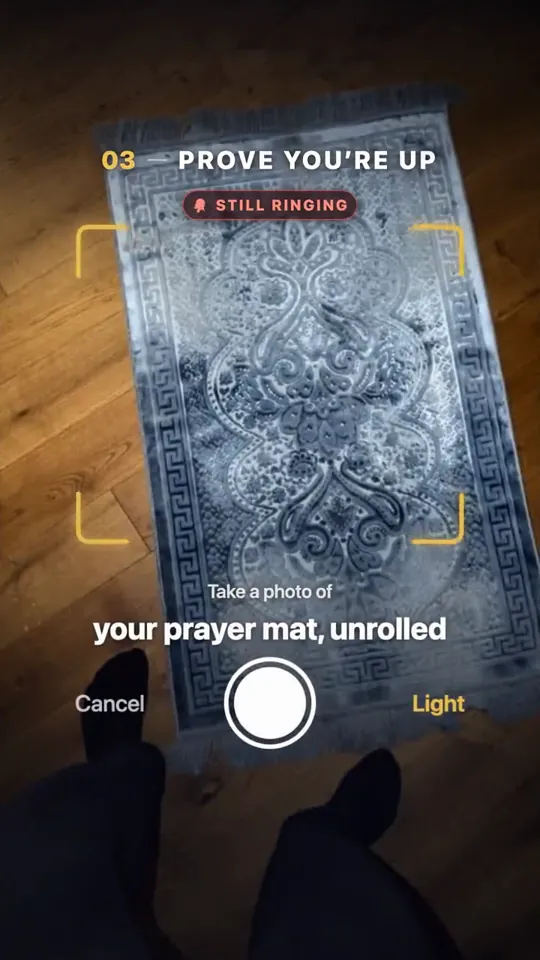
Opus 5.5 is on STEROIDS gave Claude Code one prompt and it made this 15 second motion design video of my app. all React code with Remotion, I never opened After Effects
I couldn't resist to do it one more time, this time for RedShip.. and it's waaaaay better!! It took +1h for Opus 5.5 to do it. I used this prompt 👇 save it and try it for your SaaS: "Act as a senior motion designer and build a 30-second launch video for [product] in Remotion, entirely in code so I can edit and re-render it: first read my landing page and codebase to pull the real story, copy, colors, font and logo file (trace the logo to SVG so it stays sharp and can be animated), then write the video as one story (why the market matters, why it's painful today, how [product] fixes it, what you get) in 4 to 5 scenes with one short title each, animate everything like a premium product film (kinetic typography word by word, spring easing, smooth camera pushes and pans, depth and glow, elements that build in on the beat instead of just appearing), keep each scene on screen long enough to read, add one soft sound effect for every element that appears and silence otherwise, and end on a memorable animated logo reveal with the tagline and URL, then render it, check the frames yourself and fix anything that overlaps, clips or feels rushed before showing me the result."
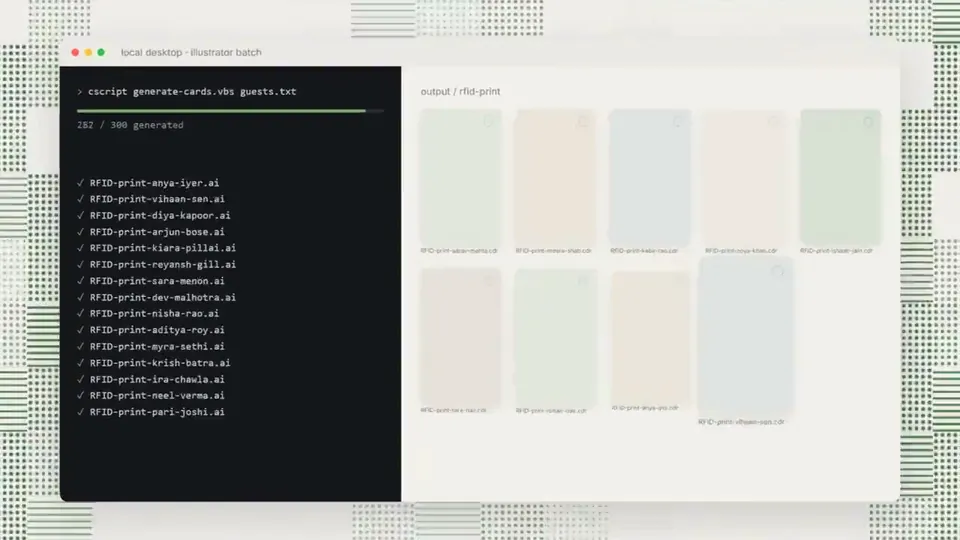
Made this small video for a linkedin post with Opus 5.5 + Remotion and 2 screenshots of reference
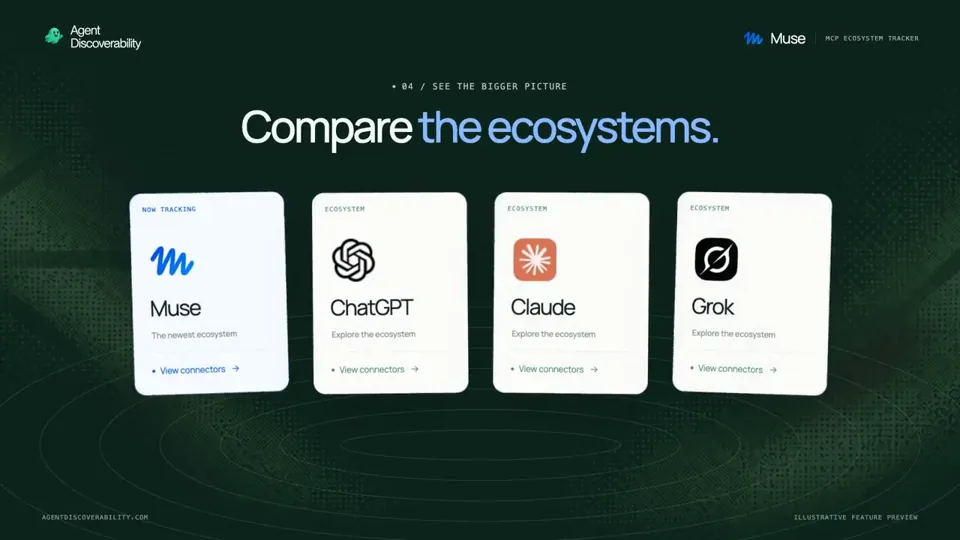
alright opus 5.5 is pretty damn good at motion graphics our @Muse connector tracker is live and i gave opus our http://agentdiscoverability.com/track/muse url and our brand guidelines and let it cook things i found improved the output - references - give it 1 or 2 reference videos to go off - storyboard - its pretty good at defining the features to include but if you have specifics, list them out prior - video - use remotion as the main driver - and honestly, the prompt below. i didnt use it originally and then asked it to do a re-run with this prompt and the output was far better "make this a dynamic motion graphics video that shows what an incredible motion designer you are, like it's your showreel for a résumé. go all out.
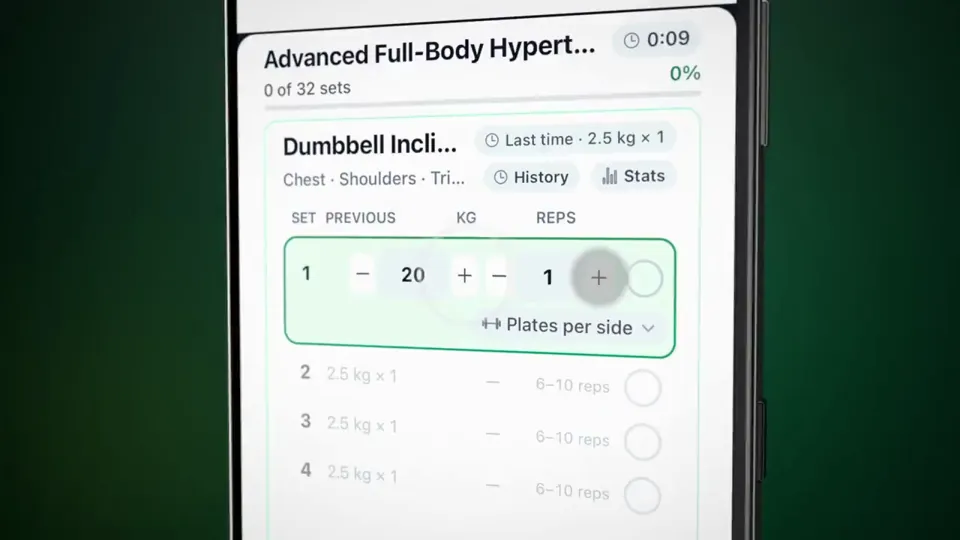
I guess i had to step on the motion train as well. Asked Claude Opus 5.5 to create a motion video of @getMoveno At first i had it create some new material for the website, which it did a great job for via remotion. Then I asked it to use that footage and create a motion video of it. Very very impressive to say the least.
Getting in on the Opus 5.5 motion graphics fun, truly impressive outcome for a fun one-shot experiment. It used remotion (I also have hyperframe installed), which I think i'll try next. Prompt: make a dynamic 15-second motion graphics video that shows what an incredible motion designer you are, and can be the hero asset for the course landing page.
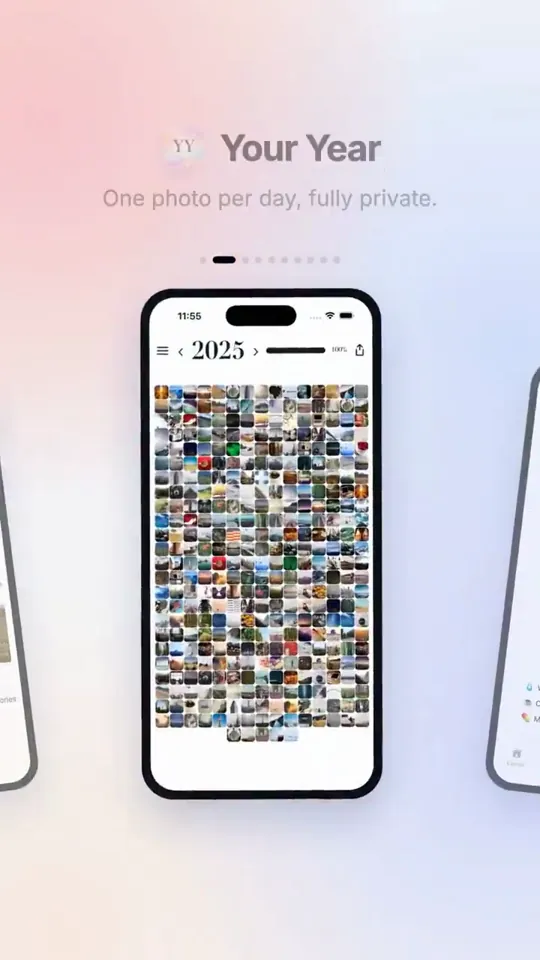
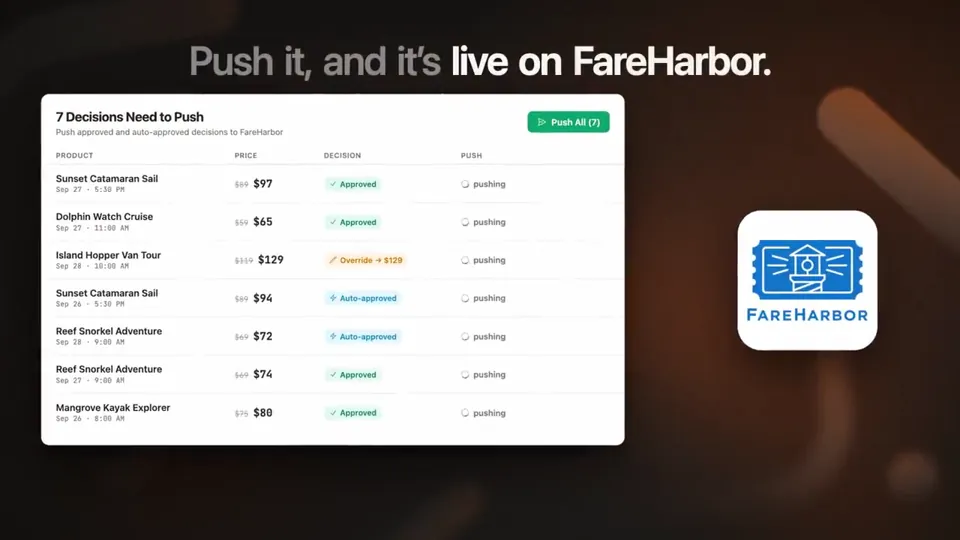
I didn't open After Effects once This promo for my indie apps is 100% code: Claude Opus 5.5 + @remotion -10 apps, real screenshots -every cut synced to the beat -I reviewed it frame by frame with contact sheets and asked for changes in plain language Private, local-first apps 👇
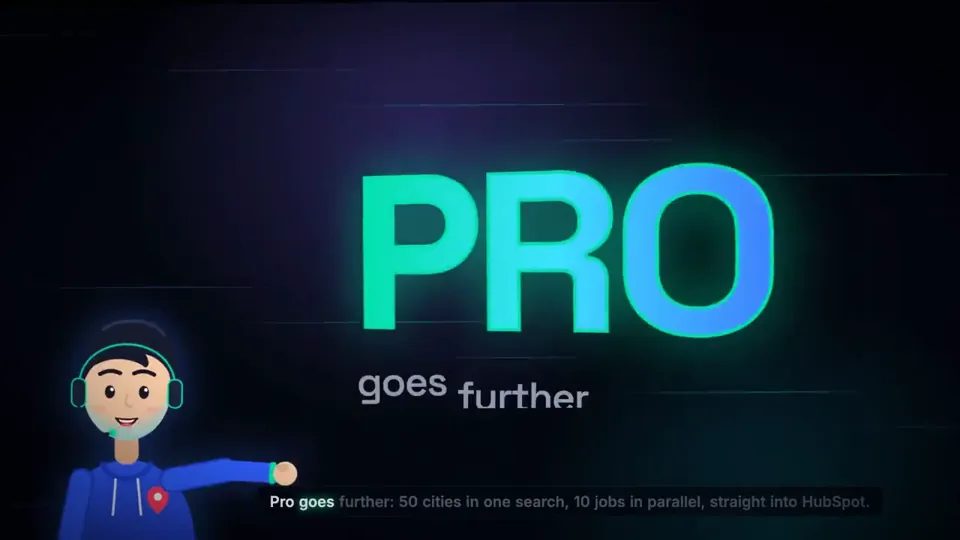
Made this 30s motion-graphics promo for https://gmapsscraper.io with Opus 5.5 It read our site and wrote the script. Then it built every frame in code (Remotion), animated a talking sales guy with lip-sync, and rendered it. No After Effects. No designer. Is it worth $49/mo?
How Claude Opus 5.5 Generates Videos from Code
Rather than sampling diffusion frames directly, Claude Opus 5.5 writes real-time procedural animation code rendered directly in the browser or headlessly via Chromium and Remotion.
Opus 5.5 writes raw HTML5 Canvas 2D render loops and Three.js WebGL shaders. Camera trajectories, particle systems, and raymarching lighting equations run at native 60 FPS with zero compression artifacts.
By orchestrating SVG vector paths with GreenSock (GSAP) timelines, Opus 5.5 generates sharp typographic title sequences, interface walkthroughs, and kinetic logos that scale infinitely without pixelation.
Every prompt in this directory can be pasted directly into Animatiq. Animatiq bundles the code into structured React Remotion components with keyframes, editable text layers, and 4K MP4 export.